
Jack Skellington Nightmare Before Christmas Silhouette for Shirts, Mugs and
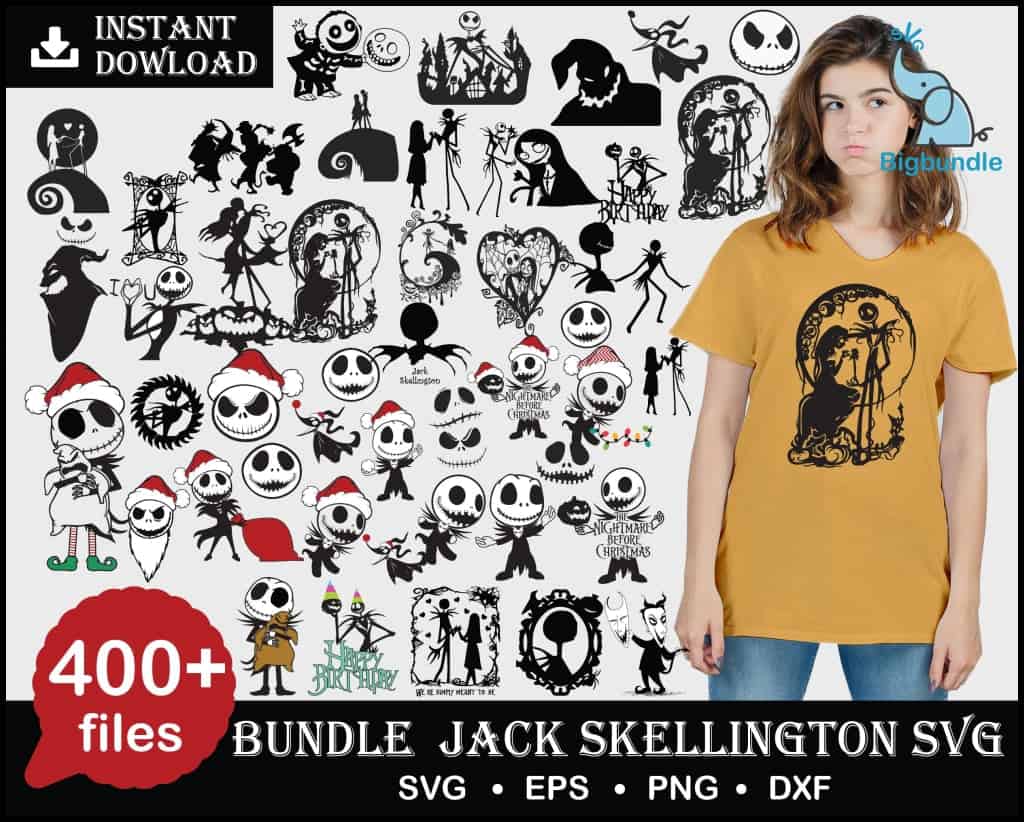
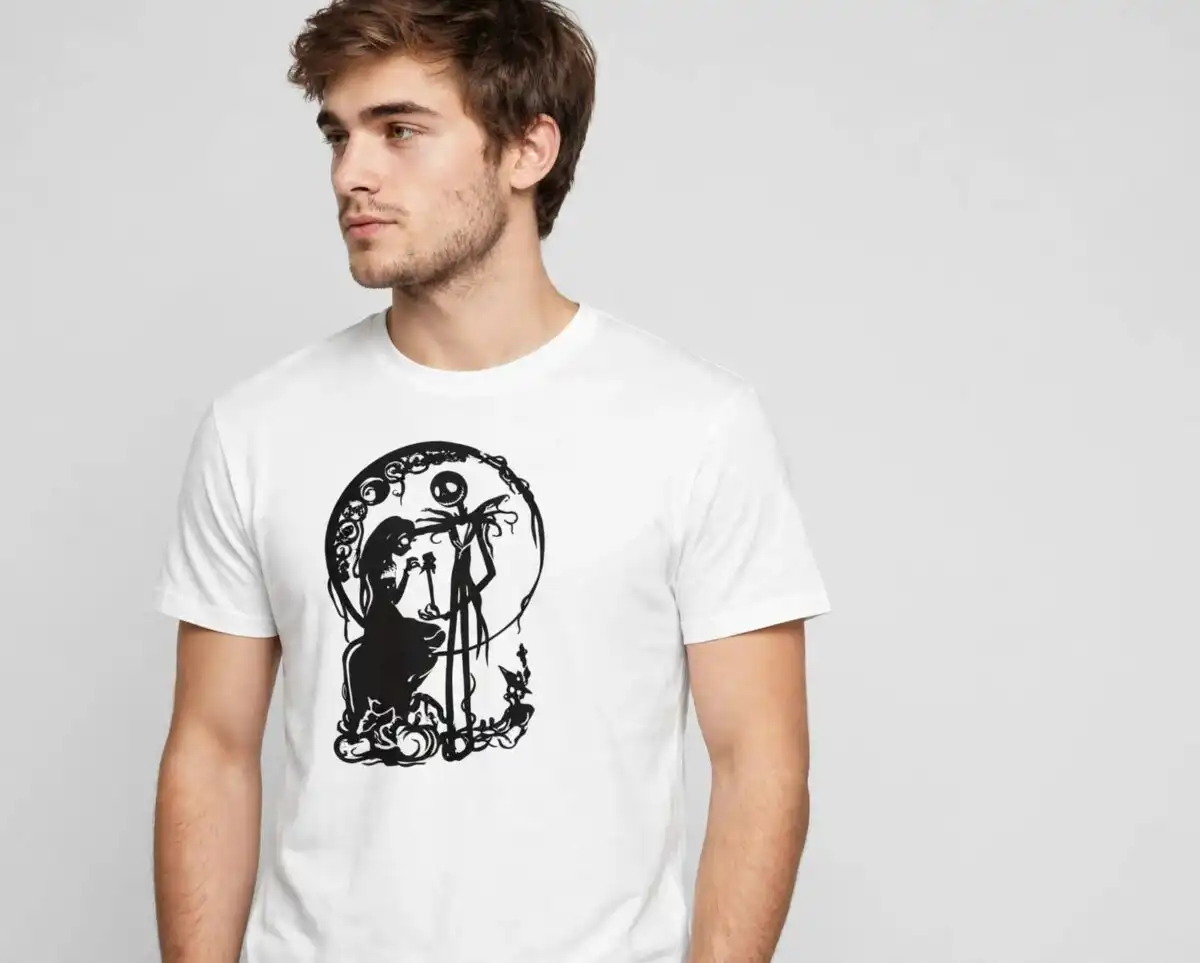
This Jack Skellington Nightmare Before Christmas design is a bundle of black silhouette and icon artwork, supplied as SVG, PNG, DXF and EPS files, made for shirts, tumblers, mugs and sublimation. The preview sheet shows Jack Skellington faces and silhouettes, Sally, Oogie Boogie, Zero the ghost dog, pumpkins, gravestones and Christmas lights, all drawn in black, white, red, green and mustard yellow. You can cut the vinyl designs on a Cricut or Silhouette, print the PNG versions for sublimation, or use the Jack Skellington face on a T-shirt. The style is spooky and playful, with the gothic, Tim Burton-inspired look of the film. Each file is a separate piece of artwork, so you can pick the ones that suit each project and keep the rest for later.
Design breakdown
The preview sheet is a collage of black vector silhouettes and icons, including Jack Skellington faces, Sally silhouettes, Oogie Boogie, Zero the ghost dog, Santa hat Jack heads, pumpkins, gravestones, a spiral hill, a heart frame, Happy Birthday banners and Halloween Town trees. Among the designs shown in the preview are Zero the ghost dog, Oogie Boogie, the spiral hill and the heart frame. The sheet uses black, white, red, green and mustard yellow, with the mustard yellow used on the T-shirt mockup. The artwork is built in 3 layers and is high cut complexity, so fine details such as the stripes and small icons are best cut at 4 inches or larger.
| Layers | 3 |
|---|---|
| Colours | 5 — black (#000000), white (#FFFFFF), red (#C8102E), mustard yellow (T-shirt) (#D9A03A), green (#2E7D32) |
| Lettering | INSTANT DOWLOAD / 400+ files / SVG / EPS / PNG / DXF / Happy Birthday / Nightmare Before Christmas / Jack Skellington |
| Background | white |
| Cut complexity | high |
| Orientation | landscape |
What’s included
- SVG
- PNG (300 dpi, transparent)
- DXF
- EPS
Works with
- Cricut Design Space
- Silhouette Studio (Designer Edition)
- Brother ScanNCut
- Adobe Illustrator
- Inkscape
- CorelDRAW
How to use
Download the ZIP file and unzip it to a folder on your computer. For a cutting machine, open Cricut Design Space or Silhouette Studio and import the SVG or DXF file you want, then resize it and send it to cut. For sublimation or printing, open the 300 dpi PNG with a transparent background in your design software. For laser cutting or Illustrator work, the EPS and PDF files open directly.
Licence
Personal and small-business commercial use. Sell finished physical items; do not resell or redistribute the files themselves.
FAQ
What files are included with this Jack Skellington bundle?
You get SVG, PNG, DXF, EPS and PDF files. The PNG files are 300 dpi with a transparent background, so they are ready for sublimation.
Can I use this Jack Skellington design on a 20oz tumbler?
Yes, the sublimation PNG files suit a 20oz tumbler wrap. Check your printed size against the tumbler before you press, since the fine details need room to print clearly.
Which machines and programs does this work with?
The files work with Cricut Design Space, Silhouette Studio (Designer Edition), Brother ScanNCut, Adobe Illustrator, Inkscape and CorelDRAW. Any program that opens SVG, DXF or EPS files can use them.
Can I resize the files and sell the finished items?
Yes, you can resize the files to fit your project. The licence covers personal and small-business commercial use for selling finished physical items, but you may not resell or redistribute the files themselves.


