

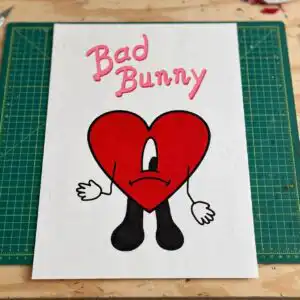
Bad Bunny PNG Images for Birthday and Summer Party Sublimation Shirts
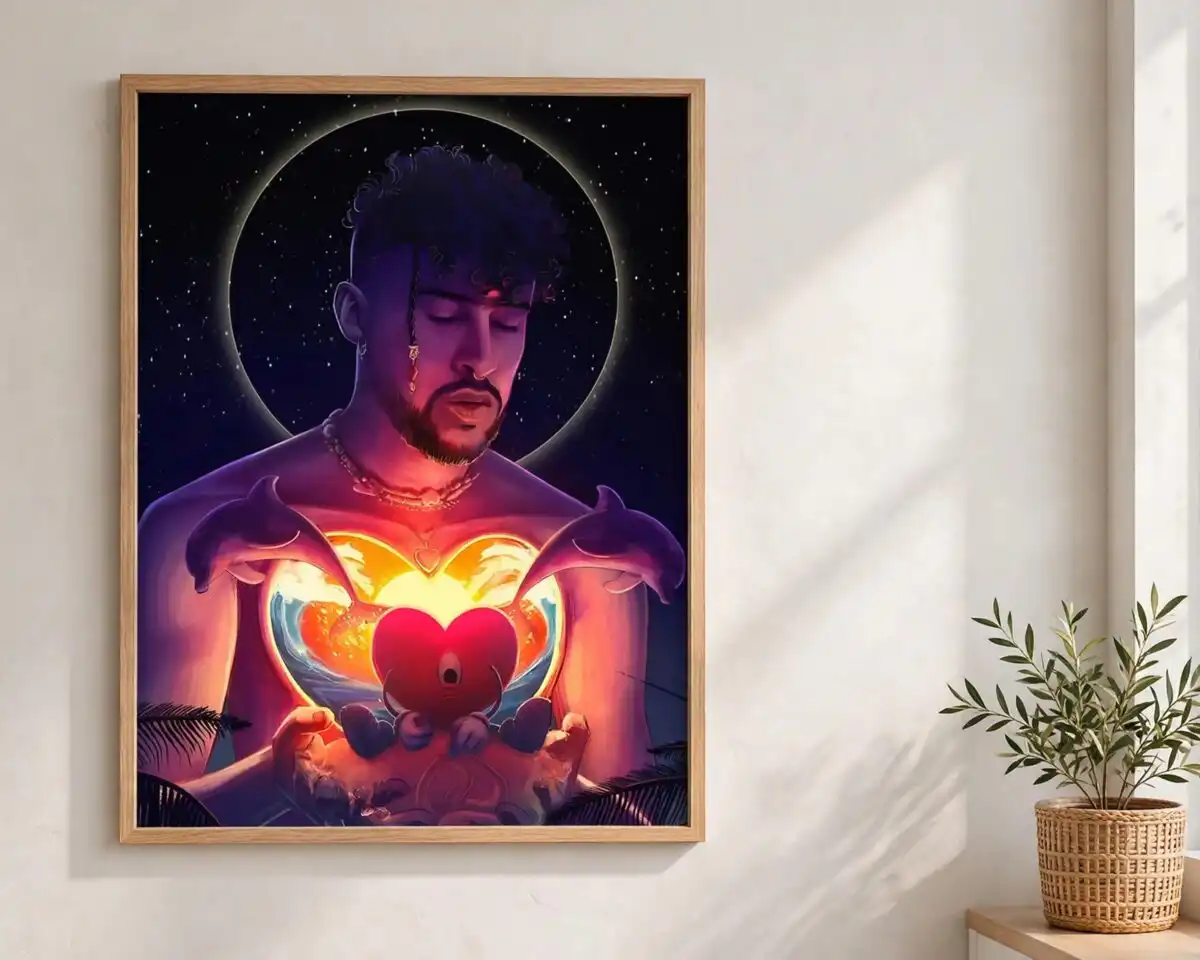
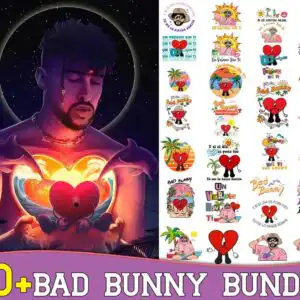
This Bad Bunny PNG images set is a summer clip-art bundle delivered as PNG files, made for sublimation printing, t-shirts, tumblers, stickers and iron-on transfers. The large portrait of the artist sits on the left beside a glowing red heart and dolphins, while the right side carries a grid of small summer stickers. The lettering includes “Un Verano Sin Ti”, “Bad Bunny Summer” and “Yo te lo hacia bonito”, set against night navy, sunny yellow, heart red, pastel pink, purple and white. You get transparent-background files at 300 dpi, so each piece drops straight onto a light or dark garment mockup. It suits a birthday, a summer party or a fan gift, and the retro tropical palette works equally well on a single shirt or a set of cups. Unzip the download, then import the PNGs into your design software to start arranging them for your next project.
Design breakdown
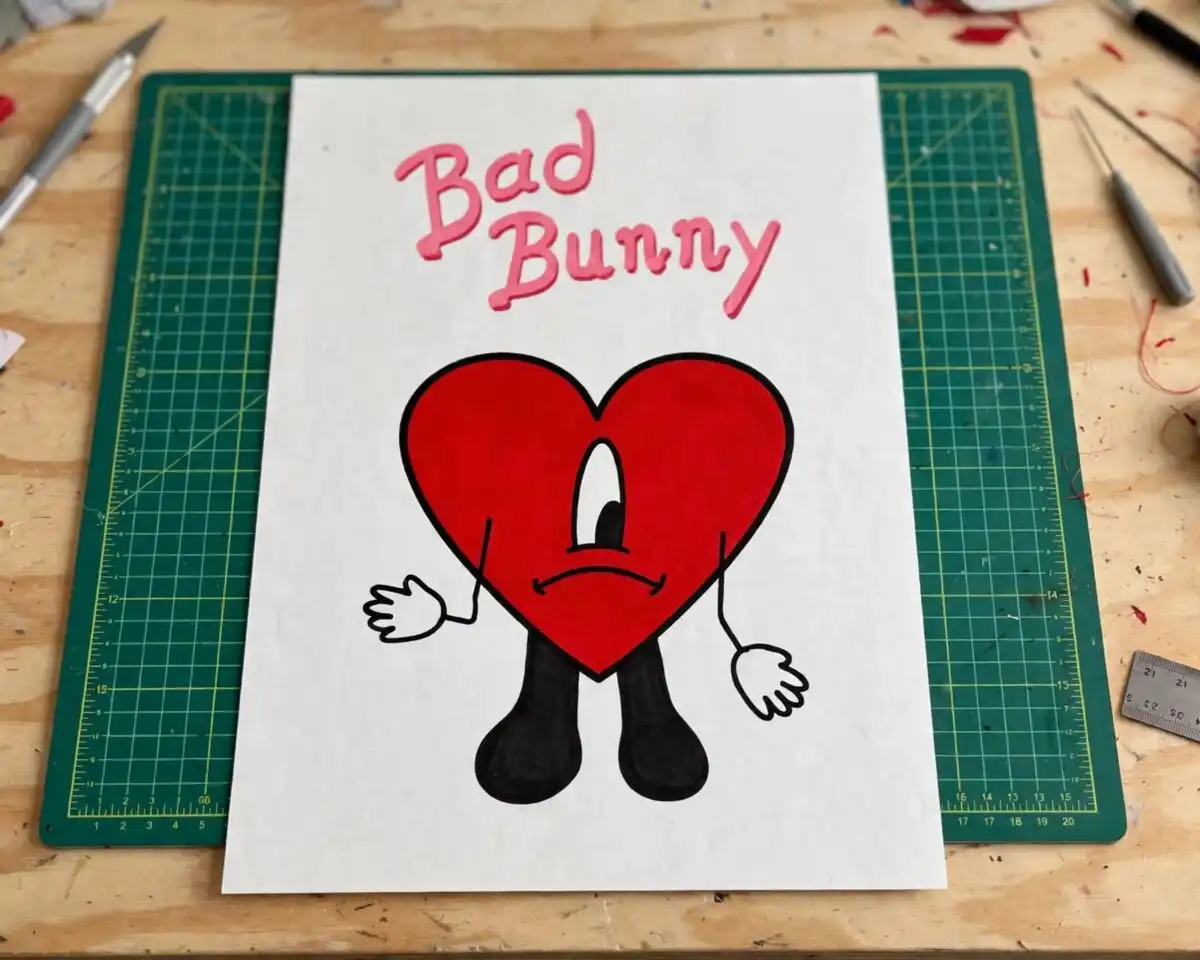
The design is cut in 3 layers and uses six colours: night navy, sunny yellow, heart red, pastel pink, purple and white. The main portrait shows a man with closed eyes and a halo of stars, next to a red heart with cartoon eyes and legs. Other designs shown in the preview include dolphins, palm trees, a straw hat, sunglasses, and a cassette or vintage car. The grid on the right holds many small summer stickers with lettering such as “Verano” and “Bad Bunny Summer”. The file is a PNG on a white background, and it contains fine details, so cut it at 4 inches or larger if you plan to cut vinyl.
| Colours | 6 — night navy (#1B1A3A), sunny yellow (#F2C230), heart red (#D6212B), pastel pink (#F5A3C7), purple (#7A4BB8), white (#FFFFFF) |
|---|---|
| Lettering | 50+ / BAD BUNNY / Un Verano Sin Ti / Bad Bunny / Yo te lo hacia bonito / Y si es contigo / Tu me lo haces bonito / Y si el dia se pone feo / Verano / Bad Bunny Summer |
| Background | white |
| Orientation | portrait |
What’s included
- PNG (300 dpi, transparent background)
Works with
- Sublimation printers (Epson, Sawgrass)
- DTF / print-and-cut workflows
- Canva
- Adobe Photoshop
How to use
Download the zip file and extract it to a folder on your computer. Open your design software, such as Canva, Adobe Photoshop or your sublimation program, and import the PNG you want. Place it on your canvas at the size you need, then print it on sublimation paper with your Epson or Sawgrass printer, or send it to your DTF or print-and-cut workflow. For shirts, mirror the image before printing where your transfer method requires it.
Licence
Personal and small-business commercial use. Sell finished physical items; do not resell or redistribute the files themselves.
FAQ
What files are included with this Bad Bunny PNG download?
You get PNG files at 300 dpi with transparent backgrounds. The bundle includes the large portrait with the red heart and dolphins, plus a grid of smaller summer sticker designs.
Can I put this Bad Bunny design on a 20oz tumbler?
Yes, the design works on a 20oz tumbler when printed with sublimation ink and wrapped around the cup. Scale the portrait so the lettering stays readable across the curve of the tumbler.
Which printers and programs does this work with?
It works with Epson and Sawgrass sublimation printers, DTF and print-and-cut workflows, Canva and Adobe Photoshop. The transparent background means you can layer it over any colour.
Can I resize the files and sell the finished items?
Yes, you can resize the PNGs for your project. The licence covers personal and small-business commercial use, so you can sell finished physical items, but you may not resell or redistribute the files themselves.


