Mickey Mouse Face Horror Halloween SVG Cut File for Shirts, Mugs and Stickers
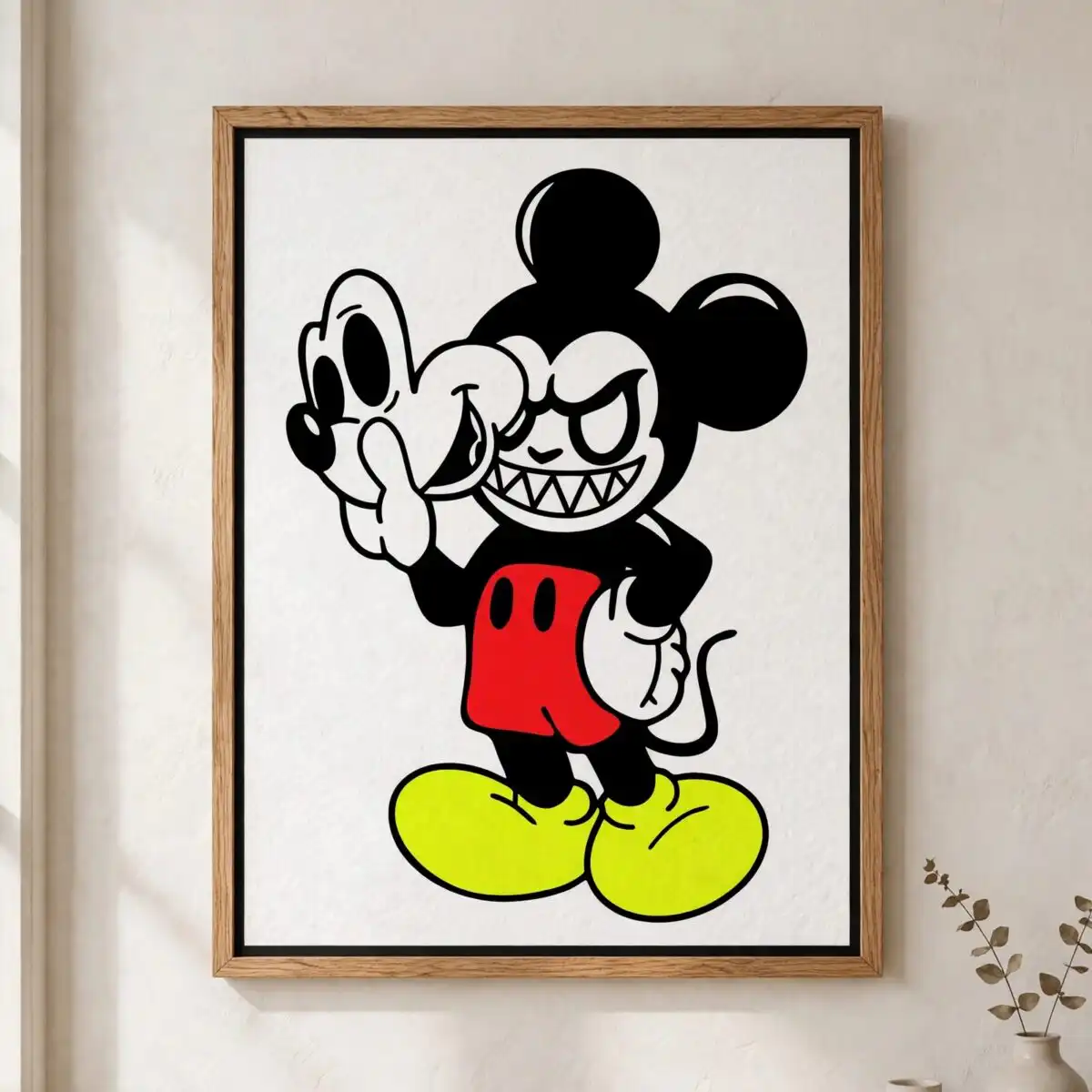
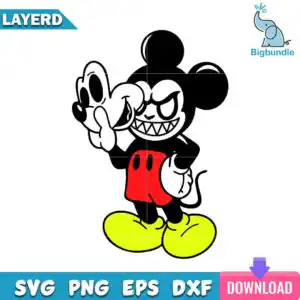
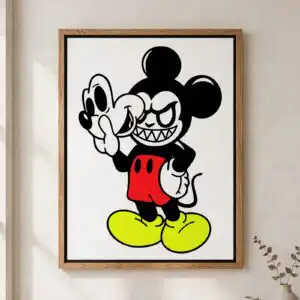
This Mickey Mouse PNG Face design is a single cartoon character illustration of a Mickey Mouse-style mouse with a sinister, toothy grin and angry eyes, held up beside a ghostly white mask or shadow figure. You get SVG, PNG (300 dpi, transparent), DXF, EPS and PDF files, made for cutting vinyl decals, printing on t-shirts and mugs, and making stickers or tote bags. The artwork uses black, white, red and yellow-green accents. Its round black ears, red shorts with yellow buttons, yellow shoes and white gloves give the mouse its recognisable look, while the sharp teeth add the creepy edge. It suits Halloween parties, horror-themed events and fan art projects, and it works well for buyers who enjoy a playful, mischievous Disney parody style.
Design breakdown
The design is a single character illustration in black, white, red and yellow-green, shown on a white background. It is cut in 5 layers, with black providing the bold silhouette and outlines, white used for the gloves and the ghostly mask, red for the shorts, and yellow-green for the buttons and accent details. Fine details such as the teeth and the edges of the mask are best cut at 4 inches or larger on a Cricut or Silhouette machine. The file is provided as one design with no lettering beyond the artwork itself.
| Layers | 5 |
|---|---|
| Colours | 4 — black (#000000), white (#FFFFFF), red (#E0231A), yellow-green (#D4F01C) |
| Lettering | LAYERD / SVG / PNG / EPS / DXF / DOWNLOAD |
| Background | white |
| Cut complexity | medium |
| Orientation | portrait |
What’s included
- SVG
- PNG (300 dpi, transparent)
- DXF
- EPS
Works with
- Cricut Design Space
- Silhouette Studio (Designer Edition)
- Brother ScanNCut
- Adobe Illustrator
- Inkscape
- CorelDRAW
How to use
Download the ZIP file from your order and unzip it to a folder on your computer. For Cricut Design Space or Silhouette Studio, open the SVG file and import it, then check the layers before cutting. For printing on shirts or mugs, use the PNG file, which has a transparent background, or open the EPS or PDF in Adobe Illustrator or Inkscape. Resize the artwork before cutting or printing so the fine teeth and mask edges remain clear.
Licence
Personal and small-business commercial use. Sell finished physical items; do not resell or redistribute the files themselves.
FAQ
What files are included with this Mickey Mouse PNG Face design?
You receive SVG, PNG (300 dpi, transparent), DXF, EPS and PDF files. The SVG is best for cutting machines, and the PNG suits printing and sublimation work.
Can I use this Mickey Mouse design on a 20oz tumbler?
Yes, the design can be applied to a 20oz tumbler using vinyl or sublimation. Resize the artwork to fit the tumbler’s printable area and keep the teeth and mask edges at a clear size.
Which machines and programs does this file work with?
It works with Cricut Design Space, Silhouette Studio (Designer Edition), Brother ScanNCut, Adobe Illustrator, Inkscape and CorelDRAW. Any of these can open the SVG, DXF or EPS files.
Can I resize the file and use it for a small business?
Yes, you can resize the file freely. The licence covers personal and small-business commercial use for selling finished physical items, but you may not resell or redistribute the files themselves.