
Stitch Boo Halloween Shirt Design, Stitch Character Dressed in a Skeleton Costume
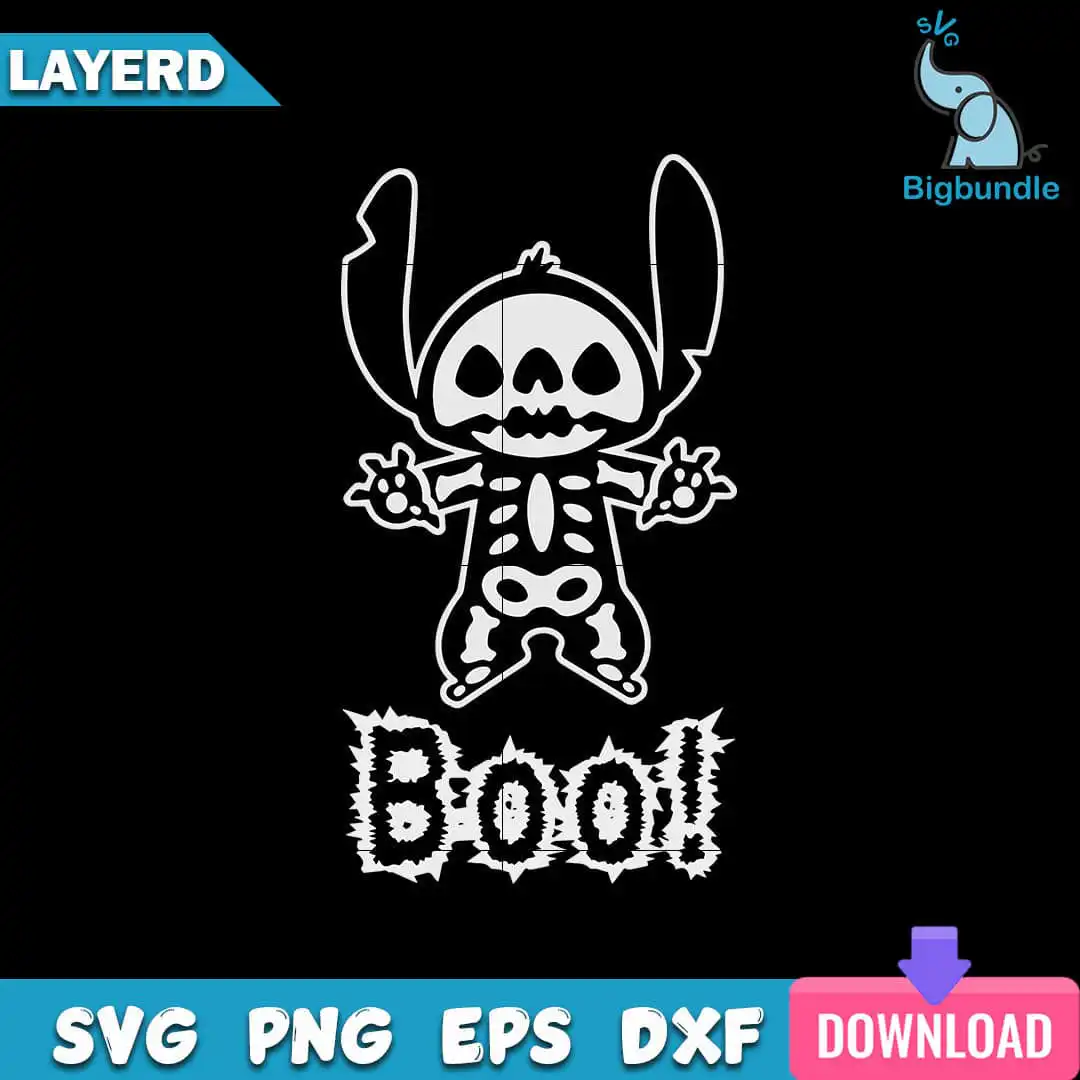
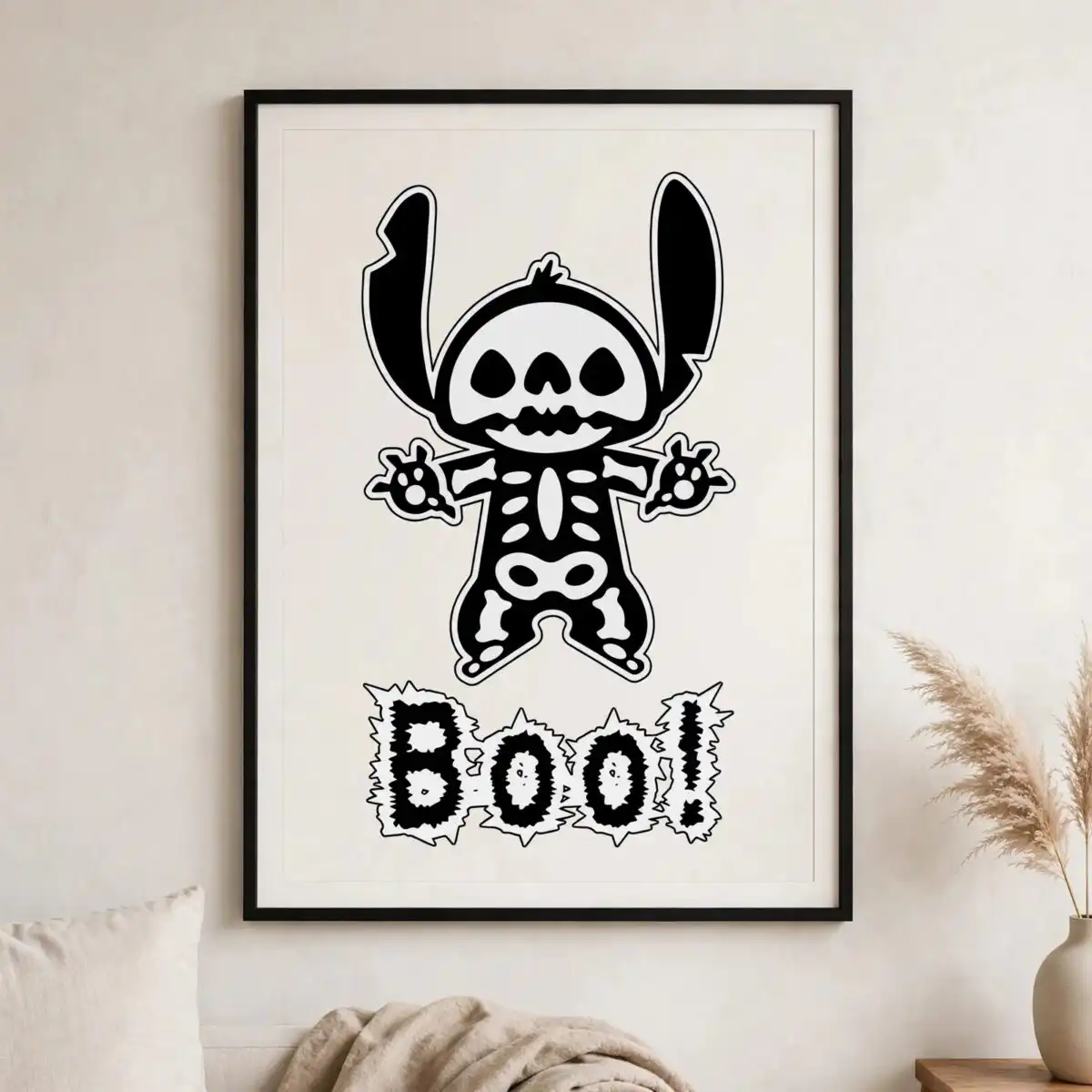
This Stitch Boo Halloween design is a single cut file of Stitch dressed as a skeleton, with a skull face, large pointed ears, a ribcage and spine, and spiky black “Boo!” lettering. You get SVG, PNG, DXF, EPS and PDF files, made for iron-on shirts, vinyl decals, tote bags, stickers and Halloween decor. The artwork is built from bold black line art with white highlights, so the character reads clearly on dark fabric and dark vinyl. Stitch’s raised clawed hands sit beside the ribcage and pelvis, giving the figure a playful, slightly spooky pose that suits kids and fans of Stitch. Open the zip, import the file into your cutting software, and resize it to fit your project. Because the design is one piece of art with only two colours, it is simple to plan and weed.
Design breakdown
The design uses two colours, black and white, and is cut in 3 layers. The layers cover the Stitch character head with skull face, the large pointed ears, the skeleton ribcage and spine, the skeleton pelvis, the raised clawed hands, and the spiky-edged “Boo!” lettering. The lettering and the fine ribs and claws have small cut details, so cut it at 4 inches or larger to keep those edges clean. The file is medium in cutting complexity and has a dark background suited to light-coloured or white vinyl.
| Layers | 3 |
|---|---|
| Colours | 2 — black (#000000), white (#FFFFFF) |
| Lettering | Boo! |
| Background | dark |
| Cut complexity | medium |
| Orientation | portrait |
What’s included
- SVG
- PNG (300 dpi, transparent)
- DXF
- EPS
Works with
- Cricut Design Space
- Silhouette Studio (Designer Edition)
- Brother ScanNCut
- Adobe Illustrator
- Inkscape
- CorelDRAW
How to use
Download the zip file and extract every file to a folder on your computer before you open anything. For cutting machines, open the SVG in Cricut Design Space or Silhouette Studio (Designer Edition) and import it from the folder. For printing, use the PNG at 300 dpi with a transparent background. Resize the design in your software, check the layers, then cut or print as your project needs.
Licence
Personal and small-business commercial use. Sell finished physical items; do not resell or redistribute the files themselves.
FAQ
What files come with the Stitch Boo Halloween SVG?
You get SVG, PNG, DXF, EPS and PDF files. The PNG is 300 dpi with a transparent background, so it can be used for printing as well as cutting.
Can I put this Stitch skeleton design on a 20oz tumbler?
Yes, the design can be used on a 20oz tumbler as a vinyl decal. Cut it from vinyl with your cutting machine, then weed and apply it to the tumbler surface.
Which machines and programmes work with this file?
It works with Cricut Design Space, Silhouette Studio (Designer Edition), Brother ScanNCut, Adobe Illustrator, Inkscape and CorelDRAW. Import the SVG or DXF into your software to cut or edit it.
Can I resize this file and use it in my small business?
Yes, you can resize the file in your cutting software, and it may be used for personal and small-business commercial use. You may sell finished physical items made with it, but you may not resell or redistribute the files themselves.


