

Taylor Swift The Eras Tour SVG Lettering Collection for Shirts, Tumblers and Decals
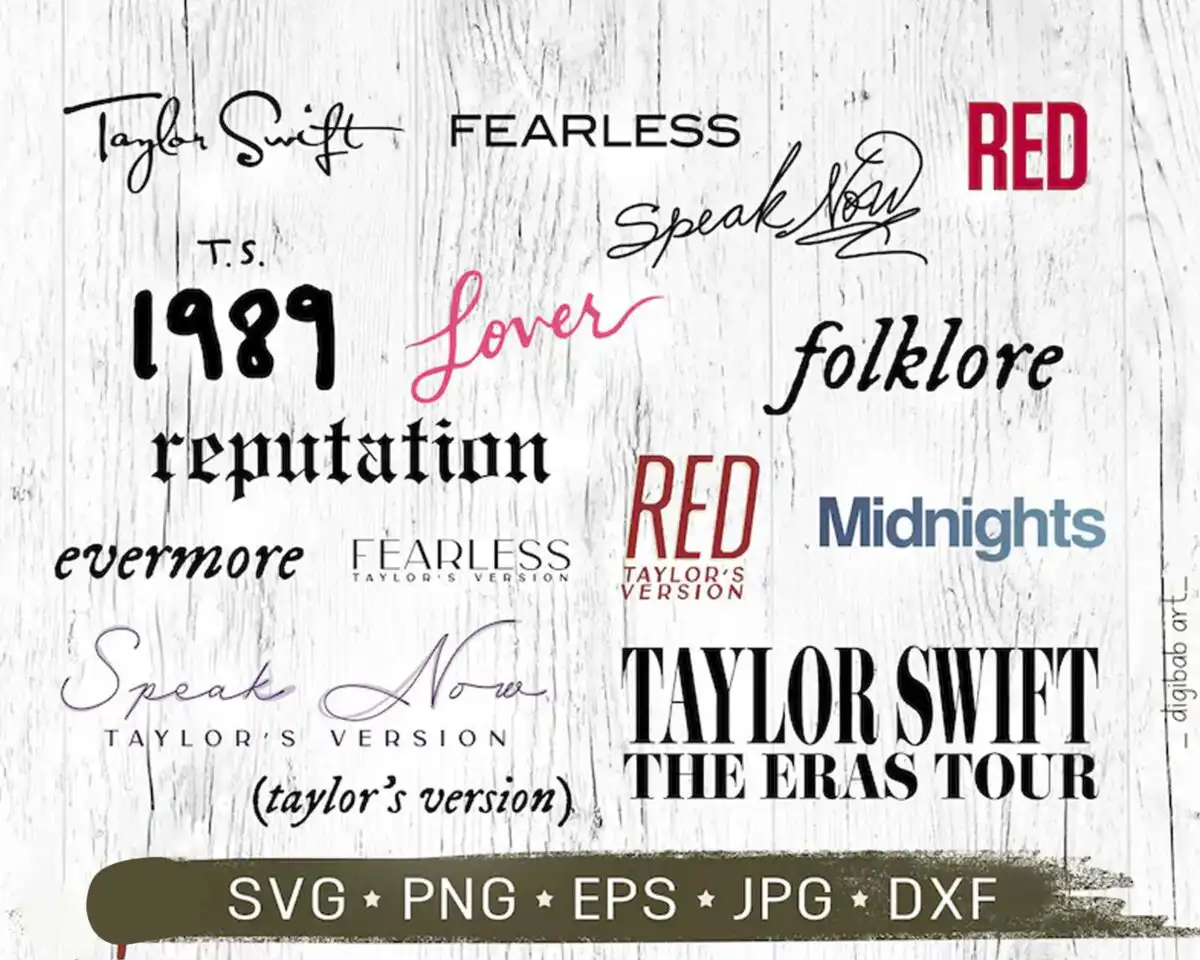
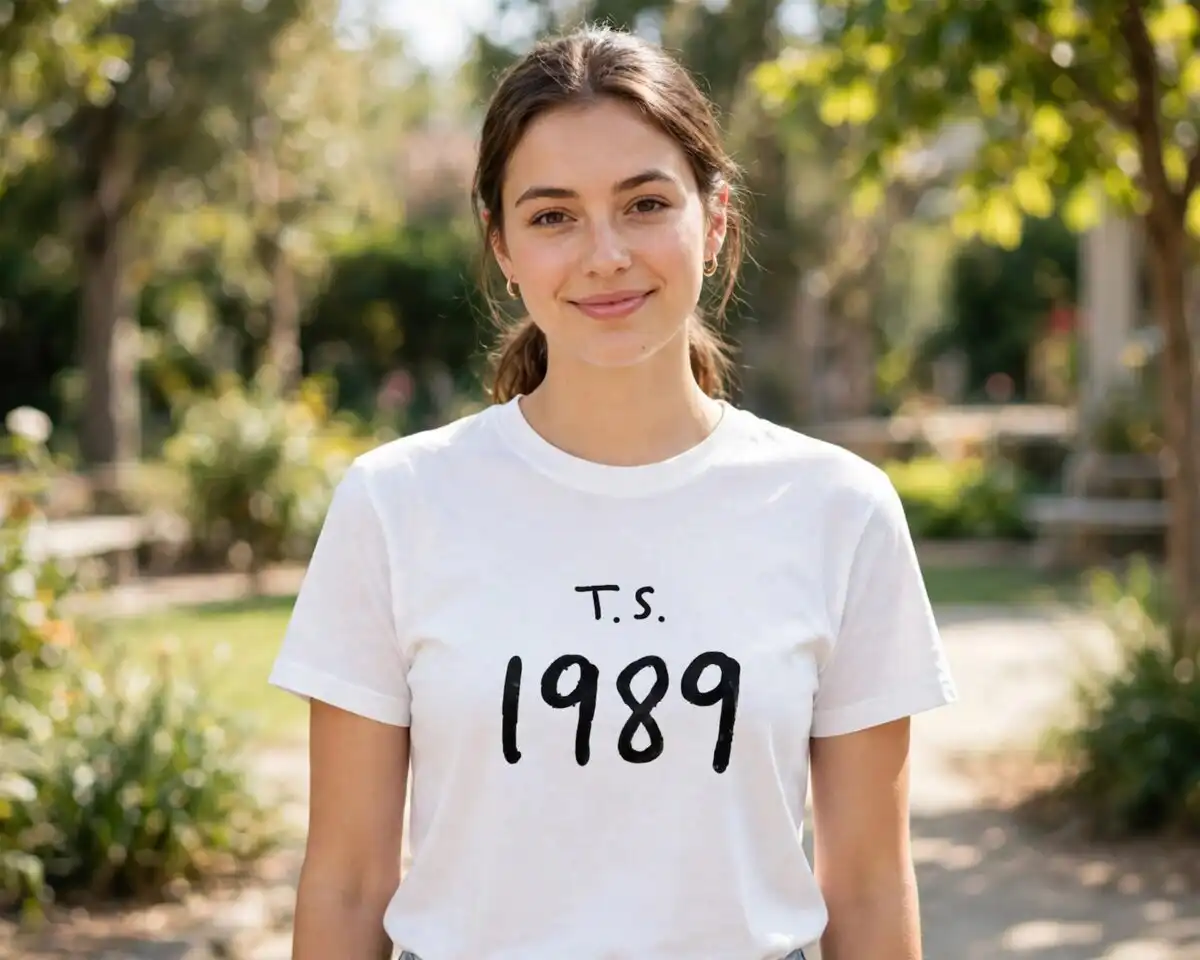
This Taylor Swift The Eras Tour SVG is a single lettering design that gathers album and tour titles into one cut file, ready for shirts, tumblers, decals and vinyl wall art. The artwork brings together a script Taylor Swift signature, blackletter-style 1989 numerals and serif wordmarks for FEARLESS, Speak Now, RED, Lover, folklore, reputation, evermore and Midnights, with TAYLOR SWIFT THE ERAS TOUR set on a brush-style banner strip. Colours are crimson red, pink, slate blue, olive drab, black and off-white, set against a whitewashed wood background. You receive SVG, PNG with a transparent background, DXF, EPS and PDF files. Because the lettering is layered in colour, you can cut each word separately and assemble it by hand. It suits fan gifts, concert merchandise and birthday projects made with Cricut or Silhouette machines.
Design breakdown
The design is a typographic cut file built from script, blackletter-style and serif lettering, with a brush-style banner strip carrying the tour title. It uses six colours: black, off-white, crimson red, pink, slate blue and olive drab. The artwork is delivered as a collage sheet that shows fourteen distinct designs, which are the separate lettering pieces to choose from. The sheet includes script signature, blackletter 1989 numerals, serif wordmarks and the banner strip among its objects. Fine serif details and thin script strokes call for a cut at 4 inches or larger. The lettering is distressed-free, so each wordmark has clean vector edges.
| Layers | 1 |
|---|---|
| Colours | 6 — black (#1A1A1A), off-white (#F5F5F2), crimson red (#B3223A), pink (#E0508A), slate blue (#5E7A93), olive drab (#4A4A3A) |
| Lettering | Taylor Swift / FEARLESS / Speak Now / RED / T.S. 1989 / Lover / folklore / reputation / evermore / Midnights / TAYLOR’S VERSION / TAYLOR SWIFT THE ERAS TOUR / SVG PNG EPS JPG DXF |
| Background | white |
| Cut complexity | medium |
| Orientation | landscape |
What’s included
- SVG
- PNG (300 dpi, transparent)
- DXF
- EPS
Works with
- Cricut Design Space
- Silhouette Studio (Designer Edition)
- Brother ScanNCut
- Adobe Illustrator
- Inkscape
- CorelDRAW
How to use
Download the ZIP file and unzip it to a folder on your computer. Open Cricut Design Space, Silhouette Studio or Brother ScanNCut, then import the SVG file for the lettering you want. Ungroup the layers if you want to cut colours separately, and resize the piece before cutting. For printing, use the PNG with its transparent background. Test on scrap vinyl or cardstock first when cutting fine script strokes.
Licence
Personal and small-business commercial use. Sell finished physical items; do not resell or redistribute the files themselves.
FAQ
What files are included with this Taylor Swift design?
You get SVG, PNG, DXF, EPS and PDF files. The PNG is 300 dpi with a transparent background, so it works for printing and sublimation.
Can I use this Taylor Swift lettering on a 20oz tumbler?
Yes, the design suits tumblers, and the SVG can be sized to fit a 20oz wrap. Check the width against your tumbler before cutting vinyl or printing.
Which machines and software does this SVG work with?
It works with Cricut Design Space, Silhouette Studio (Designer Edition), Brother ScanNCut, Adobe Illustrator, Inkscape and CorelDRAW. The DXF and EPS files also open in most cutting and design programs.
Can I resize the file and sell shirts made with it?
Yes, you can resize the file freely, and you can use it for personal and small-business commercial use. You may sell finished physical items, but you may not resell or redistribute the files themselves.


