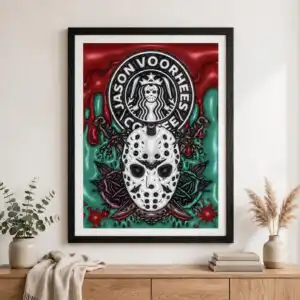
Jason Voorhees Themed Coffee Tumbler Wrap for Horror Fans, Halloween Gift Design
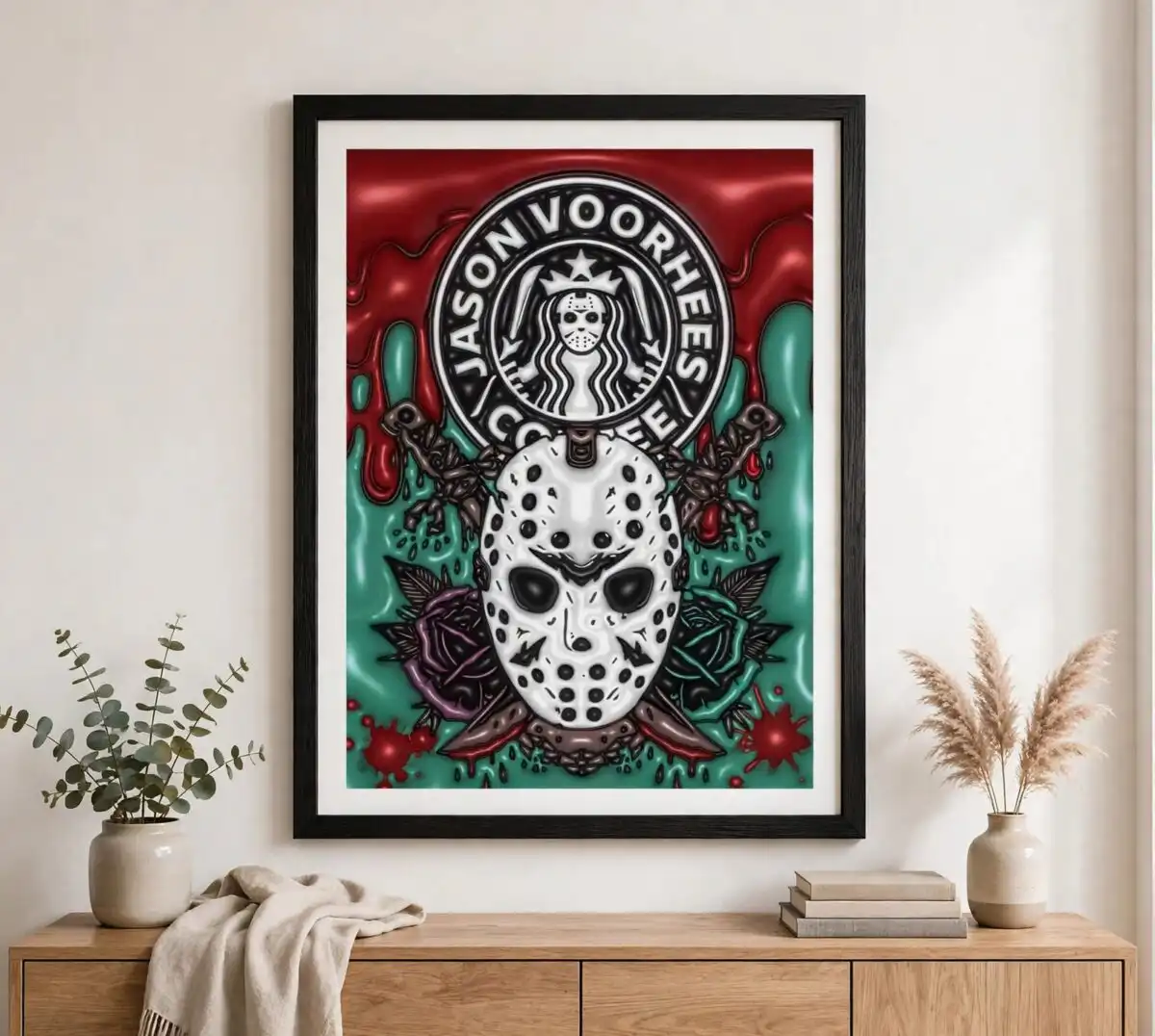
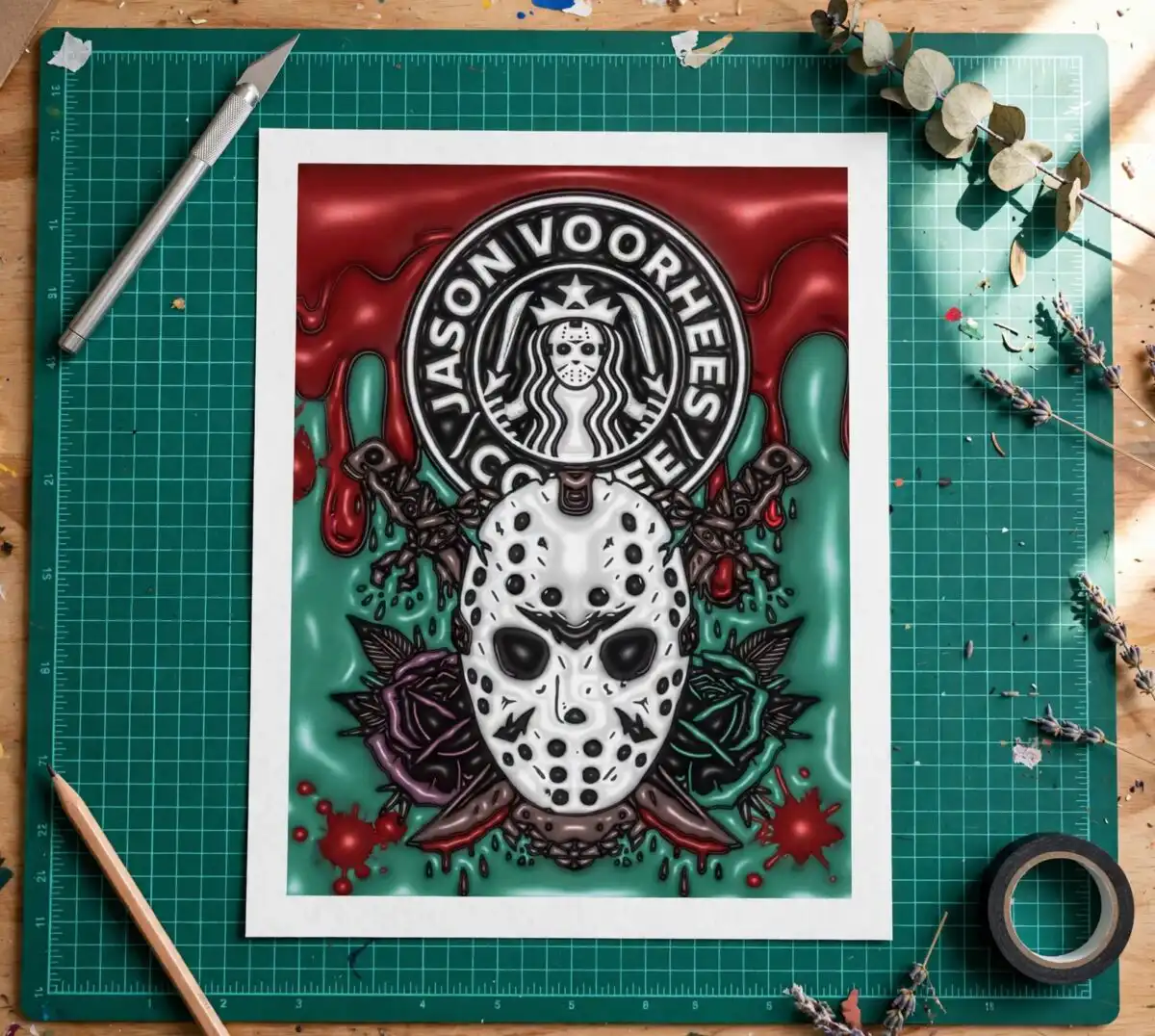
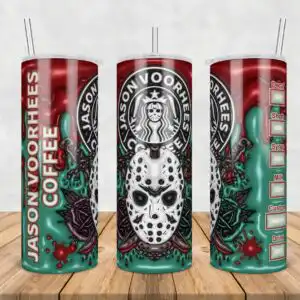
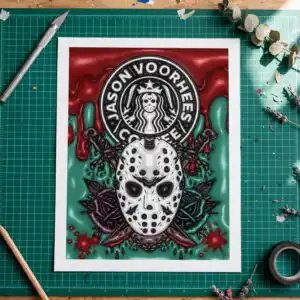
This Horror Fan Gift Jason Voorhees Themed Coffee design is a single tumbler wrap artwork, delivered as one PNG file with a transparent background, made for sublimation printing on 20oz skinny tumblers and coffee mugs. The design parodies the Starbucks logo: a circular emblem with a siren mascot wearing a puffy 3D-style hockey mask, surrounded by the lettering JASON VOORHEES COFFEE. Dark blood red, teal green and off-white make up the main palette, with near-black and plum purple for shadow. Blood drips and splatter run down the wrap, teal slime drips over the edges, and roses sit between thorny vines. The menu-style order checklist card carries the words Decaf, Shots, Syrup, Milk, Custom and Drink, so the wrap reads like a horror-themed coffee menu. It suits Halloween parties, horror fan gifts and birthdays for coffee lovers.
Design breakdown
The artwork is cut in 3 layers and uses five colours: dark blood red, teal green, off-white, near-black and plum purple. The main elements are a circular Starbucks-style logo with a siren mascot in a hockey mask, the lettering JASON VOORHEES COFFEE and JASON VOORHEES, roses, thorny vines, blood drips, blood splatter, teal slime drips, and an order checklist card with boxes labelled Decaf, Shots, Syrup, Milk, Custom and Drink. The design is set on a white background in a portrait orientation, with the file delivered as a PNG with a transparent background. Fine details such as the thorns and mask edges are best printed at full wrap size on a 20oz skinny tumbler.
| Colours | 5 — dark blood red (#8B1A1A), teal green (#3FA08F), off-white (#F4F4F2), near-black (#1E1E1E), plum purple (#6B2D5C) |
|---|---|
| Lettering | JASON VOORHEES COFFEE / JASON VOORHEES / Decaf / Shots / Syrup / Milk / Custom / Drink |
| Background | white |
| Orientation | portrait |
What’s included
- PNG (300 dpi, transparent background)
Works with
- Sublimation printers (Epson, Sawgrass)
- DTF / print-and-cut workflows
- Canva
- Adobe Photoshop
How to use
Download the zip file and unzip it on your computer. Open the PNG in Canva, Adobe Photoshop or your sublimation software, then size it to your tumbler or mug template. Mirror the design if your printer requires it, print it with sublimation ink on transfer paper, and press or wrap it onto your blank. Check the transparent background before printing so the wrap lines up cleanly.
Licence
Personal and small-business commercial use. Sell finished physical items; do not resell or redistribute the files themselves.
FAQ
What files are included with this design?
You get one PNG file at 300 dpi with a transparent background. It is a single wraparound design, with no separate SVG or cut layers included.
Can I use this Jason Voorhees design on a 20oz skinny tumbler?
Yes, the design is made as a 20oz skinny tumbler wrap and also works on coffee mugs. Resize it to your blank’s template so the roses and blood drips fit the wrap area.
Which printers and software does this PNG work with?
It works with Sublimation printers such as Epson and Sawgrass, DTF and print-and-cut workflows, Canva and Adobe Photoshop. Print it on sublimation transfer paper for the best colour on light blanks.
Can I resell physical items made with this design?
Yes, the licence covers personal and small-business commercial use, so you can sell finished physical items. You may not resell or redistribute the PNG file itself.