
The Nightmare Before Bluey Halloween PNG Sublimation Design for Shirts, Totes and Stickers
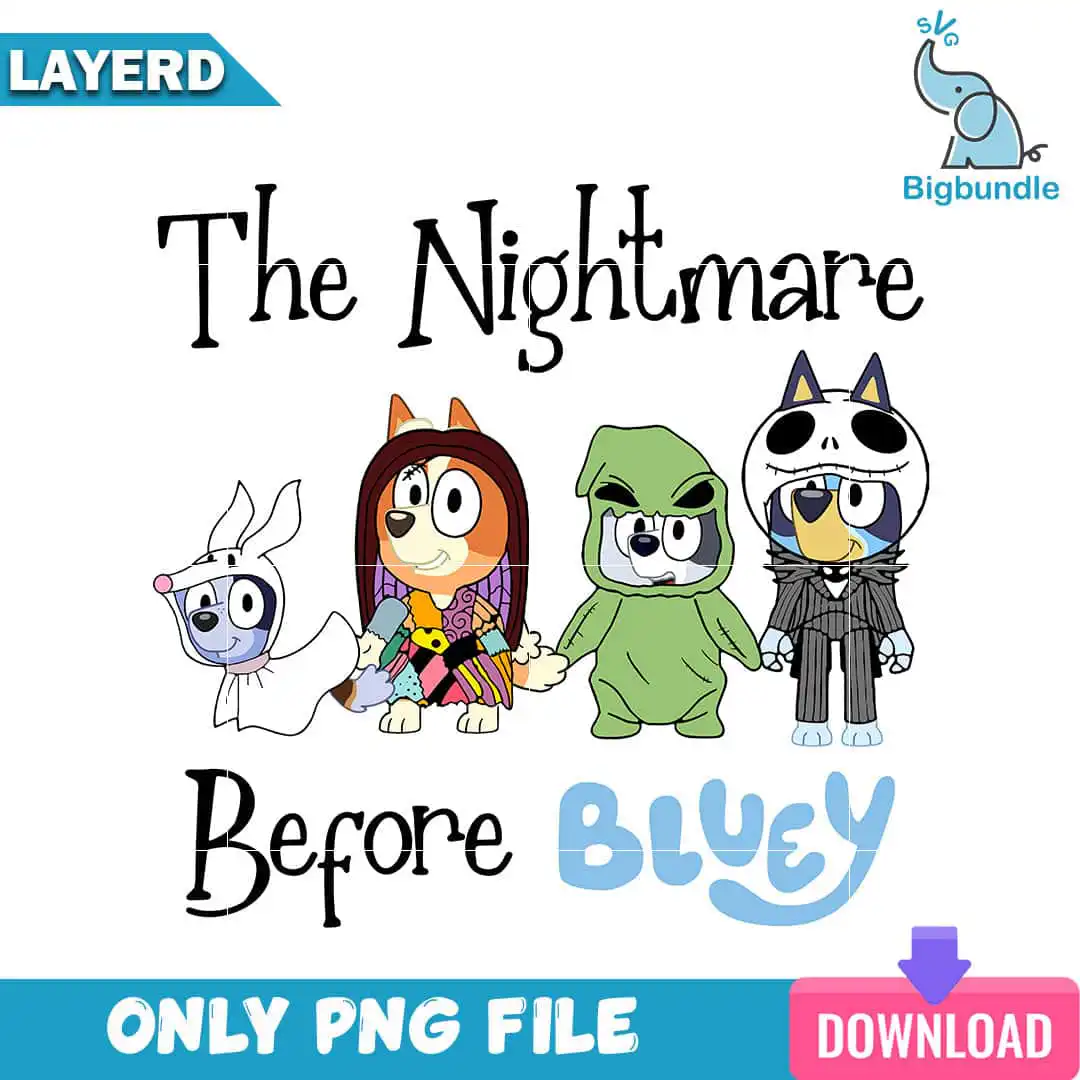
The Nightmare Before Bluey is a single landscape PNG design of Bluey characters dressed as Nightmare Before Christmas characters, made for sublimation printing, shirts, tote bags, stickers and cutting machines. You receive one PNG file at 300 dpi with a transparent background, so you can place it straight onto light or dark fabric without a white box around it. The hand-lettered serif title reads “The Nightmare” over “Before” with “BLUEY” in a rounded casual script beneath it. Bluey dresses as Zero, a ghost dog with a white sheet body, while Bingo becomes Sally in a patchwork ragdoll dress with long auburn hair. A friend takes on the green sack costume of Oogie Boogie, and Bluey also appears as Jack Skellington, with a skull face mask and pinstripe suit. The palette of black, light blue, orange-tan, green and white gives the cartoon clip-art style a playful, spooky-cute feel for Halloween and Nightmare Before Christmas fan events.
Design breakdown
This design is cut in 3 layers and uses five colours: black, light blue, orange-tan, green and white. It shows Bluey as Zero, Bingo as Sally, a friend as Oogie Boogie and Bluey as Jack Skellington, with “The Nightmare”, “Before” and “BLUEY” lettering. The file is a single landscape PNG at 300 dpi with a transparent background. Fine details such as the face mask and pinstripes are best cut or printed at 4 inches or larger.
| Colours | 5 — black (#000000), light blue (#8ECBEA), orange-tan (#C8843A), green (#7DB84A), white (#FFFFFF) |
|---|---|
| Lettering | The Nightmare / Before / BLUEY |
| Background | white |
| Orientation | landscape |
What’s included
- PNG (300 dpi, transparent background)
Works with
- Sublimation printers (Epson, Sawgrass)
- DTF / print-and-cut workflows
- Canva
- Adobe Photoshop
How to use
Download the zip file and unzip it on your computer. Open the PNG in Canva, Adobe Photoshop or your sublimation software, then size it to your blank. For sublimation, mirror the image before printing, and for a cutting workflow, import the PNG into your cutting software and trace it to create your cut lines. Print on sublimation paper with your Epson or Sawgrass printer, then press as usual.
Licence
Personal and small-business commercial use. Sell finished physical items; do not resell or redistribute the files themselves.
FAQ
What files are included with this design?
You get one PNG file at 300 dpi with a transparent background. The design is a single landscape image, so there are no separate files to sort through.
Can I use this Nightmare Before Bluey design on a 20oz tumbler?
Yes, the PNG can be sized to wrap a 20oz tumbler, provided you resize it to your wrap dimensions before printing. Keep the lettering and characters large enough to read once the wrap is applied.
Which printers and software work with this PNG?
It works with Epson and Sawgrass sublimation printers, DTF and print-and-cut workflows, Canva and Adobe Photoshop. Any program that opens a PNG file will accept it.
Can I resize the design and sell the finished shirts?
Yes, you can resize the design for your projects and use it for personal and small-business commercial use. You may sell finished physical items, but you may not resell or redistribute the files themselves.


