Boo Halloween PNG Design with Witch-Hat B and Mickey Pumpkins for Shirts, Mugs and Totes
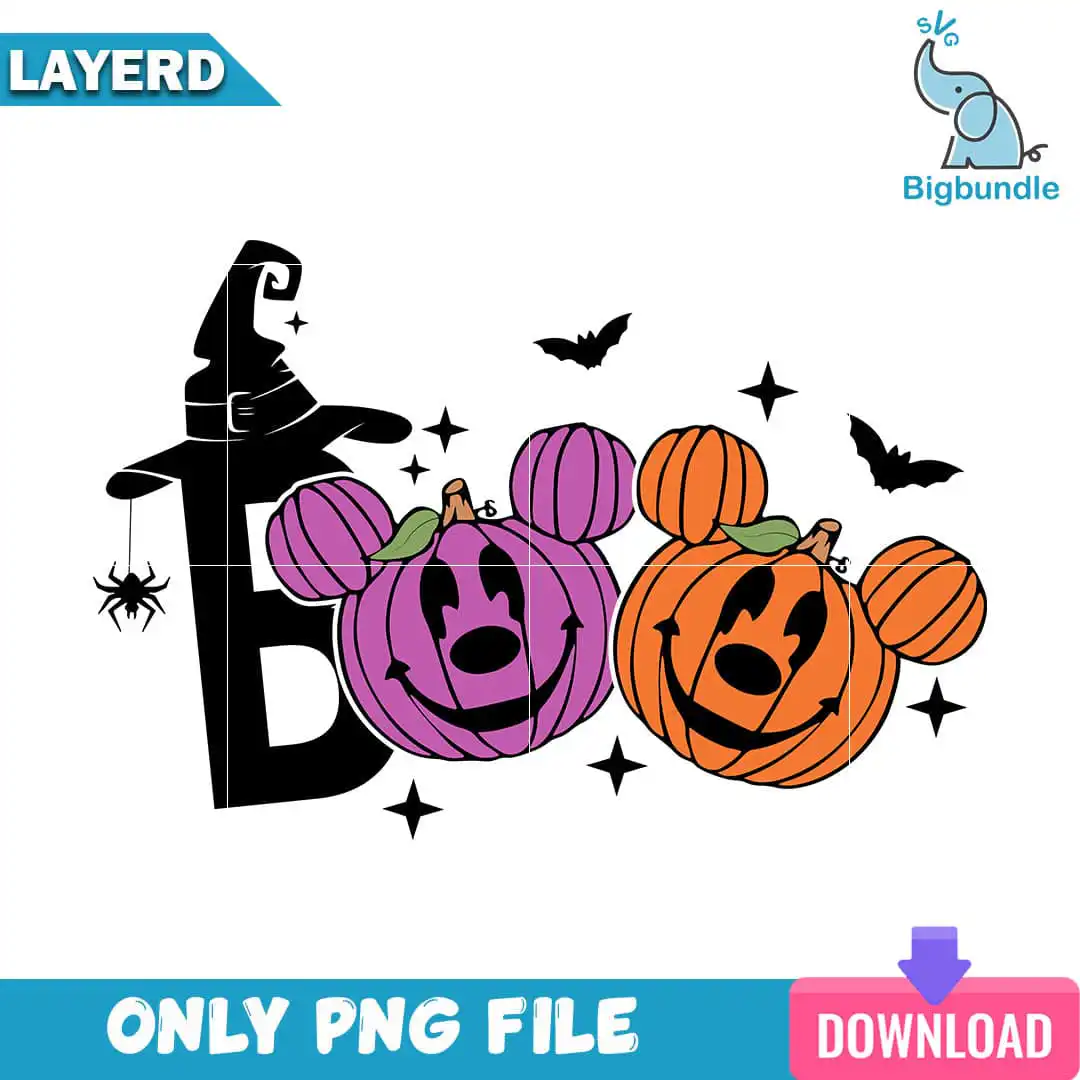
This Boo Halloween PNG is a single lettering design: the word BOO, with a witch-hat letter B and two Mickey-Mouse-shaped jack-o’-lanterns, one purple and one orange. You receive one PNG file with a transparent background, made for sublimation printing, print-and-cut work, and printing on shirts, mugs, tote bags and home decor. The BOO lettering sits in a black silhouette style, with green pumpkin stems, a black spider hanging on thread, black bats and black sparkle stars scattered around the letters. Because the artwork is flat and bold, the purple and orange pumpkins stand out clearly against the black lettering. Crafters who love Disney-inspired Halloween pieces will find the Mickey heads an easy way to add a playful, spooky-fun touch to a seasonal project. Each element is a separate shape, so you can see exactly where the colours meet before you print.
Design breakdown
The design is cut in 6 layers and uses five colours: black, purple, orange, green and white. The black elements include the silhouette letter B, the letters of BOO, the spider on thread, the bats and the sparkle stars. The purple and orange Mickey-head pumpkins are each their own colour, and the green pumpkin stems sit on top of them. The witch hat on the letter B is placed above the letter. The white background is not part of the artwork. Fine details such as the spider thread and the small sparkle stars are best cut at 4 inches or larger so the thin parts stay intact.
| Colours | 5 — black (#000000), purple (#B565C8), orange (#F28A1E), green (#7BA23F), white (#FFFFFF) |
|---|---|
| Lettering | BOO |
| Background | white |
| Orientation | landscape |
What’s included
- PNG (300 dpi, transparent background)
Works with
- Sublimation printers (Epson, Sawgrass)
- DTF / print-and-cut workflows
- Canva
- Adobe Photoshop
How to use
Download the ZIP file from your order and unzip it to a folder on your computer. Open your design software, such as Canva or Adobe Photoshop, and choose Import or File, then Open. Select the PNG file and place it on your canvas. Resize it to fit your project, then print it on a sublimation printer or send it to your cutting workflow.
Licence
Personal and small-business commercial use. Sell finished physical items; do not resell or redistribute the files themselves.
FAQ
What files are included with this Boo Halloween PNG?
You receive one PNG file at 300 dpi with a transparent background. There are no extra versions or bundled designs in the download.
Can I use this Boo design on a 20oz tumbler?
Yes, the design works on a 20oz tumbler when it is printed with sublimation. Resize it to the wrap area of your tumbler before you print so the lettering and Mickey pumpkins stay centred.
Which printers and machines does this file work with?
It works with sublimation printers such as Epson and Sawgrass, and with DTF or print-and-cut workflows. You can also open it in Canva or Adobe Photoshop.
Can I resize this PNG and use it for a small business?
Yes, you can resize it freely for personal and small-business commercial use. You may sell finished physical items, but you may not resell or redistribute the design files themselves.