

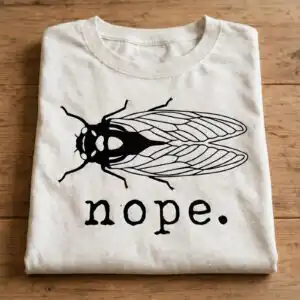
Funny Brood Cicadas Nope Design With Minimal Cicada Insect And Sarcastic Text
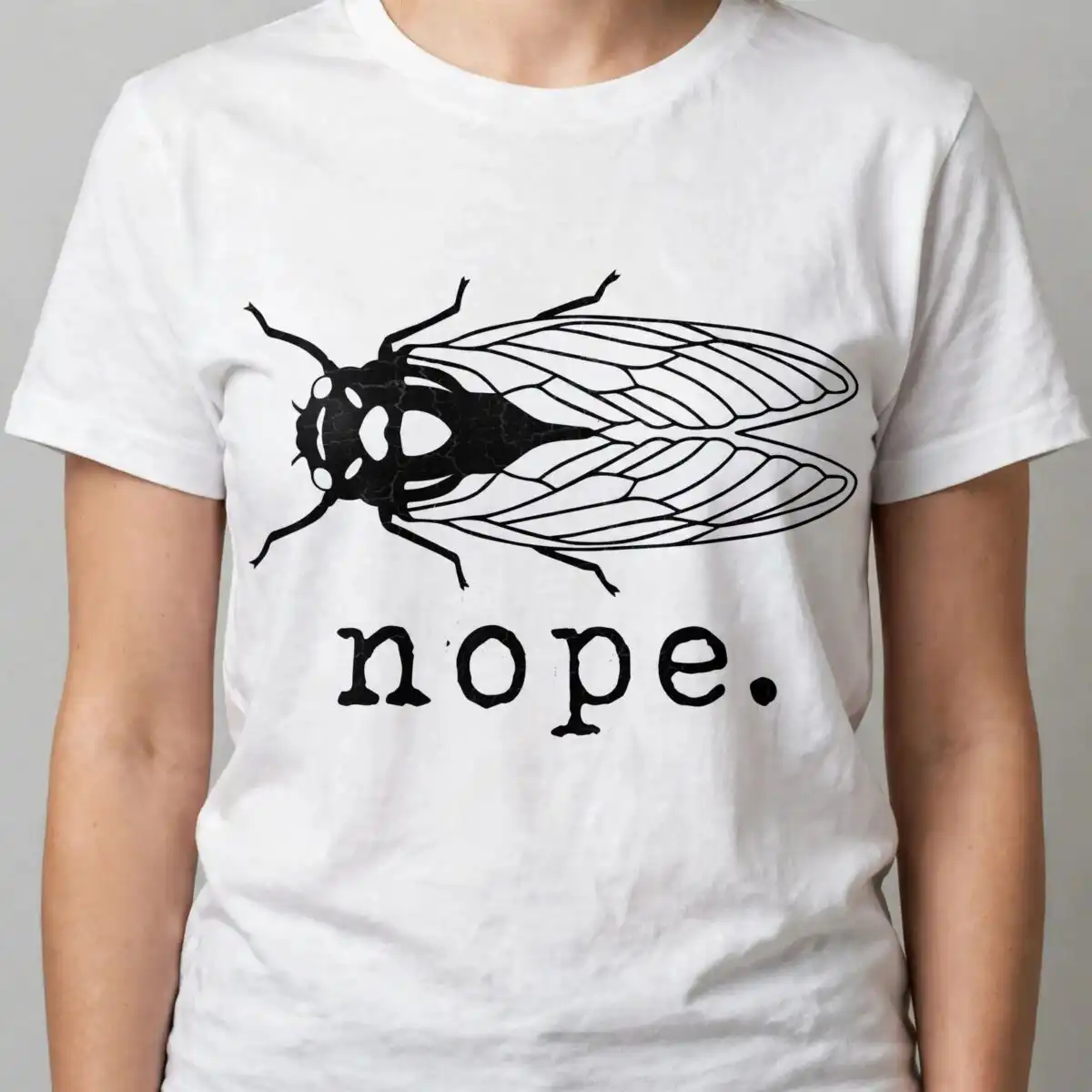
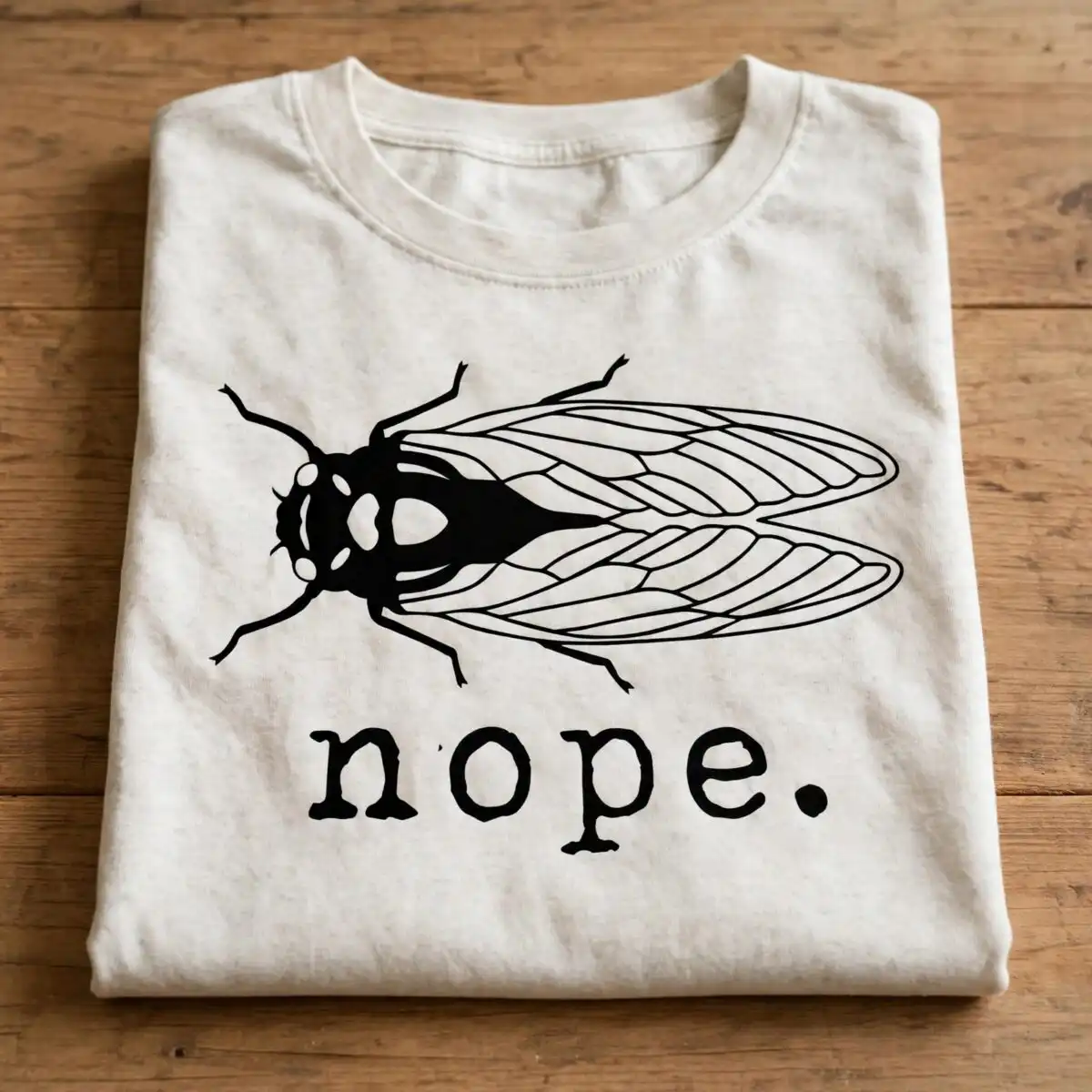
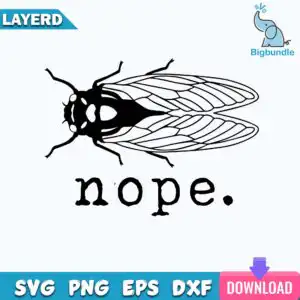
This Cicadas Brood Nope design is a single funny cut file graphic that comes with SVG, PNG, PDF, DXF and EPS files for cutting and sublimation on t-shirts, decals and more. You get a minimal silhouette and line art cicada paired with typewriter text that says nope. in black and white, laid out horizontally for a clean, sarcastic look. You will love how the simple two-color palette cuts cleanly as a vinyl decal, a t-shirt design, a sticker, or a laser cut project, and the medium detail holds up well at small sizes for adults and crafters.
Design breakdown
This is a single design cut in 2 layers in black and white on a white background with a horizontal orientation. The style is minimal silhouette and line art with typewriter text, medium cut complexity and a clean single layout for easy weeding.
| Layers | 2 |
|---|---|
| Colours | 2 — black (#000000), white (#FFFFFF) |
| Lettering | nope. |
| Background | white |
| Cut complexity | medium |
| Orientation | horizontal |
What’s included
- SVG
- PNG (300 dpi, transparent)
- DXF
- EPS
Works with
- Cricut Design Space
- Silhouette Studio (Designer Edition)
- Brother ScanNCut
- Adobe Illustrator
- Inkscape
- CorelDRAW
How to use
Unzip your folder to find SVG, PNG, DXF, EPS and PDF. Import the SVG into Cricut Design Space or the DXF into Silhouette Studio Designer Edition, size it for your blank, then cut, weed and apply or print.
Licence
Personal and small-business commercial use. Sell finished physical items; do not resell or redistribute the files themselves.
FAQ
What files are included with this cicada design?
You get 5 files: SVG, PNG at 300 dpi with transparent background, DXF, EPS and PDF. All are included in one zipped folder for cutting and sublimation.
Can I use this funny cicada nope design on a t-shirt?
Yes, it works great for t-shirts. The minimal silhouette and typewriter text cut cleanly on vinyl and the PNG is 300 dpi with transparency for direct sublimation.
What machines does this cut file work with?
It works with Cricut Design Space, Silhouette Studio Designer Edition, Brother ScanNCut, Adobe Illustrator, Inkscape and CorelDRAW. Use SVG for Cricut and Illustrator, DXF for Silhouette basic.
Can I resize it and sell what I make?
Yes, you can resize it freely and keep proportions to maintain the fine details. The licence is personal and small-business commercial use for finished physical items, not for reselling the files.





