

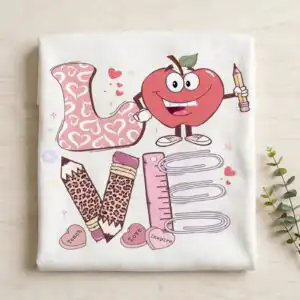
Pink LOVE Lettering Teacher Design with Cartoon Apple, Pencils and Candy Hearts
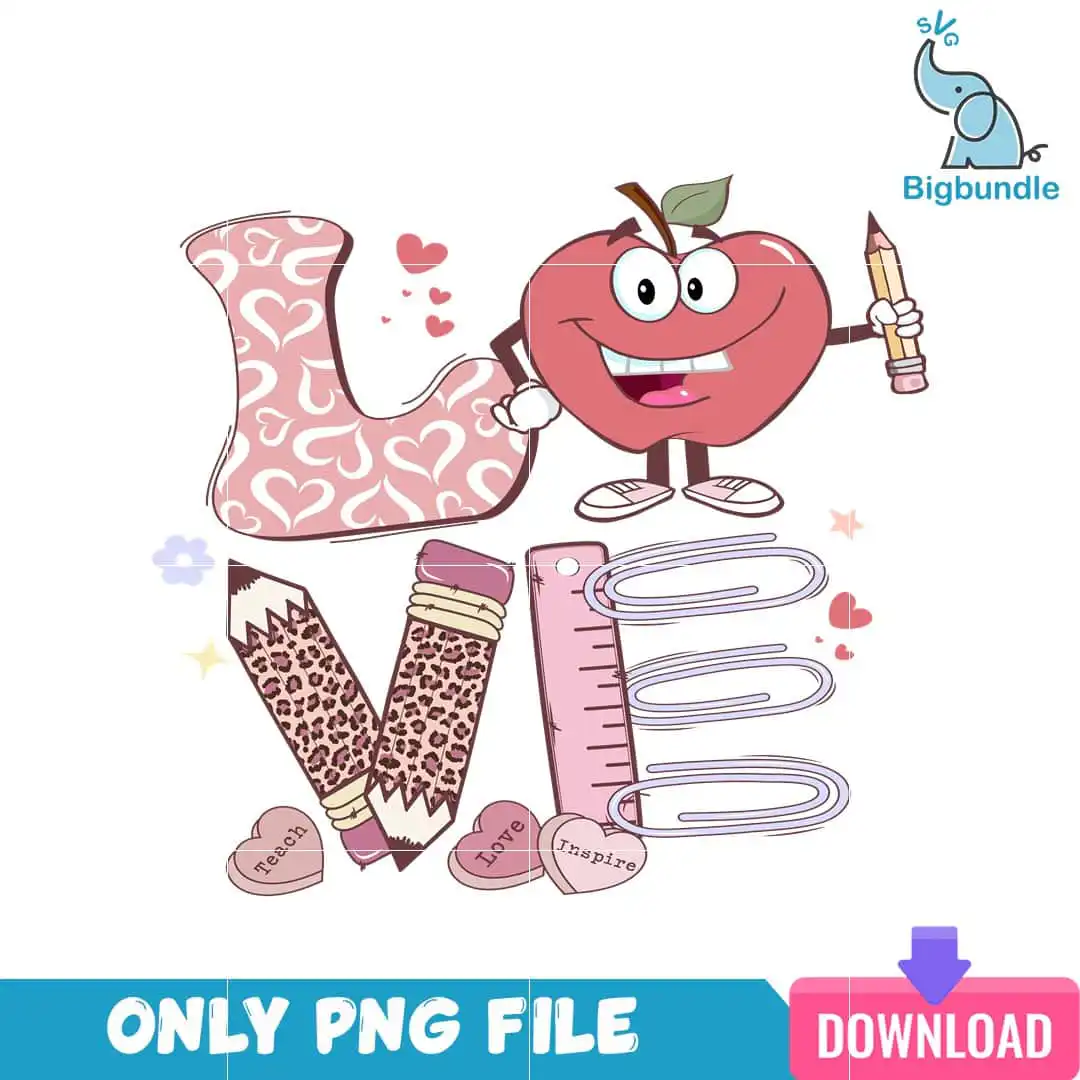
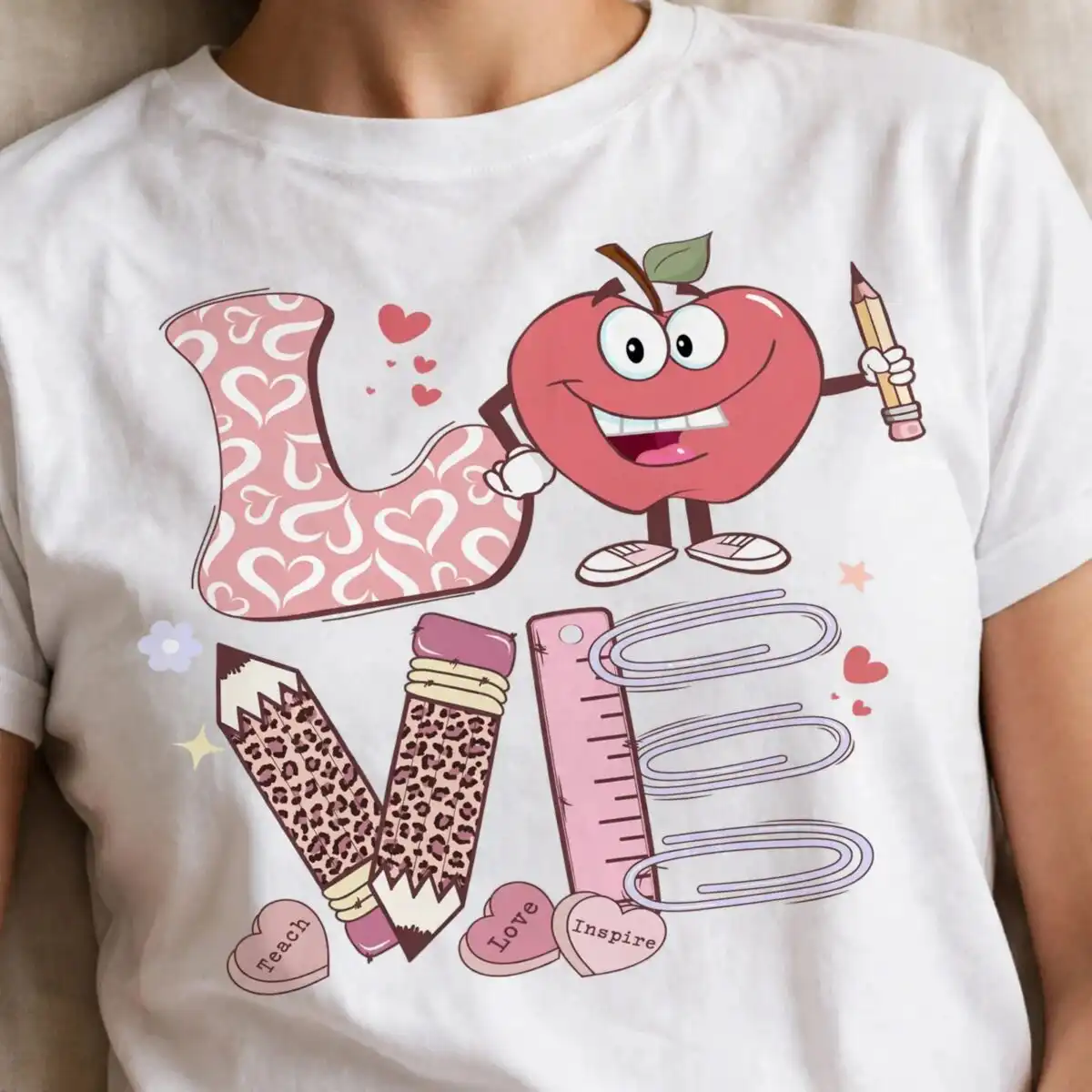
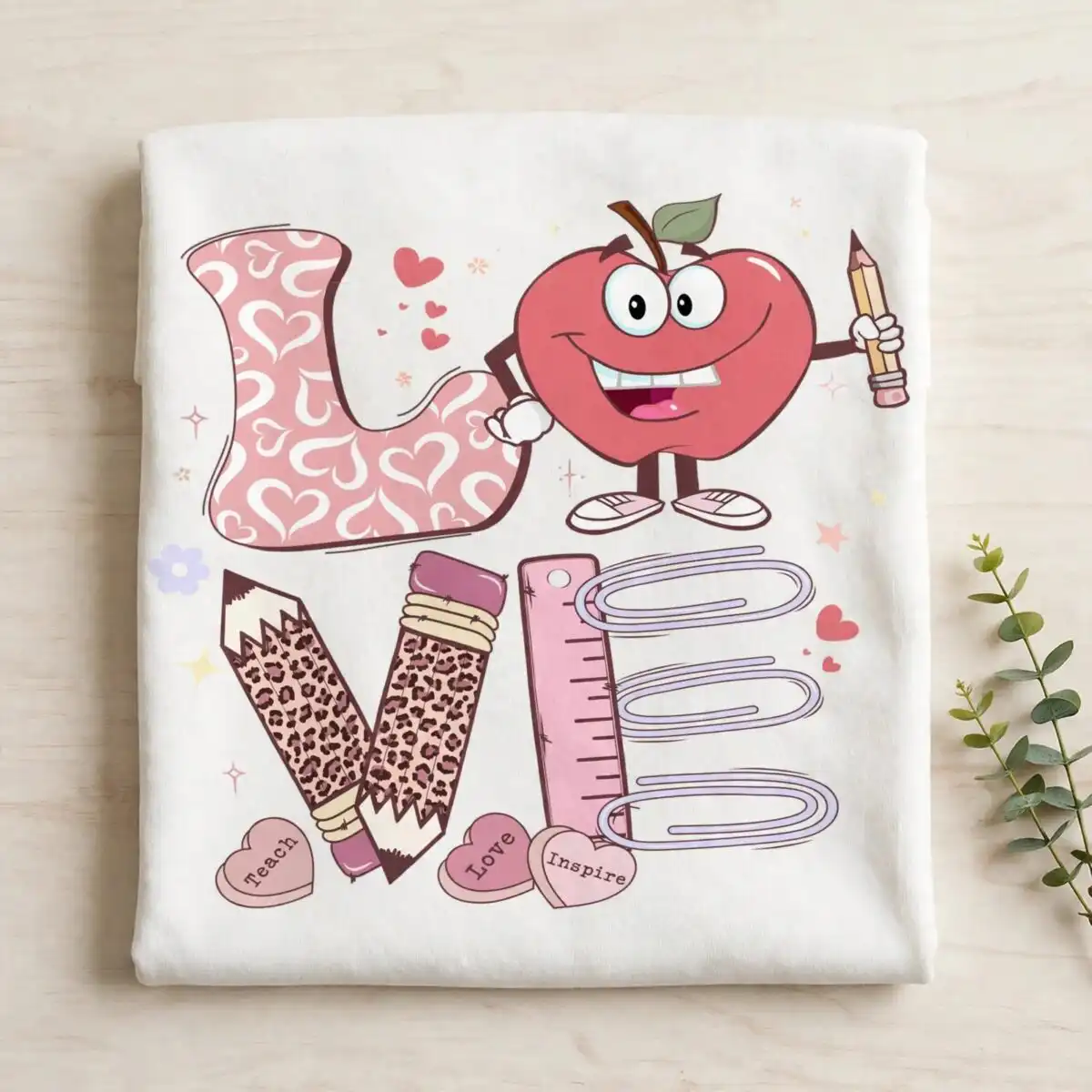
This pink love heart PNG is a single back-to-school design: large dusty pink LOVE lettering, with the L filled in a pink heart pattern, set against a cartoon apple character that holds a pencil. You receive one transparent PNG file, made for sublimation printing, DTF transfers, or cutting workflows. Around the lettering you will find leopard-print pencils, a raspberry red ruler, three paper clips, and candy-heart accents reading “Teach”, “Love” and “Inspire”. The palette runs from dusty pink and blush pink to plum brown and leaf green, with lavender outlines. It suits teacher appreciation gifts, classroom mugs, tote bags and first-day-of-school shirts. Because the file is a PNG on a transparent background, the design drops onto a shirt or mug mockup without a white box around it.
Design breakdown
The design is a flat-colour, vector clip-art style artwork built from 14 layers across 7 colours: dusty pink, raspberry red, blush pink, plum brown, white, lavender outline and leaf green. The large LOVE lettering carries a pink heart pattern fill, and the apple character includes eyes, a smile, a leaf and sneakers. Other elements include the pencil held by the apple, a leopard-print pencil, a second leopard-print pencil, a pink ruler, three paper clips, pink heart shapes, a heart-shaped candy, a small flower outline and sparkle stars. Fine details such as the paper clips and sparkle stars are best cut or printed at 4 inches or larger. The file is delivered as a single-layer PNG on a transparent background, with no white box behind the artwork.
| Colours | 7 — dusty pink (#E8A0B4), raspberry red (#C8566A), blush pink (#F7D6DE), plum brown (#8B4A5A), white (#FFFFFF), lavender outline (#B9B3E0) |
|---|---|
| Lettering | LOVE / Teach / Love / Inspire |
| Background | white |
| Orientation | square |
What’s included
- PNG (300 dpi, transparent background)
Works with
- Sublimation printers (Epson, Sawgrass)
- DTF / print-and-cut workflows
- Canva
- Adobe Photoshop
How to use
Download the ZIP file and unzip it to a folder on your computer. Open the PNG in your design software, such as Canva or Adobe Photoshop, or import it straight into your sublimation or DTF print software. Size the artwork to your blank, keeping the edges of the apple and pencils inside your print area. Print at full resolution, then press or apply the design to your shirt, mug or tote bag.
Licence
Personal and small-business commercial use. Sell finished physical items; do not resell or redistribute the files themselves.
FAQ
What files are included with this design?
You get one PNG file at 300 dpi with a transparent background. There are no separate SVG or DXF files in this download.
Can I put this design on a 15oz mug?
Yes, the design works on a 15oz mug when printed by sublimation. Scale the LOVE lettering and apple to fit the printable wrap, and keep the smaller paper clips and sparkle stars at a size you can read on the finished mug.
Which printers and software does this PNG work with?
It works with Sublimation printers such as Epson and Sawgrass, with DTF or print-and-cut workflows, and with Canva and Adobe Photoshop. Import the PNG into your software and resize it before printing.
Can I resell the finished shirts or mugs made with this design?
Yes, the licence covers personal and small-business commercial use, so you can sell finished physical items made with it. You may not resell or redistribute the PNG file itself.


