
Stitch Tulips Lilo Stitch Shirt PNG: Spring Blue Alien With Tulip Bouquet and Woven Basket
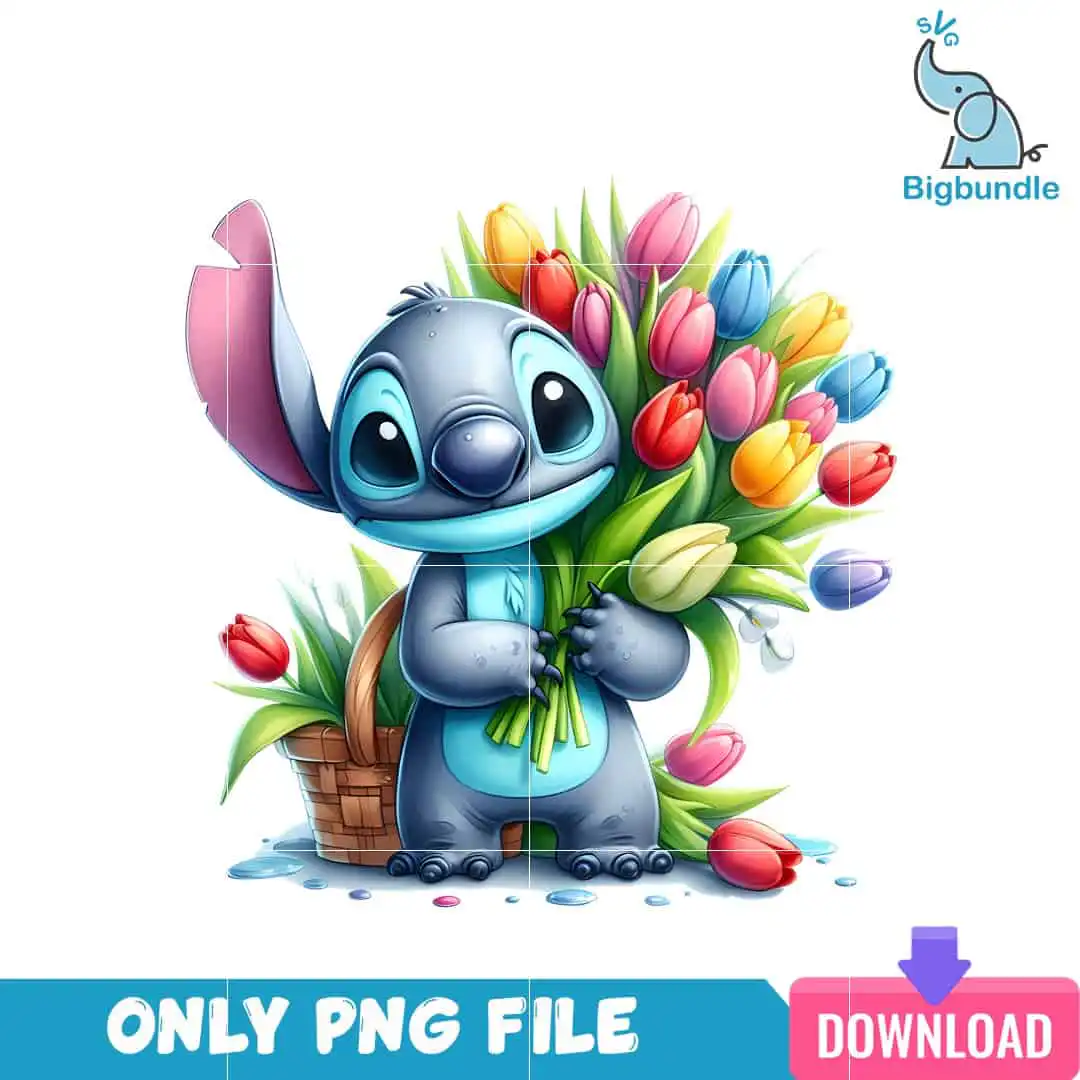
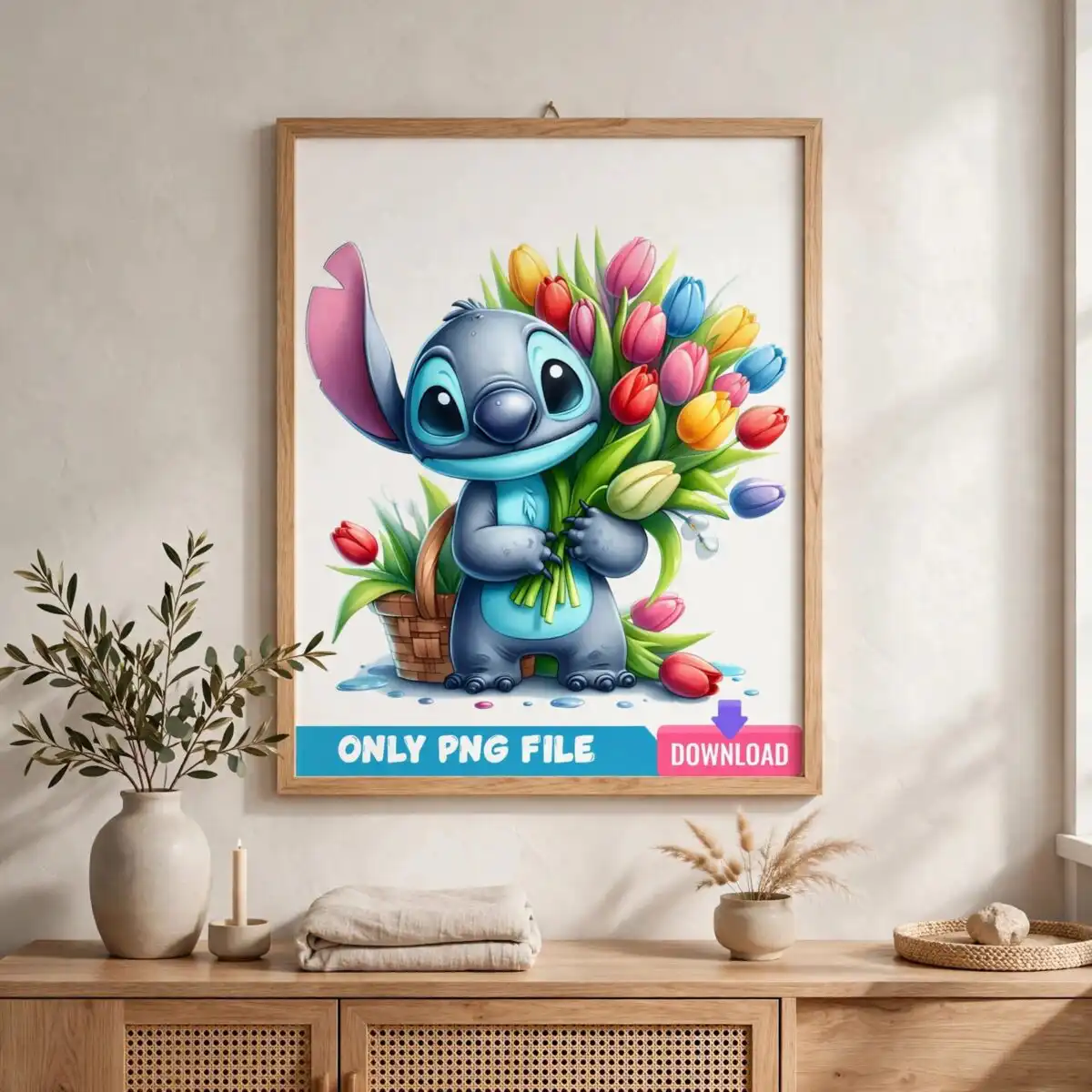
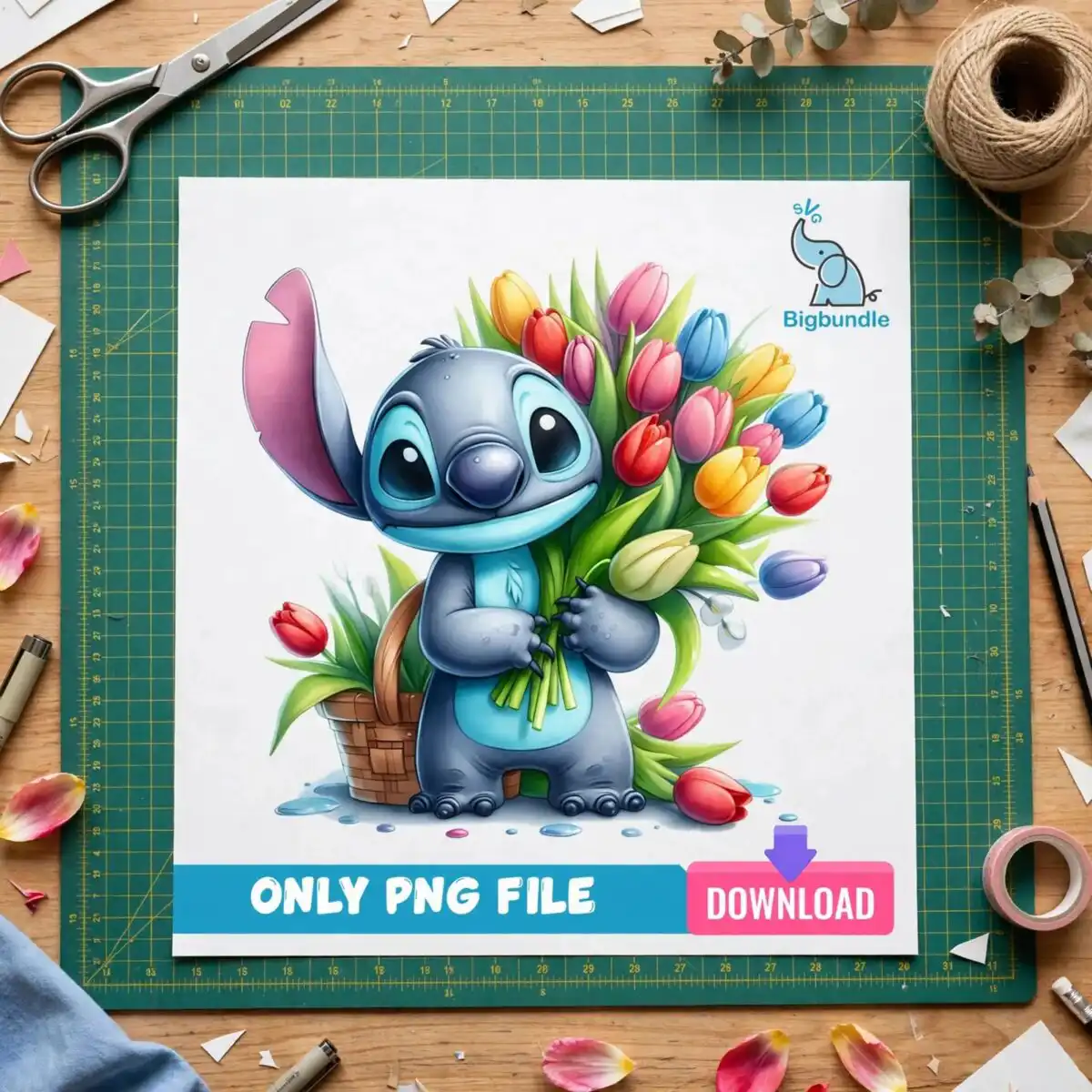
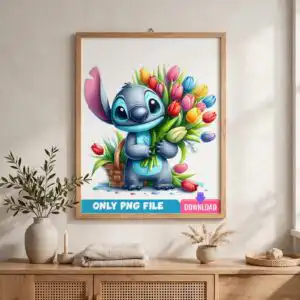
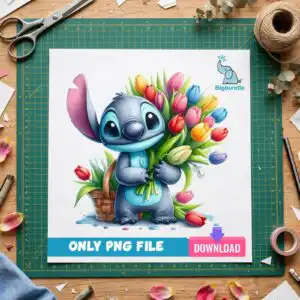
This Stitch Tulips Lilo Stitch Shirt PNG is a single spring character design, delivered as one PNG file with a transparent background, made for shirts, mugs, stickers and tote bags. The artwork shows a blue, alien-like creature with large round dark eyes and a pink ear, holding a bouquet of tulips in yellow, red, pink, blue and purple beside a woven basket. Green tulip leaves, loose scattered tulips and small water-like splashes at the base add to the scene. The soft painterly shading and watercolour-like texture give the piece a gentle, cheerful look. You can use it with sublimation printers such as Epson and Sawgrass, with DTF or print-and-cut workflows, and in Canva or Adobe Photoshop. It suits spring, Mother’s Day and birthday gifts for children and crafters who want a playful character on a finished item.
Design breakdown
The design is a single character illustration cut in 12 layers, with the lettering-free artwork built from slate blue and light cyan blue for the creature, pink for the ear and tulip accents, red, yellow, green and brown for the tulips, leaves and basket, and white for the small flower. The file is a PNG with a transparent background, so the white areas of the preview sheet are not part of the artwork. Fine details such as the tulip petals, leaf edges and the splashes at the base are best cut at 4 inches or larger if you plan to cut vinyl. The file contains one design only.
| Colours | 10 — slate blue (#4A6FA5), light cyan blue (#5BC8E8), pink (#F4A6B8), red (#E53935), yellow (#FFC107), green (#4CAF50) |
|---|---|
| Lettering | ONLY PNG FILE / DOWNLOAD / svg |
| Background | white |
| Orientation | portrait |
What’s included
- PNG (300 dpi, transparent background)
Works with
- Sublimation printers (Epson, Sawgrass)
- DTF / print-and-cut workflows
- Canva
- Adobe Photoshop
How to use
Download the ZIP file from your order page and unzip it to a folder on your computer. Open your design software, such as Canva, Adobe Photoshop or your sublimation printing program, and choose Import or Open. Select the PNG file, then resize it to fit your shirt, mug or tote before printing. For sublimation, print on the correct transfer paper and press as your printer’s guide recommends.
Licence
Personal and small-business commercial use. Sell finished physical items; do not resell or redistribute the files themselves.
FAQ
What files are included with this design?
You get one PNG file at 300 dpi with a transparent background. The download contains that single file and no other formats.
Can I use this Stitch design on a 20oz tumbler?
Yes, the PNG can be resized and printed for a 20oz tumbler using sublimation. Check the wrap size of your tumbler blank before you scale the artwork.
Which printers and software does this PNG work with?
It works with sublimation printers such as Epson and Sawgrass, with DTF and print-and-cut workflows, and with Canva and Adobe Photoshop. Any program that opens PNG files will also work.
Can I resize this file and sell items made with it?
Yes, you can resize it freely, and it is licensed for personal and small-business commercial use. You may sell finished physical items, but you may not resell or redistribute the design file itself.


