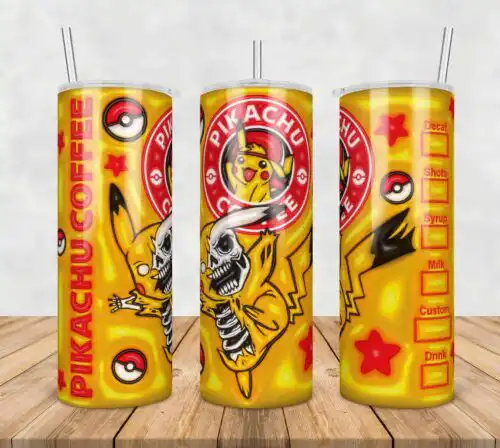
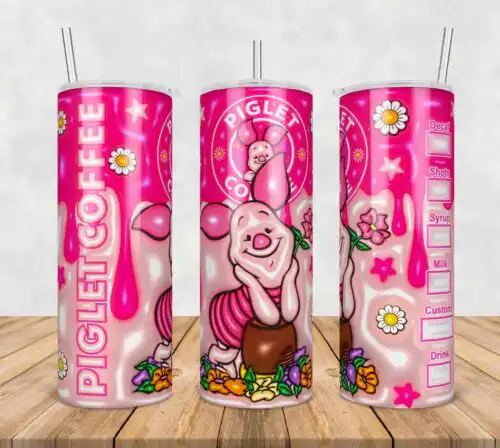
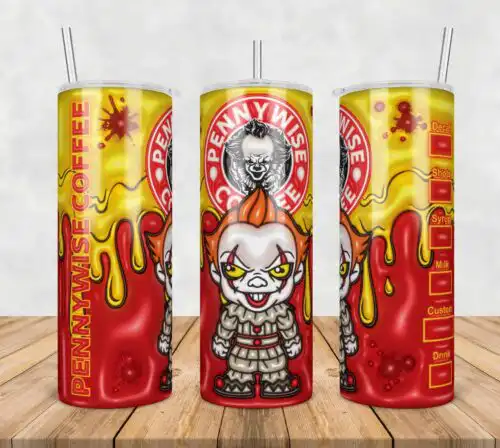
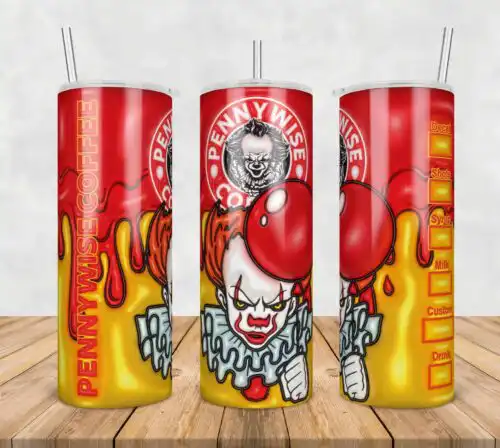
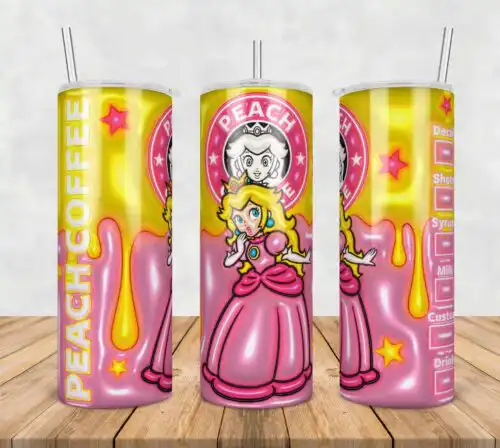
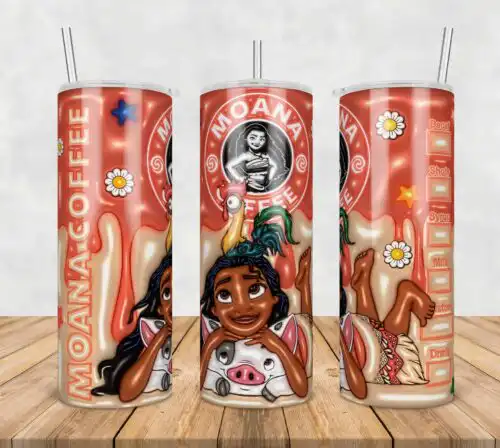
3d SVG files are dimensional-look designs that create depth with shadows, layering or inflated puff effects and typically include SVG, PNG, DXF, EPS and PDF for making shirts, tumblers, mugs, signs and stickers. What ties these designs together is the 3D effect itself, paired with a cozy, playful mood. You will find a repeating pattern of pumpkins and gourds with a fall-themed quote for autumn and Thanksgiving, plus a green character in a pink Santa suit shown with various expressions and Christmas elements. They are drawn in cartoon, retro and flat styles that read cleanly at a distance, which makes them a good fit for makers selling seasonal shirts, tumblers and holiday decor.
Choosing the right design
Choose by how the depth is built. True layered files stack separate SVG layers for vinyl or cardstock — great for shirts, signs and ornaments where you want real dimension. Single-layer inflated or puff-effect designs use shading to fake the 3D look and are made for sublimation or DTF on tumblers and mugs where layering is not practical. For small items like baby shirts or mug wraps, pick flat or simple cartoon shapes with fewer layers. For large fronts and 20oz tumblers, retro and detailed cartoon versions hold up better. Before you cut, check the file list on each design — cut-file designs include SVG, PNG, DXF, EPS and PDF, while PNG-only designs are for sublimation and printing — and confirm whether it needs layered HTV, print-then-cut, or sublimation.
Are 3d SVG files better for shirts or tumblers?
3d SVG files work for both, but pick the build for the blank. Layered versions with separate SVG layers are best for shirts, hoodies and wood signs where you can stack HTV or vinyl. Inflated puff-effect versions that are PNG-only are best for tumblers and mugs because the depth is printed with sublimation, not layered. These designs include both types, so check if you want to cut layers or press a full wrap.
Do I need SVG or PNG for 3d SVG designs?
You need SVG for cutting and PNG for printing. Use SVG, DXF, EPS or PDF to cut layered vinyl, cardstock and HTV with a cutting machine. Use PNG at 300 dpi with a transparent background to sublimate or DTF print the inflated puff look. Cut-file designs in this group include SVG, PNG, DXF, EPS and PDF, while PNG-only designs are made for sublimation and printing only. Each design lists its own included files.
How to cut layered 3d SVG on Cricut or Silhouette?
Cut layered 3d SVG by uploading the SVG to Cricut Design Space or Silhouette Studio Designer Edition and keeping layers grouped by color. Cut bottom layers first on HTV or cardstock, mirror HTV, weed, then press or stack from back to front with light tack. For puff vinyl, use a single layer only and follow your vinyl temp guide. For these cartoon, retro and flat styles, use a fresh fine-point blade and test pressure on the pumpkin and Santa details.
What size should 3d SVG be for adult youth and baby shirts?
Make adult fronts 10 to 11 inches wide, youth 8 to 9 inches and baby 5 to 6 inches wide for these 3d SVG designs. Scale the pumpkin and gourd pattern slightly smaller than the green character in the pink Santa suit so small leaves and facial expressions do not get lost. Keep a minimum 0.25 inch for the smallest cut piece, and for tumblers size the inflated wrap to 9.3 x 8.2 inches for 20oz skinny before printing.
It depends on the design type. Cut-file designs include SVG, PNG at 300 dpi with transparent background, DXF, EPS and PDF. PNG-only designs are made for sublimation and DTF or print-and-cut and do not include SVG, DXF or EPS. All PNGs are 300 dpi. Check the file list under each design to see exactly what is included before you buy.
Do these 3d SVG files work with Cricut and Silhouette?
Yes. Cut-file versions work with Cricut Design Space, Silhouette Studio Designer Edition, Brother ScanNCut, Adobe Illustrator, Inkscape and CorelDRAW. PNG versions work with sublimation printers like Epson and Sawgrass, DTF and print-and-cut workflows, Canva and Photoshop. If your machine does not open SVG, use the included DXF or PDF version.
Can I sell what I make with 3d SVG files?
Yes, for personal and small-business commercial use. You can sell finished physical items like shirts, tumblers, mugs and signs made with these designs. You cannot resell, share or redistribute the digital files themselves as cut files, clipart or templates. Licence terms are the same for autumn, Thanksgiving and Christmas designs in this group.