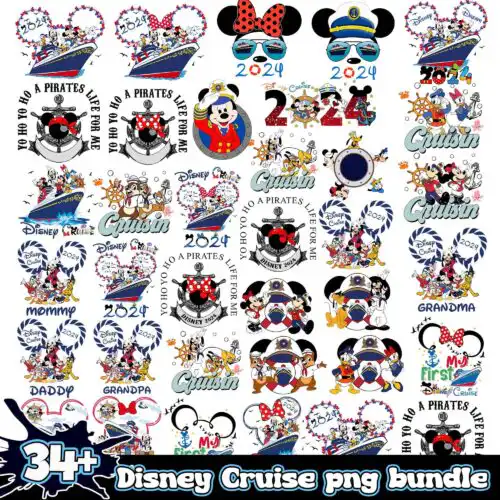
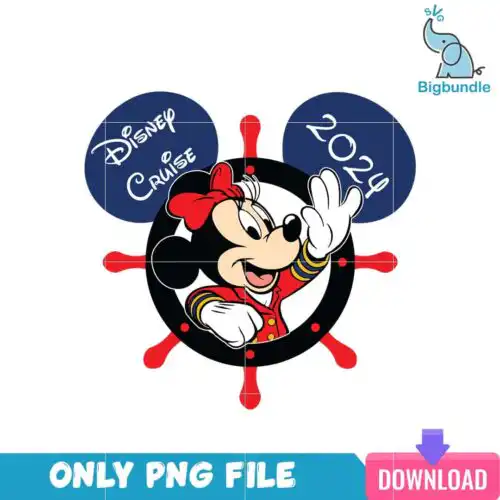
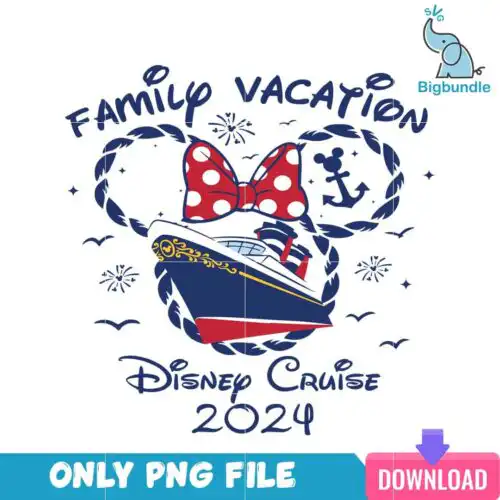
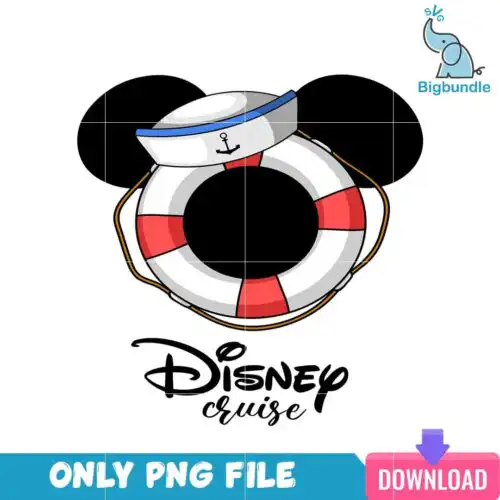
Cruise SVG files are cut and print designs supplied as SVG, PNG (300 dpi, transparent), DXF, EPS, and PDF, plus PNG-only sublimation designs, for making shirts, tumblers, tote bags, hats, and signs. These designs are united by all things cruising — anchors, ships, waves, port life, and vacation lettering — in mixed subjects and mixed styles that work year-round. They are made for crafters outfitting a whole crew, from family matching shirts and kids' tees to cabin door signs, drinkware, and keepsakes, with single-layer options for quick presses and layered options for vinyl.
Choosing the right design
Start with how you will make it. If you cut vinyl, pick layered cut-file designs that include SVG, DXF, EPS, PDF and PNG — each design lists its own files on its product page, while PNG-only designs are made for sublimation and direct printing. Single-layer designs press faster and weed cleaner on small items like baby onesies and 12 oz tumblers; layered or distressed lettering reads better on large surfaces like adult shirts and tote bags. Check the detail density before you buy: fine ropes, tiny anchors, or script smaller than 0.5 inches will not cut clean on everyday vinyl — use HTV with a carrier or size up. For mugs and tumblers, choose designs that fit a 3 to 4 inch width without losing words.
Which Cruise SVG designs work best for shirts vs tumblers?
For shirts choose bold, wider lettering and graphics with solid fills — they weed fast and stay readable from a distance on adult, youth and baby sizes. For tumblers and mugs choose compact, single-color or two-color designs that fit in a 3×3 or 4×4 inch space, with thicker lines that won't lift on curves. Avoid ultra-thin script and tiny dots on drinkware, and save highly layered looks for flat tote bags and signs.
Do I need svg or png for Cruise SVG?
You need SVG, DXF, EPS or PDF for vinyl cutting and PNG for printing. Cut-file designs include SVG, PNG (300 dpi, transparent), DXF, EPS, and PDF for Cricut, Silhouette, ScanNCut and laser workflows. PNG-only designs are made for sublimation, DTF and print-and-cut on light and sublimation blanks. Each design lists its own included files, so check the file list on the design you choose.
How to cut layered Cruise SVG with Cricut or Silhouette?
Layered Cruise SVG files cut cleanest when you ungroup by color in Design Space or Silhouette Studio (Designer Edition) and cut each color separately. Use everyday iron-on or permanent vinyl, mirror HTV for shirts, and set pressure to default with a clean 45-degree blade. Press bottom layers 3-5 seconds to tack, then final press for full time. For small anchors and text, use a weeding box and attach tiny pieces before pressing.
What size should Cruise SVG be for adult youth baby shirts?
Size adult shirts at 10 to 11 inches wide for front chest, youth at 7 to 8 inches, and baby at 4 to 5 inches, keeping height proportional. For tumblers keep the graphic to 3 inches tall to avoid wrap distortion. If a design has small inner cuts, increase size by 20 percent for youth and baby or choose a simpler single-layer version from these designs for cleaner weeding.
What file formats are included in Cruise SVG designs?
Cut-file designs include SVG, PNG (300 dpi with transparent background), DXF, EPS, and PDF. PNG-only designs are supplied as PNG (300 dpi, transparent) for sublimation and printing. Not every design includes every format, so check the file list shown on the specific design. All files work for personal and small-business commercial use for finished physical items.
Do these work with Cricut, Silhouette, and sublimation printers?
Yes. SVG, DXF and PNG cut files work with Cricut Design Space, Silhouette Studio (Designer Edition), Brother ScanNCut, Illustrator, Inkscape, CorelDRAW, and Canva or Photoshop for sizing. PNG files (300 dpi, transparent) work with sublimation printers like Epson and Sawgrass, DTF, and print-and-cut workflows. Test cut a small anchor or word first to confirm blade and heat settings.
Can I personalize Cruise SVG designs with names or dates?
Yes, most of these designs leave space for adding a family name, ship name, or year in your software. Add text in Design Space, Silhouette Studio, Illustrator, or Canva and weld it before cutting. Keep added names in a bold, sans-serif font for small items, and avoid covering fine details like rope lines or tiny stars so the original graphic still cuts cleanly.