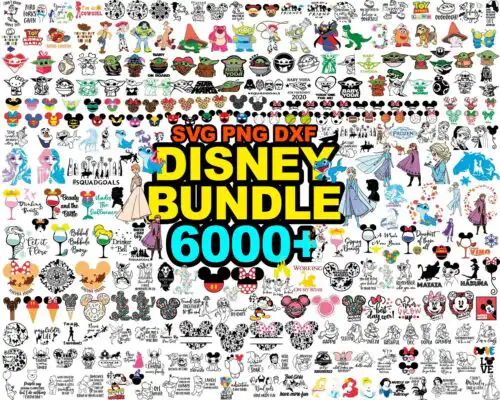
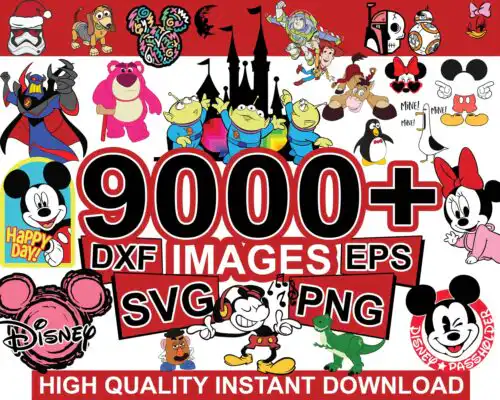
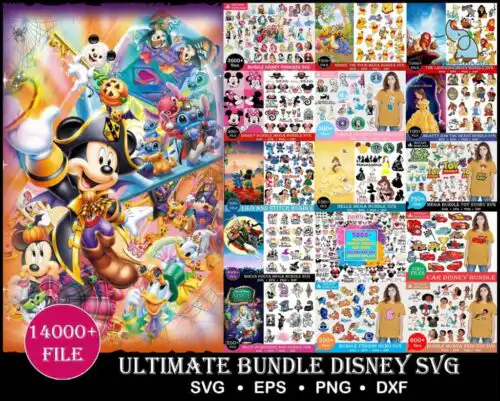
99k+ Mega bundle Disney designs, Fun Disney bundle, Disney svg bundle, Big bundle SVG and for cricut files, Clipart Svg to Pinterest (opens in a new window)
Disney Files SVG are character-inspired cut files that come as cut-file designs with SVG, PNG, DXF, EPS, PDF and as PNG-only designs for sublimation, made for shirts, tumblers, mugs, birthday decor and year-round gifts. These designs are united by character-inspired silhouettes, quotes and themed elements, including character head silhouettes and castle designs with patterns, bows and park-style accessories. You will find them in cartoon, flat and line-art styles that cut clean at small and large sizes. They are built for crafters who want playful, recognizable looks for family trips, birthday parties and everyday wear, with single designs and mega bundles that make it easy to mix quotes with silhouettes.
Choosing the right design
Start with layering: choose flat single-layer silhouettes and simple line-art heads for small items, hats, left-chest logos and tumblers where weeding gets tricky, and save layered castle scenes and quote-and-silhouette combos for full-front shirts, tote bags and signs. For style, cartoon and flat fills read best on cotton and glitter vinyl, while line-art versions are ideal for etching, foil and single-color vinyl. Check each design design for its own files — cut-file designs include SVG, PNG, DXF, EPS and PDF, while PNG-only designs are 300 dpi transparent files for sublimation and print. Before cutting, size for your blank, mirror only HTV, and test ear silhouettes and bows at 2 inches to see if tiny cuts stay intact.
Which Disney Files SVG are best for shirts vs tumblers or mugs?
Use quote-based and large character head silhouettes for shirts, and compact single-layer heads, small castle icons and simple line-art for tumblers and mugs. Shirts give you space for multi-word quotes and patterned ears, while curved tumblers need designs under 3 inches wide that wrap without distorting. For mugs, choose flat fills with bold outlines so bows and ears stay visible after pressing.
Should I use Disney Files SVG as svg or png?
Use SVG for vinyl and DXF/EPS cutting and PNG for sublimation, DTF and print-then-cut. SVG keeps cartoon, flat and line-art layers editable and scalable in Cricut Design Space and Silhouette Studio, while 300 dpi transparent PNG preserves the patterned fills and castle details for sublimation printers. Each design lists its own files, so check if it is a cut-file set or PNG-only before you buy.
How to cut layered Disney Files SVG on Cricut?
Cut layered Disney Files SVG by separating colors in Design Space and cutting each layer with the right vinyl, then stacking from the base up. Keep character heads and castle bases as the bottom layer, add pattern fills next, and place bows, ears and small quote accents last. Use transfer tape for alignment, weed line-art slowly, and do a test cut at 3 inches to make sure tiny bow centers do not lift.
How to personalize Disney Files SVG with a name?
Personalize Disney Files SVG by adding a name inside the ear silhouette, under a castle, or as part of a quote in your cutting software. Choose a bold, rounded font that matches the cartoon and flat styles, weld the name to a solid offset for shirts, and keep names above 1.5 inches wide so small letters weed cleanly. For birthday looks, pair the name with a year or birthday quote from the same style family.
File types vary by design. Cut-file designs include SVG, PNG (300 dpi, transparent), DXF, EPS and PDF for cutting and printing, while PNG-only designs are PNG (300 dpi, transparent background) for sublimation, DTF and print-and-cut. Each product page lists exactly what that design includes, so check before you cut or press.
What machines and software work with these designs?
These designs work with Cricut Design Space, Silhouette Studio Designer Edition, Brother ScanNCut, Adobe Illustrator, Inkscape, CorelDRAW, Canva, Photoshop, and with sublimation printers including Epson and Sawgrass for PNG workflows. Use SVG, DXF or EPS for cutting machines and use transparent PNG for sublimation and DTF.
Can I sell things I make with Disney Files SVG?
Yes, you can sell finished physical items you make with these files under personal and small-business commercial use. You cannot resell, share or redistribute the digital files themselves as files, templates or bundles. Keep your finished products handmade and do not claim official or licensed status.