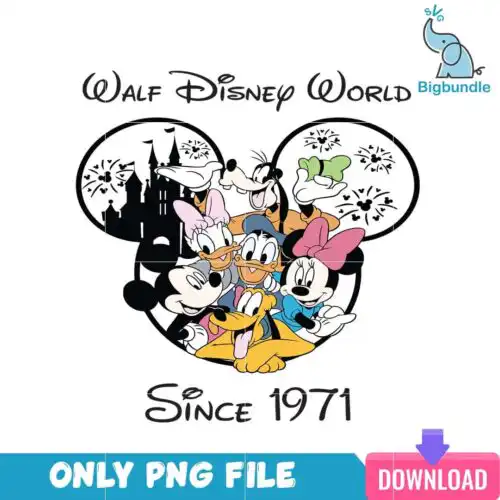
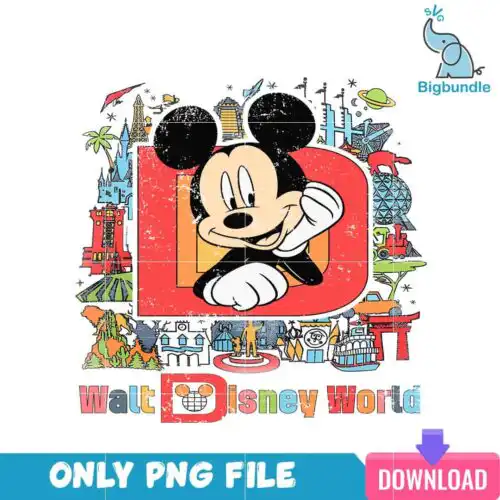
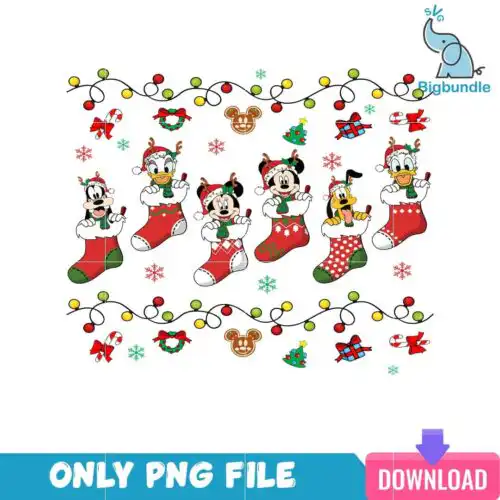
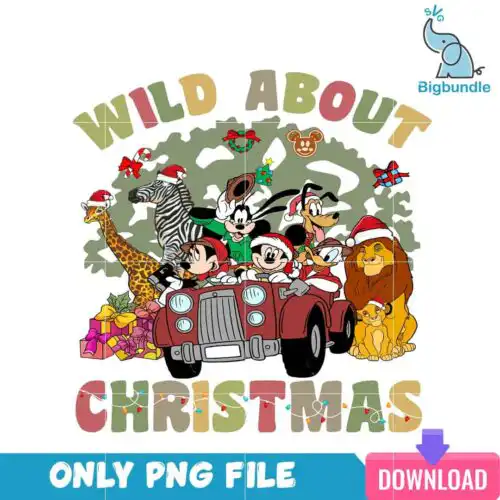
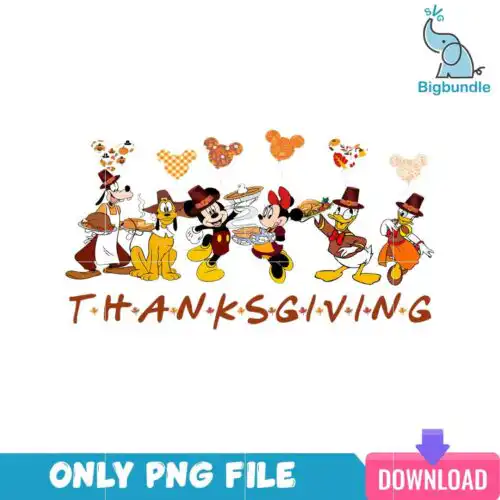
Disney World SVG files are PNG sublimation designs with 300 dpi and a transparent background that people use to make shirts, tumblers, mugs, tote bags, and party decor. These designs pull from across the parks, so you will find castle graphics, character-inspired art, holiday icons, and retro-style lettering all sharing the same Walt Disney World theme. Styles swing from cute and playful to vintage and bold, which makes it easy to match a look to kids, adults, and family sets. Because the occasions are year-round, these designs work just as well for a summer trip, a Halloween party, Thanksgiving dinner, or Christmas morning.
Choosing the right design
These 18 designs are all single-layer art, so you are choosing on look and layout rather than layered versus stacked. For small surfaces like baby onesies, socks, or 12 oz mugs, pick cleaner shapes with fewer fine details and bolder lettering that stays readable at 3-4 inches. For larger surfaces like adult shirts, tote bags, or wood signs, you can use the busier grids, banner layouts, and castle scenes that need room to breathe. Before you press, check the file design on each design to confirm what is included, since cut-file designs include SVG, DXF and EPS while PNG-only designs are for sublimation and print-and-cut. Check sizing at 100% in your software, mirror only for sublimation, and do a test press on scrap fabric if the art has light distressing or thin outlines.
Disney World SVG for shirts vs tumblers what should I pick
Pick bold, single-focus graphics for tumblers and detailed scenes for shirts. Tumblers and mugs wrap and distort fine text, so simple icons, large lettering, and centered characters press cleaner. Shirts, hoodies, and totes give you more space, so grids of characters, Halloween banners, and Thanksgiving lettering with surrounding art look balanced on the chest or back.
Do I need svg or png for disney world designs?
You need PNG for sublimation and SVG for vinyl cutting, so check your method first. All these Disney World designs are offered as PNG at 300 dpi with transparent background for sublimation printers, DTF, and print-and-cut workflows in Canva or Photoshop. If you cut with a Cricut or Silhouette using heat-transfer vinyl, choose a design that includes SVG, DXF, and EPS in its file list.
How to size Disney World SVG for adult youth and baby shirts?
Size by chest width, not by template size: adults 10-11 inches, youth 7-8 inches, baby 4-5 inches wide. These Disney World designs are single-layer, so you can scale without managing layered colors. Keep the smallest text above 0.25 inches tall after scaling and add a little extra space around Polaroid grids and banners so frames do not touch seams.
Can I add a name to Disney World SVG designs?
Yes, you can add a name easily because these are single-layer PNGs with transparent backgrounds. Place the art first, then add your name in Canva, Photoshop, or your cutting software using a matching font above or below the graphic. For family sets, keep the Disney World graphic the same size and only change the name size so shirts look consistent across adult, youth, and baby sizes.
File types vary by design, so always check the file list on each design. Cut-file designs include SVG, DXF, EPS and PNG, while PNG-only designs are 300 dpi transparent PNGs made for sublimation, DTF, and print-and-cut. Both work for finished physical items like shirts and mugs.
Will these work with Cricut, Silhouette, and sublimation printers?
Yes. PNG designs work with sublimation printers like Epson and Sawgrass, DTF workflows, and print-and-cut in Canva and Adobe Photoshop. If your design includes SVG, DXF, and EPS, you can also cut with Cricut, Silhouette, and other vinyl cutters. Mirror PNGs for sublimation, not for adhesive vinyl.
Can I sell what I make with Disney World SVG files?
Yes, for personal and small-business commercial use. You can sell finished physical items like shirts, tumblers, and decor that you make with the designs. You cannot resell, share, or redistribute the digital files themselves as files, and you cannot claim the artwork as officially licensed.