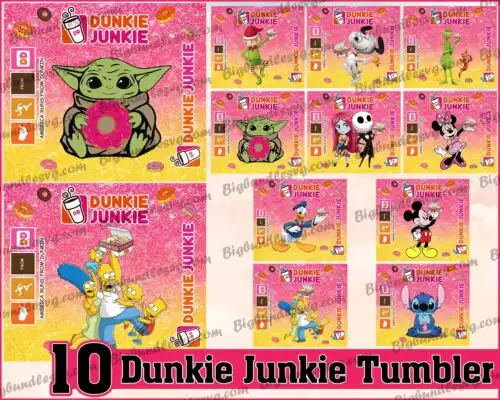
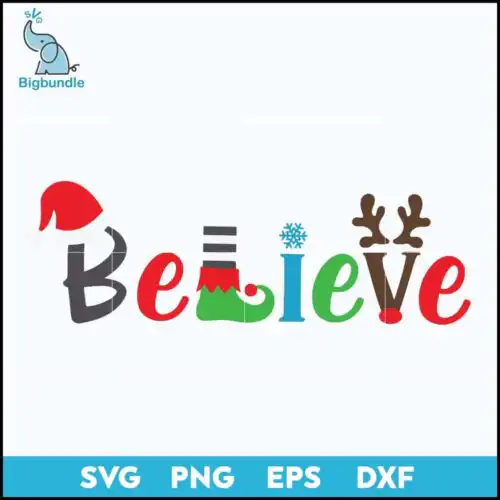
Elf SVG files are cut-ready Christmas designs supplied as SVG, PNG, DXF, EPS and PDF that crafters use to make shirts, mugs, tumblers, ornaments and handmade gifts. These designs are united by a playful cartoon, flat style and classic Christmas subjects — cheerful elves with hats, a snowman, Santa, the Grinch, and funny walking-across-the-crosswalk scenes, plus collage-style movie-themed elements like a car with a tree and cassette tapes. Made for Christmas crafting, they suit family shirts, kids pajamas, mugs, stockings and party decor for anyone who loves funny, lighthearted holiday characters.
Choosing the right design
Start by deciding layered versus single-layer. Layered cut-file designs let you build color with vinyl, while single-color flat designs weed faster and work better for small items like baby onesies, hats and mug decals. For large surfaces like adult shirts and tote bags, bold cartoon elves with thick outlines hold up and press cleanly. For tumblers and ornaments, pick simpler silhouettes without tiny interior cuts. Check the file list on each design — cut-file designs include SVG, DXF, EPS and PDF plus a transparent PNG, and each design shows exactly what is included. Before cutting, mirror HTV, test sizing at 3 to 4 inches wide for mugs and 9 to 11 inches wide for adult shirts, and keep small details above 0.25 inches so they weed easily.
Elf SVG for shirts or mugs which is better
Use bold, single-color or two-color Elf SVG for mugs and tumblers, and fuller cartoon elves for shirts. Small curved surfaces need fewer details and thicker lines so vinyl adheres and doesn't lift. Shirts can handle layered elves with hats, text phrases and extra characters because you have more space. If you press on dark shirts, choose designs with solid fills rather than thin outlines.
Should I use Elf SVG or png file?
Use SVG for vinyl and paper cutting and PNG for printing and sublimation. SVG, DXF, EPS and PDF are vector cut files that scale without quality loss and let you separate layers by color. PNG is a 300 dpi transparent image for sublimation, DTF, and printable vinyl. If the design is a cut-file design it includes both, so you can cut the elf and print the same art for cards.
How to cut layered Elf SVG on Cricut?
Ungroup the layered Elf SVG in Cricut Design Space and cut by color on separate mats. Keep registration by cutting all layers at the same size and using the preview to center them. Press or layer light to dark, letting each vinyl layer cool slightly before adding the next. For Silhouette Studio, use Designer Edition to open SVG directly and use the Layers panel to hide and cut one color at a time.
How to add name to Elf SVG design?
Add a name easily by placing text under or beside the elf and welding. Choose a chunky font that matches the cartoon flat style so it cuts cleanly, then use Offset in Cricut or Offset in Silhouette to create a backing for the name. Keep personalization on a separate layer so you can change names without resizing the elf. For Christmas family sets, duplicate the elf and change only the text layer.
Cut-file designs come with SVG for Cricut and other cutters, plus PNG with transparent background at 300 dpi, DXF, EPS and PDF. Each design lists its own included files on its page, so you can confirm what you need before you buy. PNG works for sublimation and printing when you don't want to cut layers.
Will Elf SVG work with Cricut and silhouette?
Yes. SVG opens directly in Cricut Design Space, Silhouette Studio Designer Edition, Brother ScanNCut, Adobe Illustrator, Inkscape and CorelDRAW. If you only have Silhouette Basic, use the DXF or PNG version. For laser or paper crafts, use SVG or PDF and set your software to keep the layers separate.
Can I sell shirts I make with Elf SVG?
Yes, you can sell finished physical items you make with these files under personal and small-business commercial use. You can make shirts, mugs, tumblers, signs and gifts for sale at markets, Etsy shops and local stores. You may not resell, share or redistribute the digital files themselves as cut files or clipart.