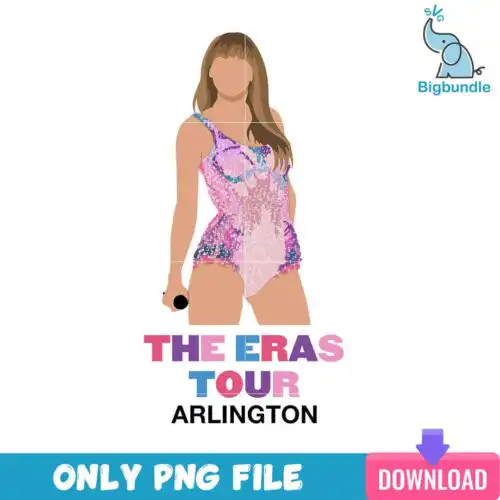
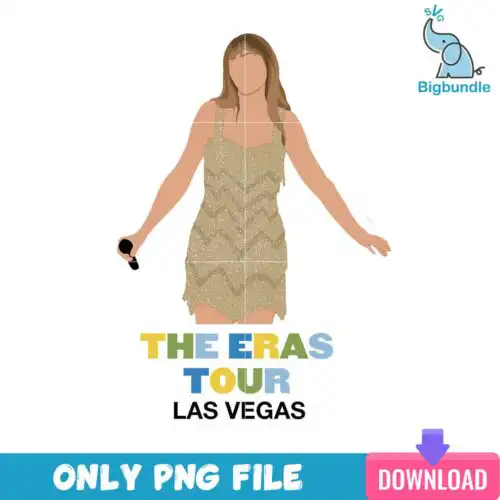
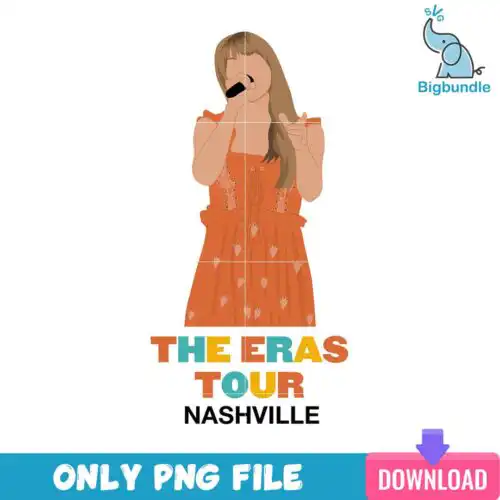
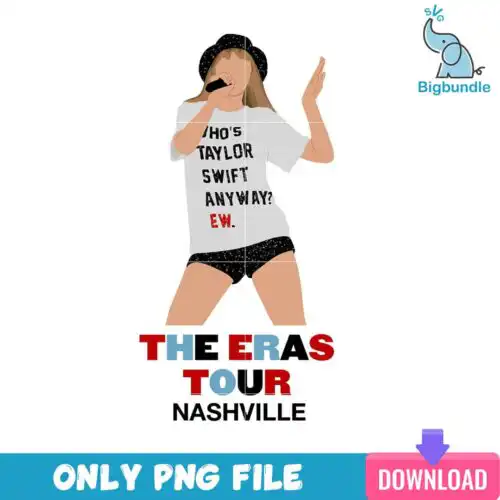
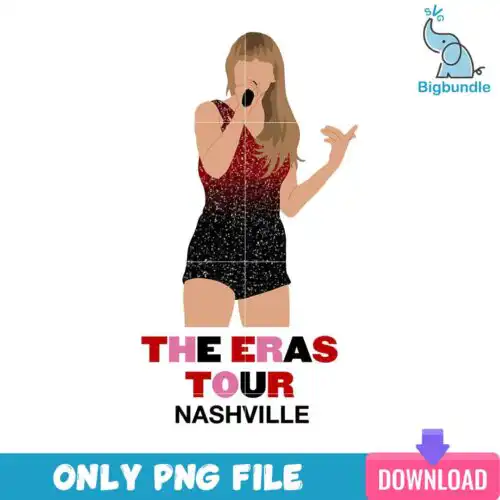
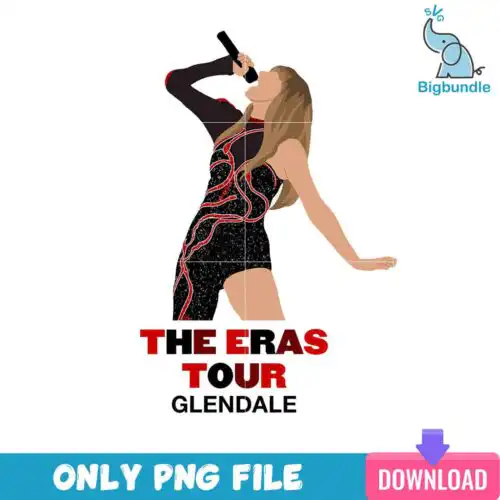
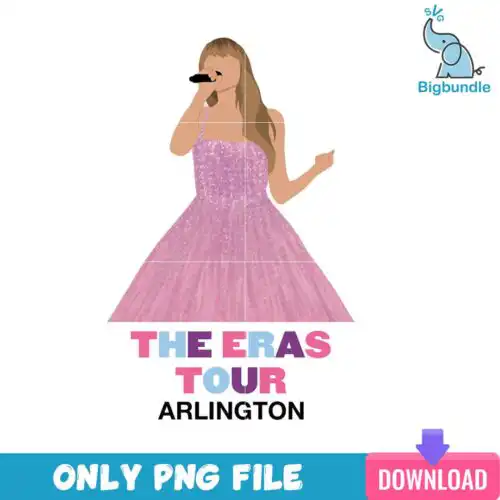
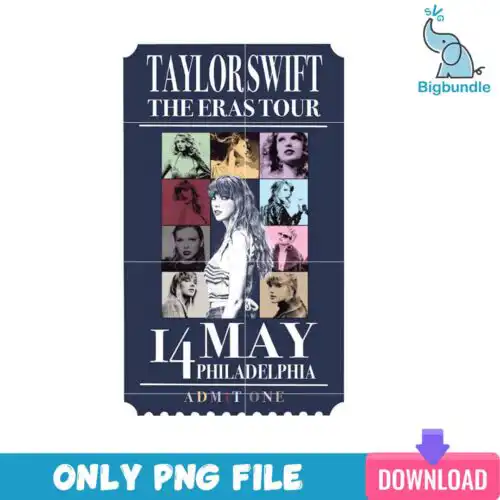
Eras Tour SVG files are cartoon, flat-style cut and print graphics for Christmas, with cut-file designs that include SVG, PNG (300 dpi, transparent), DXF, EPS, PDF and PNG-only designs made for sublimation to create shirts, mugs, tumblers, and holiday decor. These designs are united by playful cartoon characters and Christmas elements, from grid layouts filled with holiday icons and text to collages centered on a green character in a Santa suit surrounded by other characters. They are made for fans crafting Christmas gifts, family matching shirts, party decor, and festive accessories who want that recognizable tour-inspired look in a holiday-ready style.
Choosing the right design
Start by deciding single-layer versus layered. Most of these designs are single-layer flat graphics that cut and weed fast and work well small, while the layered looks need more weeding and are better for larger fronts or sweatshirts. Match the art to the blank: busy grids and collages with text shine on adult shirts, tote bags, and large wood signs where detail reads; smaller, centered motifs with the green Santa-suited character and fewer elements suit baby onesies, youth shirts, mugs, and tumblers. Check the file list before you cut — cut-file designs include SVG, PNG, DXF, EPS, PDF and PNG-only designs are for sublimation and printing, and each design lists its own files. If you press on dark fabric, look for designs that include a solid background layer.
Which Eras Tour SVG is best for shirts vs tumblers or mugs?
Grid and collage designs with text are best for shirts because they fill a large chest area, while centered single-character Christmas motifs are best for tumblers and mugs. Shirts can handle fine text and multiple cartoon elements, but curved mugs and tumblers need simpler silhouettes that won't warp. For drinkware, choose designs with one clear focal point and thicker lines for easier weeding and pressing.
Eras Tour SVG vs png which do I need
Use SVG, DXF, EPS, or PDF when you are cutting vinyl with Cricut, Silhouette, or ScanNCut, and use PNG when you are printing. These cartoon flat designs cut cleanly as SVG, while the 300 dpi transparent PNG is for sublimation, DTF, and print-then-cut. Cut-file designs include SVG, PNG, DXF, EPS, PDF and PNG-only designs are for sublimation and printing, and each design lists its own files.
How to cut layered Eras Tour SVG on Cricut or silhouette?
Cut layered versions by color in Cricut Design Space or Silhouette Studio Designer Edition. Import the SVG, ungroup by color, mirror if using HTV, and cut each flat color layer separately on the right material setting. Weed, then press or layer from background to foreground, tacking each layer for 2-3 seconds. For these cartoon Christmas elements, keep the transfer tape light so small eyes and snowflakes stay aligned.
What size should Eras Tour SVG be for adult youth baby shirts?
Adult: 10 to 11.5 inches wide for front chest, youth: 7.5 to 9 inches, baby: 4.5 to 6 inches, adjusted for flat cartoon detail. Grid-style Christmas designs need to stay large enough to keep small text readable, so avoid going under 9 inches for those on adult shirts. For pocket or sleeve versions of the Santa-suited character motifs, scale to 3 to 4 inches for all sizes and simplify tiny elements.
What file types come with these Eras Tour SVG designs?
It varies by design, and each design lists its own files. Cut-file designs include SVG, PNG (300 dpi, transparent), DXF, EPS, PDF for vinyl cutting and print-and-cut, while PNG-only designs are high-resolution PNGs for sublimation and DTF printing. If you need SVG for Cricut or Silhouette, check that the specific design includes it before you buy.
Will these work with Cricut, Silhouette, and sublimation printers?
Yes. The cut files work with Cricut Design Space, Silhouette Studio Designer Edition, Brother ScanNCut, Adobe Illustrator, Inkscape, CorelDRAW, Canva, and Photoshop, and the PNGs work with sublimation printers like Epson and Sawgrass and with DTF and print-and-cut workflows. Choose SVG, DXF, EPS, or PDF for cutting and transparent PNG for sublimation.
Can I sell shirts and mugs I make with these designs?
Yes, you can sell finished physical items like shirts, mugs, tumblers, and holiday decor you make with them under personal and small-business commercial use. You cannot resell, share, or redistribute the digital files themselves as cut files or prints. Keep the licence file for your records if you sell at markets or online shops.