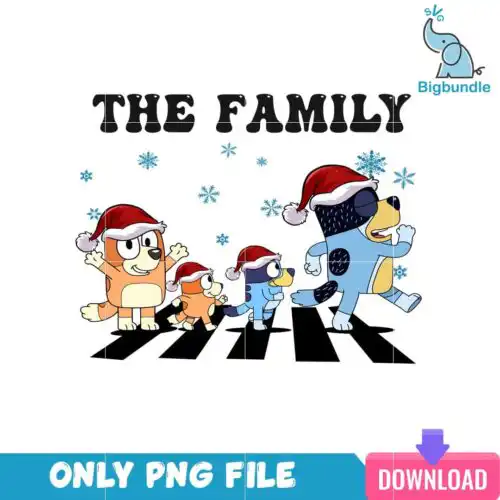
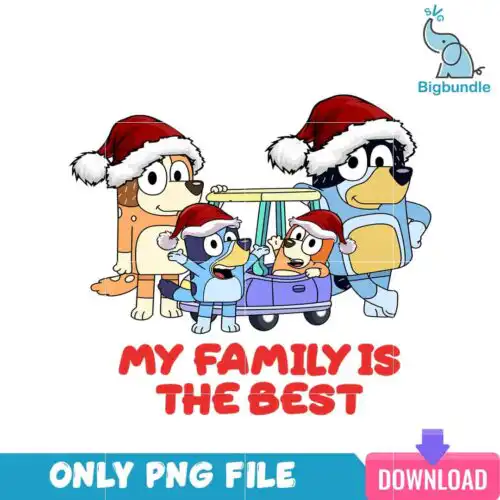
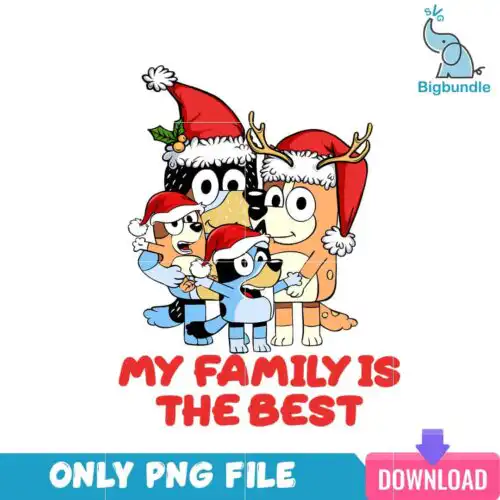
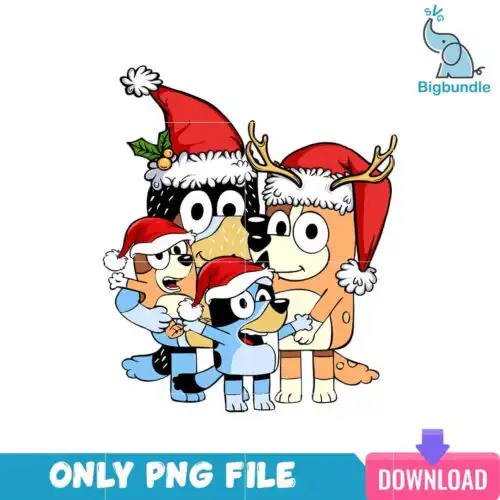
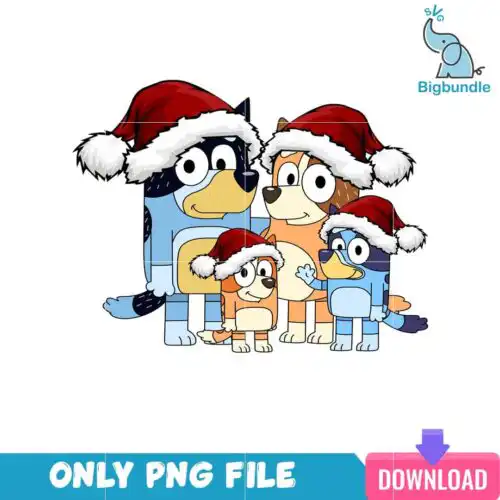
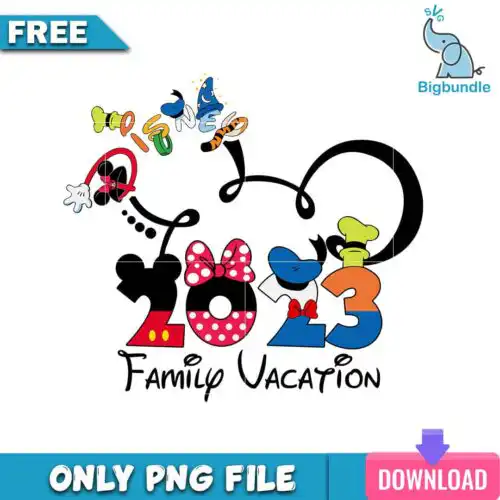
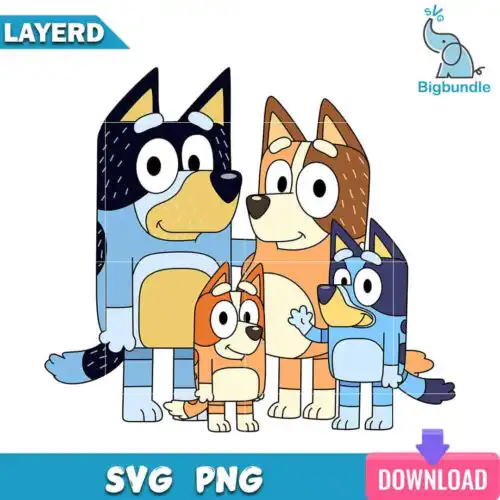
Family SVG files are cut-file and print-ready graphics for family-themed projects, where cut-file designs include SVG, PNG (300 dpi, transparent), DXF, EPS, PDF and PNG-only designs include PNG (300 dpi, transparent background), made for shirts, tote bags, mugs, tumblers and party decor. These designs are united by a family focus – think matching sets, group looks, kid-favorite characters and trip and birthday ideas that work across ages, in mixed subjects and mixed styles for year-round use. They are made for makers creating coordinated outfits for vacations, birthdays and everyday wear, plus gifts and keepsakes that celebrate the whole crew. Each design lists its own included files, so you can pick what fits your machine and press.
Choosing the right design
Start by how you want to make it. For vinyl, choose layered cut-file designs where colors are already separated – they cut clean and press in steps. For sublimation or DTF, choose PNG designs with 300 dpi transparent backgrounds. Next, match scale to the blank. Simple, bold shapes with thicker lines read better on baby onesies, small mugs and left-chest logos, while detailed bundles with lots of little elements shine on adult tees, tote bags and large gift boxes. Check before you cut: open the file list for that design to confirm it includes the format you need, test size on a blank template for adult, youth and baby sizing, mirror for heat-transfer vinyl, use the right transfer sheet for your press, and do a quick weeding test on intricate parts. Stick to year-round palettes if you want rewearable family sets.
Family SVG for shirts vs mugs what works best
Use bold, single or two-color Family SVG designs for mugs and tumblers and save detailed bundles for shirts. Small curved surfaces need less weeding and fewer tiny pieces, so simple silhouettes press cleaner and last longer. For shirts you have more space, so layered group graphics, stacked names and character-inspired sets hold up and are easier to align across adult, youth and baby sizes.
Should I use SVG or PNG for Family SVG?
Use SVG for vinyl and use PNG for sublimation and print-then-cut. SVG scales without losing edges and keeps layers editable in Cricut Design Space, Silhouette Studio Designer Edition and Illustrator. PNG at 300 dpi with transparent background is ready to print for sublimation printers like Epson and Sawgrass, DTF workflows, Canva and Photoshop, and it keeps soft shading that vinyl cannot cut.
How to cut layered Family SVG with Cricut?
Cut layered Family SVG by color and press from the bottom layer up. Import the SVG, ungroup to check colors, size for your blank, mirror only the heat-transfer vinyl layers, cut on the correct material setting and weed. Press the base layer for 2-3 seconds to tack, add the next layer, and finish with a full press using a heat pillow to avoid seams. Use the included DXF, EPS or PDF if your software prefers them.
What size should Family SVG be for adult kids baby shirts?
Size Family SVG at 10 to 11 inches wide for adult tees, 7 to 8.5 inches for youth, and 5 to 6 inches for baby. That keeps proportions matched across the group while leaving room for seams. Scale the whole group graphic together so spacing stays consistent, and reduce detail by 10-15% for baby sizes so tiny pieces do not lift after washing.
Cut-file designs include SVG, PNG (300 dpi, transparent), DXF, EPS, PDF and PNG sublimation designs include PNG (300 dpi, transparent background). Each design lists its own files on its product page, so check there before you buy to confirm you have the format your workflow needs.
Will these work with Cricut, Silhouette and sublimation?
Yes. Cut files work with Cricut Design Space, Silhouette Studio Designer Edition, Brother ScanNCut, Adobe Illustrator, Inkscape and CorelDRAW. PNG files at 300 dpi work for sublimation printers including Epson and Sawgrass, DTF and print-and-cut workflows, Canva and Photoshop. Always check the file list for the specific design you choose.
Can I sell shirts and mugs I make with these?
Yes for finished physical items under personal and small-business commercial use. You can sell shirts, mugs, tumblers, totes and other handmade goods you produce. You cannot resell, share or redistribute the digital files themselves as files, as bundles or as part of another digital product.