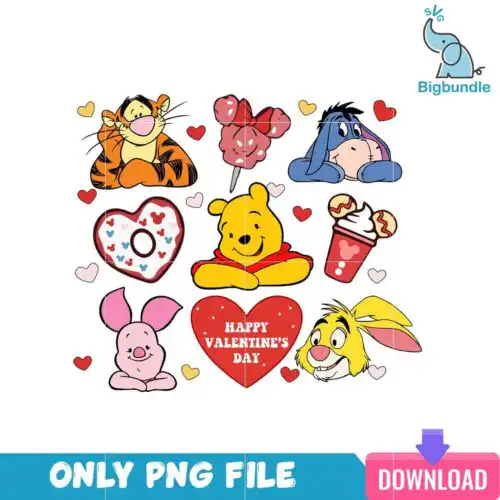
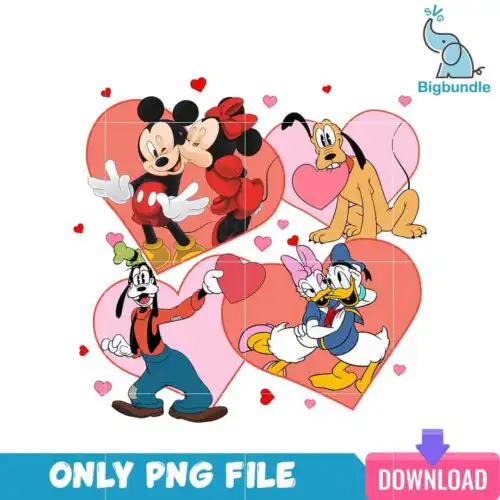
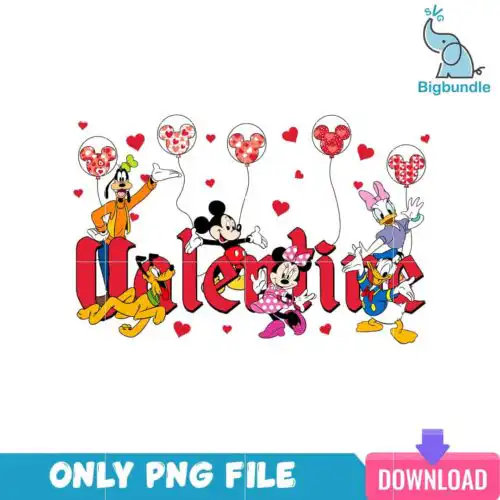
Friends SVG are cut files and printable artwork available as SVG, PNG, DXF, EPS, and PDF for making Christmas shirts, mugs, tumblers, and holiday gifts. These designs are united by groups of cartoon characters and animals shown together in different poses, many wearing festive attire like Santa hats and winter sweaters. The look across the group is cartoon and flat, clean enough to cut small and bold enough to read on a shirt. They are made for crafters who love holiday group graphics for family matching tees, kids' pajamas, party favors, and cheerful decor.
Choosing the right design
Start with how you want to make it. If you are cutting vinyl or paper, choose the layered cut-file versions that include SVG, DXF, EPS, and PDF plus a transparent PNG for preview. If you are sublimating or using DTF and print-and-cut, choose the PNG-only versions made for printing. For small items like mugs, baby onesies, or left chest logos, look for simpler flat silhouettes with fewer tiny pieces. For adult tees and sweatshirts, you can use the more detailed group poses with festive outfits. Before you cut, check each design's file list on its own page, test the size at 100% on your mat, and weed from the inside out so small festive details stay clean.
Which Friends SVG works best for shirts vs mugs?
Shirts suit the full group poses, mugs and tumblers suit tighter cropped clusters. For adult and youth shirts you have space for several cartoon characters and animals together, so the festive group illustrations fill the chest well. For mugs, tumblers, and small gift tags, pick designs with fewer characters and more open space so faces and hats stay readable when wrapped around a curve.
Friends SVG vs png which should I use
Use SVG for vinyl and paper cuts, use PNG for sublimation and printing. Cut-file designs include SVG, PNG, DXF, EPS, and PDF for cutting machines, while PNG-only designs are 300 dpi transparent files made for sublimation and DTF. If your design design shows both, you get the choice. Always check the file list for that design to see what is included.
How to cut layered Friends SVG on Cricut or silhouette?
Cut layered Friends SVG by color in Cricut Design Space or Silhouette Studio Designer Edition. Upload the SVG, ungroup by color, cut each color on its own mat, and layer from the largest background up. Use a weeding tool for small festive details like hats and eyes, and press with medium heat if you are using HTV. PNG-only versions do not need layering, just print and press.
What size should Friends SVG be for adult youth baby shirts?
Make Friends SVG 10 to 12 inches wide for adult shirts, 8 to 9 inches for youth, and 5 to 6 inches for baby and toddler shirts. Those sizes keep cartoon characters and festive details clear without overcrowding the shirt. For a left chest, drop to 3.5 to 4 inches. Always do a quick test cut in paper to check pose height before cutting vinyl.
It depends on the design. Cut-file designs include SVG plus PNG with transparent background at 300 dpi, DXF, EPS, and PDF. PNG sublimation designs are PNG at 300 dpi with a transparent background for printing. Each design lists exactly what files you get, so check that list before you buy.
Will these Friends SVG work with Cricut, Silhouette, and sublimation printers?
Yes. SVG, DXF, and PNG work with Cricut Design Space, Silhouette Studio Designer Edition, Brother ScanNCut, Illustrator, Inkscape, CorelDRAW, Canva, and Photoshop. PNG files at 300 dpi work with sublimation printers like Epson and Sawgrass and with DTF and print-and-cut workflows.
Can I sell what I make with these Friends SVG?
Yes for finished physical products under personal and small-business commercial use. You can sell finished shirts, mugs, tumblers, and gifts you make. You cannot resell, share, or redistribute the digital files themselves as files or as part of another digital bundle.