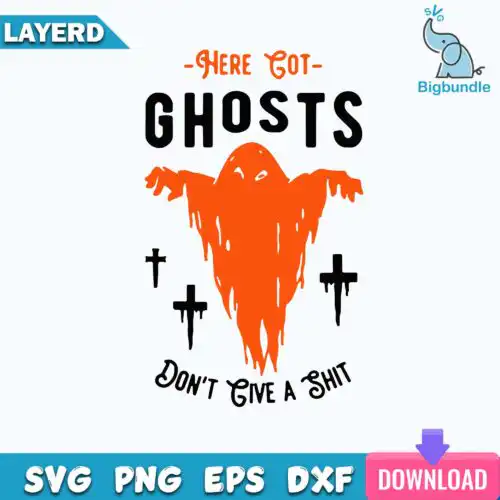
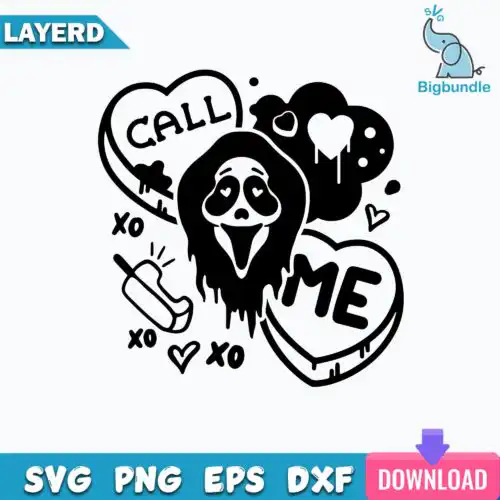
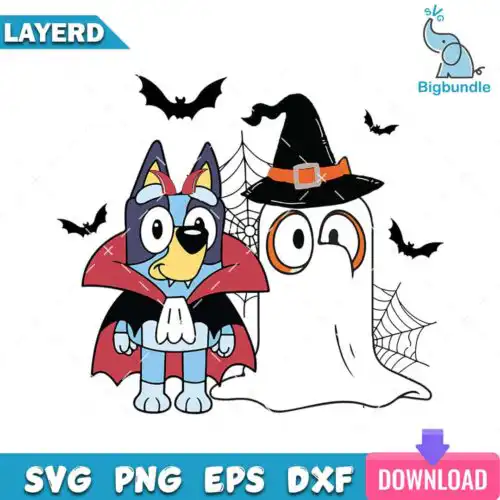
Ghost SVG files are cut and print-ready designs that come as SVG cut files with PNG, DXF, EPS and PDF, or as PNG sublimation files, for making shirts, tumblers, mugs, tote bags, stickers and party decor. These designs are united by ghost imagery but span mixed subjects and mixed styles, from cute and retro smiley ghosts to scream-inspired, spooky and funny takes. Because the vibe ranges from sweet to horror, they work year-round for Halloween crafting, Valentine horror tumblers, fall apparel, nurse humor, kids tees and everyday spooky-season style. Each design shows its included files so you can pick print-only or full cut-file sets.
Choosing the right design
Choosing between these designs comes down to detail level, layering and end use. Single-layer silhouettes cut cleanest for small placements like baby onesies, pocket logos, sleeves and glitter vinyl where weeding tiny pieces gets tricky. Layered or multi-color versions shine on larger surfaces like adult shirts, tote bags and wood signs where the layers have room to register. For mixed styles, check the line weight: retro and cute ghosts with chunky outlines hold up on dark or textured blanks, while fine-line or distressed horror styles need a larger size and smooth vinyl to avoid tearing. Before you cut, open the SVG in Cricut Design Space or Silhouette Studio Designer Edition to confirm layers are grouped by color, mirror for HTV if needed, and do a test cut at your planned size. Cut-file designs include SVG, PNG, DXF, EPS and PDF, while PNG-only designs are for sublimation and DTF printing.
Ghost SVG for shirts or tumblers which is better
Both work, just pick the right file type for the method. Use SVG, DXF or EPS cut-file versions for HTV or vinyl shirts, and use 300 dpi transparent PNG for sublimation tumblers, mugs and direct-to-film. Shirts need clean cut lines and limited colors for easy weeding, while tumblers handle detailed PNG shading and all-over wraps better. If you want the same ghost on both, choose a cut-file design that includes both SVG and PNG.
Ghost SVG vs png which should I use
Use SVG when you need to cut vinyl and resize without losing quality, and use PNG when you need to print. SVG, DXF, EPS and PDF are for cutting machines, while PNG at 300 dpi with transparent background is for sublimation printers, DTF, print-then-cut and Canva or Photoshop mockups. Cut-file designs include SVG plus PNG and other cutting formats, and PNG-only designs are made for sublimation and printing, so check what each design lists before you buy.
How to cut layered Ghost SVG on Cricut?
Ungroup by color and cut each color on its own mat. Import the SVG into Cricut Design Space, use Contour to hide any unwanted parts, size the whole design first, then duplicate and hide layers to cut layer by layer. Mirror the mats for HTV, weed small ghost eyes and smiles carefully, and press the base layer for 2-3 seconds to tack before adding the next. Keep layered versions above 4 inches wide for easier alignment.
What size should Ghost SVG be for adult vs kids shirts?
Scale by placement, not just shirt size. For adult unisex tees, 10 to 11 inches wide for full front, 3.5 inches for left chest, 8 to 9 inches for youth, and 5 to 6 inches for toddler and 3 to 4 inches for baby onesies works well. Cute and simple ghosts can go smaller because they weed clean, while retro or horror ghosts with extra text or shading need to stay larger to keep details readable after pressing.
Cut-file designs include SVG for cutting, plus PNG at 300 dpi with transparent background, DXF, EPS and PDF for compatibility with different cutters and print-and-cut workflows. PNG sublimation designs are PNG only at 300 dpi with transparent background for sublimation, DTF and other printing. Each design page lists exactly which files are included, so you can confirm before you make.
Can I use Ghost SVG files with Cricut and Silhouette?
Yes. Cut-file versions work with Cricut Design Space, Silhouette Studio Designer Edition, Brother ScanNCut, Adobe Illustrator, Inkscape, CorelDRAW, Canva and Photoshop for cutting or print-then-cut. PNG versions work with sublimation printers like Epson and Sawgrass and DTF workflows. If your Silhouette is the free Basic Edition, use the DXF or PNG from the set.
Can I sell shirts and tumblers I make with Ghost SVG files?
Yes, for personal and small-business commercial use. You can sell finished physical items like shirts, tumblers, mugs, signs and stickers you make with these designs. You cannot resell, share or redistribute the digital files themselves as files, templates or as part of another digital bundle. The licence allows finished products, not file resale.