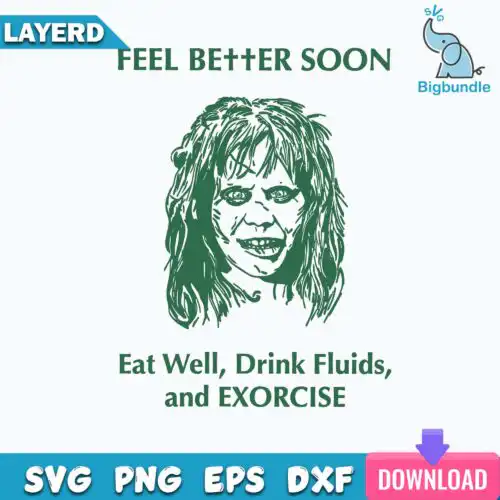
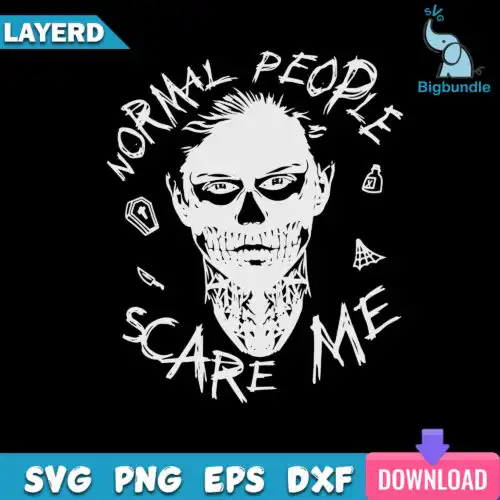
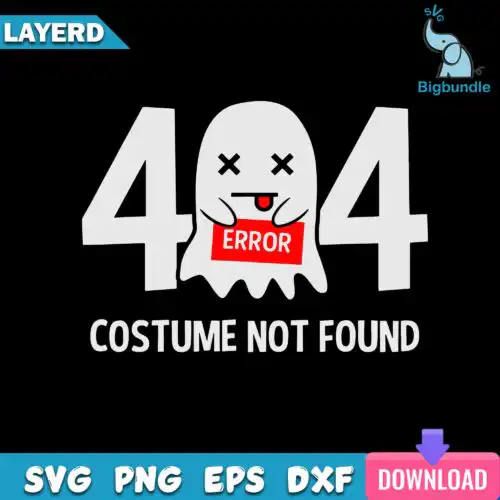
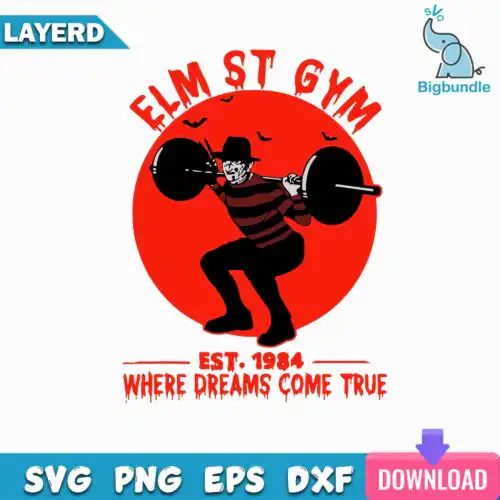
Halloween SVG files are cut and print designs that come as SVG, PNG, DXF, EPS, PDF and PNG sublimation files for making shirts, tumblers, mugs, tote bags, signs and party decor. These designs are united by spooky season energy, from character-inspired silhouettes, quotes and themed elements to pumpkins and gourds paired with fall quotes. You'll find cartoon, flat, line-art, retro, gothic and chibi styles that work for Halloween but also stretch into Thanksgiving, autumn, birthdays and year-round crafting. Made for makers who want variety, not just one look, they cover cute green creatures, holiday mashups and edgy coffee-cup motifs for every kind of project.
Choosing the right design
Choose by how you plan to make it. Single-layer designs in flat or line-art cut cleanest on small items like baby onesies, mugs and favor bags, while layered cartoon, retro and gothic designs with separate colors pop on adult shirts and wood signs. Chibi and highly detailed silhouettes need more weeding, so size them up at least 8-10 inches wide for shirts and simplify for tumbler wraps. If you work with vinyl, look for layered SVG, DXF, EPS and PDF with clean lines. If you do sublimation or DTF, pick PNG designs with transparent backgrounds. Always check the files listed on the design itself before you buy, and mirror for HTV.
Which Halloween SVG designs are best for shirts vs tumblers?
Bold flat, retro and cartoon quote designs are best for shirts, while tall, narrow gothic and line-art designs fit tumblers and mugs. For shirts you want wide silhouettes that read from a distance, especially character-inspired elements and pumpkin groupings. For tumblers and skinny cups, choose vertical layouts, single-color silhouettes and chibi motifs that wrap without heavy layering or tiny text.
Halloween SVG vs png what should I use
Use SVG, DXF, EPS and PDF when you are cutting vinyl with Cricut or Silhouette, and use PNG when you are printing. Cut-file designs include SVG plus PNG, DXF, EPS and PDF for vinyl, paper and laser cutting. PNG-only designs are made for sublimation and print-and-cut at 300 dpi with a transparent background. Each design lists its own included files, so check before you choose.
How to cut layered Halloween SVG on Cricut?
Cut layered Halloween SVG files by ungrouping colors in Cricut Design Space and cutting each layer separately on the matching vinyl. Keep the base layer intact and use registration marks to layer from the bottom up, pressing or tacking between layers. For designs with many small pieces like character-inspired silhouettes or gothic details, weed on a lighted surface and use transfer tape for precise placement.
How to size Halloween SVG for adult youth and baby shirts?
Size adult Halloween designs to 10-11 inches wide, youth to 8-9 inches, and baby to 5-6 inches for a balanced chest print. Scale down line-art and retro designs by 10% to avoid stiff prints, and scale up chibi and detailed cartoon designs to keep small eyes and accessories from getting lost. Always do a test cut on paper for intricate pumpkins, gourds and quote layouts.
What file formats come with these Halloween SVG designs?
SVG cut-file designs include SVG, PNG at 300 dpi with transparent background, DXF, EPS and PDF. PNG sublimation designs include PNG at 300 dpi with transparent background only for sublimation, DTF and print-and-cut. The exact files for each design are shown on that design before you buy.
Will these Halloween SVG files work with Cricut and Silhouette?
Yes. Cut-file designs work with Cricut Design Space, Silhouette Studio Designer Edition, Brother ScanNCut, Adobe Illustrator, Inkscape, CorelDRAW, Canva and Photoshop. PNG designs work with sublimation printers including Epson and Sawgrass, plus DTF and print-and-cut workflows. Check your machine's software for layered SVG support.
Can I sell what I make with these Halloween SVG files?
Yes, under personal and small-business commercial use. You can sell finished physical items like shirts, tumblers, mugs, signs and decor you make. You cannot resell, share or redistribute the digital files themselves as-is or as part of another bundle or template.