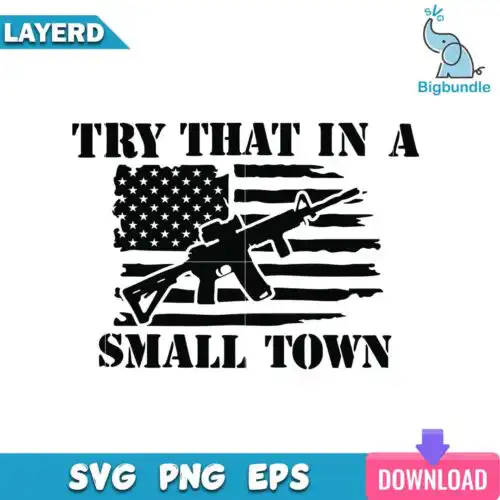
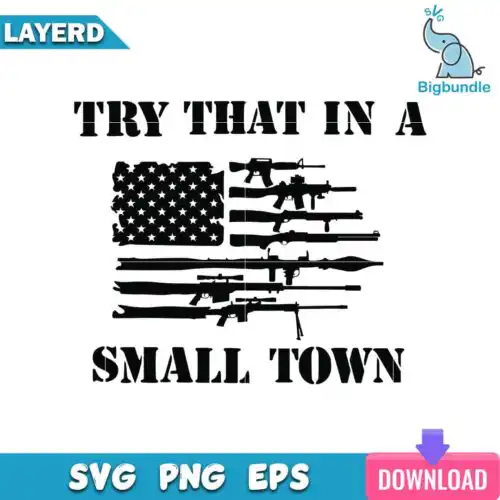
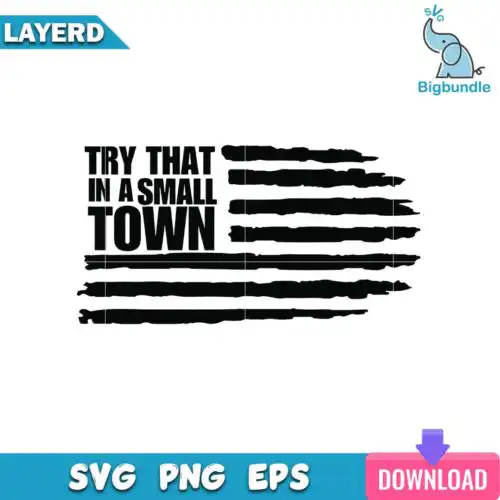
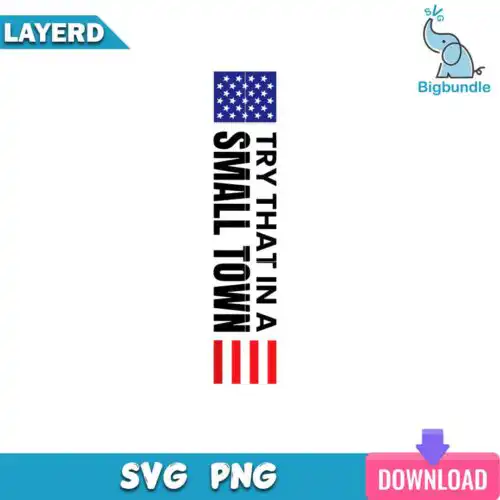
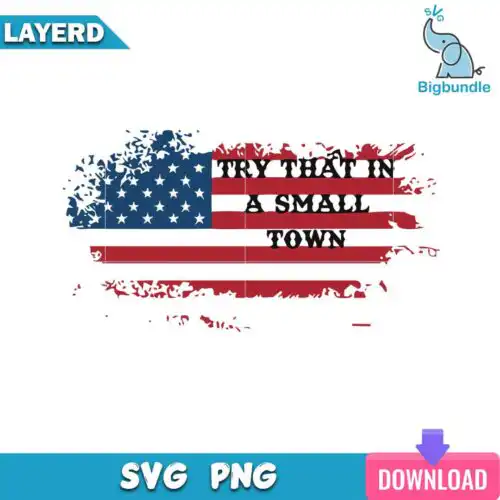
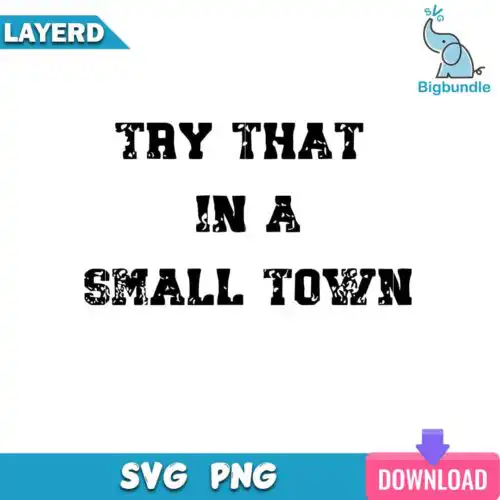
Jason Aldean SVG files are cut files and sublimation graphics for making shirts, tumblers, mugs and decals, with cut-file designs including SVG, PNG, DXF, EPS and PDF and PNG-only designs as 300 dpi transparent PNG for printing. These designs are united by a country music fan theme inspired by Jason Aldean, covering a mixed range of subjects and styles so you can match different projects. You will find distressed textures, bold lettering, vintage western motifs and clean monograms that work year-round for personal gifts, small-business apparel, drinkware and everyday accessories.
Choosing the right design
Most of these are single-layer designs built to cut or print without weeding tiny pieces, which makes them fast for bulk shirt runs and small items like mugs. When a design is layered, use it for larger fronts or back designs where the extra detail stays readable. Check the file list before you buy — cut-file designs include SVG, PNG, DXF, EPS and PDF, while PNG-only designs are 300 dpi transparent PNG for sublimation and DTF. For dark or textured shirts, choose a bolder, less distressed version. For tumblers and small chest logos, pick simpler outlines. Always mirror for HTV, test size at 100% on paper, and weed from the inside out on intricate letters.
Which Jason Aldean SVG designs work best for shirts vs tumblers?
Tumblers need simple, tall and narrow art with fewer fine lines, while shirts can handle wider, more distressed graphics. For tumblers and mugs, choose cleaner lettering and compact icons that wrap without distortion. For shirt fronts and backs, the more textured and layered mixed styles read better at 10 to 12 inches wide and hold up after washing.
Jason Aldean SVG vs png which file should I use
Use SVG for vinyl cutting and PNG for printing. SVG, DXF, EPS and PDF are cut-file formats that scale to any size for Cricut, Silhouette and other cutters, while PNG is a 300 dpi image with a transparent background for sublimation, DTF and print-then-cut. Each design shows its own files, so cut-file designs include SVG and related formats and PNG-only designs are for printing.
How to cut layered Jason Aldean SVG with Cricut?
Cut layered versions by ungrouping in Cricut Design Space and cutting each color on its own mat. Keep the design at 11 inches for adult shirts so small gaps do not close, use the contour tool to hide extra layers if you want a one-color cut, and press or layer from the bottom up. Works the same in Silhouette Studio Designer Edition, Brother ScanNCut, Illustrator, Inkscape and CorelDRAW.
What size should Jason Aldean SVG be for adult youth and baby shirts?
Size adult fronts to 10 to 11.5 inches wide, youth to 8 to 9 inches, and baby or toddler to 5 to 6 inches. Keep distressed details at least 0.08 inch thick so they do not break up when weeding. If you are pressing on stretchy blanks, reduce by 0.25 inch to avoid edge lift, and always do a test cut of the smallest letter before committing.
What file formats come with Jason Aldean SVG designs?
Cut-file designs include SVG, PNG at 300 dpi transparent, DXF, EPS and PDF. PNG sublimation designs are PNG only at 300 dpi with transparent background for sublimation, DTF and print workflows. Check the file list on each design, as not every design includes all formats.
Do these work with Cricut and Silhouette machines?
Yes. These files work with Cricut Design Space, Silhouette Studio Designer Edition, Brother ScanNCut, Adobe Illustrator, Inkscape, CorelDRAW, Canva, Adobe Photoshop and sublimation printers including Epson and Sawgrass plus DTF and print-and-cut workflows. Use SVG or DXF for cutting and PNG for sublimation or printing.
Can I sell shirts and tumblers I make with these files?
Yes, for personal and small-business commercial use. You can sell finished physical items like shirts, tumblers and mugs you make with the files. You cannot resell, share or redistribute the digital files themselves as files, and you cannot claim them as official or licensed merchandise.