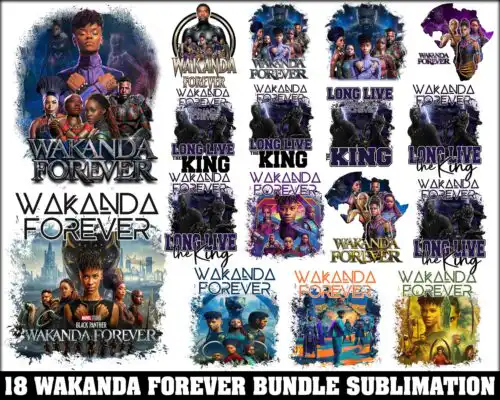
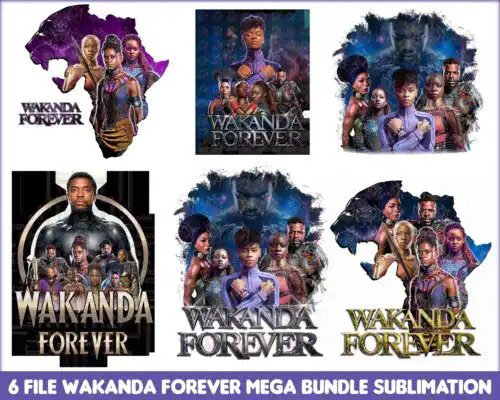
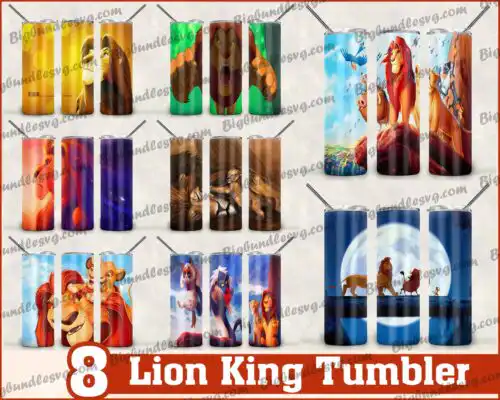
King SVG files are cut and print designs for royalty themes that come as SVG cut files with PNG, DXF, EPS and PDF, or as PNG-only sublimation designs with transparent backgrounds, and people use them to make shirts, tumblers, mugs, onesies, signs and party decor. These designs share a focus on kings, crowns and bold lettering, with a mix of clean silhouettes, distressed textures, layered text looks and detailed illustrated styles for year-round use. If you craft for birthdays, family matching sets, or statement streetwear, you will find options here for both minimal one-color cuts and full-color prints that hold up on dark and light materials.
Choosing the right design
Choose by how you plan to make it. For heat-transfer vinyl, pick single-layer or solid silhouette versions with clean lines and open centers – they weed fast and press well on small items like baby onesies, hats and mugs. For larger pieces like adult shirts, hoodies and signs, layered or textured versions give you depth without adding complexity. Check each design's file list before you buy: cut-file designs include SVG, PNG, DXF, EPS and PDF, while PNG-only designs are 300 dpi transparent files made for sublimation and DTF print workflows. If you need to resize, test the smallest element at your final size and keep fine details above 0.25 inches. For dark fabrics, favor bold shapes or print-ready PNGs over thin distress.
King SVG for shirts or tumblers which is better
Both work, pick by method. For shirts use SVG cut files for HTV or DTF and look for bold silhouettes with few tiny islands. For tumblers and mugs use PNG sublimation designs with 300 dpi transparent backgrounds so the wrap covers cleanly without weeding. Cut-file versions also work on tumblers if you want vinyl decals.
Do I need svg or png for King SVG?
You need SVG for vinyl cutting and PNG for printing. SVG, DXF and EPS are for Cricut, Silhouette and other cutters, while PNG is for sublimation, DTF and print-then-cut. These designs are mixed: cut-file designs include SVG, PNG, DXF, EPS and PDF, and PNG-only designs are sublimation files listed with their own included files, so always check the file list on the design you choose.
How to cut layered King SVG on Cricut?
Use Cricut Design Space to separate colors and cut layer by layer. Upload the SVG, ungroup if needed, and cut each color on its own mat. Mirror for HTV, press from the bottom layer up with light tack, and use parchment to avoid overheating previous layers. For single-layer versions, use contour to hide inner details if you want a solid base.
What size should King SVG be for shirts?
Size by placement, not just shirt size. For adult tees, use 10 to 11 inches wide for chest designs and 3.5 inches for pocket hits. For youth, go 7 to 8 inches, and for baby onesies, keep it to 4 to 5 inches and choose simpler silhouettes. For tumblers, size the PNG to your wrap template, usually 9.3 x 8.2 inches for 20oz straight, and test print on paper first.
It depends on the design type. SVG cut-file designs include SVG plus PNG with transparent background at 300 dpi, DXF, EPS and PDF. PNG sublimation designs are PNG-only at 300 dpi with transparent background for sublimation, DTF and print-and-cut workflows. Each design lists its exact files on its own page.
Will these work with Cricut and Silhouette?
Yes. SVG files work in Cricut Design Space, Silhouette Studio Designer Edition, Brother ScanNCut, Adobe Illustrator, Inkscape and CorelDRAW. PNG files work in sublimation printers, DTF workflows, Canva and Photoshop for mugs, tumblers and shirts. Always ungroup and check sizing after upload.
Can I sell shirts I make with King SVG files?
Yes for small-business commercial use. You can sell finished physical items like shirts, tumblers and signs you make yourself. You cannot resell, share or redistribute the digital files themselves, and you cannot claim the artwork as your own or as official licensed merchandise.