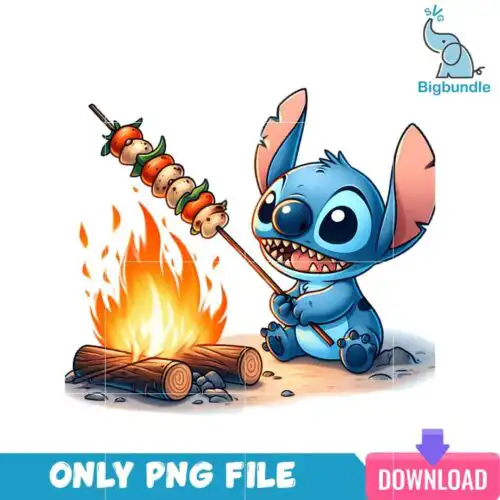
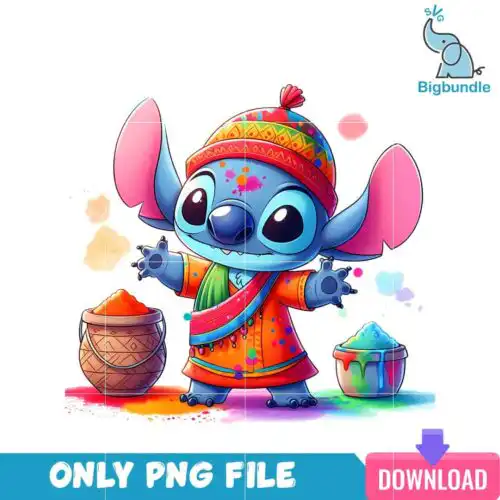
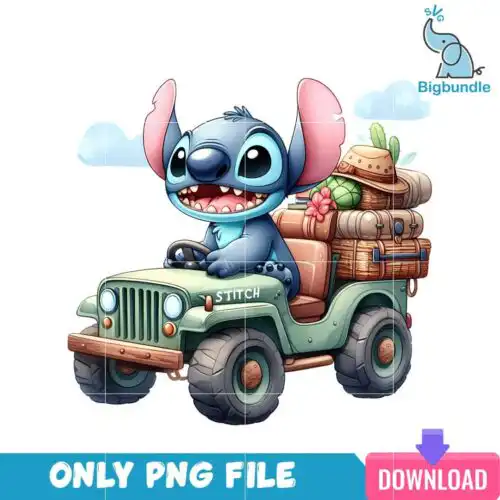
Lilo and Stitch SVG files are cartoon, flat-style cut and print designs that come as SVG cut-file sets including SVG, PNG, DXF, EPS, PDF or as PNG-only sublimation sets with 300 dpi transparent PNGs for shirts, mugs, tumblers, stickers and holiday decor. These designs are united by a playful Christmas focus, centered on a green alien-like creature in a santa hat and scarf holding a switch, surrounded by christmas elements. They are drawn in simple cartoon, flat shapes that cut clean and print bright, made for makers who want cute, festive holiday projects with instant holiday recognition.
Choosing the right design
All of these designs share the same Christmas cartoon look, so choose by how you plan to make it. For vinyl, look for layered cut-file sets — cut-file designs include SVG, PNG, DXF, EPS, PDF, while PNG-only designs are for sublimation and printing, and each design lists its own files. Single-color flat versions press fast and weed easy, ideal for small items like mugs, baby onesies and tumbler decals. Layered versions with the scarf, hat and light details suit larger fronts like adult tees and tote bags. Before you cut, check if the design has tiny switch details that need weeding, resize to 10-11 inches wide for adults, 7-8 inches for youth, and mirror for HTV.
Lilo and Stitch SVG for shirts vs mugs and tumblers
For shirts use layered or bold flat versions with fewer tiny pieces, for mugs and tumblers use single-layer flat versions. Shirts can handle the full scene with the green alien-like creature in santa hat and scarf holding a switch surrounded by christmas elements, while small curved surfaces need a simplified silhouette so the switch and scarf still read. Pick a wide, low design for mugs to avoid wrapping distortion.
Should I use SVG or PNG for Lilo and Stitch SVG?
Use SVG for vinyl cutting and PNG for sublimation and print-and-cut. SVG keeps the cartoon, flat edges crisp at any size in Cricut Design Space or Silhouette Studio, perfect for the santa hat and christmas elements. PNG with 300 dpi transparent background is ready to sublimate or DTF print without tracing. Cut-file designs include SVG, PNG, DXF, EPS, PDF and PNG-only designs are for sublimation and printing.
How to cut layered Lilo and Stitch SVG on Cricut?
Cut layered versions by color and press or layer from back to front. Ungroup the file in Cricut Design Space, cut the base green shape first, then the red santa hat, white scarf trim and black switch details. Use everyday iron-on at 315F for 15 seconds, warm peel, and let each layer cool before adding the next to keep the flat cartoon look sharp.
What size should Lilo and Stitch SVG be for shirts?
Size adult shirts at 10 to 11 inches wide, youth at 8 to 9 inches, baby at 5 to 6 inches. That keeps the green alien-like creature in santa hat and scarf recognizable without losing the small switch in the hand. For pocket logos or sleeve prints, resize to 3 to 4 inches and choose a solid flat version without the surrounding christmas elements to keep weeding simple.
It depends on the design type. Cut-file designs include SVG, PNG (300 dpi, transparent), DXF, EPS, PDF. PNG-only sublimation designs include PNG (300 dpi, transparent background) for printing. Each design lists its own files on its product page, so check there before you buy.
What machines work with these files?
Cut files work with Cricut Design Space, Silhouette Studio Designer Edition, Brother ScanNCut, Adobe Illustrator, Inkscape and CorelDRAW. PNG files work with sublimation printers like Epson and Sawgrass, DTF and print-and-cut workflows, Canva and Adobe Photoshop.
Can I sell what I make with Lilo and Stitch SVG?
Yes, for personal and small-business commercial use. You can sell finished physical items like shirts, mugs and tumblers. You cannot resell, share or redistribute the digital files themselves. The name in the keyword is used to describe the style of artwork, not as a claim of official or licensed status.