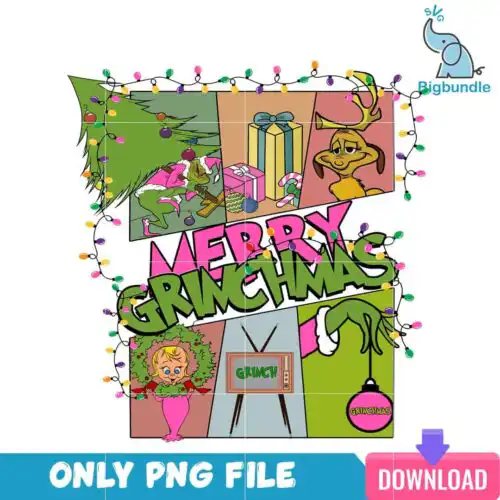
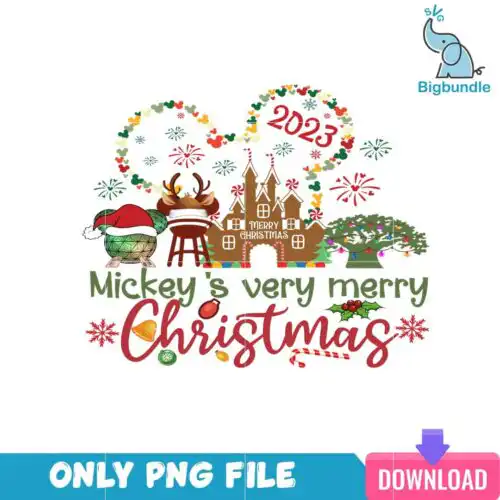
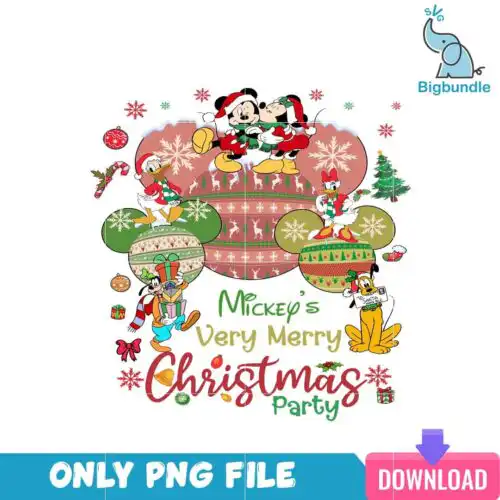
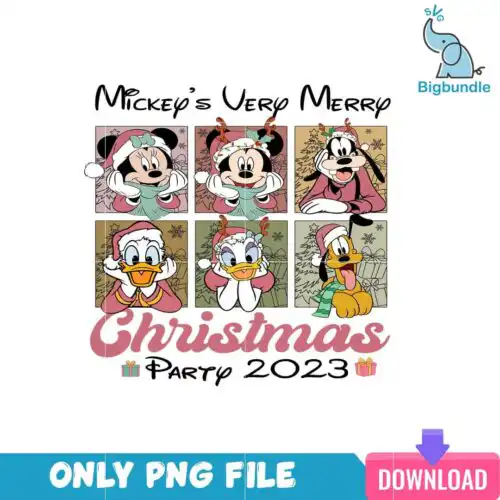
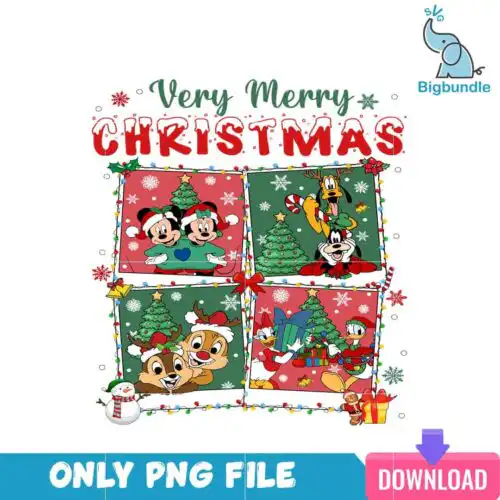
Merry Christmas SVG files are cut and print designs that typically include SVG, PNG (300 dpi, transparent), DXF, EPS and PDF, made for shirts, mugs, tumblers, ornaments and holiday decor. These designs are united by festive Christmas lettering paired with playful seasonal art, especially the Grinch in a Santa hat and coffee-themed Christmas elements. You will find round ornaments with quotes, characters peeking over text, wreaths, jeep scenes and comic-style layouts in cartoon, flat and distressed styles. They are made for crafters creating Christmas gifts, family shirts, kitchen mugs and party decor, with cut-file designs including SVG, PNG, DXF, EPS and PDF and PNG-only designs for sublimation and printing, each design lists its own files.
Choosing the right design
Choosing between these designs comes down to cut structure and end use. Single-layer flat designs in solid black or distressed texture are fastest for small items like ornaments, baby onesies and mug decals because there are fewer pieces to weed and align. Layered cartoon designs with the Grinch, wreath or jeep scene work better large on adult shirts, sweatshirts and wood signs where the details stay readable. For tumblers and glass cans, pick designs with coffee elements and horizontal layouts that wrap cleanly without tiny text. Before you cut, check if the design is a cut-file with SVG, DXF and EPS or PNG-only for sublimation, check the number of colors for HTV layering, and mirror for heat-transfer vinyl. Test distressed texture on your material first as fine speckles can disappear on glitter vinyl.
Merry Christmas SVG for shirts vs mugs and tumblers
Use bold, single-color or two-color lettering and flat character art for shirts, and use PNG with transparent background for mugs and tumblers. Shirts need weedable lines that hold up in wash, so simple cartoon shapes and distressed text work well. Tumblers and mugs need 300 dpi PNG that wraps without tiny cut pieces, especially for designs with coffee elements, wreaths and round ornament shapes that sit cleanly on curved surfaces.
Svg vs png for Merry Christmas SVG
Choose SVG for cutting and PNG for printing. Cut-file designs in this group include SVG, PNG (300 dpi, transparent), DXF, EPS and PDF for Cricut Design Space, Silhouette Studio, Brother ScanNCut and laser cutters. PNG-only designs are for sublimation and DTF and print-and-cut. Each design lists its own files on its product page, so check before you buy to confirm you are getting SVG, DXF and EPS or PNG-only for sublimation.
How to cut layered Merry Christmas SVG on Cricut?
Cut layered versions by color and press from the bottom layer up. Ungroup the file in Design Space, keep the shadow or base layer as your first cut, then cut each color of the Grinch, wreath or text separately. Use transfer tape for flat cartoon pieces, use light tack for distressed textures so fine dots do not lift, and press HTV at the vinyl manufacturer's temp with a cover sheet between layers to avoid shine marks.
How to size Merry Christmas SVG for adult and youth shirts?
Size adult designs at 10 to 11.5 inches wide for front chest, youth at 7.5 to 9 inches, and baby at 5 to 6 inches. Keep peeking characters and ornament rounds at least 3.5 inches wide so Santa hats and facial features do not get lost. If a design has small text like 'merry merry merry' under a character, increase to 11 inches or remove the smallest line for youth sizes, and do a test cut in paper first.
What file formats come with Merry Christmas SVG designs?
SVG cut-file designs include SVG, PNG (300 dpi, transparent), DXF, EPS and PDF and work with Cricut Design Space, Silhouette Studio Designer Edition, Brother ScanNCut, Illustrator, Inkscape, CorelDRAW and Canva. PNG sublimation designs are PNG only at 300 dpi with transparent background for sublimation printers, DTF and print-and-cut. Each design lists its own included files, so check the file list before choosing.
Do these work with Cricut and Silhouette?
Yes. The SVG, DXF and PNG files work with Cricut Design Space, Silhouette Studio Designer Edition, Brother ScanNCut, Adobe Illustrator, Inkscape, CorelDRAW, Photoshop and Canva. PNG files with transparent background also work for sublimation printers including Epson and Sawgrass and for DTF and print-and-cut workflows. For Silhouette, use Designer Edition or higher to open SVG directly.
Can I sell what I make with these Merry Christmas SVG files?
Yes, for personal and small-business commercial use. You can sell finished physical items like shirts, mugs, tumblers, ornaments and signs you make with the files. You cannot resell, share or redistribute the digital files themselves as cut files, prints or in a bundle. The license covers finished products only, not file resale.