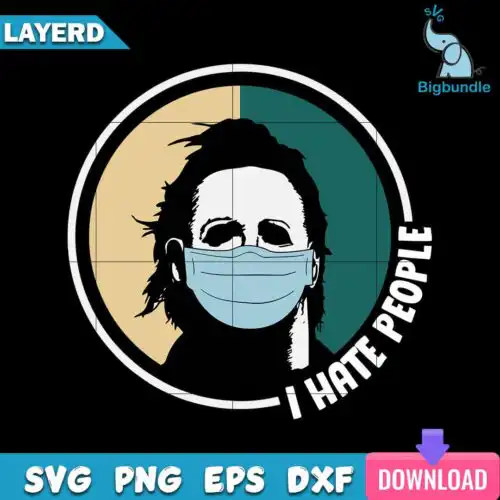
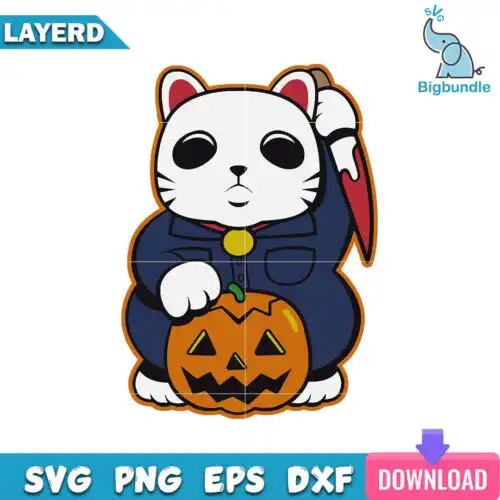
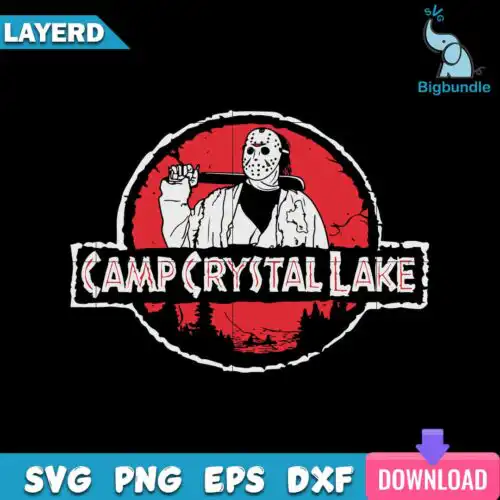
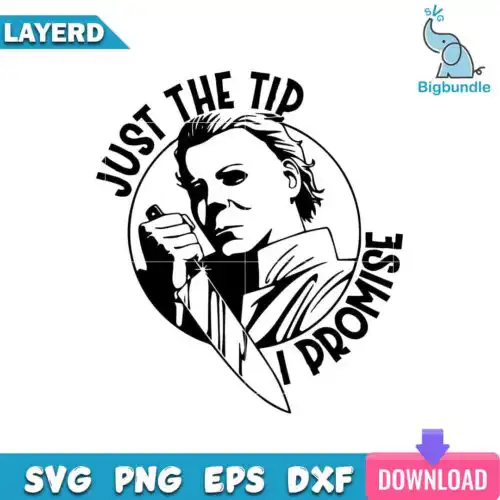
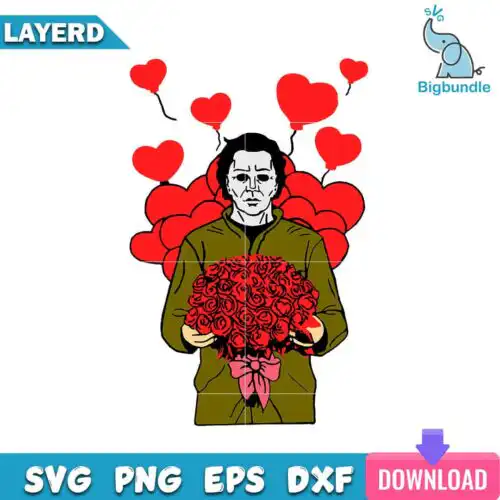
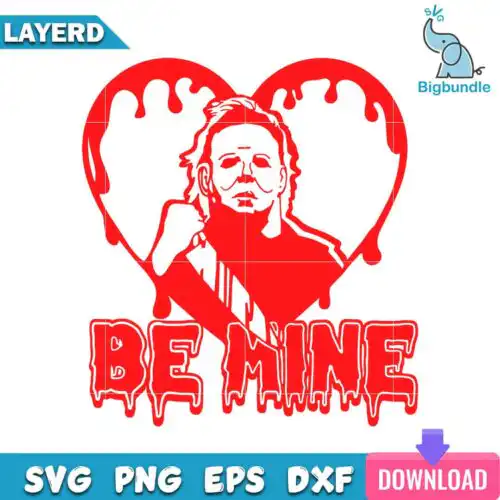
Michael Myers SVG files are cut-ready and print-ready artwork featuring the iconic masked horror character, with cut-file designs that include SVG, PNG (300 dpi, transparent), DXF, EPS and PDF and PNG-only designs that include PNG (300 dpi, transparent background), made for shirts, mugs, tumblers, decals and Halloween decorations. What unites these designs is the same instantly recognizable silhouette, mask, and knife imagery reimagined across mixed subjects and mixed styles. These designs are for makers who sell or wear horror apparel year-round, from Halloween trick-or-treat gear to funny Valentine takes and everyday horror fan crafts.
Choosing the right design
These designs are mixed, so choose by build and end use. Layered cut-file versions separate the mask, hair, coveralls and knife onto different colors, which gives you a clean vinyl look on shirts and hoodies but requires weeding and alignment. Single-layer versions are faster to cut and better for small items like baby onesies, decals, or keychains where tiny layers would lift. For mugs, tumblers and dark shirts, pick PNG-only designs made for sublimation and DTF/print-and-cut, since they keep shading and distress. Before you buy, open the file list on each design. Cut-file designs include SVG, PNG, DXF, EPS and PDF, while PNG-only designs are for printing and sublimation. Check whether you need a solid silhouette or a distressed texture for your method.
Which Michael Myers SVG is best for shirts vs tumblers?
Use single or two-color cut files for shirts and layered or full-color PNG for tumblers. Shirts press best with bold, clean shapes that weed fast and survive washing, while tumblers and mugs need high-resolution PNG with transparent background to wrap without vinyl seams. These designs come in both builds, so pick a cut-file design for HTV and a PNG design for sublimation or DTF.
Do I need svg or png for Michael Myers SVG?
You need SVG for vinyl cutting and PNG for sublimation and printing. SVG, DXF and EPS are for Cricut and Silhouette blades, while PNG at 300 dpi with transparent background is for sublimation printers, DTF and print-and-cut. In this group, cut-file designs include SVG, PNG, DXF, EPS and PDF, and PNG-only designs are for sublimation and printing only, so check the file list on each design before you cut.
How to cut layered Michael Myers SVG on Cricut?
Cut layered versions by color in Cricut Design Space and press from the bottom layer up. Ungroup the SVG, hide or isolate each color, cut on appropriate vinyl settings, and use registration marks or the contour preview to align the mask over the hair and coveralls. Press the base layer for 2-3 seconds to tack, then add top layers with full press. Keep transfer tape for small eye and knife details.
What size should Michael Myers SVG be for adult and youth shirts?
Size adult fronts at 10 to 11.5 inches wide, youth at 8 to 9 inches, and baby at 5 to 6 inches. That keeps the mask details readable without crowding seams. For left chest, use 3.5 to 4 inches. In Cricut Design Space or Silhouette Studio, scale from the center, lock proportions, and run a test cut on paper if the design has thin knife or text elements that could snag.
What file formats come with Michael Myers SVG designs?
Cut-file designs include SVG, PNG (300 dpi, transparent), DXF, EPS and PDF for cutting and printing. PNG-only designs include PNG (300 dpi, transparent background) for sublimation, DTF and print-and-cut. Each design lists its own included files, so check before you buy.
Will these work with Cricut, Silhouette and sublimation?
Yes. Cut-file designs work with Cricut Design Space, Silhouette Studio Designer Edition, Brother ScanNCut, Adobe Illustrator, Inkscape and CorelDRAW. PNG designs work with sublimation printers like Epson and Sawgrass, DTF workflows, Canva and Photoshop for mugs, tumblers and dark shirts.
Can I sell what I make with these files?
Yes, for small-business commercial use. You can sell finished physical items like shirts, tumblers, decals and signs made with these designs. You cannot resell, share or redistribute the digital files themselves as files. The license is personal and small-business commercial use only.