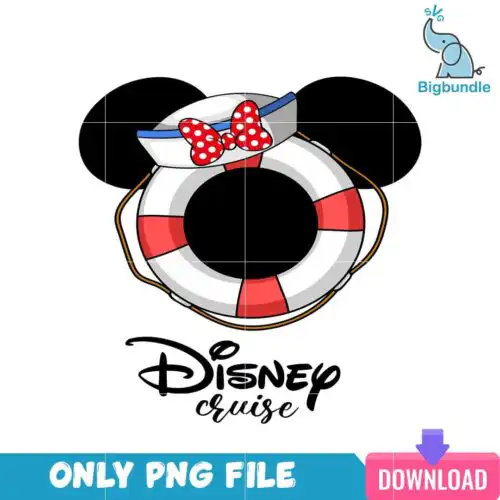
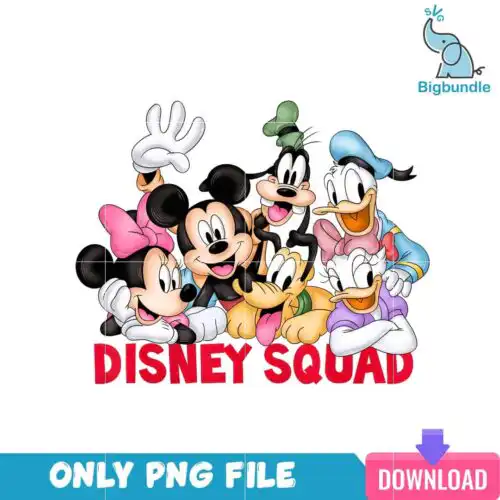
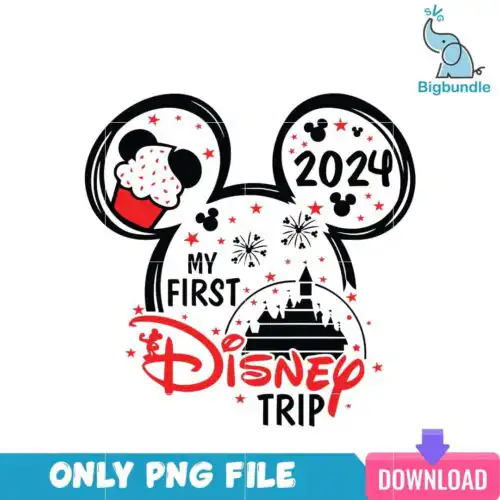
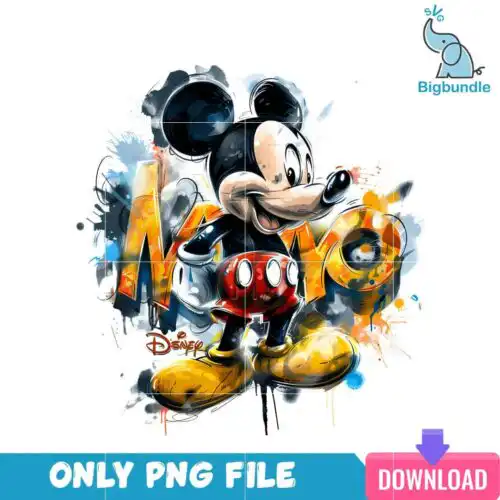
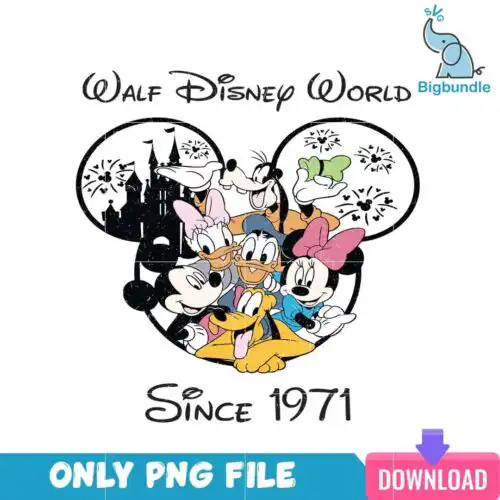
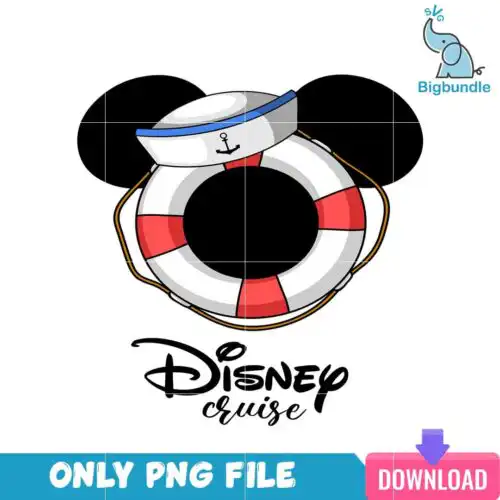
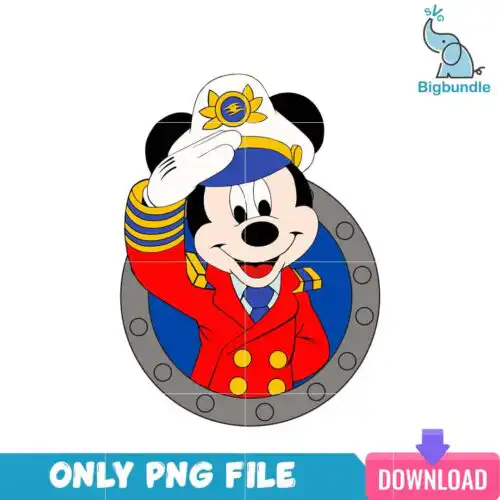
Mickey Disney SVG files are ready-to-cut and print artwork for that classic mouse-inspired look, with cut-file designs including SVG, PNG (300 dpi, transparent), DXF, EPS and PDF and PNG-only designs offering PNG (300 dpi, transparent background) for shirts, tote bags, mugs, tumblers, party decor and gifts. What unites these designs is the familiar silhouette and ears worked across a mixed range of subjects and styles, made for year-round use rather than one holiday. You'll find bold single-layer cuts, layered builds, distressed and leopard-style fills, cruise and park trip themes and bundled sets. They are built for crafters who want lots of mix-and-match options for family outfits, kids' birthdays, vacations and everyday wear.
Choosing the right design
These designs come in two kinds, so check the file list before you choose. Cut-file designs include SVG, PNG, DXF, EPS and PDF for blade cutters, while PNG-only designs are 300 dpi transparent files made for sublimation and print-and-cut. For shirts, pick cleaner, single-layer or 2-3 layer versions that press fast and weed easily; save heavily distressed or ultra-detailed fills for larger fronts. For small items like mugs, baby onesies and party favors, choose simple mouse heads and bold outlines that stay readable under 3 inches. If you layer, look at the color count and whether registration is built in, and always mirror for HTV. Test cut at actual size, use fresh mats, and size up 0.25 inch for glitter vinyl.
Mickey Disney SVG for shirts vs mugs what should I pick
Pick bold, simple silhouettes for mugs and tumblers and more detailed or layered versions for shirts. Mugs and tumblers need designs that read small and wrap without tiny pieces, so single-layer heads, anchor shapes and clean text work best. Shirts handle larger, multi-layer or patterned fills like leopard and distressed styles. For baby and youth sizes, add extra weeding space and reduce layers.
Should I use SVG or PNG for Mickey Disney SVG?
Use SVG for vinyl cutting and PNG for sublimation or printing. SVG, DXF, EPS and PDF are for Cricut, Silhouette and other cutters when you want to cut layers from HTV or adhesive vinyl. PNG with 300 dpi transparent background is for sublimation, DTF and print-then-cut where you press the full color image. Cut-file designs include SVG and friends; PNG-only designs are print-ready only, and each design lists its own files.
How to cut layered Mickey Disney SVG on Cricut?
Cut layered Mickey Disney SVG by color in Cricut Design Space using the SVG files and press from the back layer forward. Upload the SVG, ungroup by color, size the whole group together to keep proportions, mirror for HTV, and cut each color on its own mat. Weed, then tack the bottom layer for 3-5 seconds, add the next layer and do a final full press. Use parchment between layers to avoid shine marks.
How to add a name to Mickey Disney SVG designs?
You can add a name by placing text inside or under the silhouette in Design Space or Illustrator. Use the PNG as a template to size your text, then replace it with the SVG cut version for clean edges. Keep fonts bold and slightly spaced for small presses, weld cursive scripts before cutting, and offset white text for dark shirts. Save a copy with the name welded so it cuts as one piece.
What file formats come with Mickey Disney SVG designs?
It depends on the design. Cut-file designs include SVG, PNG (300 dpi, transparent), DXF, EPS and PDF for cutting and editing. PNG sublimation designs include PNG (300 dpi, transparent background) only, made for sublimation and DTF or print-and-cut. Each design lists exactly what is included, so check the file list before you buy.
Will these work with Cricut, Silhouette and sublimation printers?
Yes. SVG files work with Cricut Design Space, Silhouette Studio (Designer Edition), Brother ScanNCut, Adobe Illustrator, Inkscape, CorelDRAW and Canva or Photoshop for editing. DXF, EPS and PDF give you extra options for other cutters. PNG files at 300 dpi work with sublimation printers like Epson and Sawgrass, DTF and standard print-and-cut workflows.
Can I sell what I make with these Mickey Disney SVG files?
Yes, for personal and small-business commercial use. You can sell finished physical items like shirts, mugs, tumblers and decor you make with the files. You may not resell, share or redistribute the digital files themselves as files, and you cannot claim official or licensed status.