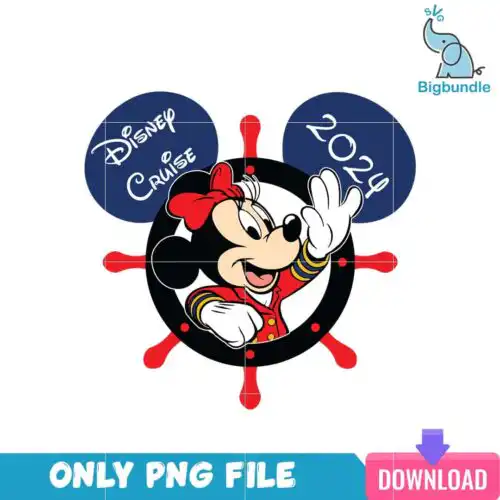
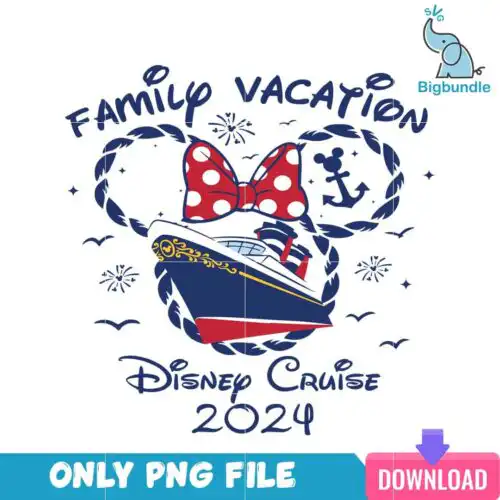
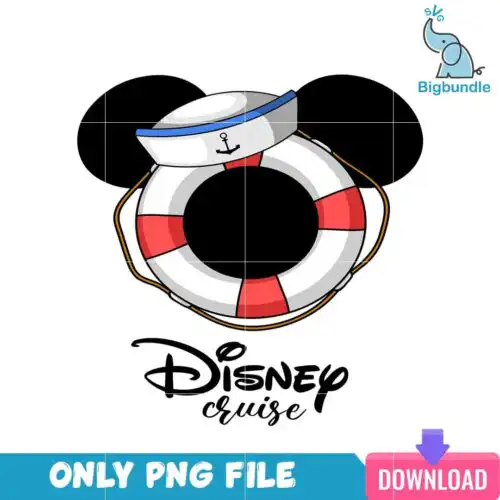
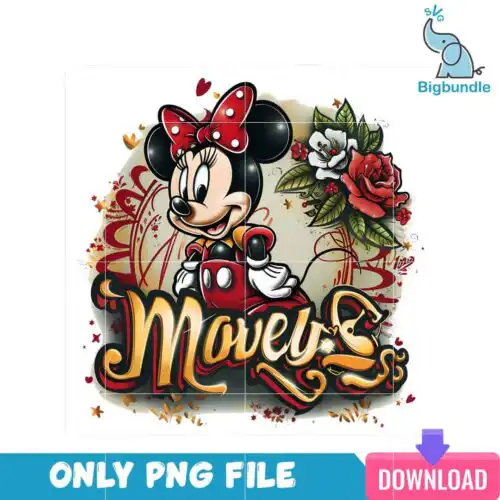
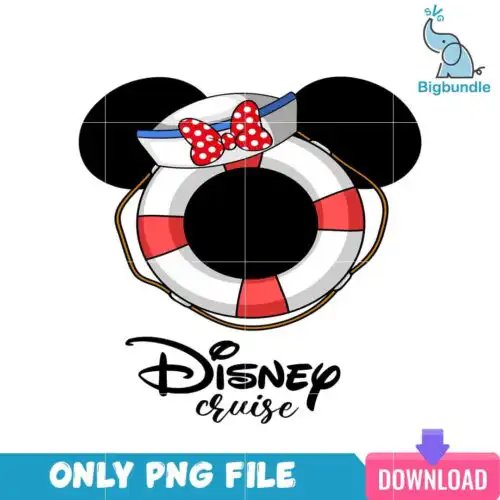
Minnie SVG files are cut and print graphics inspired by the classic bow-wearing mouse character, available as SVG cut-file designs that include SVG, PNG, DXF, EPS and PDF or as PNG-only files for sublimation, made for shirts, tote bags, tumblers, mugs and party decor. These designs are united by that instantly recognizable silhouette and bow, but vary widely across subjects and styles, so you can find everything from glittery and leopard-print looks to floral, patriotic and teacher-themed takes. Because the occasions are year-round, they work for daily wear, birthdays, school events, family trips and holidays. Whether you craft for your own kids, friends, or your small shop, these Minnie SVG options give you quick, cute artwork ready to cut, print and press.
Choosing the right design
Start by deciding layered or single-layer. Single-layer Minnie SVG graphics cut and weed fastest and stay readable at small sizes like baby onesies, left-chest logos, mugs and keychains. Layered versions with separate bow, ears and head colors give you that classic multi-color look on shirts and tote bags, but need more weeding and alignment. For tiny items choose bold silhouettes with thick lines and minimal inner detail. For large shirts and sweatshirts you can use the more detailed styles with floral fills, leopard print, or small text accents. Before you cut, check the file list for each design — cut-file designs include SVG, PNG, DXF, EPS and PDF, while PNG-only designs are for sublimation and print-and-cut. Test size on your mat, mirror for HTV if needed, and pick smooth HTV or vinyl for fine lines.
Minnie SVG for shirts vs tumblers which style to use
Use bold single-layer or solid-color Minnie SVG for tumblers, mugs and small decals, and use layered or filled styles for shirts. Small curved surfaces need simple shapes that weed cleanly and will not lift, so avoid tiny text and thin leopard spots on tumblers. On fabric you have more room, so layered bows, floral fills and glitter-style layers press well and stay visible from a distance.
Do I need svg or png for Minnie SVG designs?
You need SVG, DXF, EPS and PDF when you want to cut vinyl with Cricut or Silhouette, and PNG when you want to print. Cut-file designs in this group include SVG, PNG (300 dpi, transparent), DXF, EPS and PDF, while PNG-only designs are for sublimation and DTF printing. Check each design's file list before buying — if you only see PNG, it is set up for sublimation printers, Canva or Photoshop printing, not as a layered cut file.
How to cut layered Minnie SVG on Cricut?
Cut layered Minnie SVG by ungrouping colors in Design Space and cutting each color on its own mat. Each design lists its own files, so import the SVG for auto-separated layers. Use everyday iron-on or HTV for shirts, permanent vinyl for tumblers, size the head at least 3.5 inches for adult shirts to keep the bow readable, weed carefully, and press or transfer bottom layer first, then align the bow and details on top.
What size should Minnie SVG be for adult youth baby shirts?
Size Minnie SVG at 10 to 11 inches wide for adult shirts, 7 to 8 inches for youth, and 3.5 to 5 inches for baby and toddler. These widths keep the ears and bow proportional and easy to weed. For left chest or pocket designs, drop to 3 to 4 inches for all ages. Always do a quick test cut in cardstock to check inner bow detail before cutting your final vinyl.
Cut-file designs include SVG, PNG (300 dpi, transparent), DXF, EPS and PDF for cutting and printing. PNG-only designs include a high-resolution PNG (300 dpi, transparent background) for sublimation, DTF and print-and-cut workflows. Each design lists its own included files, so check that list before choosing.
What machines work with these Minnie SVG files?
These designs work with Cricut Design Space, Silhouette Studio Designer Edition, Brother ScanNCut, Adobe Illustrator, Inkscape, CorelDRAW, sublimation printers like Epson and Sawgrass, DTF and print-and-cut setups, plus Canva and Photoshop for the PNG files.
Can I sell what I make with Minnie SVG?
Yes, for small-business commercial use. You can sell finished physical items like shirts, mugs, tumblers and party decor made with these designs. You cannot resell, share or redistribute the digital files themselves as files.