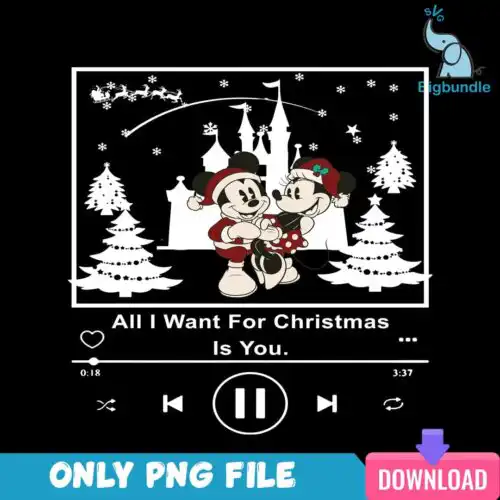
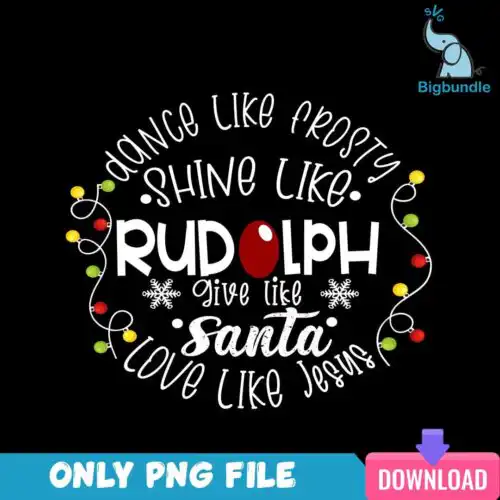
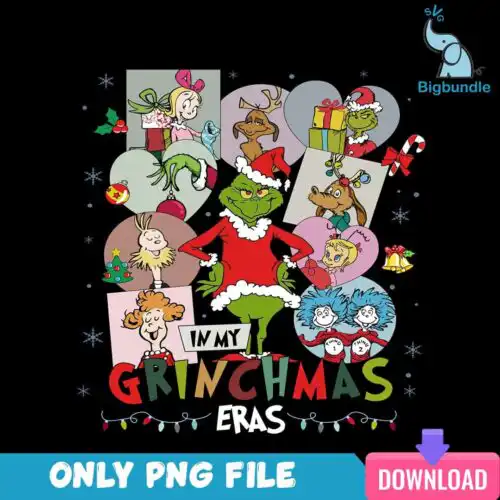
Santa SVG files are cut-ready and print-ready artwork, typically including SVG, PNG (300 dpi transparent), DXF, EPS and PDF, made for shirts, tumblers, mugs, cards, ornaments and signs. These designs are united by classic holiday subjects — Santa, a snowman, an elf, and the Grinch in many poses, including walking across a crosswalk, wearing a Santa hat and suit, driving with Christmas text, and paired with a dog and bag of presents. You will find cartoon, flat, distressed, line-art, bold and script styles for Christmas, plus year-round, Halloween and Thanksgiving twists, built for crafters making gifts and small-business products.
Choosing the right design
Choose by how you will make it. Single-layer, flat or distressed designs cut fastest and weed cleanly, so they suit small items like baby onesies, mugs and left-chest logos. Layered, cartoon and bold designs with separate colors are best for larger shirt fronts, tote bags and signs where detail shows. For tumblers and sublimation, pick the PNG-only versions with 300 dpi transparent backgrounds and full color, including the glass can and skinny tumbler wraps in this group. Before cutting, check each design's file list — cut-file designs include SVG, DXF, EPS, PDF and PNG, PNG-only designs are for sublimation and printing — and check if text is script or separate layers so you can resize without losing legibility.
Santa SVG for shirts vs tumblers which is better
Use single-layer and flat Santa SVG for shirts and layered or script versions for large fronts, use full-color PNG tumbler wraps for tumblers and mugs. Shirts need clean weeding and bold shapes that survive wash, so avoid ultra-thin line-art below 1 inch. Tumblers need 300 dpi PNG with transparent background that wraps without white edges. If a design includes both cut and print files, pick SVG for vinyl and PNG for sublimation.
Do I need SVG or PNG for Santa SVG files?
You need SVG for vinyl cutting and PNG for sublimation or print-and-cut. Cut-file designs in this group include SVG, DXF, EPS, PDF and PNG, while PNG-only designs are 300 dpi transparent files for sublimation and DTF. Each design lists its own included files. If you own a Cricut or Silhouette, choose designs that include SVG. If you press with Epson or Sawgrass, choose the PNG sublimation versions.
How to cut layered Santa SVG on Cricut Design Space?
Ungroup the layers in Cricut Design Space and cut by color on matching vinyl, then layer from background to foreground. These Santa SVG designs come with separate color layers for the red suit, Grinch, elf, snowman and text. Use transfer tape for small script pieces, press or apply the base layer first, and let each layer cool before adding the next to prevent shifting. Mirror only if using HTV.
What size should Santa SVG be for adult youth baby shirts?
Size Santa SVG at 10-11 inches wide for adult shirts, 8-9 inches for youth, and 5-6 inches for baby. That keeps bold, cartoon and distressed details readable and makes weeding easier on small sizes. For pocket or toddler chest designs, drop to 3.5-4 inches and use flat single-layer versions without tiny line-art. Always test print the size on paper and hold it up to the shirt before cutting.
What file formats are included with Santa SVG designs?
It depends on the design. Cut-file designs include SVG, PNG (300 dpi transparent), DXF, EPS and PDF for Cricut, Silhouette, Brother ScanNCut, Illustrator, Inkscape and CorelDRAW. PNG sublimation designs include PNG (300 dpi transparent) only for sublimation printers, DTF, Canva and Photoshop. Each product page lists exactly which files are included for that design.
Will these Santa SVG files work with Cricut and Silhouette?
Yes. Cut-file designs work with Cricut Design Space, Silhouette Studio Designer Edition, Brother ScanNCut, Adobe Illustrator, Inkscape, CorelDRAW and other software that opens SVG, DXF, EPS or PDF. PNG sublimation designs work with sublimation printers including Epson and Sawgrass, DTF and print-and-cut workflows, Canva and Photoshop. Check the file list on each design before buying.
Can I sell what I make with Santa SVG files?
Yes, for personal and small-business commercial use. You can sell finished physical items like shirts, tumblers, mugs, cards and signs that you make with these designs. You cannot resell, share, or redistribute the digital files themselves as files, bundles or templates. Each design is for making end products, not for passing on the artwork.