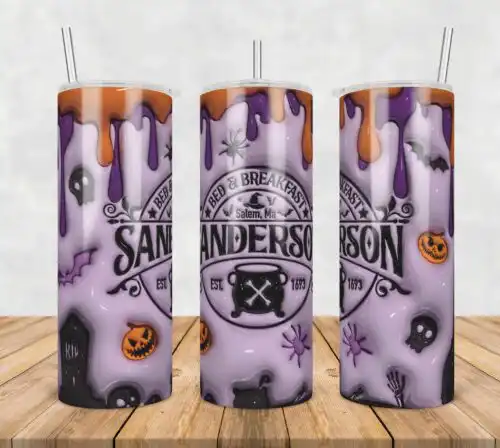
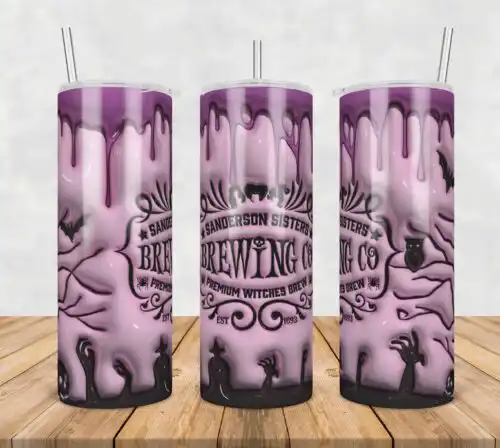
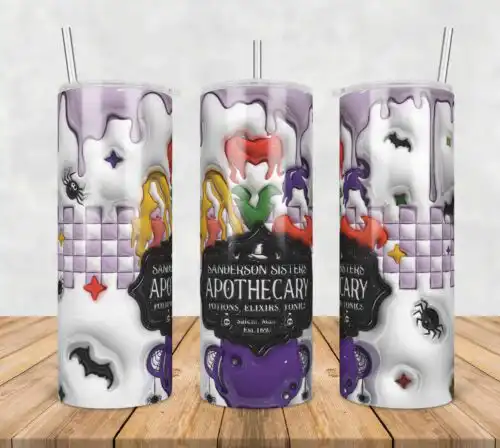
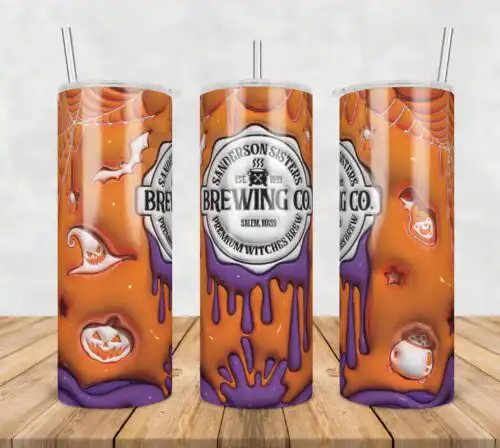
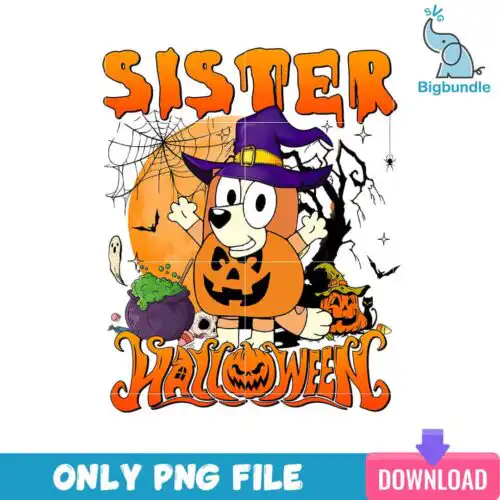
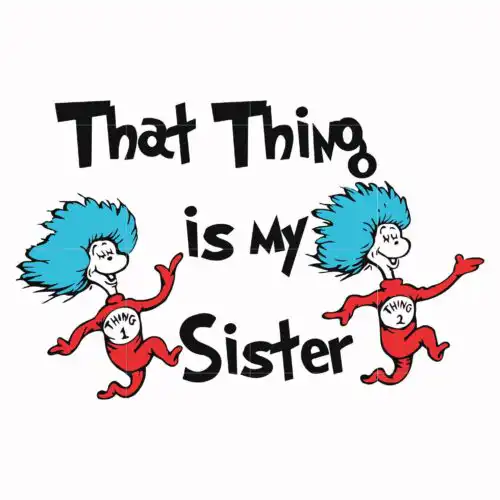
Sister SVG files are sister-themed cut and print designs that come as SVG cut-file sets with PNG, DXF, EPS, PDF or as 300-dpi transparent PNGs for sublimation, made for shirts, tumblers, mugs, totes and handmade gifts. These designs share a sister focus but span mixed subjects and mixed styles, so you get everything from funny quotes and matching sibling graphics to seasonal Halloween looks with familiar sister trios. They are year-round designs built for everyday wear, birthday celebrations, vacations, cruises and sister trips. Cut-file designs include SVG and print layers, while PNG-only designs are made for sublimation and direct printing, and each design lists its own files.
Choosing the right design
These are single designs that vary a lot, so choose by use first. For shirts, pick bold, single-layer quotes or clean silhouettes that weed fast and read from a distance. For tumblers, mugs and small gifts, choose compact badges and centered graphics that fit a narrow wrap without losing detail. If you love dimension, look for layered versions you can cut in multiple vinyl colors; if you want one press, pick flat PNG or single-color SVG. Check the file list before you buy — cut-file designs include SVG, PNG, DXF, EPS, PDF, PNG-only designs are 300-dpi transparent PNGs for sublimation, DTF and print-and-cut. Test size on your blank, mirror HTV for shirts, and use the PNG preview to check placement for youth and baby sizes.
Which Sister SVG works best for shirts vs tumblers?
Pick large, bold lettering for shirts and compact, centered badges for tumblers. Shirts need designs that stay readable across the chest and weed cleanly, so simple quotes and sibling silhouettes work best. Tumblers, mugs and cups have a curved, narrow printable area, so choose circular badges, stacked text and graphics under 3.5 inches wide. If the design has fine distress or thin script, save it for flat surfaces like shirts and totes.
Sister SVG PNG vs SVG which should I use
Use SVG for vinyl and use PNG for sublimation and printing. SVG, DXF, EPS and PDF are cut files for Cricut, Silhouette, ScanNCut and laser cutting in vinyl, paper and HTV. PNG is a 300-dpi transparent file for sublimation, DTF, white toner and print-and-cut. In this group, cut-file designs include SVG, PNG, DXF, EPS, PDF and PNG-only designs are PNG for sublimation and printing, so check each design's file list before you buy.
How to cut layered Sister SVG on Cricut?
Ungroup the layers in Cricut Design Space and cut each color on its own mat. These sister designs are mostly single-layer but some have color layers — assign each layer its vinyl color, mirror only the HTV mats, and use the attached 300-dpi PNG as your color guide. Weed small counters first, press or layer from background to foreground, and use transfer tape for adhesive vinyl. For print-then-cut, upload the transparent PNG and use the SVG as a cut outline.
What size Sister SVG for adult youth and baby shirts?
Make adult fronts 10-11 inches wide, youth 8-9 inches, and baby 5-6 inches. Keep sister designs proportional — if it is a tall stacked quote, limit height to 11 inches for adult and 7 inches for youth so it does not hit seams. For left-chest or pocket designs, use 3.5-4 inches for adult and 2.5-3 inches for youth and baby. Always measure your blank and do a test cut with the PNG preview.
It depends on the design type in this group. Cut-file designs include SVG, PNG (300 dpi, transparent), DXF, EPS, PDF. PNG sublimation designs are PNG (300 dpi, transparent background) for sublimation, DTF and print-and-cut workflows. Each design lists its own included files on its product page, so you can confirm whether it is a full cut-file set or PNG-only.
Will Sister SVG work with Cricut, Silhouette and sublimation printers?
Yes. SVG works with Cricut Design Space, Silhouette Studio Designer Edition, Brother ScanNCut, Illustrator, Inkscape and CorelDRAW. DXF, EPS and PDF cover other cutters and print workflows. The 300-dpi transparent PNGs work with sublimation printers like Epson and Sawgrass, DTF, white toner, Canva and Photoshop. Check your software for layered color support if you want to cut multi-color versions.
Can I sell things I make with Sister SVG?
Yes, for personal and small-business commercial use. You can sell finished physical items like shirts, tumblers, mugs, totes and other handmade gifts you make with these files. You cannot resell, share, or redistribute the digital files themselves as cut files, clipart or downloads. Each design follows the same shop licence, so you can use any sister design in this group for your finished products.