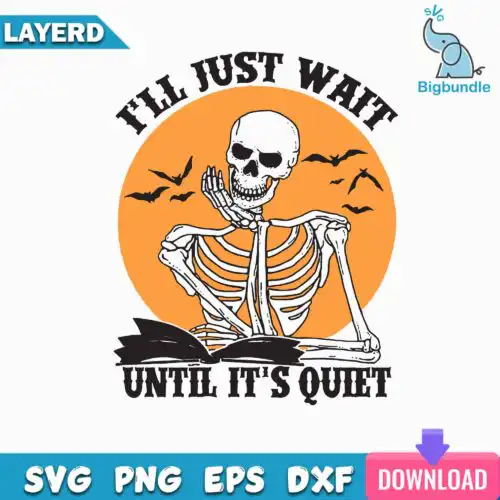
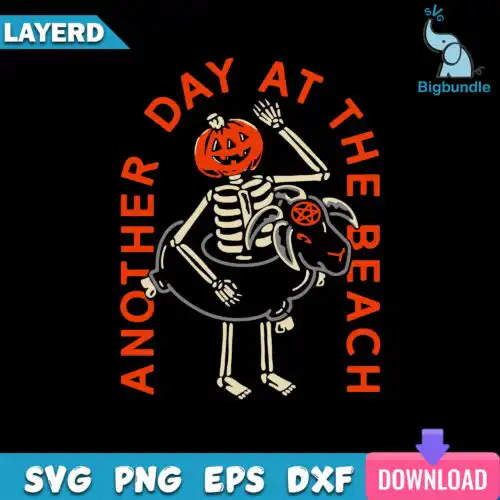
Skeleton SVG files are cartoon-style cut files with transparent PNGs and layered formats for making shirts, mugs, stickers and more with Cricut, Silhouette and sublimation. These designs are united by a playful holiday twist, featuring cute green-skinned creatures in Santa hats paired with snowmen and cookies in a flat, cartoon look. They are made for Christmas crafting, from funny family shirts and stockings to tumblers, ornaments and gift tags. Cut-file designs include SVG, PNG (300 dpi, transparent), DXF, EPS, PDF, while PNG-only designs are for sublimation and printing, and each design lists its own files.
Choosing the right design
Most of these are single-layer designs built for easy weeding and fast cutting, with one large bundle if you want variety in one download. For small items like ornaments, baby onesies and mug decals, pick cleaner silhouettes with the character alone — thick lines weed better at 2-3 inches. For adult shirts and tote bags, the full scenes with snowmen and cookies fill the space without extra layering. Check if the design is a cut-file design or a PNG-only sublimation design before you buy: cut-file designs include SVG, PNG, DXF, EPS and PDF, PNG-only is for direct printing. If you plan to layer vinyl, look for flat color blocks and avoid tiny cookie details that need to be scaled up.
Which Skeleton SVG is best for shirts vs tumblers?
Full scenes with Santa hats, snowmen and cookies work best for shirts, while single characters work best for tumblers and mugs. On a shirt you have a 10-11 inch wide area that can show the whole cute cartoon, but a tumbler wraps and distorts a busy scene. For tumblers, choose a centered green creature with minimal extras and keep it under 4 inches tall for clean application.
Skeleton SVG vs png which file should I use
Use SVG for vinyl cutting and PNG for printing. The SVG cuts crisp lines in Cricut Design Space and Silhouette Studio and scales to any shirt size without blurring, while the included PNG at 300 dpi with transparent background is ready for sublimation, DTF and print-and-cut. Cut-file designs here include SVG, PNG, DXF, EPS, PDF, while PNG-only designs are for sublimation and printing, so always check the files listed on the design itself.
How to cut Skeleton SVG with Cricut or silhouette?
Cut these flat cartoon designs at standard vinyl settings and weed from the outside in. Use everyday iron-on or 651 vinyl, set your blade to the material preset, and do a test cut at 3 inches because small cookie and snowman details can lift. Mirror for HTV before cutting, use a weeding hook for Santa hat trim, and press in layers only if the design has separate flat colors — most are single-layer for one-step pressing.
Can you personalize Skeleton SVG with names?
Yes, you can add names easily because these are flat cartoon designs with open space below. Add the name in Silhouette Studio, Cricut Design Space, Illustrator or Canva using a chunky rounded font that matches the cartoon style, then weld or flatten before cutting. Place it under the character or on the Santa hat cuff area, keep at least 0.25 inch gap from the artwork, and keep the whole group under 11.5 inches wide for adult shirts.
What file formats do Skeleton SVG designs come in?
Cut-file designs include SVG, PNG (300 dpi, transparent), DXF, EPS, PDF, and PNG-only designs are PNG (300 dpi, transparent background) for sublimation and printing. Each design lists its own files on its product page, so check before you download. All work with Cricut, Silhouette, Brother ScanNCut, Illustrator, Inkscape and CorelDRAW.
Will these work with my Cricut and Silhouette machine?
Yes. These flat, cartoon skeleton designs are made for cutting and printing workflows including Cricut Design Space, Silhouette Studio (Designer Edition), Brother ScanNCut, Adobe Illustrator, Inkscape, CorelDRAW, sublimation printers (Epson, Sawgrass), DTF / print-and-cut workflows, Canva and Adobe Photoshop. Single-layer versions are easiest for beginners.
Can I sell shirts and mugs I make with these Skeleton SVG files?
Yes, for personal and small-business commercial use. You can sell finished physical items like shirts, tumblers, ornaments and stickers that you make with these designs. You cannot resell, share or redistribute the digital files themselves as cut files or clip art. Check the license note on each design for details.