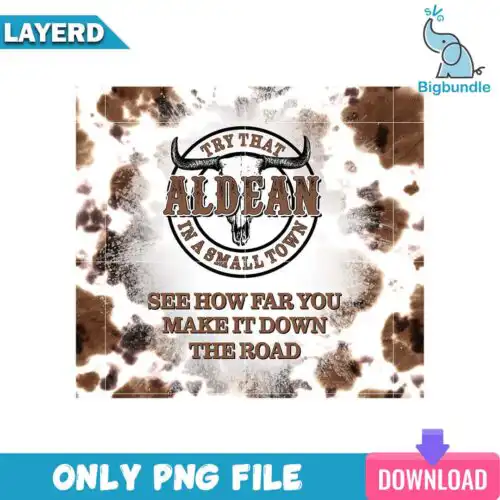
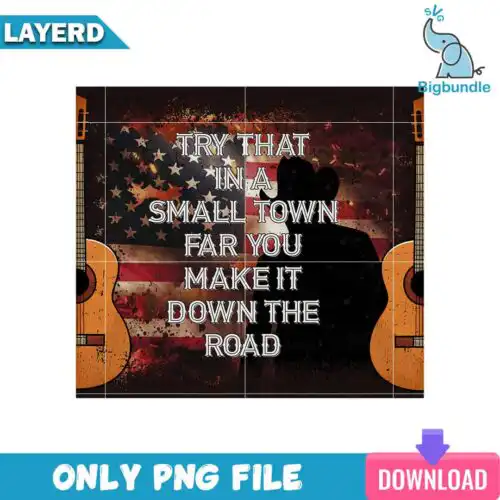
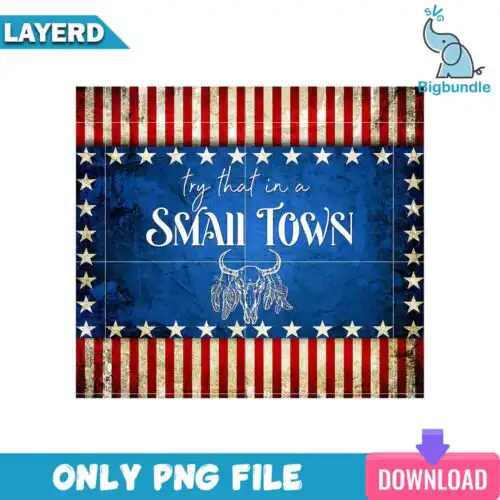
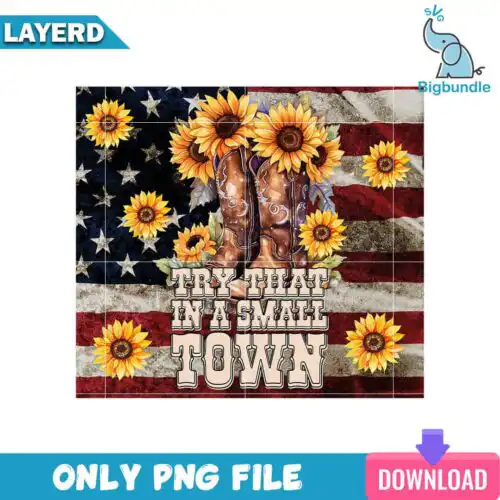
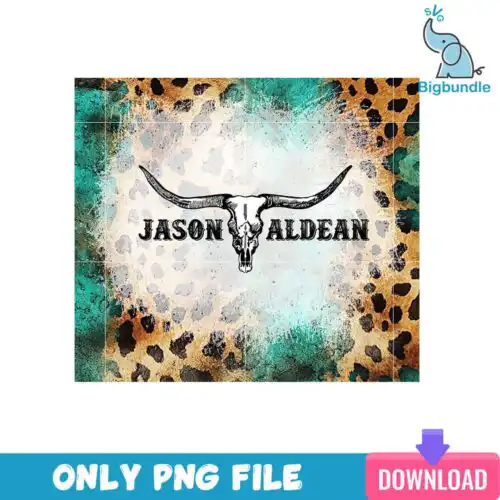
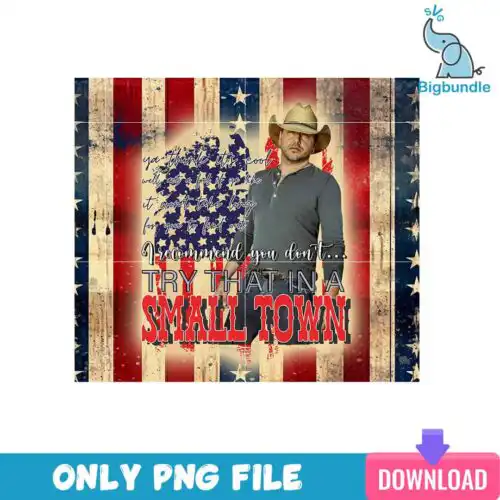
Small Town SVG files are cut and print designs with small-town pride themes, available as cut-file sets that include SVG, PNG (300 dpi, transparent), DXF, EPS, PDF and as PNG (300 dpi, transparent) sublimation designs for making shirts, tumblers, decals, signs, and handmade gifts. These designs share that lived-in, close-knit feel — downtown names, hometown pride sayings, western and country-inspired graphics, and simple small-town imagery that works year-round. They are made for crafters who want that same hometown look across different projects, whether you are pressing a soft vintage tee, wrapping a 20oz skinny tumbler, or cutting a truck decal for a Cricut or Silhouette machine.
Choosing the right design
These designs come in two kinds, so check what each one includes before you buy. Cut-file designs include SVG, PNG, DXF, EPS and PDF for vinyl, paper and laser cutting, while PNG-only designs are made for sublimation and DTF printing and come as high-resolution PNGs. For layering, look for single-color versions for easy one-press HTV and distressed vintage looks, and multi-color or layered versions when you want to stack vinyl. Bold, chunky lettering reads best on small spaces like baby onesies, pocket logos and mugs, while detailed graphics with guitars, cowboy hats or town skylines need a larger chest or tumbler wrap to keep fine lines from weeding badly. Always check the file list, mirror for HTV, size a test print for tumblers, and pick a distressed versus clean cut based on fabric color.
Which Small Town SVG designs work best for shirts vs tumblers?
For shirts, choose bold block lettering and simple graphics with clean edges because they weed fast and press clean on cotton. Those same designs work for tote bags and signs. For tumblers and mugs, look for tall, narrow wraps and designs made for 20oz skinny tumbler templates with transparent PNGs, since they need to curve without distorting text.
Should I use SVG or PNG for Small Town SVG?
Use SVG for vinyl, paper and layered cutting and use PNG for sublimation, DTF and print-then-cut. SVG cut files give you editable layers in Cricut Design Space, Silhouette Studio, Illustrator and Inkscape, so you can resize without losing quality. PNG sublimation files are 300 dpi with transparent backgrounds and are made for direct printing onto light shirts, tumblers and mugs.
How to cut layered Small Town SVG with Cricut or Silhouette?
Layered versions cut best when you ungroup, hide or weld by color, and cut each color on its own mat. Cut-file designs include SVG, DXF, EPS, PDF and PNG, so you can open the SVG in Cricut or Silhouette Designer Edition, size it, mirror only if using HTV, weed small inner pieces first, then stack from background to foreground with a heat press or transfer tape.
What size should Small Town SVG be for adult youth and baby shirts?
Size adult designs at 10 to 11.5 inches wide for a full chest, 9 to 10 inches for youth, and 5.5 to 7 inches for baby and toddler. Keep pocket or left-chest versions at 3.5 to 4 inches. For distressed small town graphics, add an extra 0.25 inch so worn edges stay visible after pressing and washing.
What file formats do Small Town SVG designs come in?
It depends on the design. Cut-file designs include SVG, PNG (300 dpi, transparent), DXF, EPS and PDF for Cricut, Silhouette, Brother ScanNCut, Illustrator, Inkscape and CorelDRAW. PNG-only designs are for sublimation, DTF and print-and-cut and come as PNG (300 dpi, transparent background) for Epson, Sawgrass and other sublimation printers, Canva and Photoshop. Each design lists its own included files.
Can I use these files with Cricut and Silhouette?
Yes. SVG and PNG files work with Cricut Design Space and Silhouette Studio Designer Edition, plus Brother ScanNCut, Adobe Illustrator, Inkscape, CorelDRAW and Canva. PNG sublimation files work with sublimation printers and DTF workflows. Check if you need a cutting file or a print file before you buy.
Can I sell what I make with Small Town SVG files?
Yes, personal and small-business commercial use is included. You can sell finished physical items like shirts, tumblers, decals and signs you make with these designs. You cannot resell, share or redistribute the digital files themselves as cut files, bundles or printables.