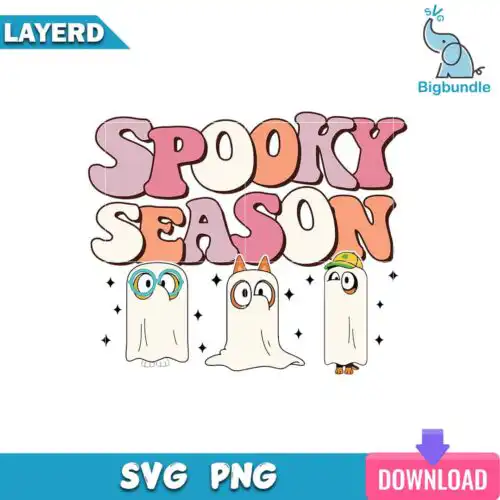
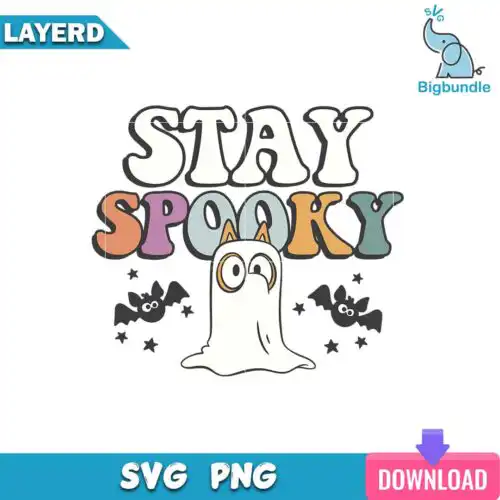
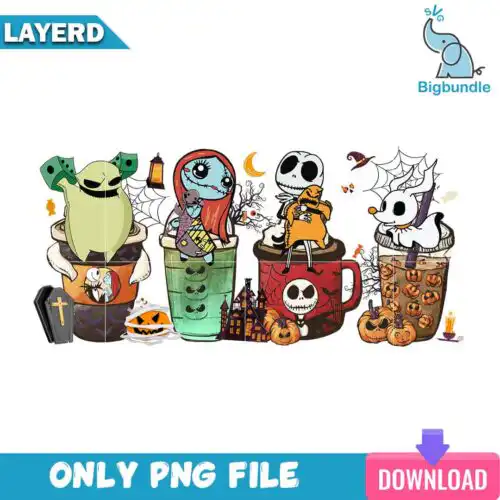
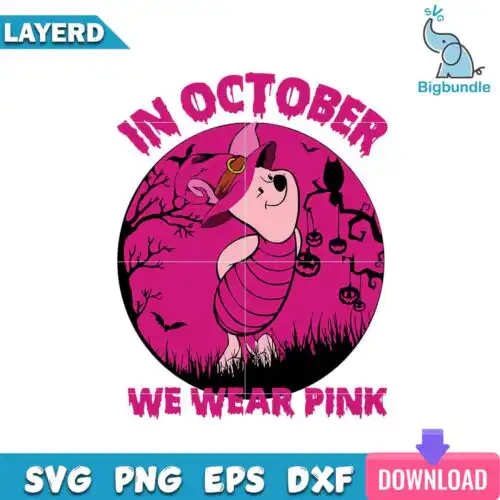
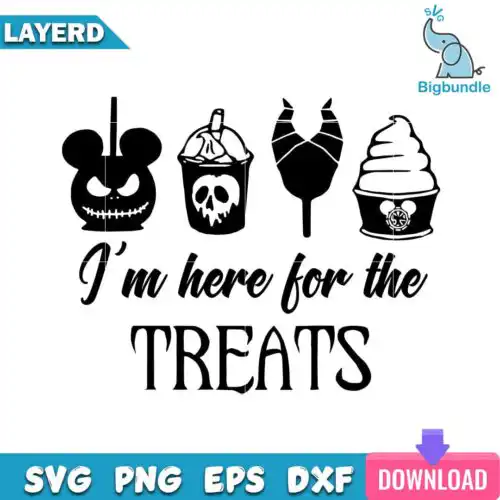
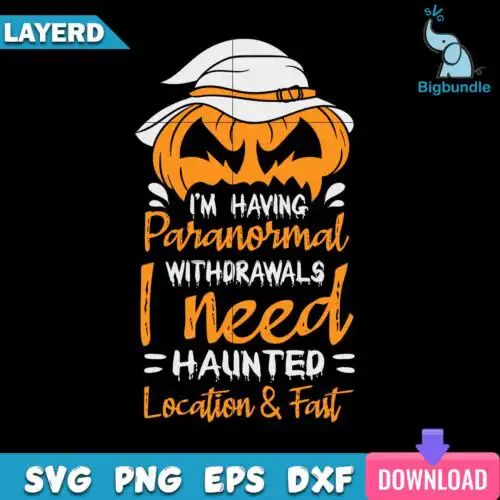
Spooky SVG files are cut-ready and printable artwork that come as cut-file sets with SVG, PNG (300 dpi transparent), DXF, EPS, PDF or as PNG-only files (300 dpi transparent background) for sublimation, made for shirts, tumblers, mugs, tote bags, stickers and home decor. These designs share a spooky mood but stay mixed in subject and style, from cute ghosts and florals to retro groovy lettering and edgier horror-inspired looks. You will find them used year-round, not just in October, for everyday apparel, gifting, party decor and small-business product lines. Cut-file designs include SVG, DXF, EPS, PDF and PNG, while PNG-only designs are built for sublimation and print-and-cut, and each design shows exactly which files are included.
Choosing the right design
Start with layering. Single-layer silhouettes cut fastest and weed easiest for small decals, baby onesies and detailed tumbler wraps, while layered color versions give that bold, puffy look on adult shirts and hoodies but need more weeding and registration. Next match style to scale. Fine-line, distressed retro and floral ghost looks read best at 3 inches or larger for mugs and chest prints, while chunky bubble letters and solid shapes hold up on pocket logos and mini stickers. Before you cut, check the design files, mirror for HTV, test pressure for puff or glitter vinyl, and for sublimation use PNG at full size. Keep a 0.25-inch bleed for tumblers and size up 10% for oversized hoodies.
Spooky SVG for shirts vs tumblers what should I use
Use single-layer or 2-3 layer HTV-friendly Spooky SVG for shirts and chunky layered designs for tumblers and mugs. Shirts need weeding-friendly shapes that flex and wash well, so avoid tiny floating pieces on the chest. Tumblers and mugs need full-wrap compatible art with seamless edges and inflated or high-contrast details that stay legible when curved.
Do I need SVG or PNG for spooky designs?
You need SVG for vinyl cutting and PNG for printing. Cut-file designs include SVG, PNG, DXF, EPS and PDF and work with Cricut Design Space, Silhouette Studio, Brother ScanNCut and other cutters. PNG-only designs are 300 dpi with transparent background for sublimation, DTF and print-and-cut. Each design lists its own files, so check before buying.
How to cut layered Spooky SVG on Cricut?
Cut layered Spooky SVG by color on separate mats in Cricut Design Space and press from the bottom layer up. Use Designer Edition SVG, ungroup by color, mirror only for HTV, and weed small pieces before layering. Press each HTV layer for 3-5 seconds tack, then full press on the final layer, and use parchment to protect lower layers from overheating.
What size should Spooky SVG be for adult youth and baby shirts?
Adult chest designs work best at 10-11 inches wide, youth at 8-9 inches and baby at 5-6 inches for these spooky styles. Scale down retro text blocks for youth to avoid crowding the collar, and keep ghost faces and small stars above 0.5 inch so they weed cleanly. Always measure the actual shirt, not just the size tag.
It depends on the type of design. Cut-file designs include SVG, PNG (300 dpi transparent), DXF, EPS and PDF for cutting and printing, while PNG-only designs include a single 300 dpi PNG with transparent background for sublimation and DTF. Every design notes its included files, so you can confirm before you choose.
Which machines and software work with these files?
These files work with Cricut Design Space, Silhouette Studio Designer Edition, Brother ScanNCut, Adobe Illustrator, Inkscape, CorelDRAW, sublimation printers like Epson and Sawgrass, DTF and print-and-cut workflows, Canva and Photoshop. SVG is for cutters, DXF and EPS are backup cut formats, and PNG is for print.
Can I sell what I make with these designs?
Yes. All designs allow personal and small-business commercial use for finished physical products like shirts, mugs, tumblers and decor. You can sell the items you make. You cannot resell, share, redistribute or give away the digital files themselves as files.