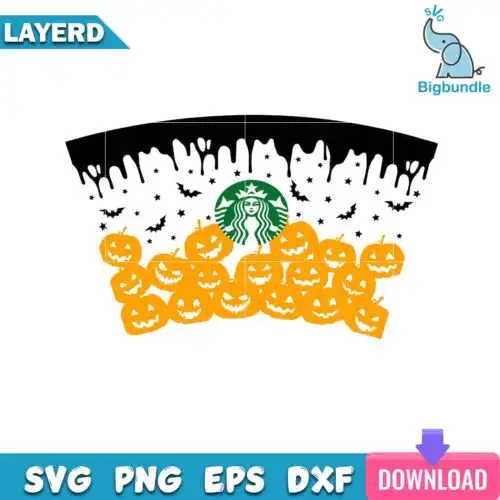
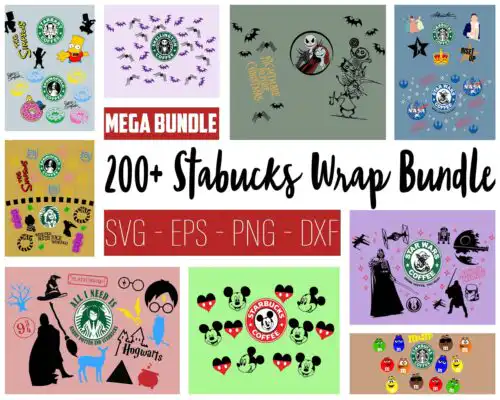
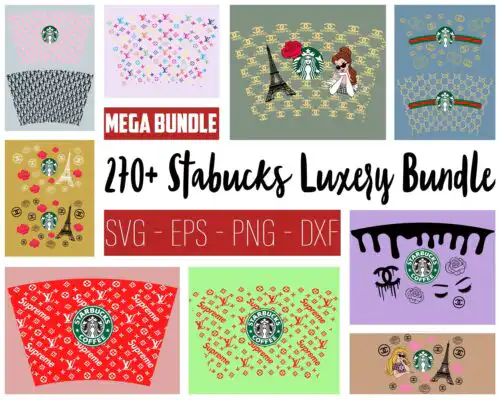
Starbucks Wrap SVG files are full-wrap cut and print designs supplied as SVG, PNG, DXF, EPS and PDF for decorating 24oz cold cups, tumblers and similar drinkware. These designs are built to wrap edge-to-edge around the cup, so the pattern stays continuous without awkward gaps. What ties them together is the wrap layout itself, not one subject or season. You will find mixed subjects and mixed styles made for year-round use, from minimal patterns to busy illustrated wraps. They are made for crafters, sellers and gift-makers who want a finished cup that looks professionally wrapped, whether cut in vinyl or printed for sublimation.
Choosing the right design
Start with how you want to make it. If you cut vinyl, look for layered, single-color-friendly designs with clean lines that weed easily and wrap without tiny islands. If you print and press, full-color, detailed wraps with gradients and shading work better. Check the style scale too. Dense, busy wraps shine on large 24oz cold cups where every inch shows, while simpler, spaced motifs are easier to align on smaller tumblers or when you are new to wrapping. Before you cut, confirm what is in the files for that design. Cut-file designs include SVG, DXF, EPS and PDF plus PNG, while PNG-only designs are for sublimation and printing. Each design lists its own files. Also check if it is built as one continuous piece or in sections, and whether a seam gap is already accounted for.
What size is Starbucks Wrap SVG for tumbler?
Starbucks Wrap SVG files are typically sized for a standard 24oz cold cup full wrap, around 11 inches wide by 4 to 4.5 inches tall. That is the base size, not a fixed rule. You should measure your actual cup circumference and height, then resize proportionally in Cricut Design Space or Silhouette Studio and do a test print on paper to check seam overlap before cutting or sublimating.
Starbucks Wrap SVG svg vs png which should I use
Use SVG for vinyl and use PNG for sublimation. SVG, DXF, EPS and PDF are cut files for Cricut, Silhouette and other cutters to cut vinyl or stencil material. PNG at 300 dpi with transparent background is for printing and full-wrap sublimation where you want color, shading and photo-like detail. Cut-file designs include the vector formats plus PNG, PNG-only designs are for sublimation and printing, and each design lists its own files.
How to cut Starbucks Wrap SVG on Cricut without bubbles?
Cut it as one piece on permanent vinyl with a clean, well-stuck mat. Weed slowly, use transfer tape, and apply from the center outward to push air out. Clean the cup with alcohol, align the bottom edge first, then wrap evenly, stretching slightly to avoid puckers at the seam. For layered color versions, cut each color separately, layer on the transfer tape before applying, and keep elements large enough to weed cleanly.
Can you add name to Starbucks Wrap SVG?
Yes, you can add a name by cutting a gap in the wrap or overlaying vinyl on top. In your software, place a text box where you want the name, weld or use a knockout so the background does not cut twice, and cut the name in contrasting vinyl or as a print. Keep fonts bold and thick for small cups, leave breathing room around the text, and test placement with a paper wrap so the name does not land on the seam.
Most come as a bundle of formats for crafting. Cut-file designs include SVG for Cricut and other cutters, plus PNG at 300 dpi with transparent background, DXF, EPS and PDF. PNG-only designs are made for sublimation and printing. Because this group mixes both types, each design lists exactly which files are included, so check that list before you buy.
Will these work with Cricut, Silhouette and other machines?
Yes. They work with Cricut Design Space, Silhouette Studio Designer Edition, Brother ScanNCut, Adobe Illustrator, Inkscape and CorelDRAW. Upload the SVG or DXF for cutting, or use PNG for print-then-cut and sublimation. Resize to your cup and do a test print to confirm wrap fit.
Can I sell cups I make with these wraps?
Yes, for small business use. The licence allows personal and small-business commercial use to sell finished physical items like custom cups and tumblers you made. You cannot resell, share or redistribute the digital files themselves as files, templates or part of another bundle.