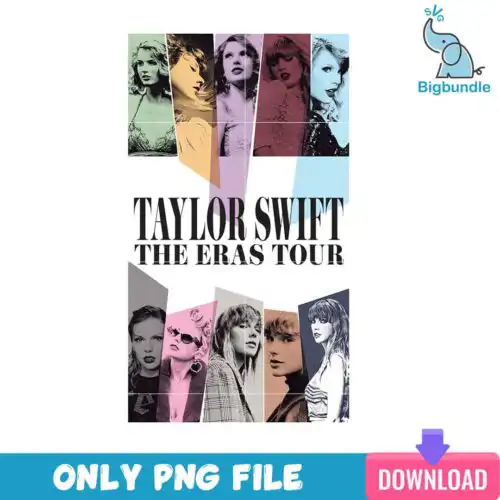
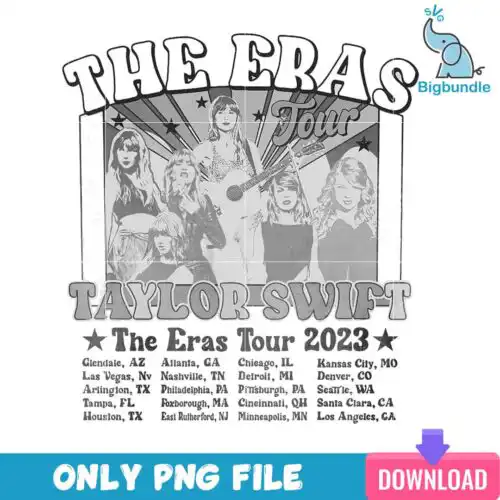
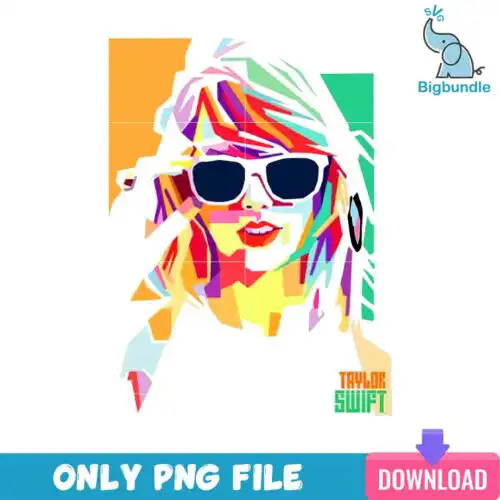
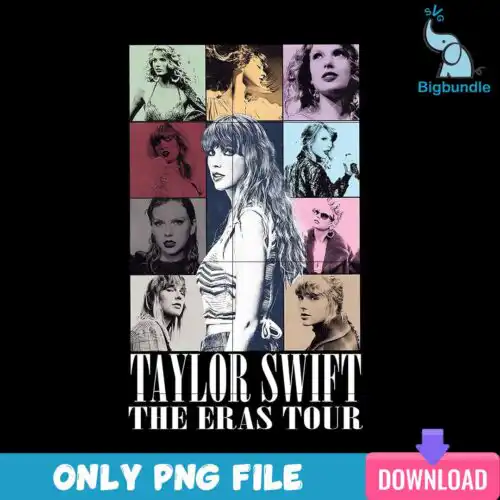
Taylor Swift Eras SVG files are cut files and 300 dpi PNGs for making Christmas shirts, mugs, tumblers, cards and gifts on Cricut, Silhouette and sublimation printers. These designs are united by Eras Tour themes mixed with Christmas — a grid of cartoon characters and Christmas elements with text, plus text wrapped in Christmas lights — all drawn in cartoon, flat and retro styles. They are made for fans who want festive Eras looks for holiday parties, concert watch parties, friend groups and gifting. Cut-file designs include SVG, PNG, DXF, EPS and PDF, while PNG-only designs are for sublimation and printing, and each design lists its own files.
Choosing the right design
These designs come in two main builds, so check the file list before you buy. Single-layer designs with flat color or a printed look are fastest for small items like mugs, ornaments and baby onesies — you cut one color of vinyl or print one PNG. Layered cartoon and retro text-with-lights versions suit larger front-of-shirt designs where you can weed and stack colors. For tight spaces, pick flat and simple text layouts; for big sweatshirts and tote bags, the character grid layouts fill the space better. Always check if the design is a cut-file design with SVG, DXF, EPS, PDF or a PNG-only design for sublimation and DTF. If layering, test size at 100% on screen and mirror for HTV.
Taylor Swift Eras SVG for shirts vs mugs
Shirts work best with bold text and character grid layouts, mugs and tumblers work best with compact text with Christmas lights. For shirts you have room to layer vinyl or print a full front, so cartoon and retro styles hold detail. For mugs, tumblers and ornaments, choose single-layer or flat designs with fewer small pieces to avoid weeding tiny lights and letters.
Should I use SVG or PNG for Taylor Swift Eras SVG?
Use SVG, DXF, EPS or PDF when you are cutting vinyl with Cricut or Silhouette, and use PNG when you are printing. Cut-file designs here include SVG plus PNG, DXF, EPS and PDF, so you can cut layers in Design Space or Silhouette Studio. PNG-only designs are 300 dpi with transparent background for sublimation, DTF and print-then-cut, and they print the cartoon and light details without layering.
How to cut layered Taylor Swift Eras SVG on Cricut?
Ungroup the layers in Cricut Design Space and cut by color, weeding small Christmas light details first. These cartoon and flat designs often have separate layers for text, lights and character fills, so use a sharp blade, set to everyday iron-on or premium vinyl, and mirror for HTV. Press or layer from largest background to smallest detail and use parchment to tack each layer for 2-3 seconds before final press.
What size should Taylor Swift Eras SVG be for adult and kids shirts?
Cut adult shirts at 10 to 11 inches wide for front designs, youth at 7 to 8 inches, and baby at 4 to 5 inches wide. The grid-style character collections need width to stay readable, so go wider for sweatshirts. The text with Christmas lights designs can be scaled smaller for pocket, sleeve or mug wraps — reduce to 3.5 inches wide for mugs and test a print first to keep small lights legible.
What files come with Taylor Swift Eras SVG designs?
Cut-file designs include SVG, PNG (300 dpi transparent), DXF, EPS and PDF for cutting and printing. PNG-only designs are for sublimation and include PNG (300 dpi transparent background). Each design lists its exact files, so check the file list before you buy.
Do these work with Cricut, Silhouette and sublimation printers?
Yes. SVG, DXF, EPS, PDF and PNG work with Cricut Design Space, Silhouette Studio (Designer Edition), Brother ScanNCut, Illustrator, Inkscape and CorelDRAW. The 300 dpi transparent PNGs also work with sublimation printers like Epson and Sawgrass, DTF and print-and-cut workflows, Canva and Photoshop.
Can I sell shirts and mugs I make with these?
Yes for small-business use. You can sell finished physical items you make — shirts, mugs, tumblers, cards and other gifts. You cannot resell, share or redistribute the digital files themselves. The license is personal and small-business commercial use for finished products.