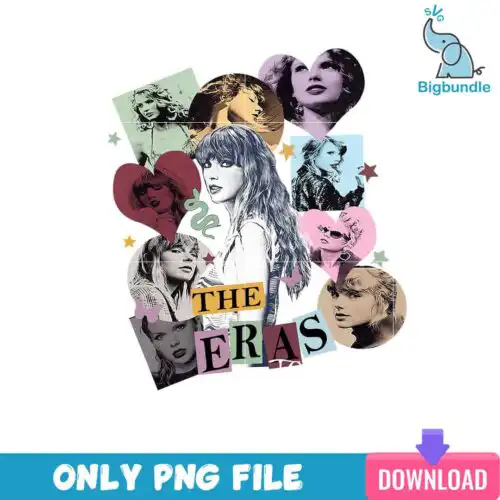
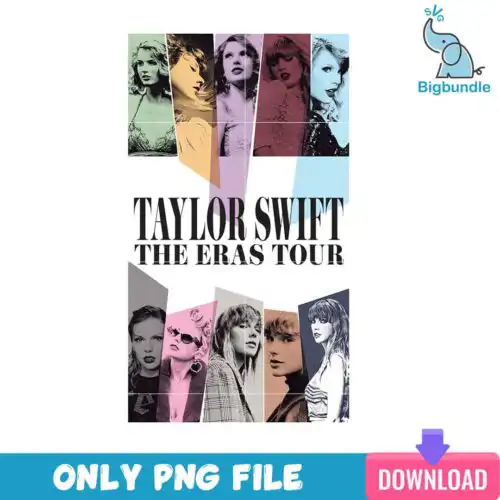
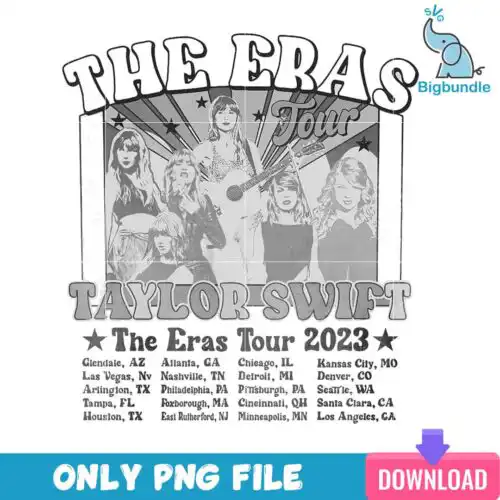
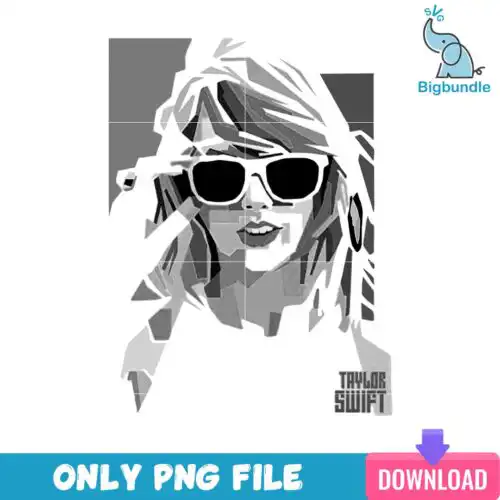
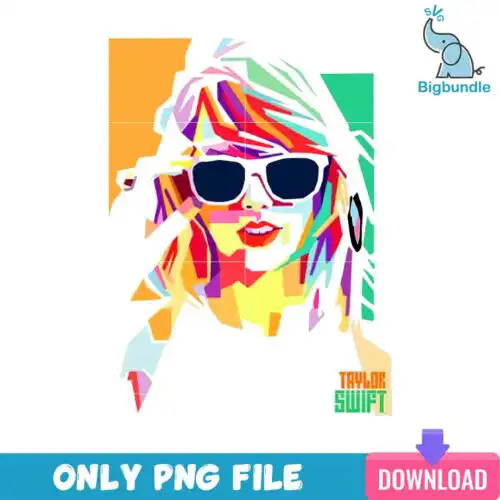
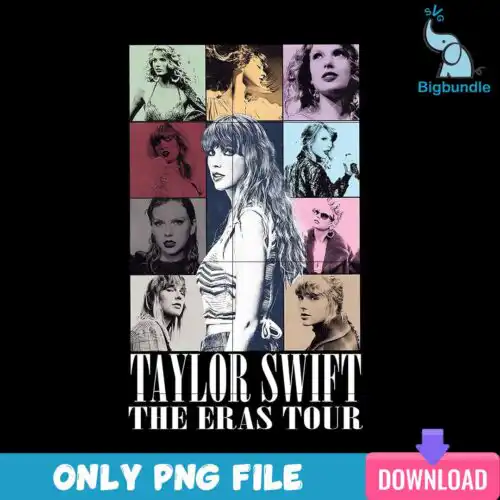
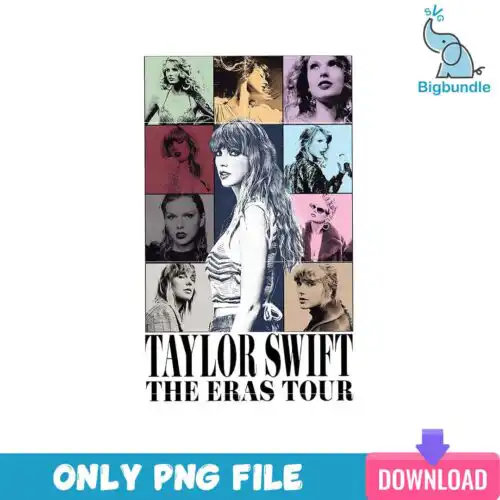
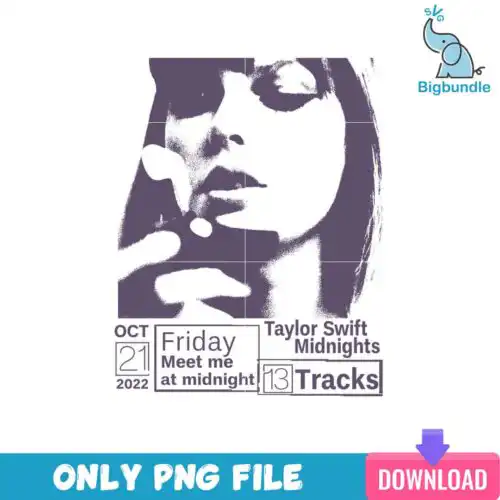
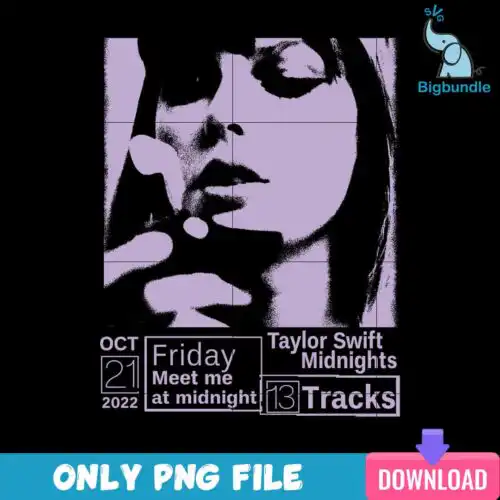
Taylor Swift SVG files are cut-ready and print-ready artwork with SVG, PNG, DXF, EPS and PDF included in cut-file designs, used to make shirts, tumblers, mugs, stickers and holiday gifts. These designs pull together Swiftie quotes and phrases, mom-focused sayings, smiley faces with lightning bolt eyes and little cat details, plus cartoon characters and Christmas elements arranged in grid layouts with text. Drawn in flat, cartoon and retro styles, they work year-round and especially around Christmas. You'll find bold text pieces for statement tees, playful icons for kids and baby items, and dense, colorful graphics that pop on sublimation.
Choosing the right design
Choose by how you want to craft. For vinyl, look for layered, single-color or two-color versions with clean lines; they weed fast and press well on shirts, totes and onesies. Flat and retro text designs are best for large areas like adult tees, while small icons like the smiley face with lightning bolt eyes or tiny cats hold up better when you cut them at 3 inches or less for mugs, keychains and tumblers. For printing, pick bold, full-color PNGs made for sublimation or DTF. Before you cut, check each design's file list: cut-file designs include SVG, PNG, DXF, EPS and PDF, while PNG-only designs are 300 dpi transparent files for sublimation and printing. Test sizing on paper, mirror for HTV, and keep thin retro lines above 0.1 inch so they don't tear.
Taylor Swift SVG for shirts or tumblers which is better
Text-heavy quotes and retro wavy phrases are better for shirts, while small icons like smiley faces and cats are better for tumblers and mugs. Shirts give you a large flat area where layered sayings and mom-themed phrases can breathe. Tumblers and mugs need simpler silhouettes with fewer tiny cuts so the vinyl seals around curves and doesn't lift in the dishwasher.
Do I need svg or png for taylor swift designs?
Use SVG for vinyl cutting and PNG for printing. Cut-file designs in this group include SVG, PNG, DXF, EPS and PDF for Cricut, Silhouette and Brother machines, while PNG-only designs are 300 dpi transparent files for sublimation, DTF and print-and-cut. If you are cutting HTV or adhesive vinyl, grab the SVG. If you are pressing with a sublimation printer, use the PNG.
How to cut layered Taylor Swift SVG on Cricut?
Cut layered versions by color on separate mats and press from background to foreground. In Cricut Design Space, ungroup the SVG, check that each color is a solid layer, size the whole group for your shirt or mug, then cut. For heat-transfer vinyl, mirror the mats, weed the flat and cartoon layers, and tack each layer for 3-5 seconds before a final full press. Keep small lightning bolts and cat whiskers slightly thicker by adding a 0.02 offset.
What size Taylor Swift SVG for adult youth baby shirts?
Size adult shirts at 10-11 inches wide, youth at 8-9 inches, and baby at 5-6 inches wide. These designs include chunky retro quotes and mom phrases that scale cleanly for adults but lose detail when shrunk too far. For baby and toddler tees, choose single-layer flat versions or simplify to the main phrase without the small smiley or grid extras so lines stay cuttable.
What files come with these Taylor Swift SVG designs?
Cut-file designs include SVG, PNG (300 dpi transparent), DXF, EPS and PDF and work with Cricut Design Space, Silhouette Studio Designer Edition, Brother ScanNCut, Illustrator, Inkscape and CorelDRAW. PNG-only designs are 300 dpi transparent PNGs for sublimation, DTF and print-and-cut in Canva, Photoshop and sublimation printers like Epson and Sawgrass. Each design lists its exact files.
Can I use these with Cricut and Silhouette?
Yes. SVG cuts natively in Cricut Design Space and Silhouette Studio Designer Edition, DXF is for basic Silhouette Studio, and EPS and PDF work in Illustrator, Inkscape and CorelDRAW for resizing. PNG files at 300 dpi work for sublimation, DTF, and print-then-cut. Always check the individual design's file list to confirm whether it's a full cut-file set or PNG-only.
Can I sell shirts and mugs I make with these?
Yes for finished physical items under personal and small-business commercial use. You can sell shirts, tumblers, mugs, stickers and gifts you make with these flat, cartoon and retro Swiftie designs. You cannot resell, share or redistribute the digital files themselves as cut files, bundles or printables.
Instant Download Download immediately after successful payment
Secure Payment Experience 100% secure payments, ensuring your transactions are safe.
Outstanding Support Service beyond compare with our exceptional team.
Premium Quality We are meticulous in every detail, ensuring unparalleled excellence.