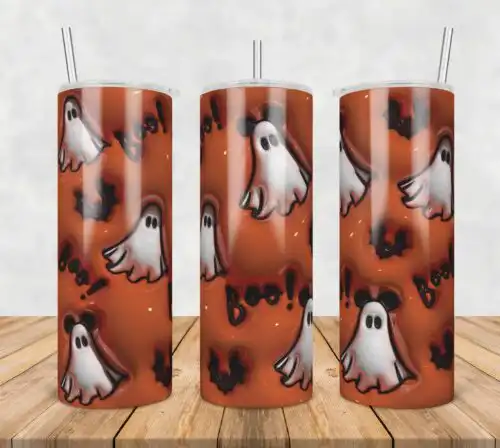
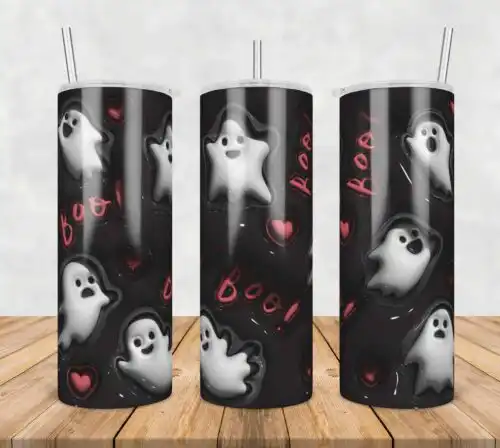
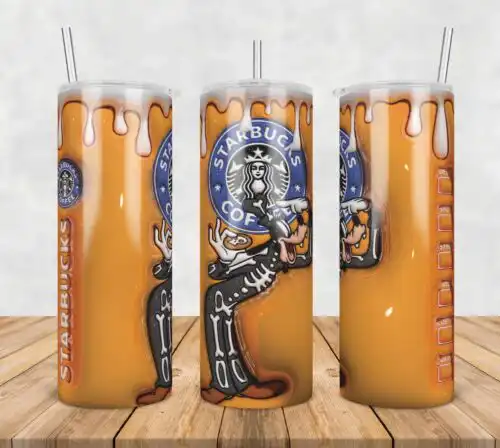
Tumbler Wrap SVG files are full-wrap designs for 20oz skinny and 16oz glass can tumblers, available as cut-file designs that include SVG, PNG, DXF, EPS, PDF and as PNG-only designs with 300 dpi transparent backgrounds for sublimation and printing, made to wrap tumblers, mugs and libbey cans. These designs are united by a repeating pattern of pumpkins and gourds paired with fall-themed quotes. You will find them in retro and cartoon styles built for autumn and Thanksgiving. They are for crafters making seasonal gifts, market stock, and personal cups with warm, harvest colors and playful lettering that reads clearly around the curve.
Choosing the right design
Choosing between these comes down to layering, scale, and how you will apply it. If you cut vinyl, look for layered cut-file designs with separate color layers — they press cleanly and let you weed small pumpkin stems and quote letters more easily. If you sublimate, PNG-only designs are single-layer and handle the repeating gourd pattern without seams. Retro and cartoon styles hold up large, so they suit full 20oz wraps; check that the quote sits on the flattest side of the tumbler so it stays readable. Before cutting, confirm what each design lists for files, test the wrap width for your specific tumbler brand, and mirror only if your workflow requires it for adhesive vinyl.
Tumbler Wrap SVG for shirts vs tumblers
Tumbler Wrap SVG is built for tumblers, not shirts. These repeating pumpkin and gourd patterns are sized to wrap 20oz and 16oz straight walls without stretching, and the fall quotes are placed to land on the front panel. You can still use the PNG on a shirt, but the art will crop and the seam will not line up like it does on a tumbler.
Do I need SVG or PNG for Tumbler Wrap SVG?
You need PNG for sublimation and SVG for vinyl. PNG-only designs are 300 dpi with transparent backgrounds and are made to print and press directly onto a sublimation tumbler. Cut-file designs include SVG, PNG, DXF, EPS and PDF and are made to cut on Cricut, Silhouette and other cutters. Each design lists its own included files, so check before you buy.
How to cut layered Tumbler Wrap SVG on Cricut?
Cut layered versions by color and press from largest background to smallest detail. Import the SVG into Cricut Design Space, ungroup to see the pumpkin, gourd and quote layers, size to your tumbler template, then cut each color on its own mat. For retro cartoon art with lots of small pieces, use standard tack mat, weed the inside of letters first, and use transfer tape for the quote to keep spacing.
How to size Tumbler Wrap SVG for 20oz skinny?
Size these to 9.3 x 8.2 inches for most 20oz skinny straight tumblers and 9.6 x 4.9 inches for 16oz libbey glass cans, then adjust by 0.1-0.2 inch for your brand. These fall pumpkin repeating patterns need full bleed, so add 0.125 inch overhang and trim after pressing. Test print the PNG on plain paper first and wrap it around the tumbler to check where the fall quote lands.
What files come with these Tumbler Wrap SVG designs?
Cut-file designs include SVG, PNG with 300 dpi transparent background, DXF, EPS and PDF for cutting and print-and-cut workflows. PNG-only designs are provided as PNG with 300 dpi transparent background for sublimation, DTF and printing. Each design lists its own files on its product page, so file sets vary.
What machines and software work with these wraps?
They work with Cricut Design Space, Silhouette Studio Designer Edition, Brother ScanNCut, Adobe Illustrator, Inkscape, CorelDRAW, Canva and Adobe Photoshop for cutting and editing, plus sublimation printers like Epson and Sawgrass and DTF or print-and-cut setups for the PNG versions.
Can I sell tumblers I make with these designs?
Yes, the licence is personal and small-business commercial use. You can sell finished physical tumblers, mugs and glass cans you make with them. You cannot resell, share or redistribute the digital files themselves as files or as part of another digital bundle or template.