
Showing 505–516 of 559 resultsSorted by latest


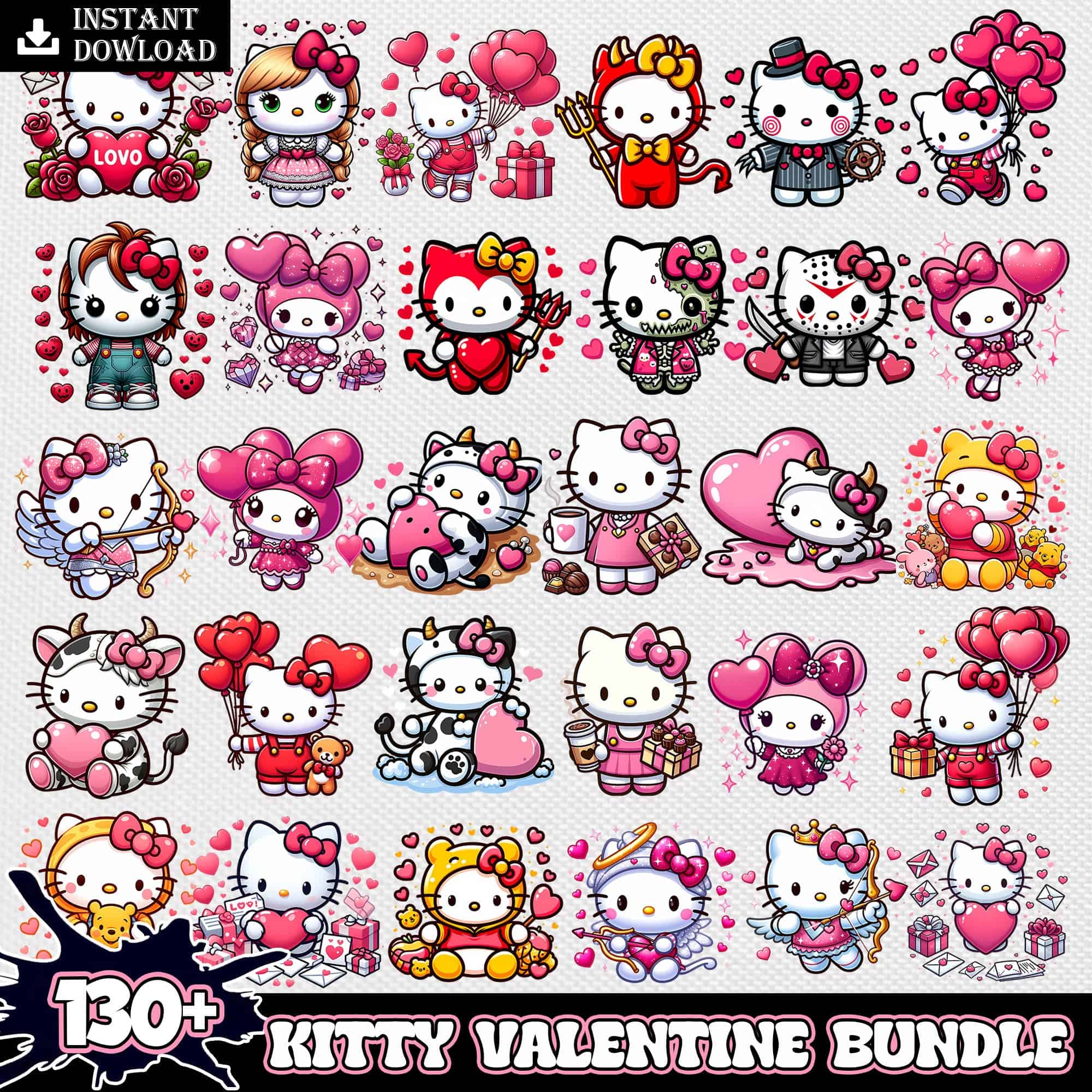
Valentine SVG files are ready-to-cut and print designs that come as SVG, PNG, DXF, EPS, PDF or high-res PNG for shirts, mugs, tumblers, cards and party decor. These designs are united by a playful, giftable look – a furry green creature holding a heart-shaped object with text above and small hearts and stars around it, and a collection of cartoon cat characters in various poses and outfits surrounded by sparkling elements. They are drawn in cartoon and flat styles, so the lines stay clean at any size. While made for Valentine's Day, these designs also get used a lot for christmas and birthday projects, from matching family tees to cute drinkware and stickers.
Most of these Valentine SVG options are single-layer and cut fastest, which is ideal for small items, baby onesies, and left-chest logos where fine weeding matters. Layered versions are better when you want to stack vinyl colors or separate a furry texture, a heart, and the text for different materials. Cartoon details look best large – put the full cat group or the green creature with stars on adult tees, totes, and 20oz tumbler wraps; use just the heart-shaped object or one cat pose for mugs, cards, and small tags. Before cutting, check each design's file list: cut-file designs include SVG, PNG, DXF, EPS, PDF, PNG-only designs are PNG (300 dpi, transparent) for sublimation and DTF. Mirror for HTV, test size on paper, and keep sparkling accents above 0.25 inches.
Use 11-12 inches wide for adult tees, 8-9 inches for youth, and 4.5-5.5 inches for baby. These cartoon and flat Valentine SVG designs hold up well when scaled down, but keep the small hearts and stars above 0.25 inches so they weed cleanly. For the furry green creature or the full cat collection, add 0.5 inches for adult sizes to preserve facial details.
Choose SVG for vinyl and PNG for sublimation or DTF. SVG, DXF, EPS and PDF are cut-file formats for Cricut, Silhouette, ScanNCut and laser cutters, while 300 dpi transparent PNG prints directly. For these Valentine SVG looks, cut the flat shapes in vinyl and print the furry texture, sparkling elements and gradients as PNG, then press. Each design lists its own included files.
Ungroup the layers in Cricut Design Space, assign each color, and cut on the matching vinyl. These cartoon Valentine SVG designs usually separate into base fur or cat body, heart-shaped object, small hearts and stars, and top text. Cut larger pieces first, use a light tack mat for small sparkling elements, weed inside-out, and layer from background to text. For PNG-only prints, use Print Then Cut instead.
Yes, you can add a name above or below the art in Design Space, Silhouette Studio, Illustrator or Canva. These Valentine SVG designs leave space with text above the furry green creature and around the cat characters, so a name or year fits without covering the heart-shaped object or sparkling details. Keep added text in a bold sans-serif for easy weeding and size it to at least 0.5 inches tall.
It depends on the design. Cut-file designs include SVG, PNG (300 dpi, transparent), DXF, EPS and PDF for cutting and printing. PNG-only designs are for sublimation and DTF workflows and include PNG (300 dpi, transparent background) only. Always check the file list for each design, as formats vary across these 308 options.
Yes. SVG works in Cricut Design Space and Silhouette Studio Designer Edition, DXF works in Silhouette basic, and PDF, EPS, SVG open in Illustrator, Inkscape, CorelDRAW and Canva. PNG (300 dpi) works for sublimation printers, DTF and Photoshop. These designs are made for vinyl, paper and print, not for resale of the files themselves.
Yes, under personal and small-business commercial use. You can sell finished physical items like shirts, mugs, tumblers, cards and decor made with these designs. You cannot resell, share or redistribute the digital files as files. If you use the furry green creature or cat characters, keep them as part of a finished craft, not as a standalone digital asset.


