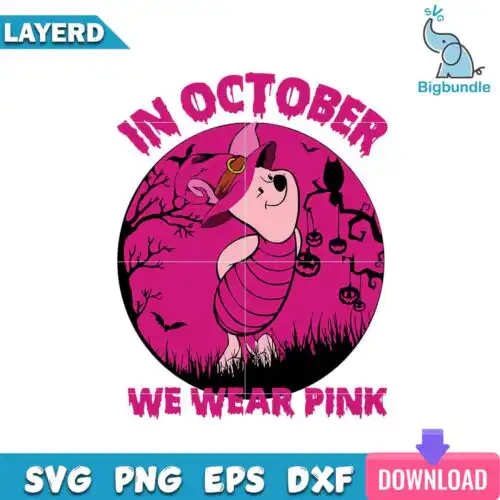
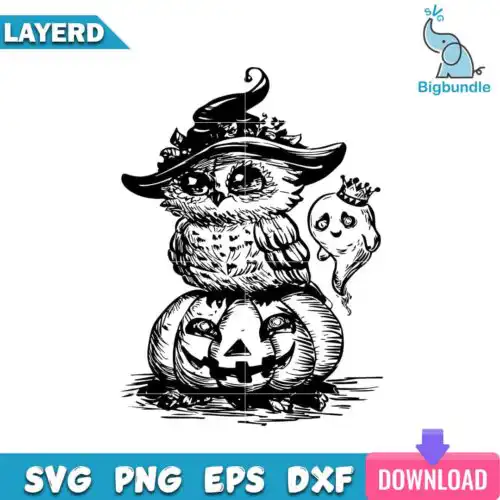
Witch SVG files are cut-ready artwork typically available as SVG, PNG, DXF, EPS and PDF for cutting machines and as transparent PNG for sublimation, used to make shirts, mugs, tumblers, signs, and party decor. These designs are united by witchy subjects — character-inspired silhouettes, funny quotes, and themed elements like hats, brooms, cats, and brew cups — drawn in cartoon, flat, and line-art styles. Made for crafters who love year-round magic and birthday-ready humor, they work for everything from kids' tees to Halloween coffee bar signs. Cut-file designs include SVG, PNG, DXF, EPS and PDF, while PNG-only designs are for sublimation and printing, and each design lists its own files on its product page.
Choosing the right design
Decide by how you want to make it. For vinyl, look for single-layer silhouettes with clean outlines — they weed fast and stay readable on small items like baby onesies, mugs, and party favors. For a dimensional look on adult shirts or wood signs, choose layered cartoon versions where hats, hair, and brooms cut in separate colors. Flat and line-art styles scale down better than highly detailed cartoon; save big, detailed characters for large fronts or tote bags. Before you cut, check if the design includes a quote — you will need to mirror for HTV and size the text so it stays legible. For sublimation, pick PNG with a transparent background at 300 dpi and check the aspect ratio for tumblers versus flat shirts.
Witch SVG for shirts vs mugs what should I use
Use single-layer flat or line-art silhouettes for mugs and small tumblers and bolder cartoon versions for shirts. Small curved surfaces lose tiny details, so simple witch hats, cats, and short quotes weed and press cleaner on mugs, while larger chest prints can handle layered hair, brooms, and longer sayings. For tumblers, pick tall, narrow layouts.
Is Witch SVG better as SVG or PNG?
SVG is better for vinyl and paper cutting, PNG is better for printing. Cut-file designs include SVG, DXF, EPS, PDF and PNG for Cricut, Silhouette and other cutters, so you can resize and change colors by layer. PNG-only designs are 300 dpi transparent files for sublimation, DTF and print-and-cut where you need full color without layering. Each design lists its own files.
How to cut layered Witch SVG on Cricut?
Layered witch designs cut easiest when you ungroup and cut by color in Cricut Design Space. Keep the black outline as your base, cut each color on its own mat, and use the PNG preview to stack in order. For small text in quotes, use a sharp blade, low-pressure cardstock setting for HTV, and weed the inside of letters before lifting. Press bottom to top with parchment.
What size should Witch SVG be for adult and kids shirts?
Size witch designs to 10-11 inches wide for adult shirts, 7-8 inches for youth, and 4-5 inches for baby onesies or small mugs. Quotes should have letters at least 0.5 inch tall to weed cleanly. For cartoon characters with many layers, add 0.25 inch extra width on kids' sizes so details do not overlap. Always do a test cut of the quote.
Cut-file designs include SVG, PNG (300 dpi, transparent), DXF, EPS and PDF for cutting and print-and-cut. PNG sublimation designs are PNG only (300 dpi, transparent background) for sublimation, DTF and printing. Every design lists its included files on its product page, so check there before you buy.
Do Witch SVG files work with Cricut and Silhouette?
Yes. Cut-file versions work with Cricut Design Space, Silhouette Studio Designer Edition, Brother ScanNCut, Adobe Illustrator, Inkscape, CorelDRAW and Canva. PNG versions work with sublimation printers, DTF workflows and Photoshop. All designs are ready to upload, resize and cut or print.
Can I sell shirts and mugs I make with Witch SVG?
Yes, for small business use. You can sell finished physical items like shirts, mugs, tumblers and signs made with these designs. You cannot resell, share or redistribute the digital files themselves as files, and you cannot claim to be official or licensed. The licence covers personal and small-business commercial use.