

Roblox Roblox Clip Art SVG Collage: Blocky Gamer Characters for T-Shirts, Party Decor
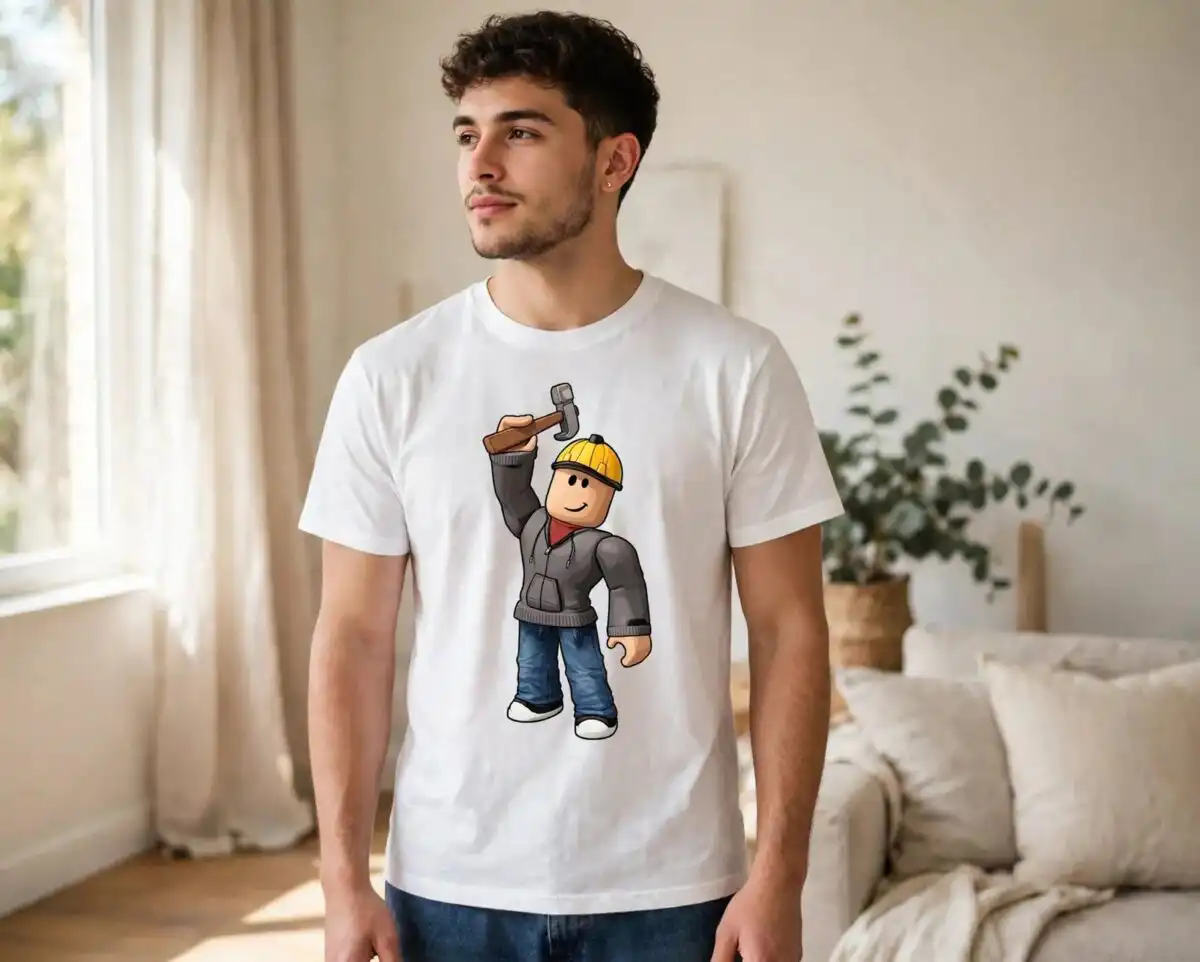
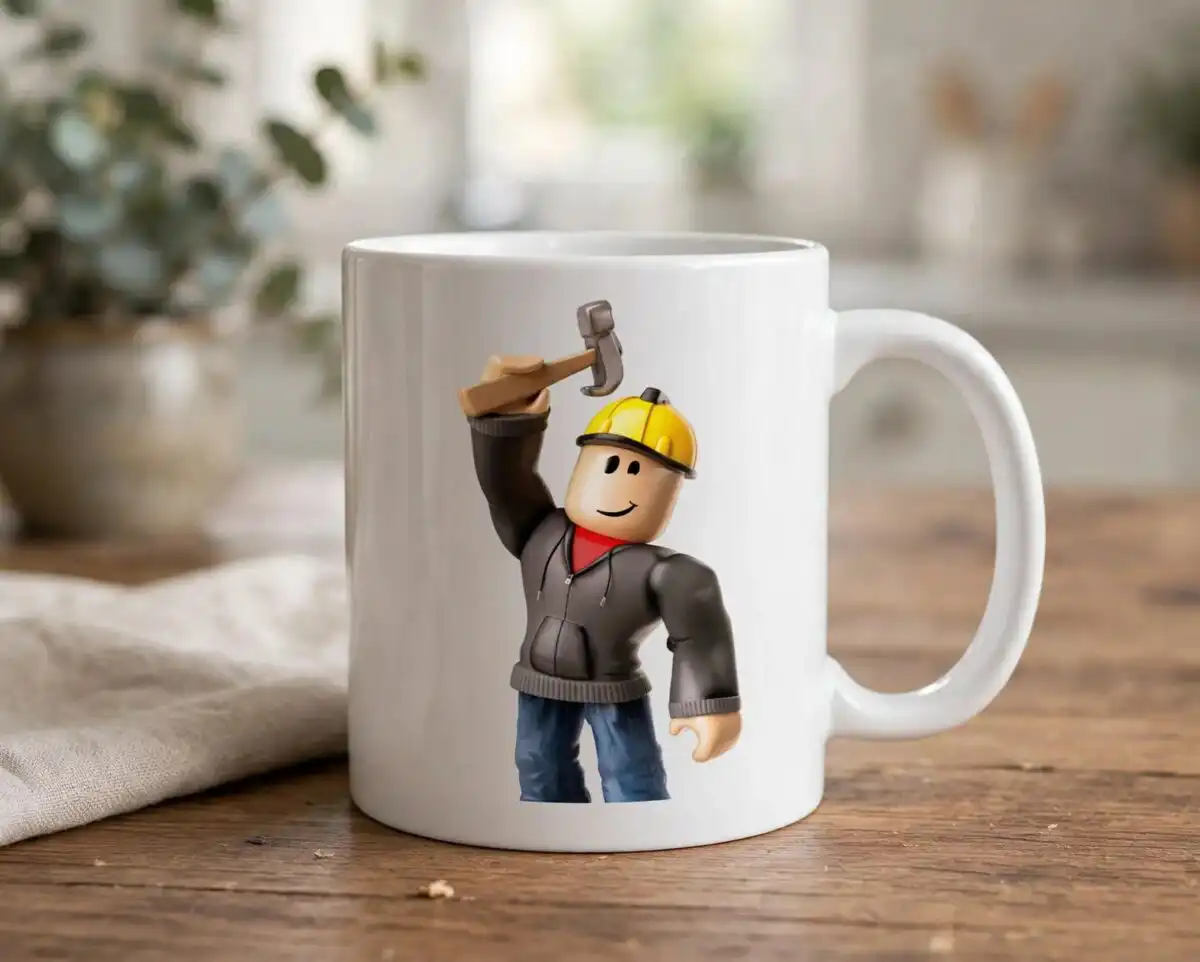
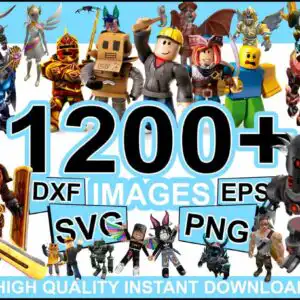
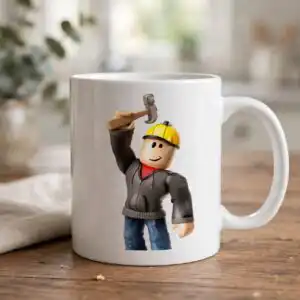
This Roblox collage is a promotional sheet of blocky 3D avatar characters, and it comes with the full digital clip-art bundle in SVG, PNG, DXF and EPS formats. The sheet shows armored knights, a yellow-hard-hat construction worker, a chrome robot with red eyes, a bat-winged creature and a dark dragon, drawn in sky blue, yellow, red, silver grey and olive green on a white background. Each figure is a separate piece you can cut, so you can pick out the characters you want for a gaming-themed project. Use the Roblox clip art for birthday party decor, sticker sheets, scrapbook pages or t-shirt designs. The files are high quality with instant download, and they open in Cricut Design Space, Silhouette Studio, Brother ScanNCut and Adobe Illustrator. The sheet is a preview of the wider bundle, so you can browse the characters before you cut.
Design breakdown
The artwork is a single landscape collage sheet with 15 distinct character designs visible in the preview, including an armored knight with shield and sword, a cardboard box-headed character, a blocky yellow noob with a worried face, a skeletal blue monster with glowing hands, a golden armored knight and a spiked red-brown monster. The palette is white, black, sky blue, yellow, red, silver grey and olive green, on a white background. Each figure is cut in 1 layer, and the detail is high, so cut it at 4 inches or larger for the smaller faces, hands and sword tips to stay clean. Designs such as the chrome robot with red eyes, the winged angel-like figure and the bat-winged creature are among the designs shown in the preview.
| Layers | 1 |
|---|---|
| Colours | 7 — white (#FFFFFF), black (#000000), sky blue (#3FA9E0), yellow (#F2C230), red (#C8102E), silver grey (#8C8C8C) |
| Lettering | 1200+ / DXF / IMAGES / EPS / SVG / PNG / HIGH QUALITY INSTANT DOWNLOAD |
| Background | white |
| Cut complexity | high |
| Orientation | landscape |
What’s included
- SVG
- PNG (300 dpi, transparent)
- DXF
- EPS
Works with
- Cricut Design Space
- Silhouette Studio (Designer Edition)
- Brother ScanNCut
- Adobe Illustrator
- Inkscape
- CorelDRAW
How to use
Download the zip file and unzip it to a folder on your computer before you open anything. In Cricut Design Space, Silhouette Studio or Brother ScanNCut, choose Upload and select the SVG or DXF file for the character you want. For printing, open the PNG file, which has a transparent background, and send it to your sublimation or inkjet printer. Resize the design in your software before you cut, and check the fine details at the size you plan to use.
Licence
Personal and small-business commercial use. Sell finished physical items; do not resell or redistribute the files themselves.
FAQ
What files are included with this Roblox clip art?
The download includes SVG, PNG, DXF, EPS and PDF files. The PNG files are 300 dpi with a transparent background.
Can I use this knight design on a youth t-shirt?
Yes, the armored knight and sword characters can be sized down for a youth shirt. Check the printed size first, because the smaller faces and hands need room to stay clear.
Does this Roblox clip art work with Cricut and Silhouette?
Yes, the SVG and DXF files work with Cricut Design Space, Silhouette Studio (Designer Edition) and Brother ScanNCut. The EPS and SVG files also open in Adobe Illustrator, Inkscape and CorelDRAW.
Can I resell physical items made with these files?
Yes, you can use the files for personal and small-business commercial use and sell the finished physical items. You cannot resell or redistribute the files themselves.


