
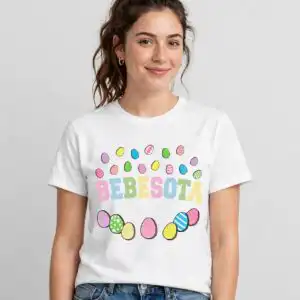
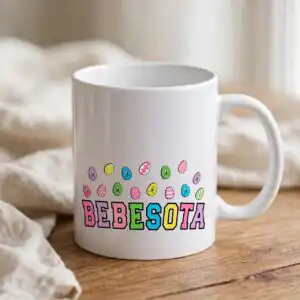
Bad Bunny Inspired Easter Day Shirt Design with BEBESOTA and EASTER VIBES Lettering
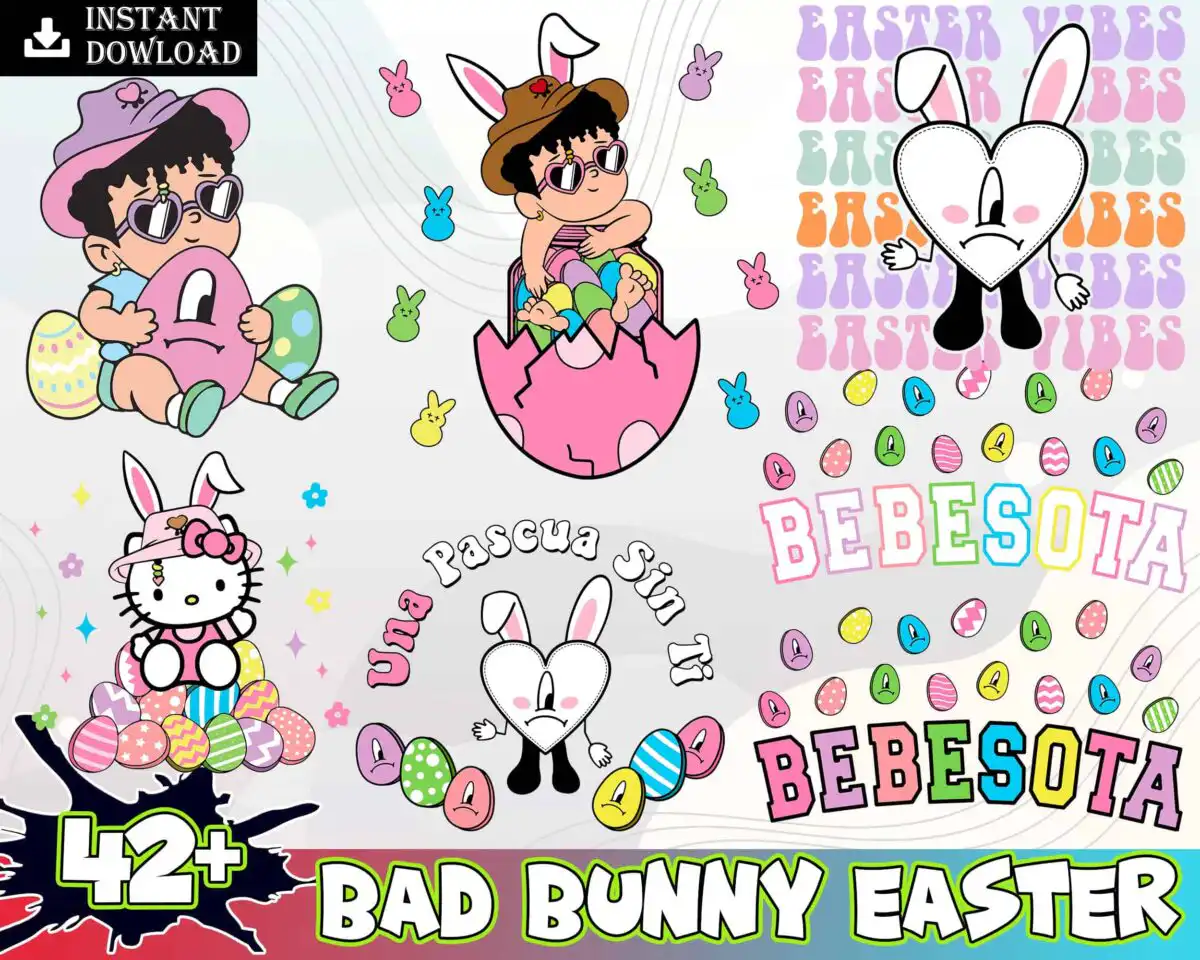
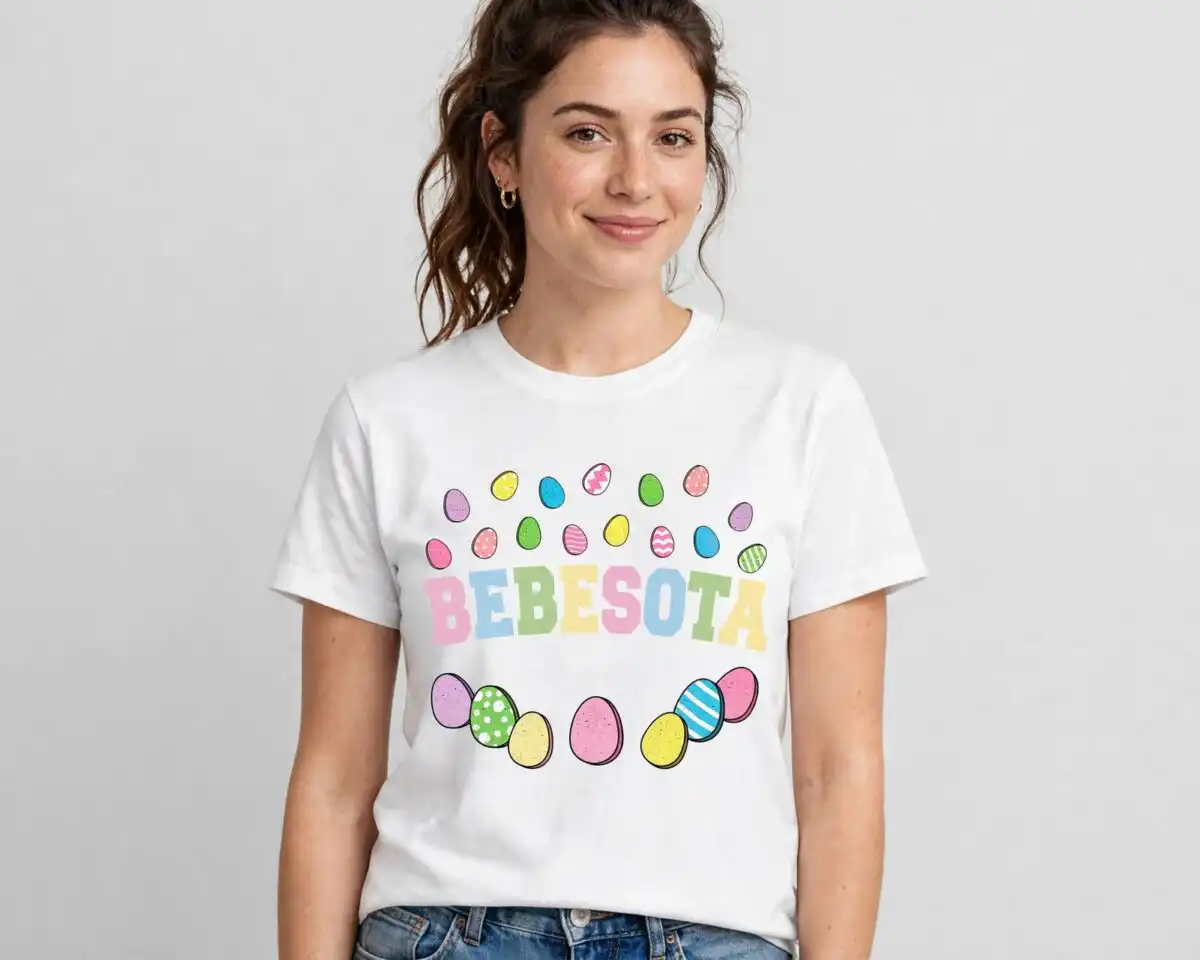
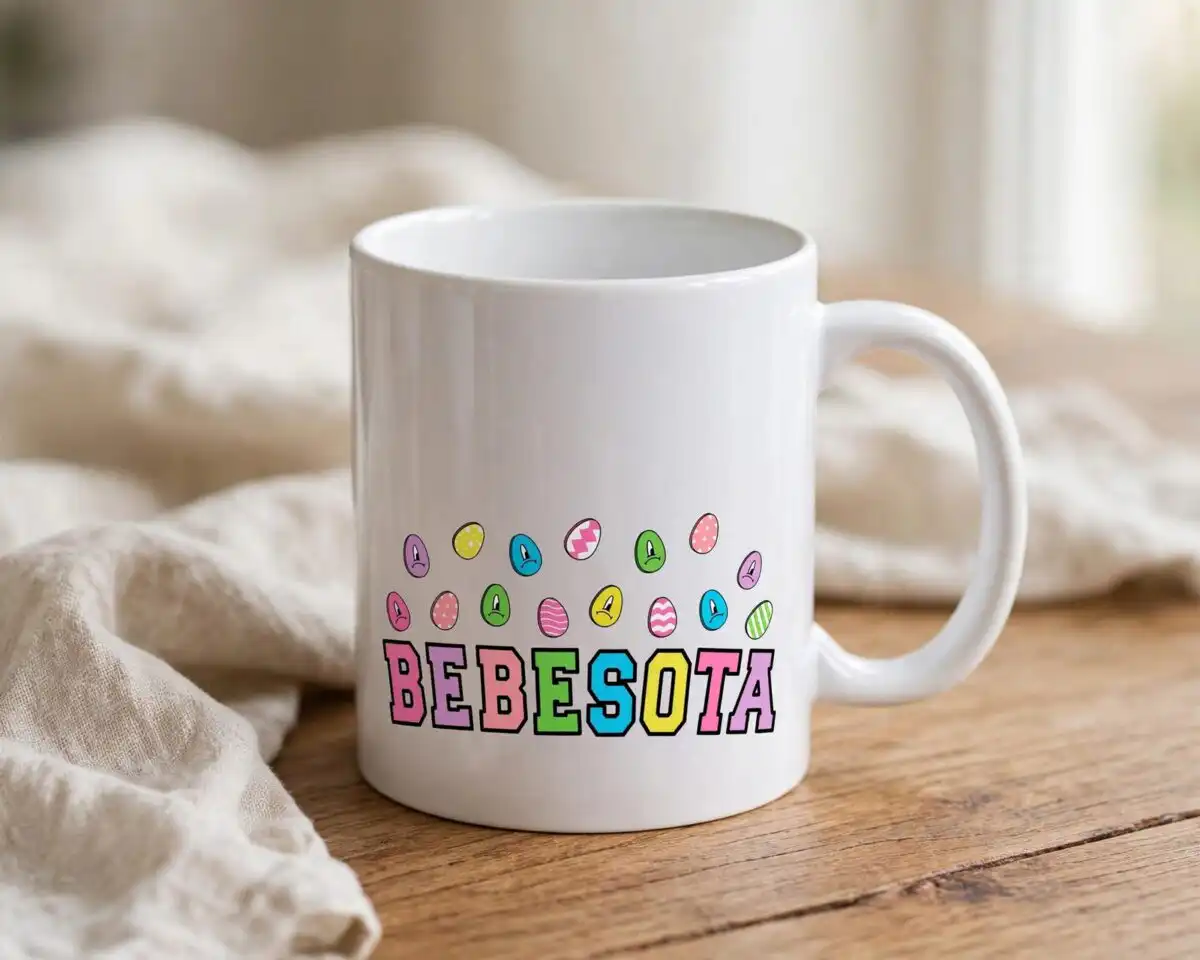
This Easter Day Bad Bunny design is one pattern-style artwork of cartoon characters, painted eggs and retro lettering, delivered as SVG, PNG, DXF and EPS files for shirts, tumblers, mugs, sublimation and cutting. Its lettering reads BEBESOTA and EASTER VIBES in a wavy retro stack, with the words Una Pascua Sin Ti also included. You will find a cartoon baby holding a pink egg, a heart-shaped bunny mascot with long ears, and a Hello Kitty-style character in bunny ears sitting on eggs. The eggs are decorated with polka dots, stripes and zigzags, and the palette is pastel pink, mint green, butter yellow, lavender and sky blue, outlined in black. Pastel peeps marshmallow chicks and a splatter graphic fill the background, giving a playful, kawaii feel for Easter and spring parties.
Design breakdown
The artwork is cut in 4 layers and uses six colours: pastel pink, mint green, butter yellow, lavender, sky blue and black. It includes cartoon babies in pink eggs, a heart-shaped bunny mascot with long ears, a Hello Kitty-style character in bunny ears, decorated eggs with polka dots, stripes and zigzags, pastel peeps marshmallow chicks, a retro wavy EASTER VIBES text stack, and a splatter graphic. Medium cut complexity: fine details are best cut at 4 inches or larger. The file is supplied on a white background in landscape orientation, and the preview sheet is a collage showing nine distinct designs.
| Layers | 4 |
|---|---|
| Colours | 6 — pastel pink (#F4A6C8), mint green (#A9DFD8), butter yellow (#FFE27A), lavender (#B7A4E6), sky blue (#7FC8F8), black (#1A1A1A) |
| Lettering | INSTANT DOWNLOAD / EASTER VIBES / BEBESOTA / Una Pascua Sin Ti / 42+ / BAD BUNNY EASTER |
| Background | white |
| Cut complexity | medium |
| Orientation | landscape |
What’s included
- SVG
- PNG (300 dpi, transparent)
- DXF
- EPS
Works with
- Cricut Design Space
- Silhouette Studio (Designer Edition)
- Brother ScanNCut
- Adobe Illustrator
- Inkscape
- CorelDRAW
How to use
Download the ZIP from your order and unzip it to a folder on your computer. In Cricut Design Space, Silhouette Studio, Brother ScanNCut or Illustrator, choose Upload or Open and select the SVG file. For sublimation or printing, use the PNG, which has a transparent background. Check the size on your mat or canvas before cutting or printing.
Licence
Personal and small-business commercial use. Sell finished physical items; do not resell or redistribute the files themselves.
FAQ
What files are included with this Easter design?
You get SVG, PNG at 300 dpi with a transparent background, DXF, EPS and PDF files. The PNG suits sublimation and printing, while the SVG and DXF suit cutting machines and design software.
Can I put this Bad Bunny design on a youth t-shirt or a 20oz tumbler?
Yes, the artwork works on both, since it is supplied as a transparent PNG and a scalable SVG. Resize it in your software to fit the youth shirt or tumbler wrap before printing or cutting.
Which machines and programs does this file work with?
It works with Cricut Design Space, Silhouette Studio (Designer Edition), Brother ScanNCut, Adobe Illustrator, Inkscape and CorelDRAW. The PNG works with standard sublimation and printing workflows.
Can I resize the design and sell items made with it?
Yes, you can resize it freely within your own projects. The licence covers personal and small-business commercial use, so you may sell finished physical items, but you may not resell or redistribute the files themselves.


