

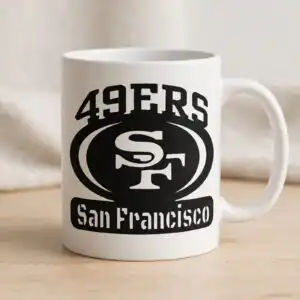
49ers SVG File: Black Silhouette Badge with Arched Lettering and SF Monogram for Shirts
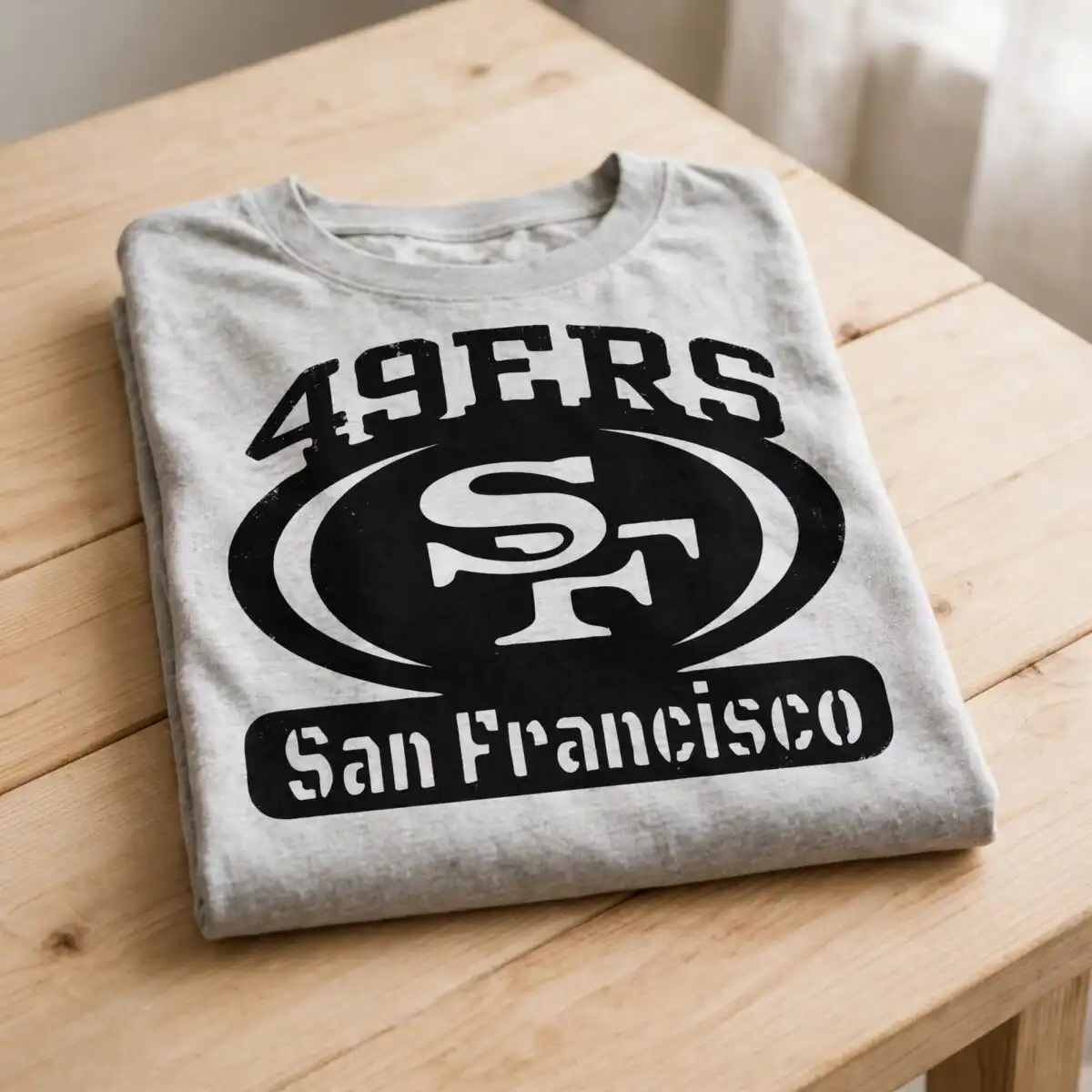
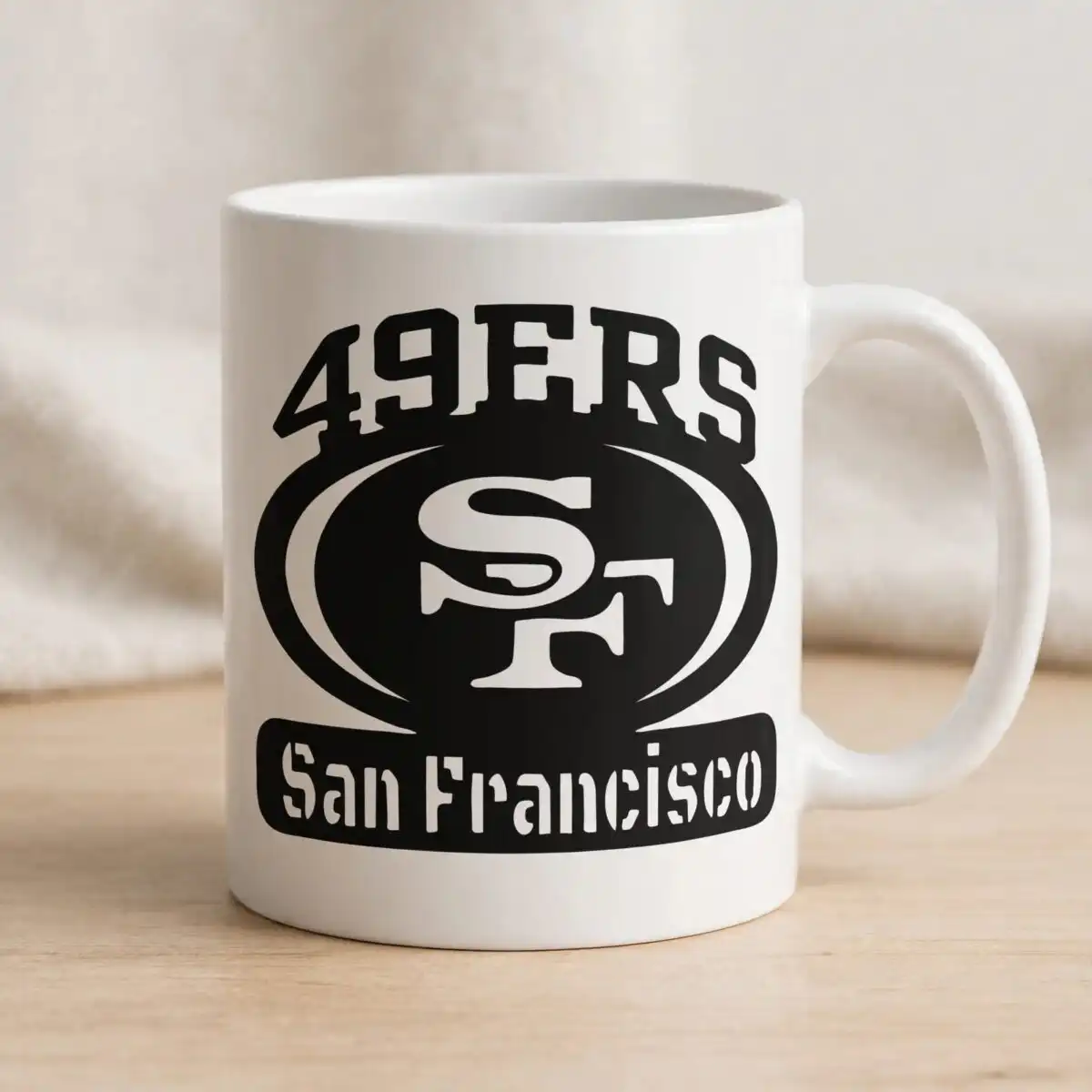
This 49ers SVG file is a single black silhouette badge with arched 49ERS lettering above an oval emblem holding a stylized SF monogram, finished with a San Francisco label underneath. You receive SVG, PNG (300 dpi, transparent), DXF, EPS and PDF files, ready for cutting or printing. The emblem uses black, white, teal blue, pink and purple accents, so you can cut the badge in one colour or layer the accent tones for a bold, sporty look. Use it for vinyl decals, t-shirt iron-on transfers, mugs and wall art. Because the design is built from solid shapes, it reads clearly on tumblers, car windows and garment transfers alike. The black silhouette style keeps the lettering sharp even when you scale the badge to fit a hat, sleeve or tote.
Design breakdown
The design is cut in 3 layers: the black outer badge with its arched lettering, the inner oval ring with the stylized SF monogram, and the rounded rectangle label reading San Francisco. The palette includes black, white, teal blue, pink and purple. The arched 49ERS text and the outer arc shapes are solid fills, while the inner oval ring and monogram carry the finer cut detail, so plan on cutting it at 4 inches or larger for clean weeding. The file is a vector design with a single-sheet layout on a white background.
| Layers | 3 |
|---|---|
| Colours | 5 — black (#000000), white (#FFFFFF), teal blue (#1BA3C6), pink (#E9488A), purple (#7B5CD6) |
| Lettering | 49ERS / SF / San Francisco / LAYERD / SVG / PNG / EPS / DXF / DOWNLOAD |
| Background | white |
| Cut complexity | medium |
| Orientation | square |
What’s included
- SVG
- PNG (300 dpi, transparent)
- DXF
- EPS
Works with
- Cricut Design Space
- Silhouette Studio (Designer Edition)
- Brother ScanNCut
- Adobe Illustrator
- Inkscape
- CorelDRAW
How to use
Unzip the downloaded folder and find the SVG file. In Cricut Design Space or Silhouette Studio, choose Upload, select the SVG, and import it as a single image. Check the layer order so the badge sits above the label, then resize it to your project size before cutting. For printing, use the transparent PNG or the EPS in Illustrator or Inkscape.
Licence
Personal and small-business commercial use. Sell finished physical items; do not resell or redistribute the files themselves.
FAQ
What files are included with this 49ers SVG file?
You get SVG, PNG (300 dpi, transparent), DXF, EPS and PDF files. The PNG has a transparent background, so it works for printing and sublimation.
Can I use this 49ers badge on a 20oz tumbler?
Yes, the design suits a 20oz tumbler when it is sized to fit the wrap. Scale the badge to your template and keep the inner oval ring at a size that still reads clearly.
Which machines and software does this file work with?
It works with Cricut Design Space, Silhouette Studio (Designer Edition), Brother ScanNCut, Adobe Illustrator, Inkscape and CorelDRAW. The PNG works for printing workflows.
Can I resize this design and use it for my business?
Yes, you can resize the file freely. The licence covers personal and small-business commercial use for finished physical items, but you may not resell or redistribute the files themselves.


