Angel From Stitch Valentine’s Day PNG Sublimation Design for Shirts, Mugs and Totes
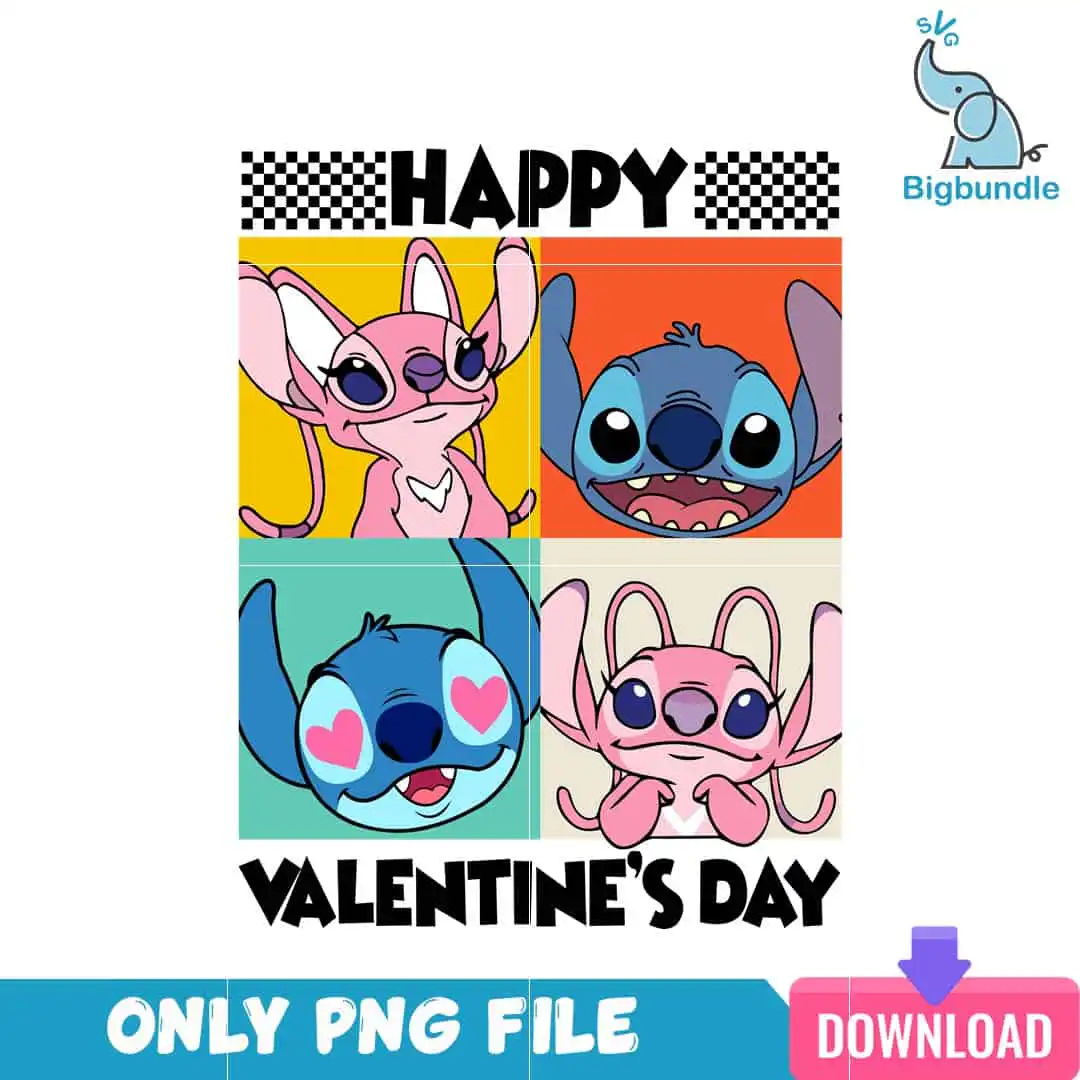
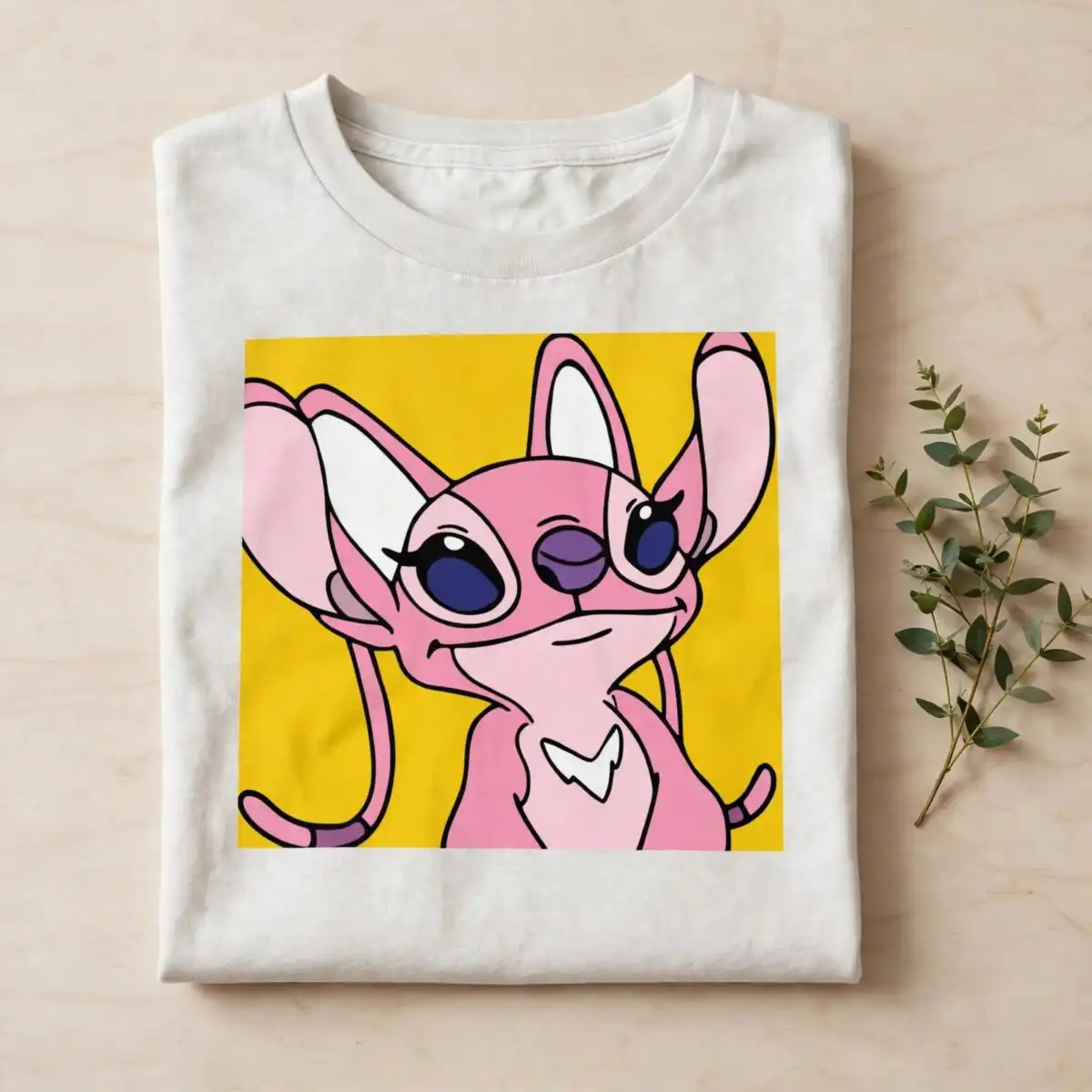
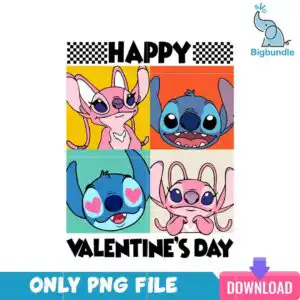
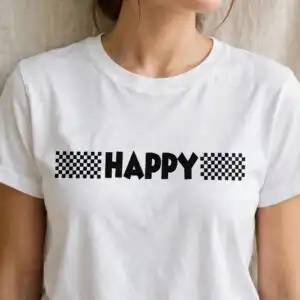
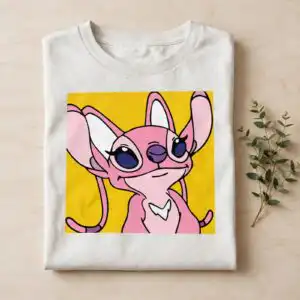
This Angel from Stitch PNG is a single four-panel Valentine’s Day pop-art design featuring Angel and Stitch from Lilo & Stitch, supplied as a transparent-background PNG for sublimation printing. Each panel shows one character: Angel’s pink face top left, Stitch’s blue face top right, Stitch with heart-shaped eyes bottom left, and Angel with hands clasped bottom right. The lettering reads HAPPY and VALENTINE’S DAY in black across a mustard yellow and orange-red header, framed by teal and cream checkered blocks. The file is 300 dpi and works well for shirts, sweatshirts, mugs, tote bags and stickers. You get one design, so you can print it as many times as you need for your own finished items.
Design breakdown
The artwork is a single portrait PNG laid out as a retro four-panel grid with checkered flag-style border blocks flanking the header. The panels show Angel’s pink face, Stitch’s blue face, Stitch with heart-shaped eyes and Angel with hands clasped. The palette uses mustard yellow, orange-red, teal, cream, Stitch blue, Angel pink, heart pink and black lettering, which read as flat colour blocks rather than gradients. The design is cut in 12 layers, and its fine details call for cutting at 4 inches or larger if you cut vinyl. The file has a transparent background, so the white preview background will not print.
| Colours | 8 — mustard yellow (#F7C81C), orange-red (#E8562A), teal (#3FB8A5), cream (#F3EBDD), Stitch blue (#1E5FA8), pink (Angel) (#F4A6C2) |
|---|---|
| Lettering | HAPPY / VALENTINE’S DAY |
| Background | white |
| Orientation | portrait |
What’s included
- PNG (300 dpi, transparent background)
Works with
- Sublimation printers (Epson, Sawgrass)
- DTF / print-and-cut workflows
- Canva
- Adobe Photoshop
How to use
Download the ZIP file from your order and unzip it to a folder on your computer. Open the PNG in Canva, Adobe Photoshop or your sublimation software, then import it into your print layout. Resize it with the corners locked so the proportions stay correct. For sublimation, print on sublimation paper with a mirror image if your press requires it, then press onto a light-coloured blank. For cutting, use a DTF or print-and-cut workflow.
Licence
Personal and small-business commercial use. Sell finished physical items; do not resell or redistribute the files themselves.
FAQ
What files are included with this Angel from Stitch PNG?
You get one PNG file at 300 dpi with a transparent background. It contains the full four-panel Valentine’s Day design shown in the preview.
Can I put this Angel from Stitch design on a 20oz tumbler?
Yes, the PNG suits tumbler wraps as long as you size it to your wrap and press it with sublimation. Check the print area on your tumbler template before you resize the design.
Which printers and software work with this PNG?
It works with Sublimation printers such as Epson and Sawgrass, and with DTF or print-and-cut workflows. You can open it in Canva or Adobe Photoshop to size and arrange it.
Can I resize the file and sell finished items made with it?
You can resize the PNG for your own projects, and personal and small-business commercial use is allowed. You may sell finished physical items, but you may not resell or redistribute the files themselves.