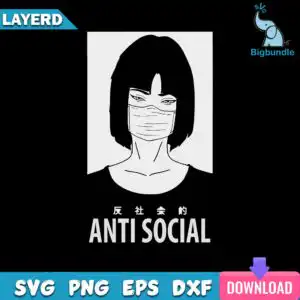
Anti Social Japanese Kanji Line Art Portrait SVG Shirt Design for Cutting Machines
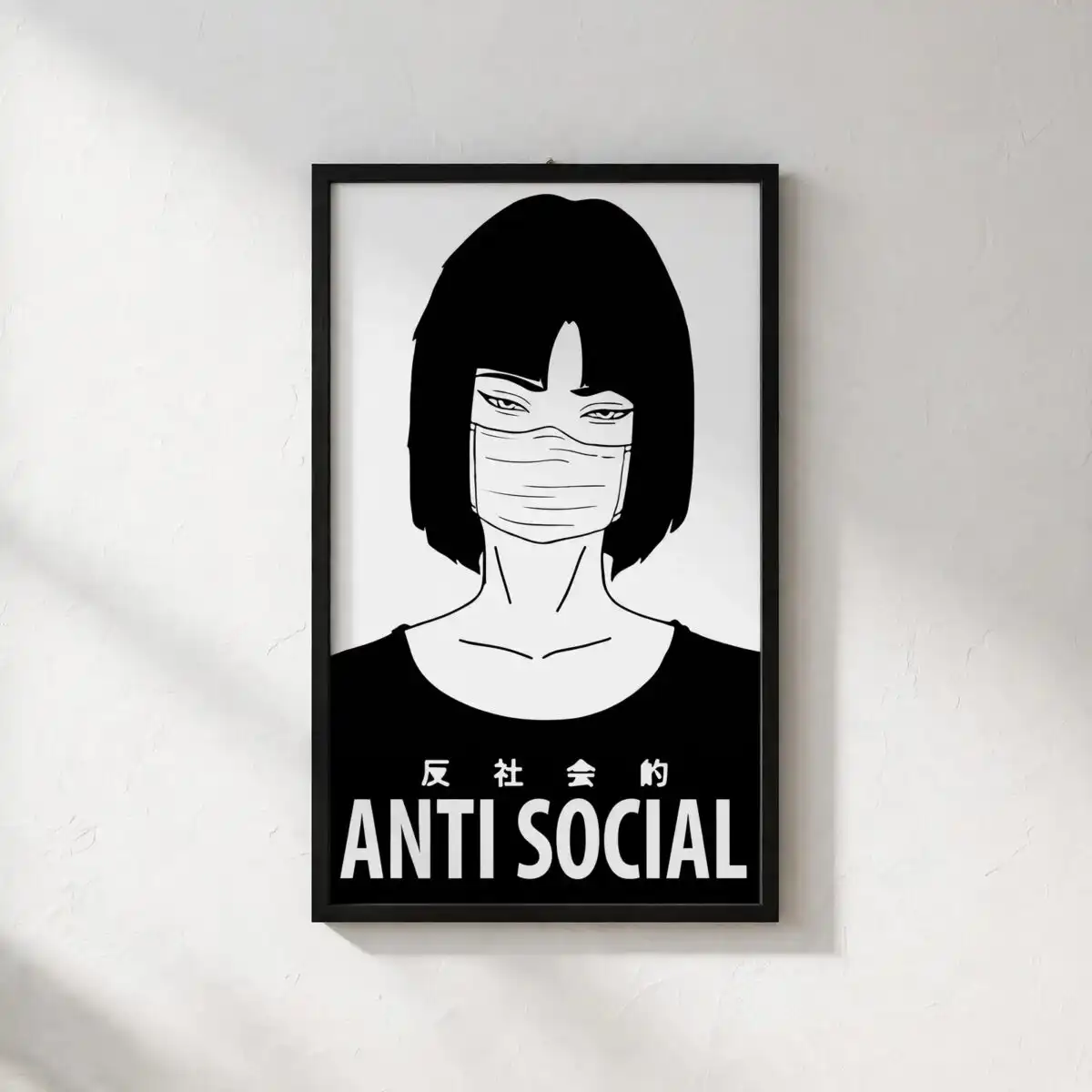
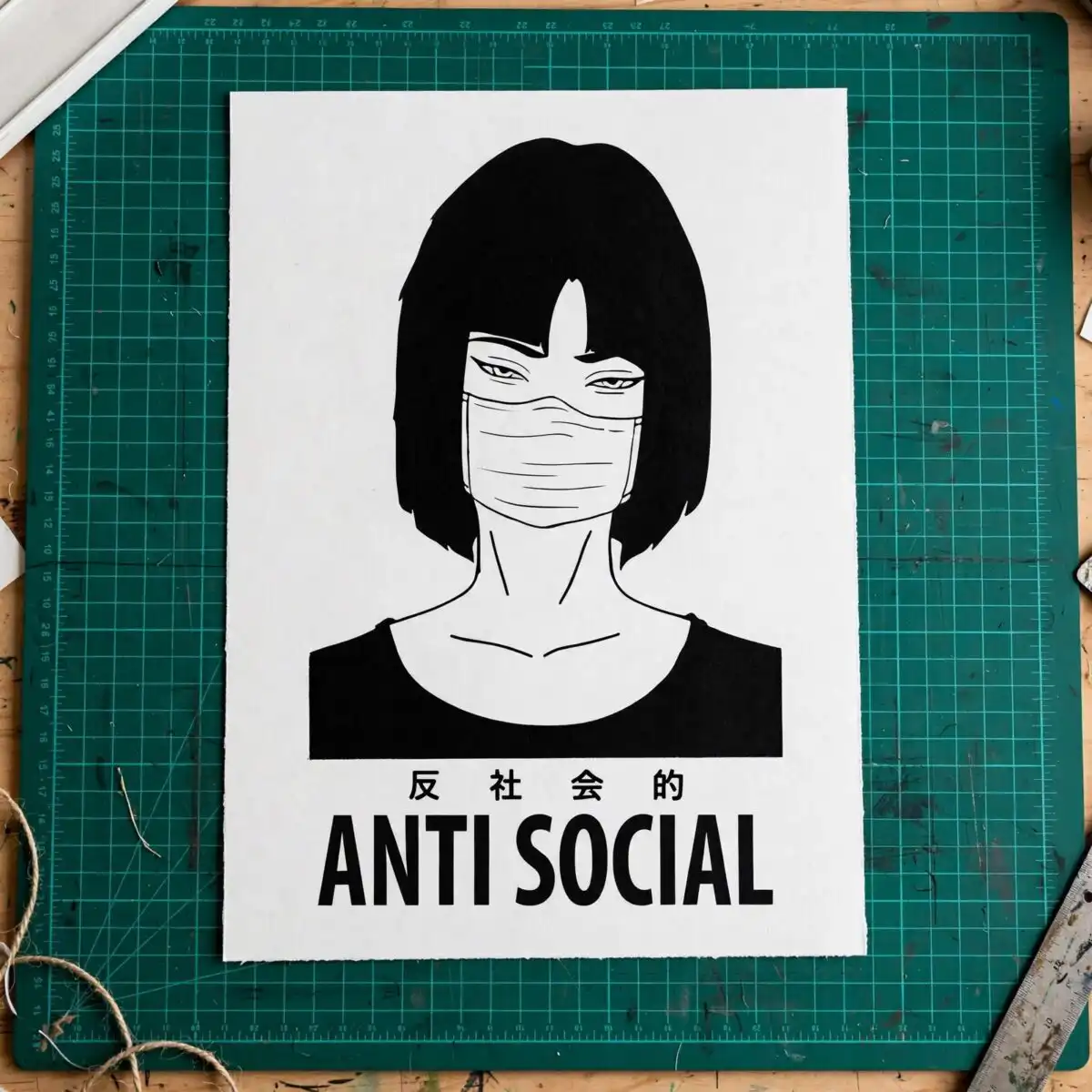
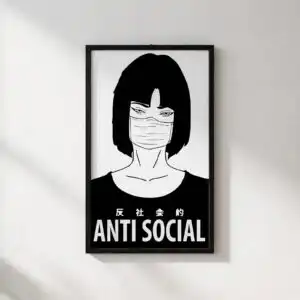
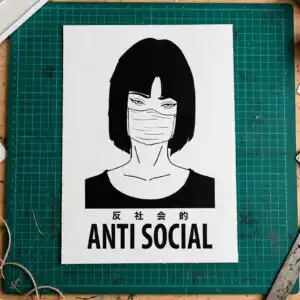
This Anti Social Japanese Kanji SVG is a single line-art portrait design of a woman with a bob haircut, bangs and a face mask, set in a white rectangular frame on a black background, with Japanese characters and the words “ANTI SOCIAL” beneath it. You get SVG, PNG (300 dpi, transparent), DXF, EPS and PDF files, made for t-shirt prints, vinyl decals and stickers. The artwork is built from black, white and light grey, with a blue, purple and pink accent palette available for colour work. The minimal, moody style suits everyday streetwear pieces. Because the portrait is drawn in clean outlines, it works well for cutting vinyl and printing on fabric. Use it as a simple statement graphic on a hoodie, a tote, or a sticker for a laptop. The lettering reads clearly at a comfortable size, so it stays legible on a shirt front.
Design breakdown
This design is cut in 3 layers, built from black, white and light grey, with blue, purple and pink available as accent colours. It includes a line-art woman portrait with a bob haircut and bangs, a face mask, the neckline of a shirt, a white rectangular frame, Japanese characters and the words ANTI SOCIAL. Fine details such as the bangs and the outline of the mask are best cut at 4 inches or larger. The layers are arranged so the frame and lettering can be weeded separately from the portrait.
| Layers | 3 |
|---|---|
| Colours | 2 — black (#000000), white (#FFFFFF), light grey (#E8E8E8), blue (#3AA3D9), purple (#7B5CD6), pink (#E84C8A) |
| Lettering | ANTI SOCIAL |
| Background | dark |
| Cut complexity | medium |
| Orientation | portrait |
What’s included
- SVG
- PNG (300 dpi, transparent)
- DXF
- EPS
Works with
- Cricut Design Space
- Silhouette Studio (Designer Edition)
- Brother ScanNCut
- Adobe Illustrator
- Inkscape
- CorelDRAW
How to use
Download the zip file from your order and unzip it to a folder on your computer. For a cutting machine, open Cricut Design Space, Silhouette Studio or Brother ScanNCut and use the Upload or Import tool to bring in the SVG. For printing on fabric, place the PNG file in your design software and size it to your garment. Check the layers and colours before you cut or print, then send it to your machine.
Licence
Personal and small-business commercial use. Sell finished physical items; do not resell or redistribute the files themselves.
FAQ
What files come with this Anti Social Japanese Kanji SVG?
You receive SVG, PNG at 300 dpi with a transparent background, DXF, EPS and PDF files. The SVG and DXF files are the ones most cutting software imports directly. The PNG is useful for heat transfer printing and for previewing the design.
Can I use this design on a 20oz tumbler?
Yes, the design can be applied to a 20oz tumbler using vinyl or a printed wrap. Resize the artwork to fit the printable area of your tumbler before cutting. The portrait and the lettering keep their proportions when scaled.
Which machines and software work with these files?
The files work with Cricut Design Space, Silhouette Studio (Designer Edition), Brother ScanNCut, Adobe Illustrator, Inkscape and CorelDRAW. Any of these can open the SVG, and the DXF suits older cutting software. The PNG works with standard printing software.
Can I resell the finished shirts or stickers made with this design?
Yes, you may use the design for personal and small-business commercial use and sell finished physical items. You may not resell or redistribute the files themselves. Sell the finished shirts, decals or stickers, not the SVG or PNG.