Rotten to the Core Bad Apple Arched Badge Halloween SVG Shirt Design for Cutting and
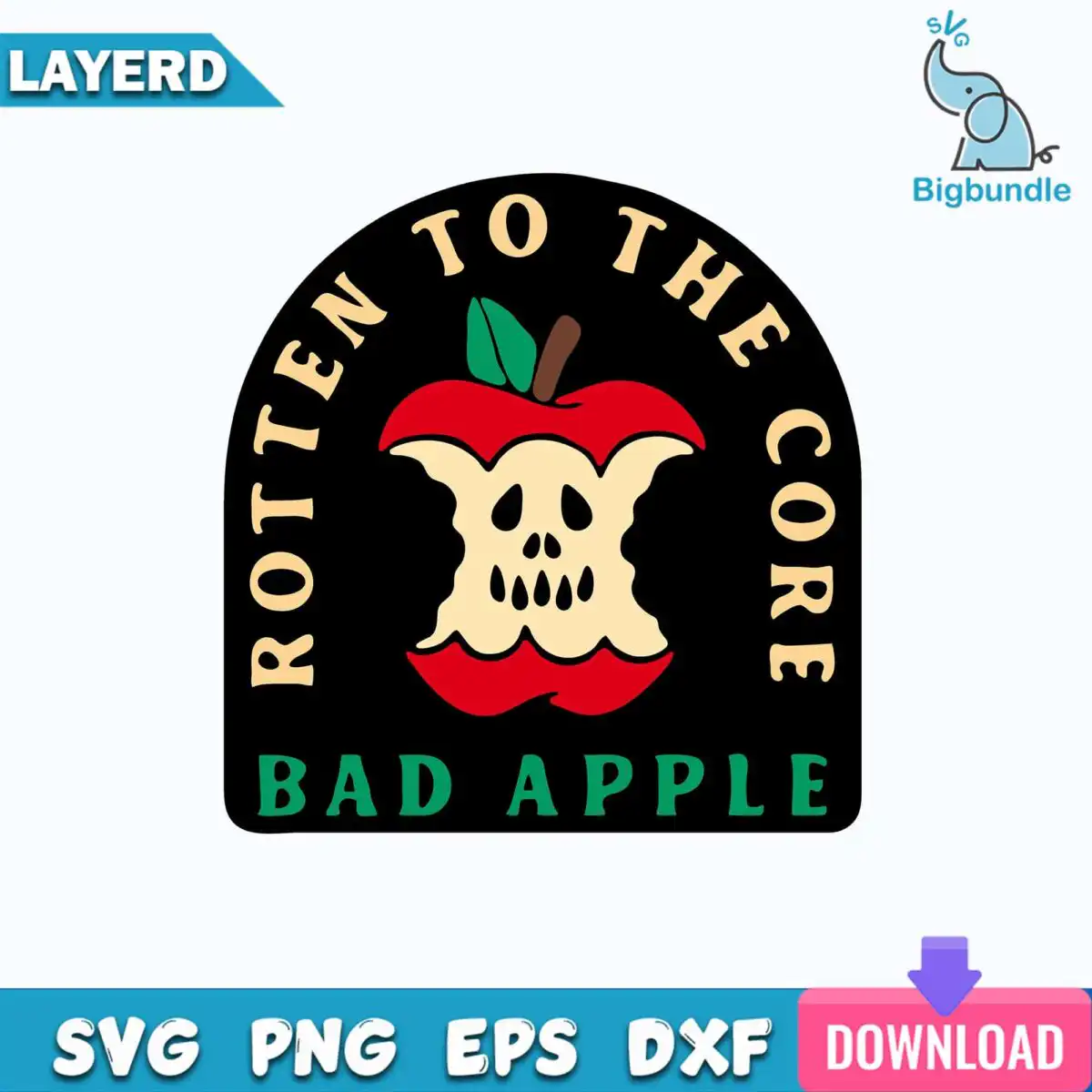
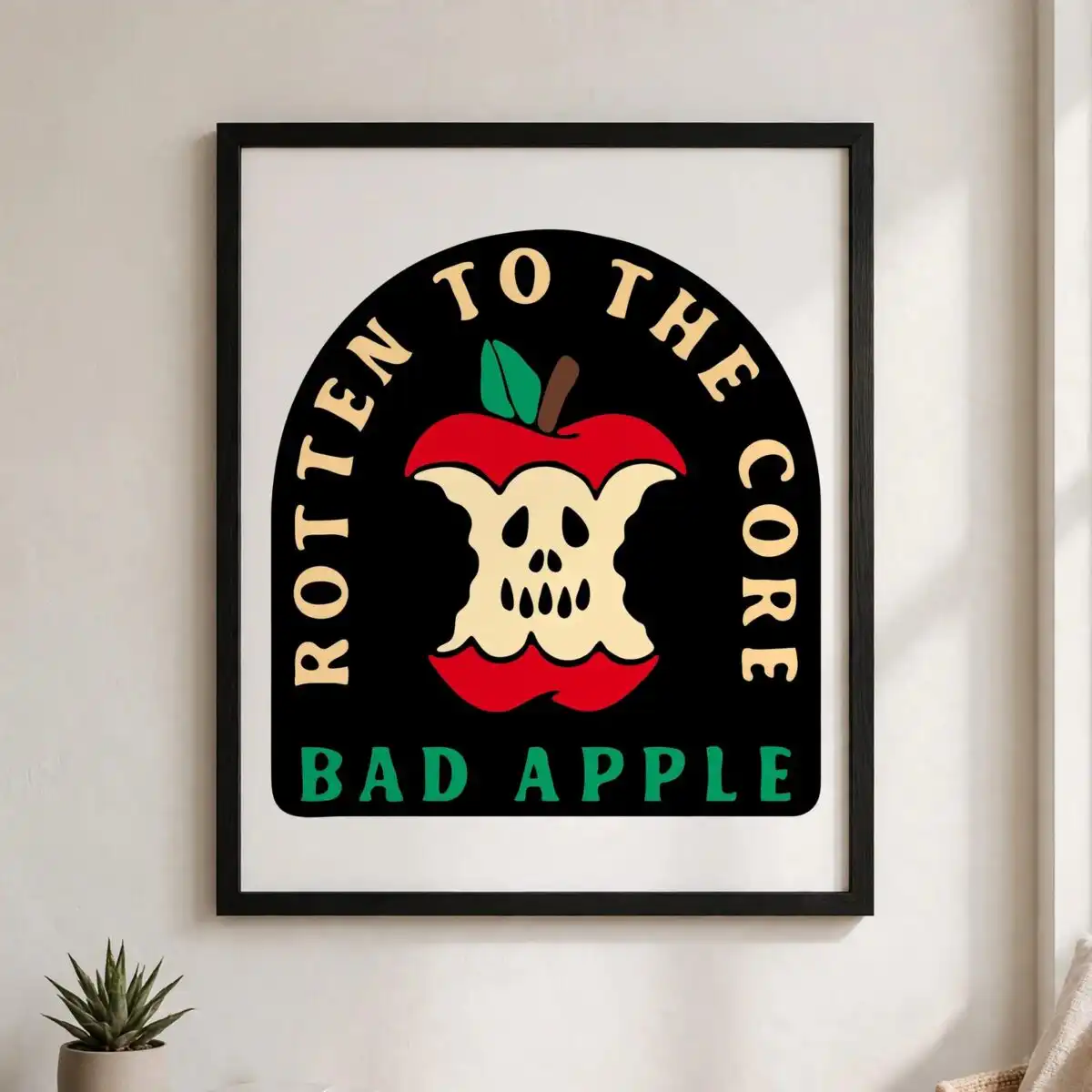
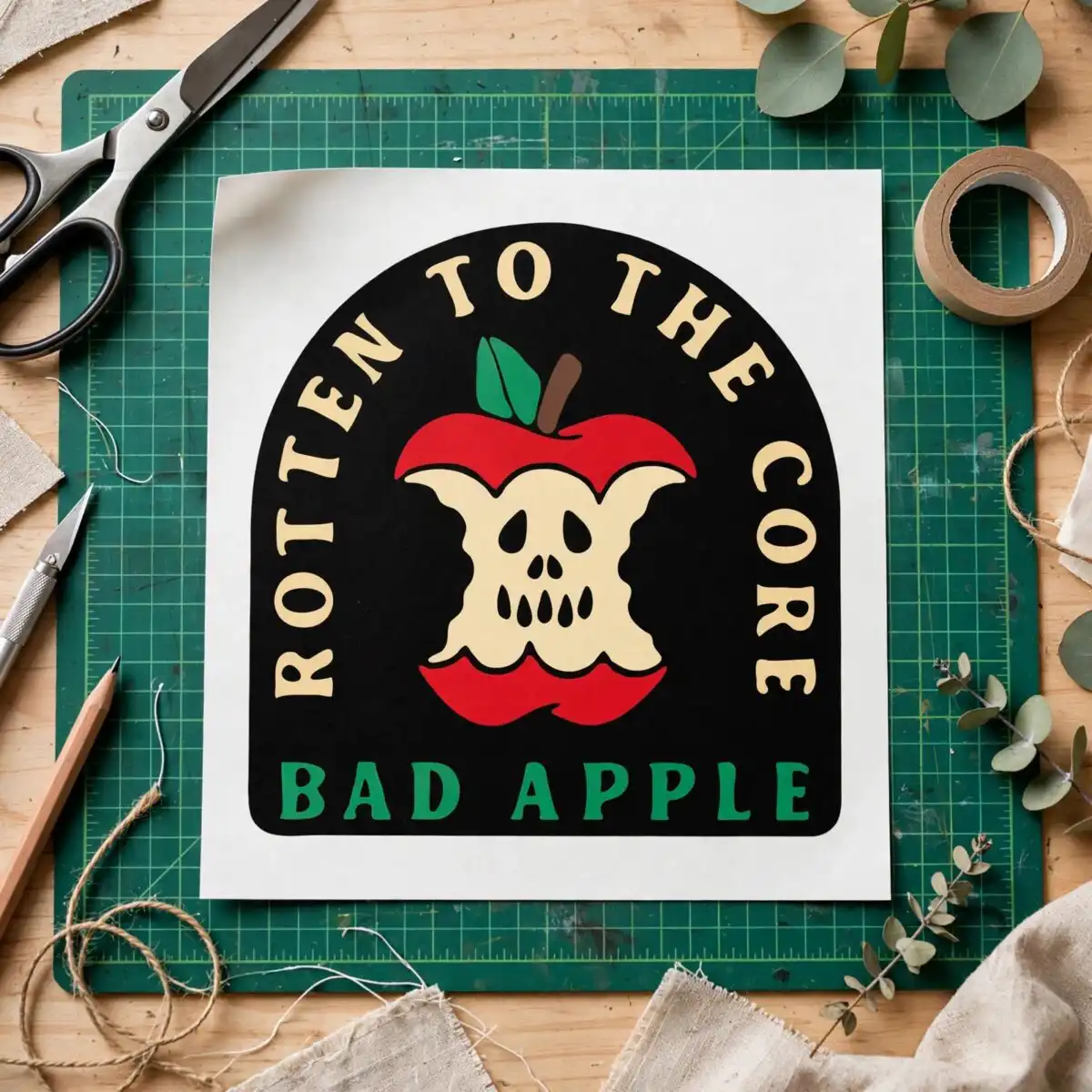
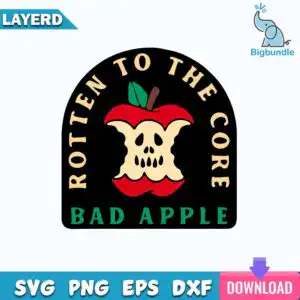
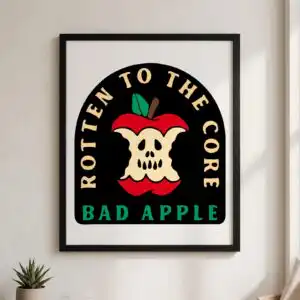
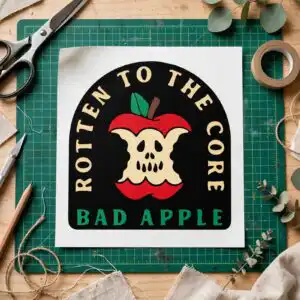
This Arched Badge Reading Rotten design is a single vector badge with bold sans-serif lettering, ROTTEN TO THE CORE above and BAD APPLE below, framing a bitten apple whose flesh shows a skull-like face. You get SVG, PNG, DXF, EPS and PDF files, made for cutting vinyl decals, printing t-shirts, stickers, mugs and tumblers. The artwork uses five colours: black, cream, red, green and brown. The red apple, green leaf and brown stem sit inside a cream arch, with black outlines and shadow details giving it a retro, playful but spooky look. Because the layout is a single arched badge, you can cut or print it as one piece for autumn and Halloween projects. Open the files in your design software and resize the badge to fit your project.
Design breakdown
This is one arched badge design, shown as a single sheet in the preview, with the lettering ROTTEN TO THE CORE and BAD APPLE set in bold sans-serif type. The artwork uses five colours: black, cream, red, green and brown. The bitten apple is red with a brown stem, a green leaf, and apple core bite marks, and its flesh has a skull-like face cutout. The file is cut in 5 layers, with the badge outline, lettering, apple, leaf and face cutout each separated. Cutting is medium in complexity, so the small face cutout and bite marks are best cut at 4 inches or larger.
| Layers | 5 |
|---|---|
| Colours | 5 — black (#000000), cream (#F5E3B8), red (#D7261E), green (#2E8B3E), brown (#6B4226) |
| Lettering | ROTTEN TO THE CORE / BAD APPLE |
| Background | white |
| Cut complexity | medium |
| Orientation | portrait |
What’s included
- SVG
- PNG (300 dpi, transparent)
- DXF
- EPS
Works with
- Cricut Design Space
- Silhouette Studio (Designer Edition)
- Brother ScanNCut
- Adobe Illustrator
- Inkscape
- CorelDRAW
How to use
Download the ZIP file from your order and unzip it to a folder on your computer. Open Cricut Design Space, Silhouette Studio or Brother ScanNCut, then use the Upload button to import the SVG file. Resize the badge to the width you need before cutting, and keep it at 4 inches or larger so the face cutout stays clear. For printing, use the PNG file at 300 dpi with a transparent background.
Licence
Personal and small-business commercial use. Sell finished physical items; do not resell or redistribute the files themselves.
FAQ
What files are included with this arched badge design?
You get SVG, PNG, DXF, EPS and PDF files. The PNG is 300 dpi with a transparent background, so it works for printing and sublimation.
Can I use this design on a 20oz tumbler?
Yes, the PNG file works for a tumbler wrap, and the SVG can be resized to fit the printable area. Check your sublimation printer’s wrap dimensions before you print.
Which machines and programs does this design work with?
It works with Cricut Design Space, Silhouette Studio (Designer Edition), Brother ScanNCut, Adobe Illustrator, Inkscape and CorelDRAW. Use the SVG or DXF file for cutting machines and the PNG for printers.
Can I resell this design or use it for my small business?
You can use it for personal and small-business commercial use to make finished physical items. You may not resell or redistribute the files themselves.