

Ariel Trick Treat Disney PNG: Red-Haired Princess Witch Design for Halloween Shirts, Mugs
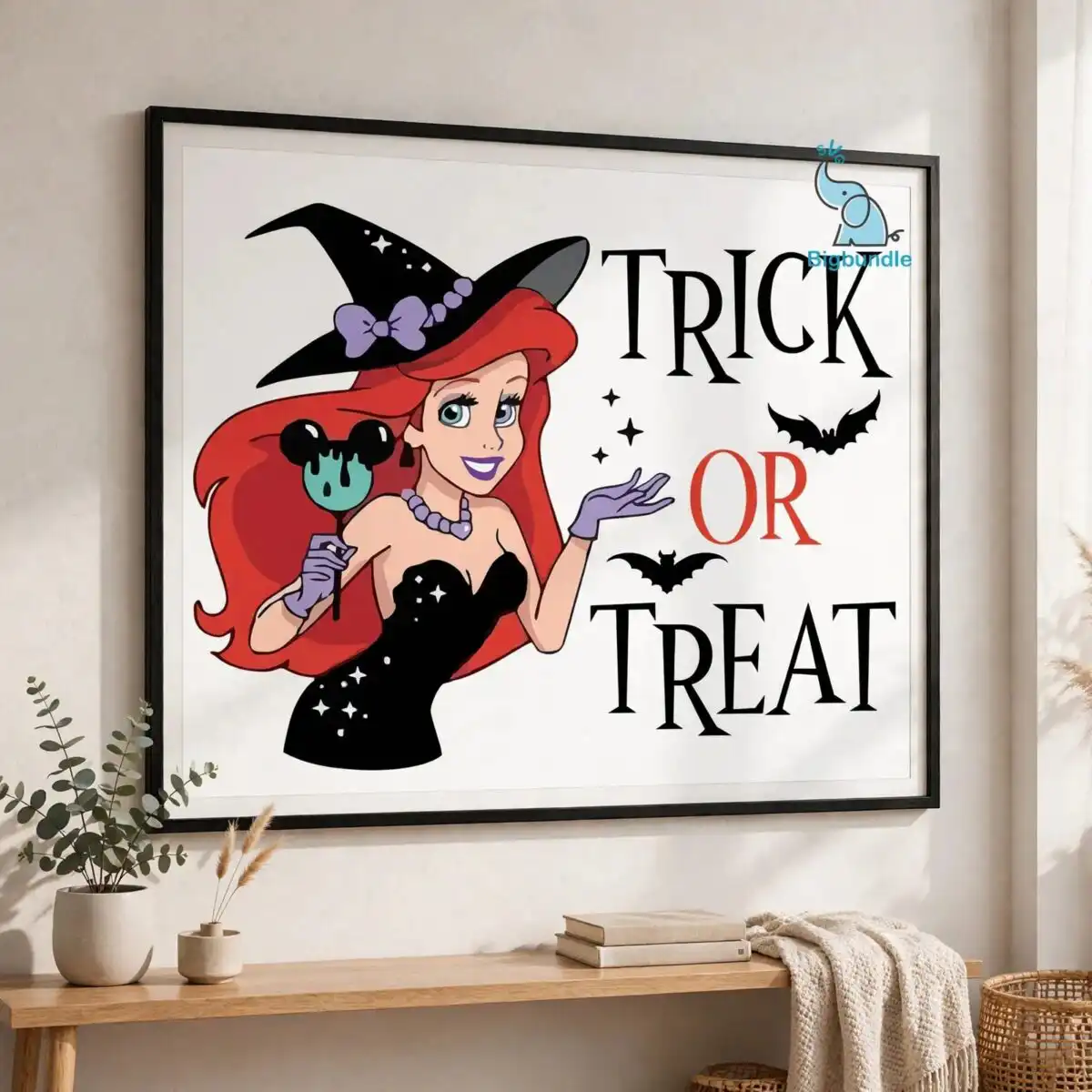
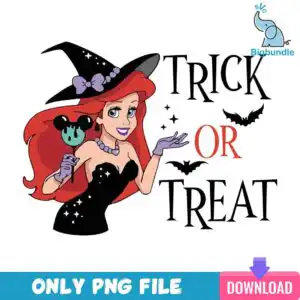
This Ariel Trick Treat Disney PNG is a single Halloween character design: a red-haired princess dressed as a witch, delivered as a transparent PNG file for sublimation, DTF and print-and-cut projects. The artwork shows the princess in a black strapless gown with sparkles, a black witch hat, a lavender bow and lavender gloves, holding a Mickey-shaped candy apple. Above her, the words TRICK, OR and TREAT sit in bold lettering beside small black bats and white sparkles and stars. Mint green and red accents run through the piece, and the lavender and skin tones keep the figure soft against the black. You get one design, not a set, so it suits a single shirt, a tote bag, a mug wrap or a batch of stickers for your Halloween sale or your own party. Because the file has a transparent background, it sits cleanly on dark or light blanks without a white box around the edges.
Design breakdown
This is one single design, cut in 3 layers, with six colours: black, red, lavender, mint green, skin tone and white. The lettering reads TRICK, OR and TREAT, and the main objects are the witch hat, lavender bow, Mickey-shaped candy apple, black strapless gown with sparkles, lavender gloves, pearl necklace, bats, and sparkles and stars. Fine details such as the bats, sparkles and pearl necklace are best cut at 4 inches or larger on vinyl, or printed at full size for sublimation. The file is supplied as a PNG at 300 dpi on a transparent background, so there is no cut line built into the file itself.
| Colours | 6 — black (#000000), red (#E03A2F), lavender (#B9A3D9), mint green (#7FD1B9), skin tone (#F2C4A8), white (#FFFFFF) |
|---|---|
| Lettering | TRICK / OR / TREAT |
| Background | white |
| Orientation | portrait |
What’s included
- PNG (300 dpi, transparent background)
Works with
- Sublimation printers (Epson, Sawgrass)
- DTF / print-and-cut workflows
- Canva
- Adobe Photoshop
How to use
Download the order from your account and unzip the folder to a place you can find it, such as your desktop. Open your design software, whether that is Canva, Adobe Photoshop or your sublimation or DTF program, and choose Import or Open. Select the PNG file and place it on your canvas. Resize it by holding the corner handles so the proportions stay fixed, then print or cut as your machine requires.
Licence
Personal and small-business commercial use. Sell finished physical items; do not resell or redistribute the files themselves.
FAQ
What files are included with this design?
You get one PNG file at 300 dpi with a transparent background. The file contains the single Ariel character design and no extra variations.
Can I use this design on a 20oz tumbler?
Yes, the PNG works on tumblers using sublimation, as long as the artwork is sized to fit the wrap. Print a test at the size you plan to use before running a full batch, because the bats and sparkles are fine details.
Which printers and machines does this file work with?
It works with Sublimation printers such as Epson and Sawgrass, and with DTF or print-and-cut workflows. It also opens in Canva and Adobe Photoshop.
Can I resize this PNG and use it for my small business?
Yes, you can resize it freely for your projects. The licence covers personal and small-business commercial use, so you can sell finished physical items, but you may not resell or redistribute the files themselves.


