
Bad Bunny Un X100to Cartoon Bunny Head Design for Shirts, Mugs and Stickers
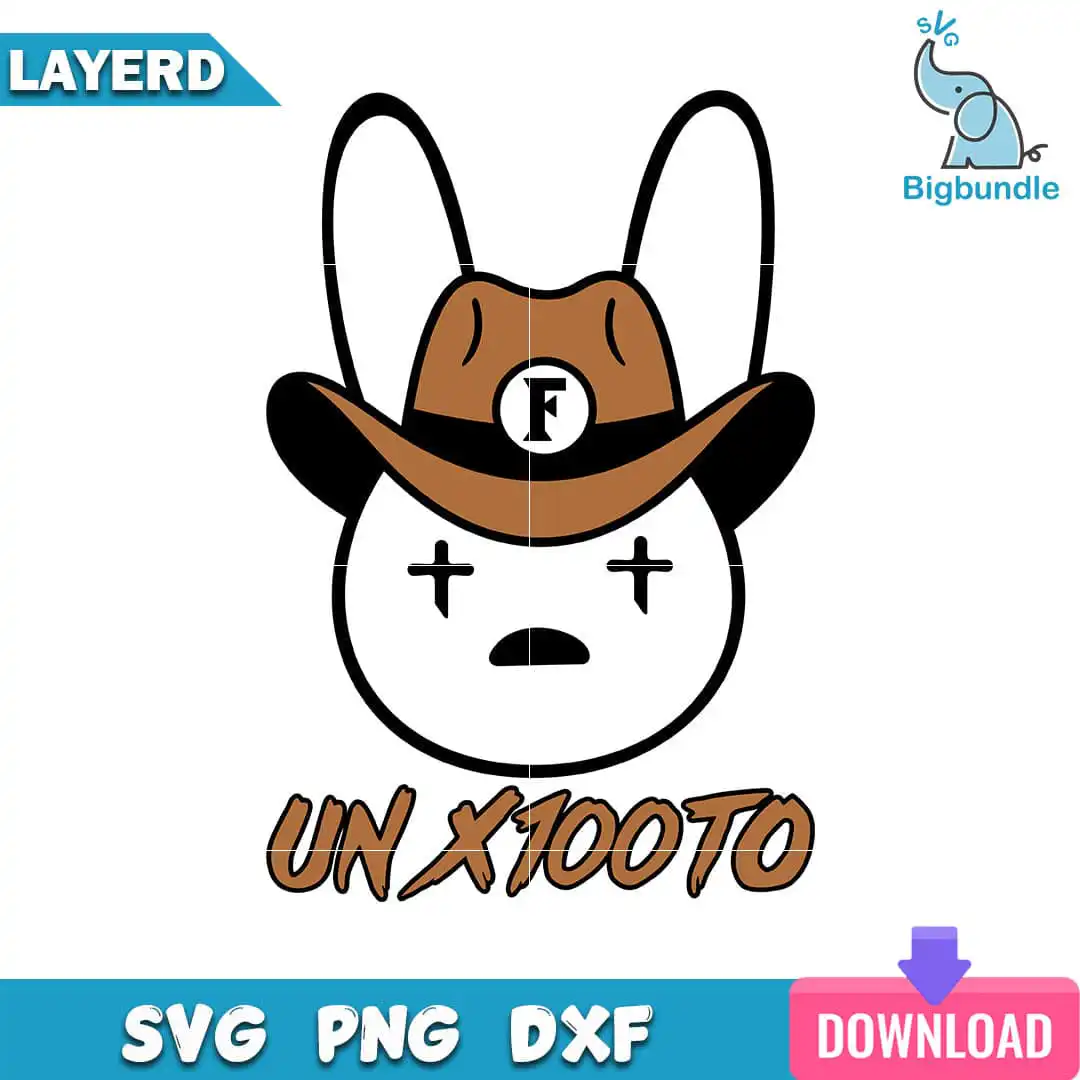
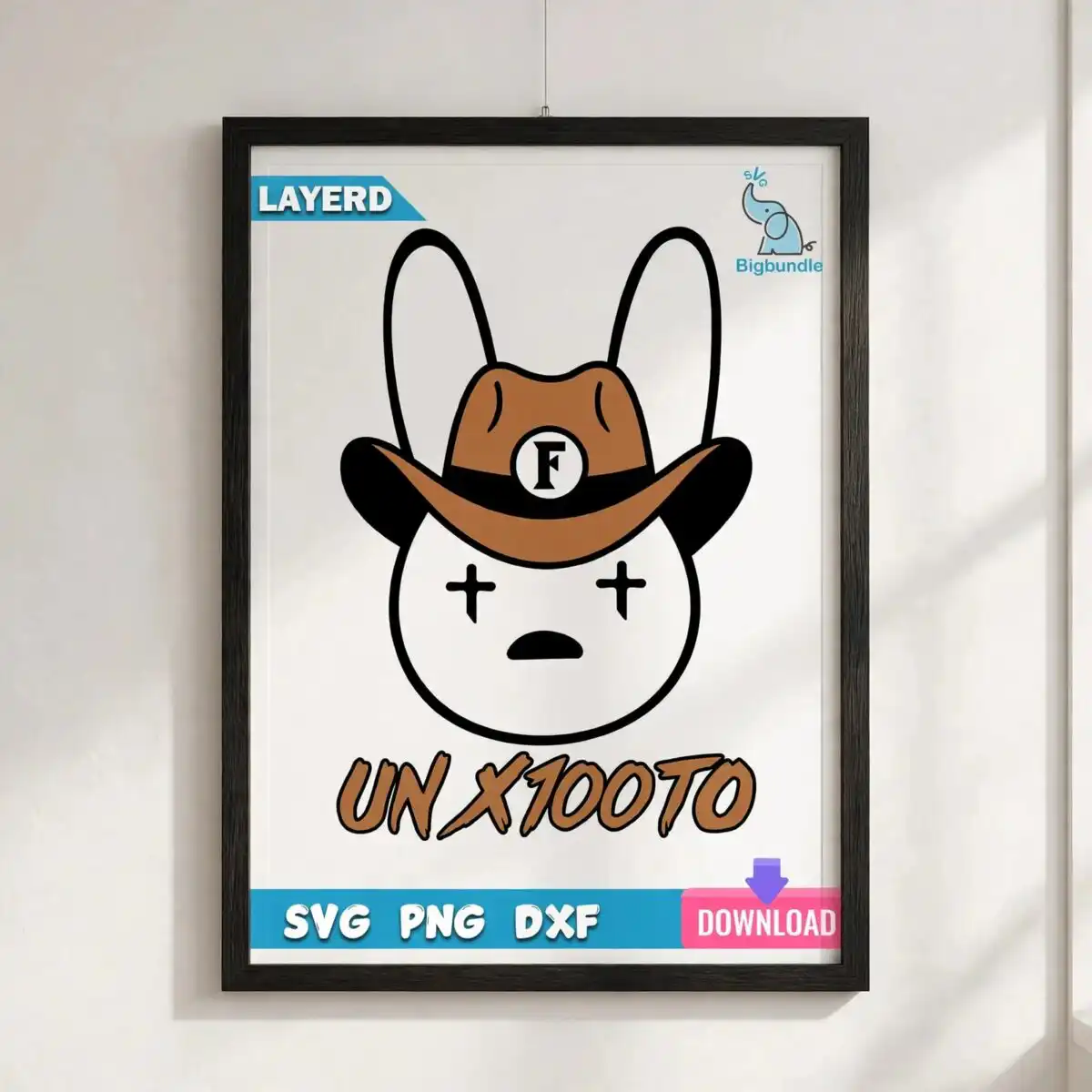
This Bad Bunny Un X100to design is a single cartoon bunny head wearing a brown cowboy hat, with the lettering UN X100TO printed beneath it. You receive SVG, PNG (300 dpi, transparent), DXF, EPS and PDF files, made for t-shirts, mugs, tote bags, vinyl decals and sublimation. The artwork uses a bold black outline and flat colour in white, black and brown, so the bunny’s long ears, star-shaped eyes and small mouth stay clear on fabric or vinyl. A hat band and a small F badge sit on the cowboy hat, giving the bunny a playful, cheeky streetwear look. It suits everyday wear and gifts for teens, adults and anyone who collects cartoon characters. Because the design is built from flat colour blocks, it is straightforward to weed, cut and layer for craft projects.
Design breakdown
The design is cut in 3 layers, one for each of the three colours: white, black and brown. The black bold outline forms the bunny head, long ears, star-shaped eyes, small mouth, hat band and the UN X100TO lettering, while the brown fills the cowboy hat and the white sits as the light areas of the bunny. The F badge is a separate element on the hat. Edges are clean and the shapes are simple, so the file is rated as low cut complexity and cuts well at standard sizes. The file works as a single design with no bundle items and is shown on a white background in portrait orientation.
| Layers | 3 |
|---|---|
| Colours | 3 — white (#FFFFFF), black (#000000), brown (#A67242) |
| Lettering | UN X100TO / F |
| Background | white |
| Cut complexity | low |
| Orientation | portrait |
What’s included
- SVG
- PNG (300 dpi, transparent)
- DXF
- EPS
Works with
- Cricut Design Space
- Silhouette Studio (Designer Edition)
- Brother ScanNCut
- Adobe Illustrator
- Inkscape
- CorelDRAW
How to use
Download the ZIP file from your order and unzip it to a folder on your computer. Open Cricut Design Space, Silhouette Studio or Adobe Illustrator and choose Upload or File then Open, selecting the SVG file. For printing on fabric or mugs, import the PNG (transparent background) or the sublimation-ready file, then resize the bunny to your project before cutting or printing.
Licence
Personal and small-business commercial use. Sell finished physical items; do not resell or redistribute the files themselves.
FAQ
What files are included with this Bad Bunny Un X100to design?
You get SVG, PNG (300 dpi, transparent), DXF, EPS and PDF files. The SVG and DXF are for cutting machines, while the PNG suits printing and sublimation.
Can I use this bunny design on a 20oz tumbler?
Yes, the design can be sized to wrap a 20oz tumbler using the PNG or sublimation file. Resize it in your design software before printing so the bunny head and UN X100TO lettering sit where you want them.
Which machines and software does this design work with?
It works with Cricut Design Space, Silhouette Studio (Designer Edition), Brother ScanNCut, Adobe Illustrator, Inkscape and CorelDRAW. Any of these can open the SVG, and the EPS and PDF files suit other vector programs.
Can I resell physical items made with this design?
Yes, the licence covers personal and small-business commercial use, so you can sell finished physical items such as shirts and mugs. You may not resell or redistribute the design files themselves.


