

Disney Princess Belle PNG – Chibi Birthday Princess with Gold Tiara and Red Rose
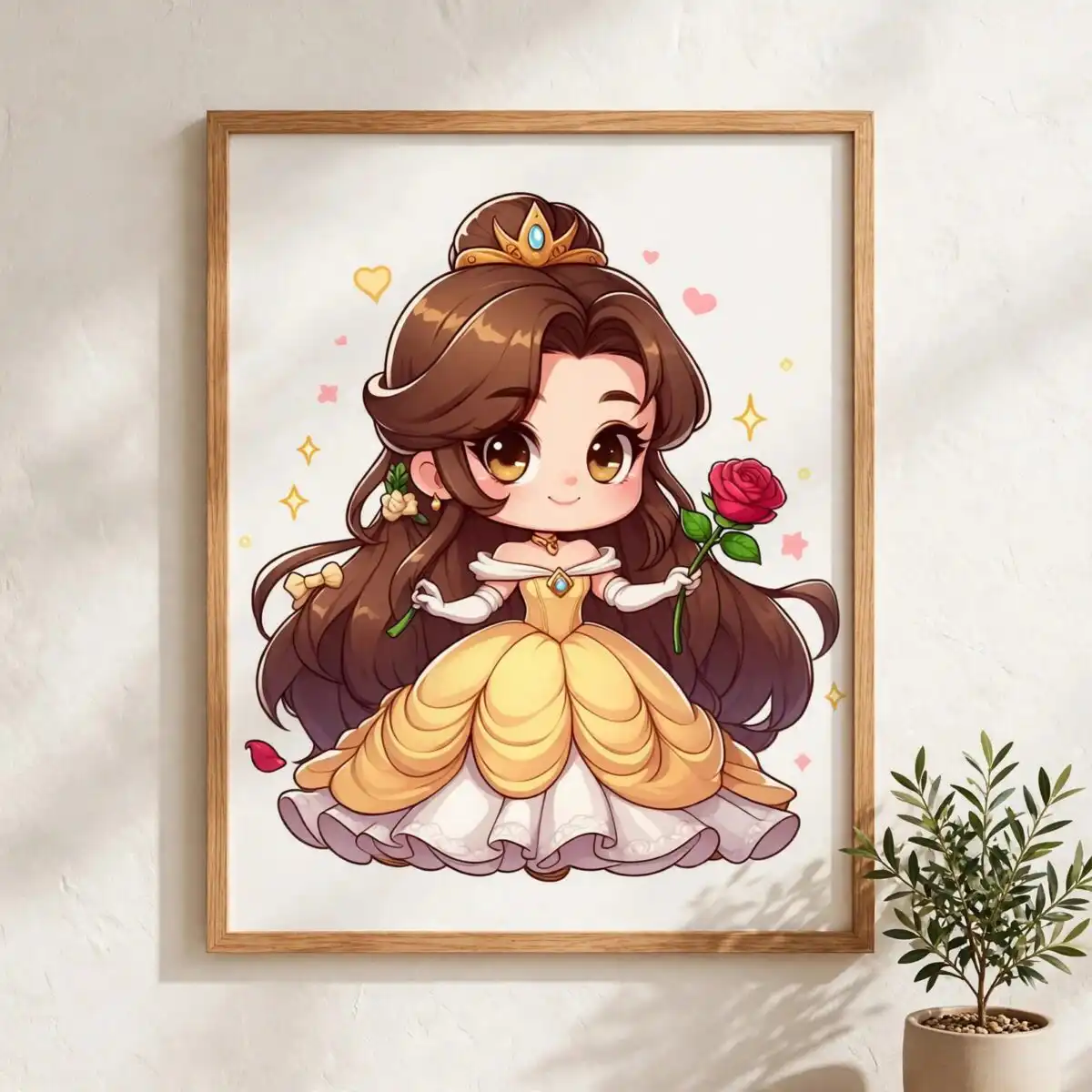
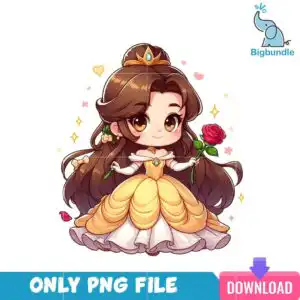
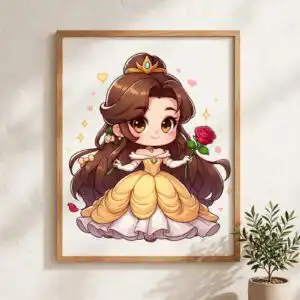
This Disney Princess Belle PNG is a single chibi-style princess illustration with long chestnut brown hair in an updo, a gold tiara and a golden yellow ball gown trimmed in white. You receive one transparent PNG file at 300 dpi, made for sublimation, DTF and print-and-cut projects. The princess holds a rose red rose, and the artwork is finished with gold sparkles, pink hearts and a single falling red petal, so it suits birthday shirts, princess party banners, tumblers and handmade cards. Because the background is transparent, the figure drops straight onto coloured fabric, paper or mugs without a white box around it. The palette of chestnut brown, golden yellow, white, rose red, skin peach and gold keeps the look soft and sweet, and the bow and hair flower in the updo add small touches that read clearly at smaller sizes. Use it on its own or pair it with other princess artwork for a full party set.
Design breakdown
The design is a single portrait-orientation chibi princess on a solid white background, with a transparent PNG export at 300 dpi. It uses six colours: chestnut brown for the hair, golden yellow for the gown, white for the trim and gloves, rose red for the rose and falling petal, skin peach for the face and hands, and gold for the tiara and sparkles. The artwork is cut in 8 layers, with the gold sparkles, pink hearts and falling red petal as separate elements around the figure. Fine details such as the hair bow, hair flower and gloves are best cut at 4 inches or larger.
| Colours | 6 — chestnut brown (#8B5A2B), golden yellow (#F5C542), white (#FFFFFF), rose red (#D7263D), skin peach (#F4B183), gold (#D4A017) |
|---|---|
| Lettering | ONLY PNG FILE / DOWNLOAD |
| Background | solid white |
| Orientation | portrait |
What’s included
- PNG (300 dpi, transparent background)
Works with
- Sublimation printers (Epson, Sawgrass)
- DTF / print-and-cut workflows
- Canva
- Adobe Photoshop
How to use
Download the ZIP file from your order and unzip it to a folder on your computer. Open the PNG in Canva, Adobe Photoshop or your sublimation software, then import it into your design layout. Resize it with the corners held so the proportions stay true. For sublimation, print on a light-coloured or white-coated blank using a sublimation printer such as an Epson or Sawgrass model. For DTF or print-and-cut work, send the file to your printer or cutter as it is.
Licence
Personal and small-business commercial use. Sell finished physical items; do not resell or redistribute the files themselves.
FAQ
What files are included with this Disney Princess Belle PNG?
You receive one transparent PNG file at 300 dpi. The background is transparent, so the princess sits cleanly on any colour once printed or placed in your layout.
Can I use this princess design on a 20oz tumbler?
Yes, the design works on a 20oz tumbler when printed as a sublimation transfer or applied as a decal. Keep the figure at a size that lets the tiara and rose stay clear, and check the print area of your tumbler blank before sizing.
Which printers and software work with this PNG?
It works with sublimation printers such as Epson and Sawgrass, DTF and print-and-cut workflows, and design tools including Canva and Adobe Photoshop. Any software that opens PNG files will import it.
Can I resize this design and use it in my small business?
Yes, you can resize the PNG for your project. The licence covers personal and small-business commercial use, so you can sell finished physical items made with it, but you may not resell or redistribute the files themselves.


