
Birthday Disney Promotional Sheet for Cricut and Silhouette Crafters, Gold 20
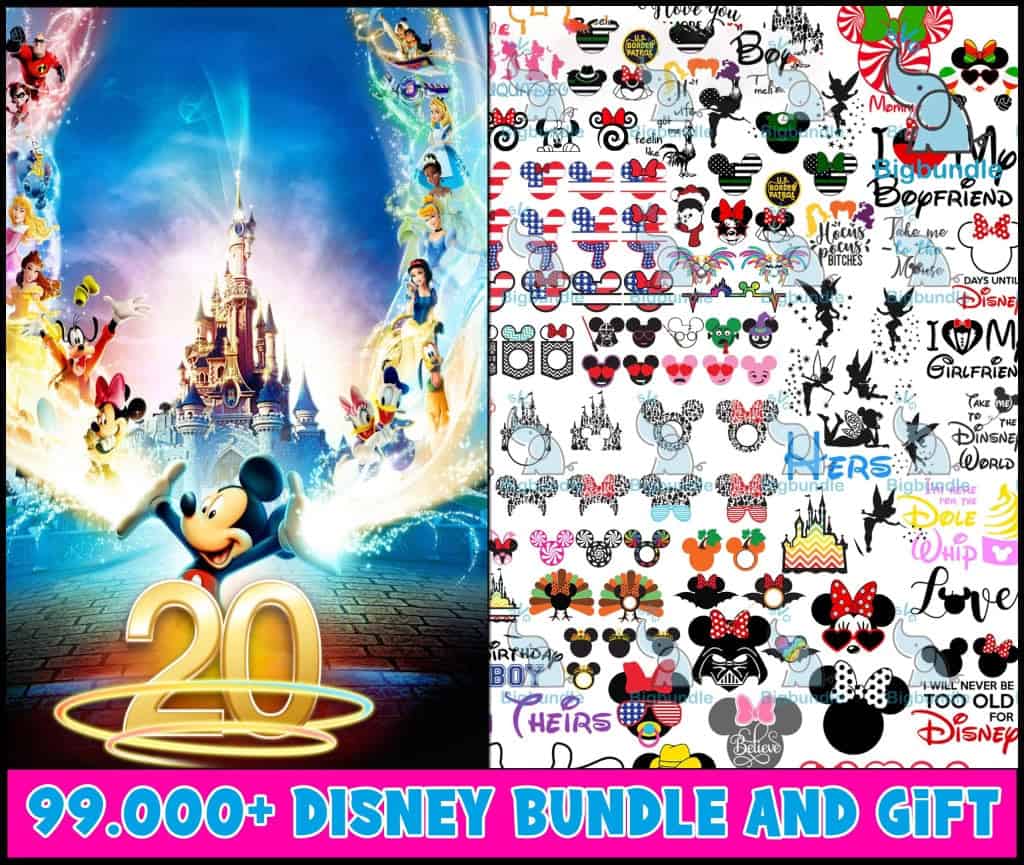
This birthday Disney bundle promotional sheet is a single collage file of Disney-themed artwork, made for shirts, mugs, tumblers and sublimation projects. The main panel shows Mickey Mouse, Minnie Mouse and the Disney princesses in front of a glowing castle, with a gold “20” anniversary emblem set in deep blue and hot pink. The right side holds a dense grid of silhouettes and cut-file style designs, including Mickey and Minnie ear heads, Tinker Bell silhouettes, pumpkins, turkeys and a Dole Whip cone, with lettering such as “Boyfriend”, “Girlfriend”, “Love” and “Believe”. You get SVG, PNG, DXF, EPS and PDF files, so you can open the artwork in your cutting software or print it for a birthday gift. Because the sheet is a preview, check the individual designs at the size you plan to cut before you commit to a project.
Design breakdown
The preview sheet is cut in 1 layer on a white background and uses five colours: hot pink, deep blue, gold, white and black. Among the designs shown in the preview are the Mickey and Minnie ear heads, the Tinker Bell silhouettes, the Dole Whip cone and the turkey and pumpkin designs. The main panel features a castle with a gold “20” emblem, and the right-hand grid includes lettering such as “Boyfriend”, “Girlfriend” and “Heirs”. Fine details in the smaller silhouettes are best cut at 4 inches or larger.
| Layers | 1 |
|---|---|
| Colours | 5 — hot pink banner (#FF1493), deep blue (#1E3A8A), gold (#F5C518), white (#FFFFFF), black (#000000) |
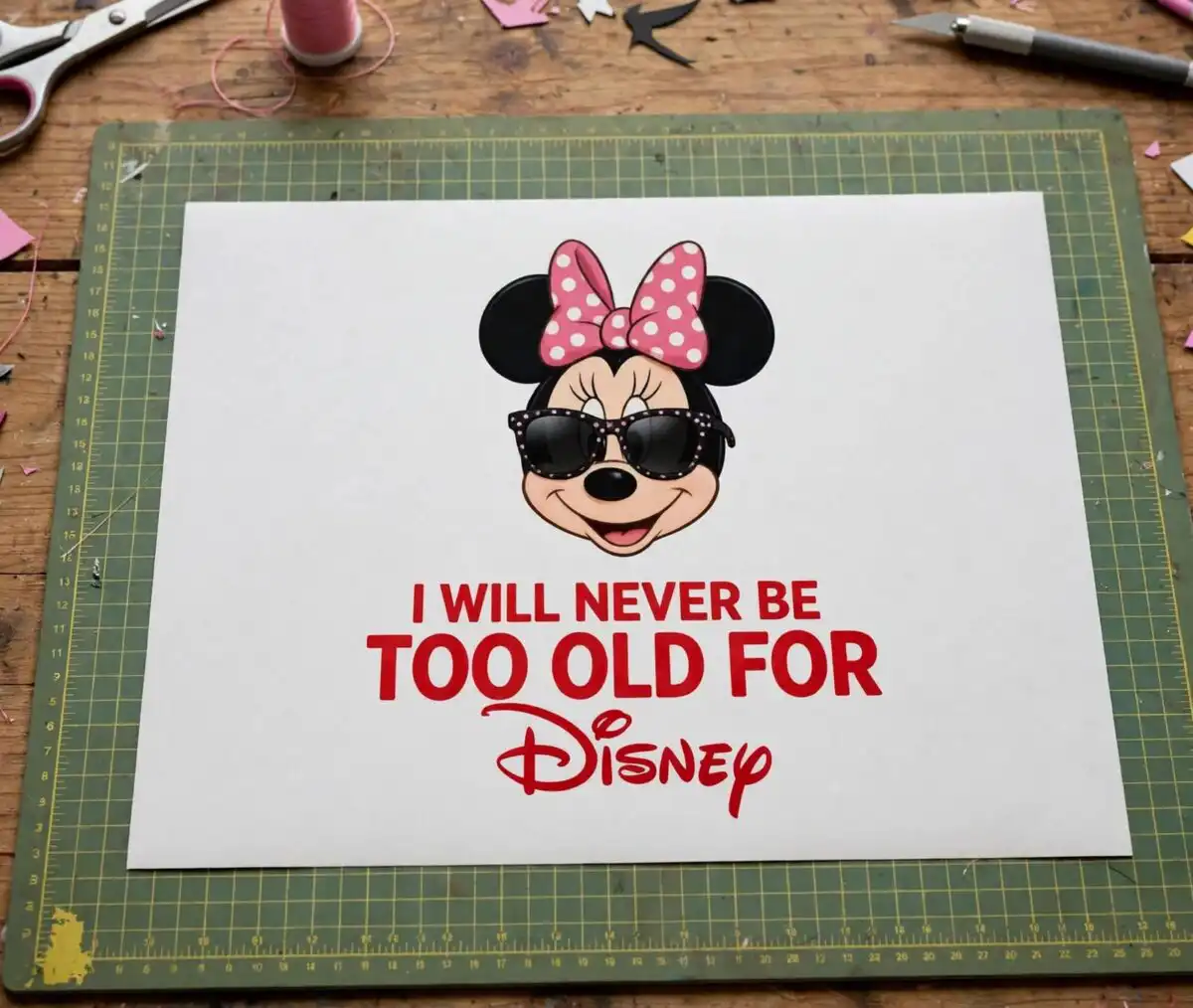
| Lettering | 20 / Boyfriend / Girlfriend / Love / Dole Whip / Heirs / I will never be too old for Disney / Take me to the Disney World / Days until Disney / Birthday Boy / Believe |
| Background | white |
| Cut complexity | high |
| Orientation | portrait |
What’s included
- SVG
- PNG (300 dpi, transparent)
- DXF
- EPS
Works with
- Cricut Design Space
- Silhouette Studio (Designer Edition)
- Brother ScanNCut
- Adobe Illustrator
- Inkscape
- CorelDRAW
How to use
Download the ZIP file from your order and unzip it to a folder on your computer. Open the SVG file in Cricut Design Space, Silhouette Studio (Designer Edition) or Brother ScanNCut by importing it through the upload tool. Ungroup the collage, delete any sections you do not need, and resize each design before you cut or print. For sublimation, use the PNG files, which have transparent backgrounds at 300 dpi.
Licence
Personal and small-business commercial use. Sell finished physical items; do not resell or redistribute the files themselves.
FAQ
What files are included with this Disney bundle promotional sheet?
You get SVG, PNG, DXF, EPS and PDF files. The PNG files are 300 dpi with transparent backgrounds, which suits sublimation and printing.
Can I use this Mickey Mouse design on a 20oz tumbler?
Yes, the designs can be cut or printed for a 20oz tumbler. Use the PNG files for sublimation wraps, and resize the design to fit the wrap before you print.
Which machines and software does this work with?
It works with Cricut Design Space, Silhouette Studio (Designer Edition), Brother ScanNCut, Adobe Illustrator, Inkscape and CorelDRAW. Any of these can open the SVG or DXF files.
Can I sell items I make with these files?
Yes, you can use the files for personal and small-business commercial use and sell the finished physical items. You may not resell or redistribute the files themselves.


