Black and White Clipart Owl Cut File for Shirts, Decals and Wall Art
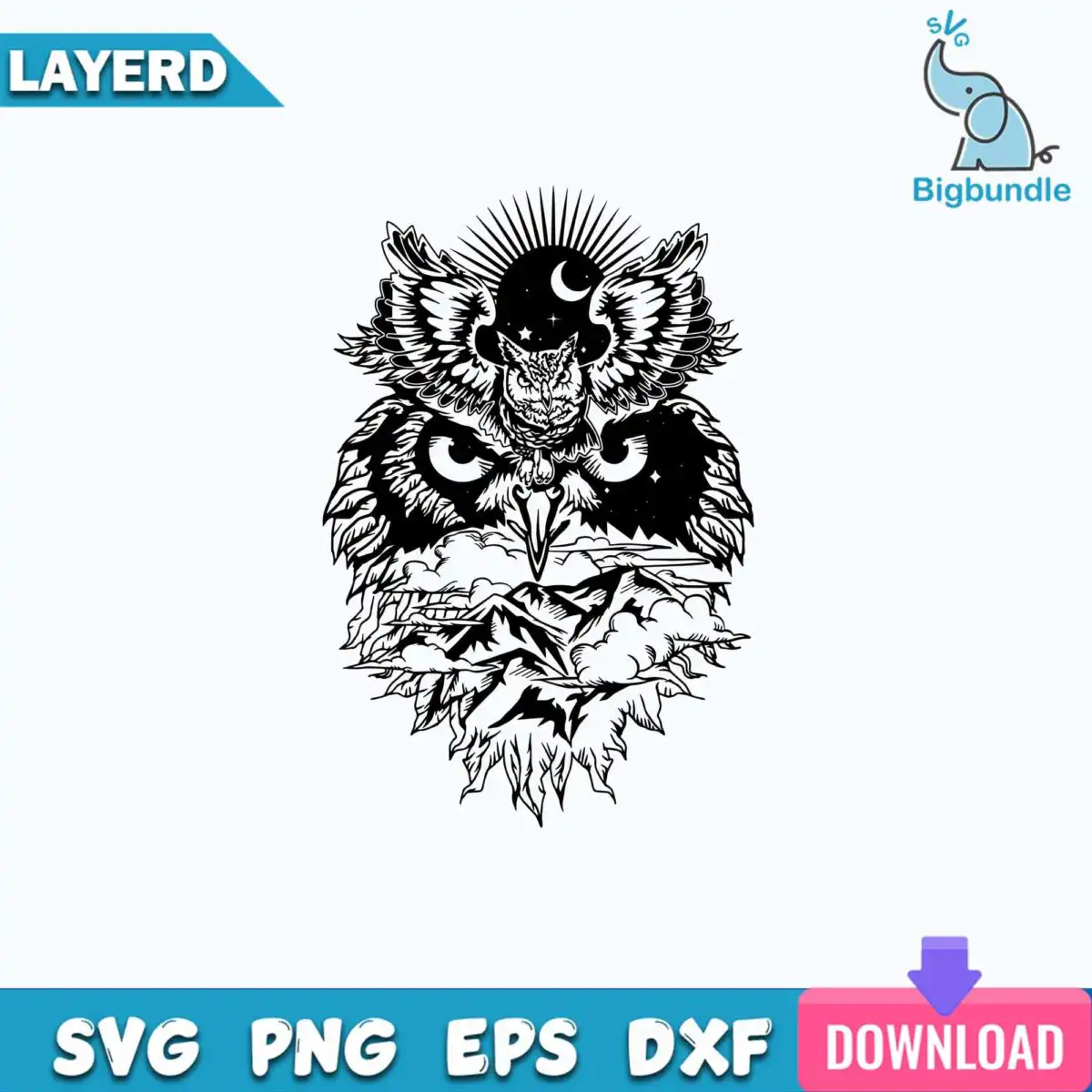
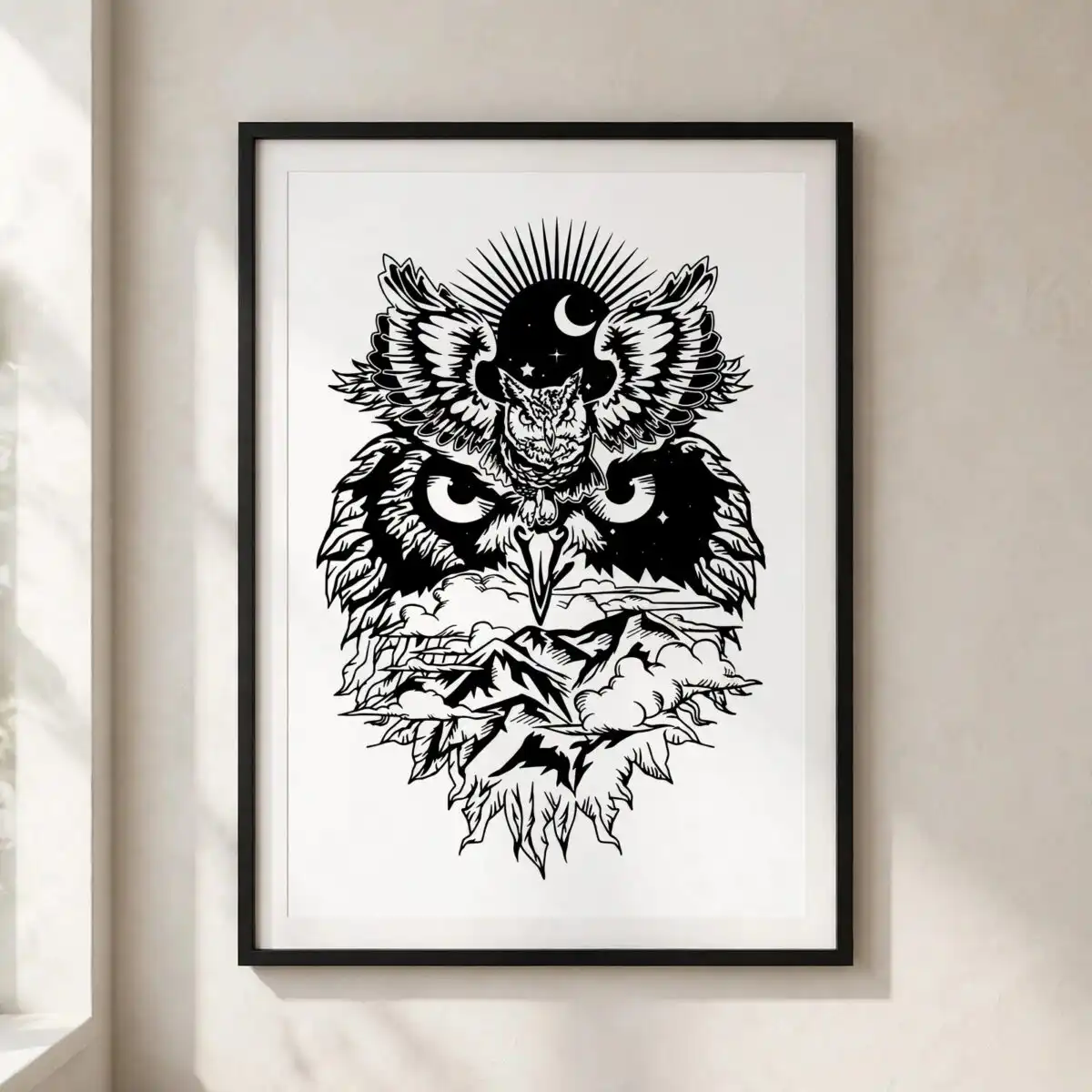
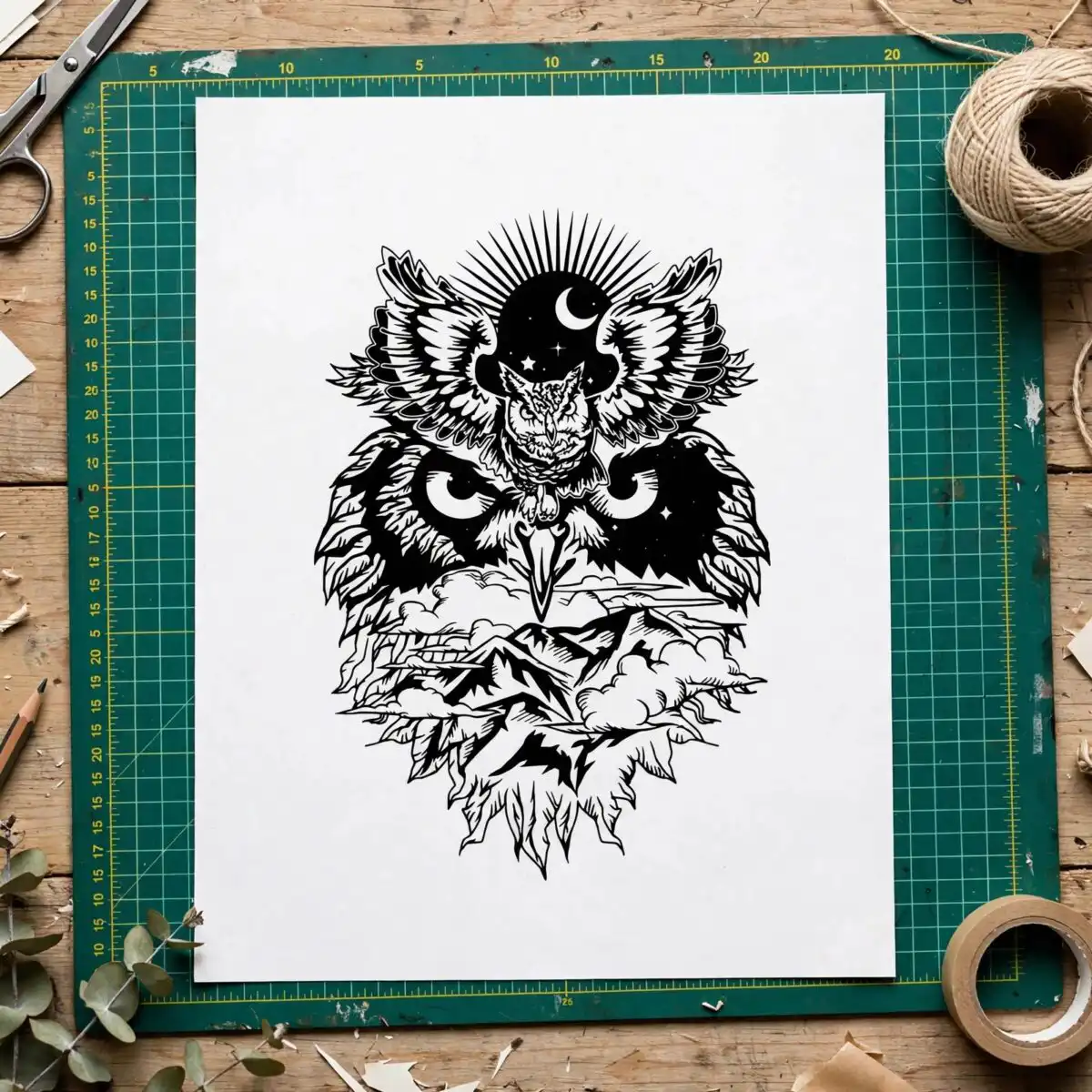
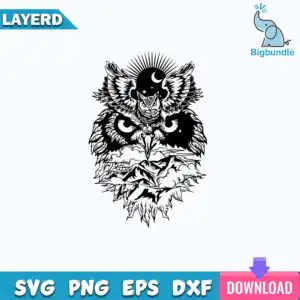
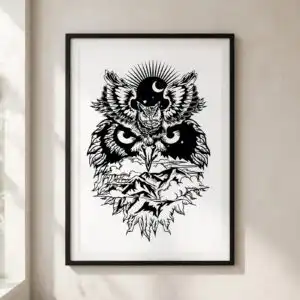
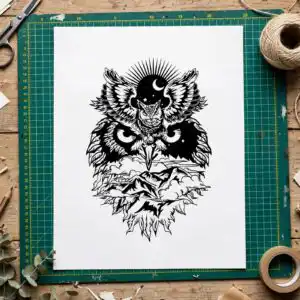
This stylized black and white clipart owl is a single digital cut-file design with spread wings, a crescent moon, stars and a sunburst of rays, delivered as SVG, PNG, DXF and EPS files. It is made for vinyl decals, t-shirts, wall art and laser cutting. As you explore it, you will see a bold owl with feathered wings and glowing eye details, set against a mountain-and-cloud landscape that fills its lower body. The palette is black, white, blue, pink and purple, so you can cut it in one colour or layer several for a richer look. The mystical, nocturnal mood suits autumn everyday decor and Halloween projects. The engraved line art and high-contrast silhouette style also work well as a tattoo-style stencil. Because the artwork is built from clean vector shapes, you can scale it up for a large wall piece or down for a small sticker without losing its crisp edges.
Design breakdown
This is one design, not a bundle. The artwork is cut in 3 layers and uses five colours: black, white, blue, pink and purple. The stylized owl has spread wings with feather detail, a beak and owl eyes, with a crescent moon and stars in the head area and a sunburst of rays above. The lower body is filled with mountains and clouds. The design includes fine details, so cut it at 4 inches or larger for clean results on vinyl or stencil material.
| Layers | 3 |
|---|---|
| Colours | 5 — black (#000000), white (#FFFFFF), blue (#1E9BD7), pink (#E8559A), purple (#7B4FD6) |
| Lettering | LAYERD / SVG / PNG / EPS / DXF / DOWNLOAD / svg |
| Background | white |
| Cut complexity | high |
| Orientation | portrait |
What’s included
- SVG
- PNG (300 dpi, transparent)
- DXF
- EPS
Works with
- Cricut Design Space
- Silhouette Studio (Designer Edition)
- Brother ScanNCut
- Adobe Illustrator
- Inkscape
- CorelDRAW
How to use
Download the zip file from your order and unzip it to a folder on your computer. Open the SVG in Cricut Design Space, Silhouette Studio (Designer Edition) or Brother ScanNCut by using the Upload or Import option. Choose the layers you need, check the size, and cut. For printing, use the PNG file, which has a transparent background at 300 dpi.
Licence
Personal and small-business commercial use. Sell finished physical items; do not resell or redistribute the files themselves.
FAQ
What files come with this owl design?
You get SVG, PNG, DXF, EPS and PDF files. The PNG is 300 dpi with a transparent background, which suits printing and heat transfer. The SVG and DXF files are for cutting machines and the EPS works in design software such as Adobe Illustrator.
Can I use this owl design on a t-shirt?
Yes, the design suits t-shirt printing and apparel projects. Use the PNG for printing or the SVG to cut a vinyl heat-transfer layer. Cut it at 4 inches or larger so the fine feather and star details stay clear.
Which cutting machines and programs does this work with?
It works with Cricut Design Space, Silhouette Studio (Designer Edition), Brother ScanNCut, Adobe Illustrator, Inkscape and CorelDRAW. Any of these can open the SVG or EPS files directly.
Can I resize the design or use it commercially?
You can resize the vector files without losing quality. The licence covers personal and small-business commercial use for selling finished physical items. You may not resell or redistribute the files themselves.